Blur Face for Privacy: Laws, Ethics and Best Practices [2026]
Blurring a face protects the people in your photos and videos. This guide explains the laws behind it, the ethics to follow, which blur effect works best, and how to blur faces in video and photos before you post.
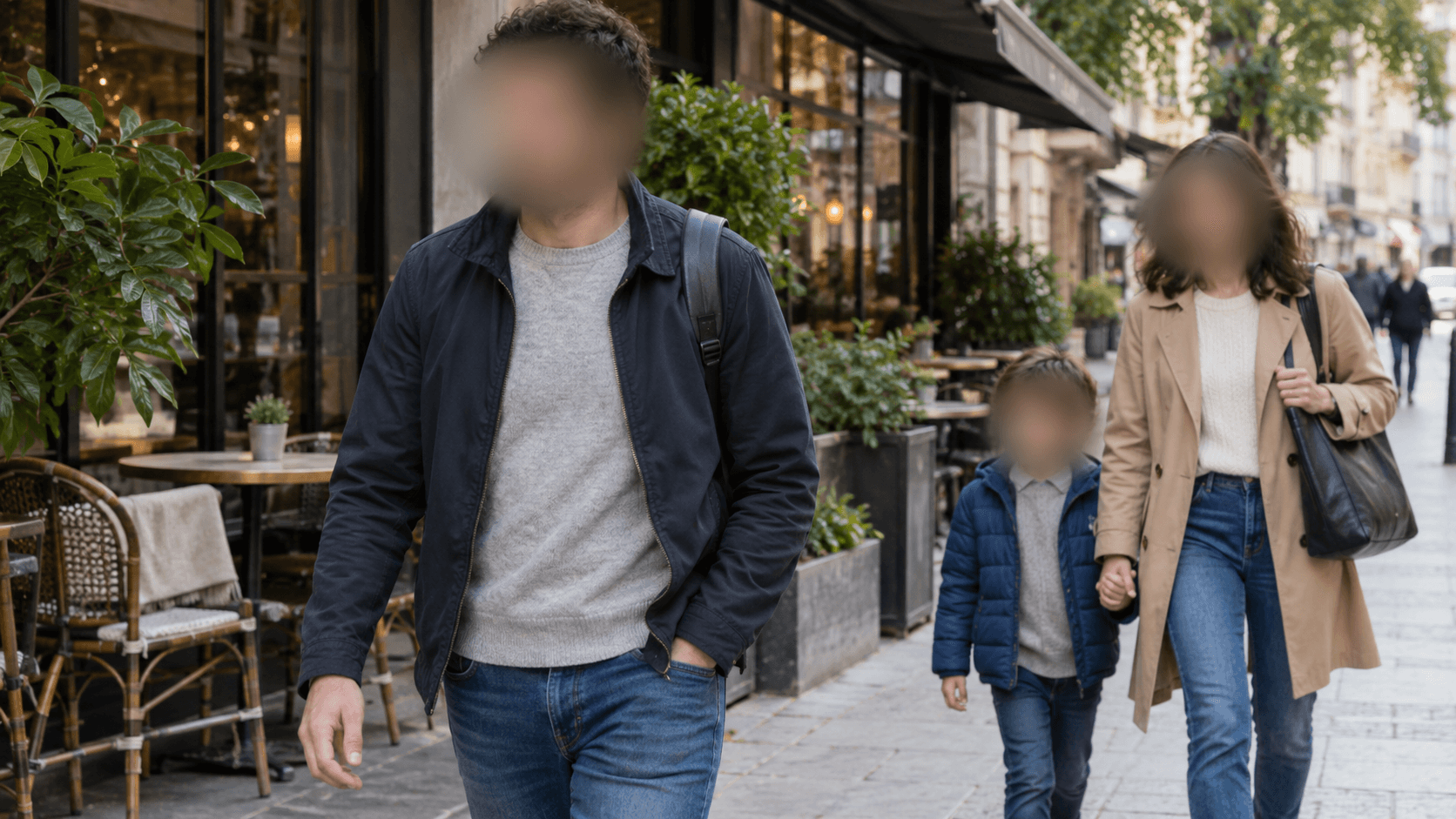
When you share a photo or video, everyone in it can be seen, searched and saved. That includes the stranger behind you, the child in the background and the customer walking past your camera. Most of them never said yes. The easiest way to protect them is to blur the face before you post.
Many people search for how to blur a face in a video because they want a quick fix. A quick fix is fine, but it helps to know why you are doing it and which settings really hide a person. A light blur, or one that slips off the face for a few frames, protects nobody.
This guide keeps things simple. You will learn what face blur means, which laws matter, what is fair and kind to do, how to protect children, which blur effect to pick, how to blur faces in video and photos step by step, and which tools to try. If you just want to start, open the BGBlur face blur tool and upload a clip.
What Is Face Blur? Meaning of Blurring Faces in Photos and Videos
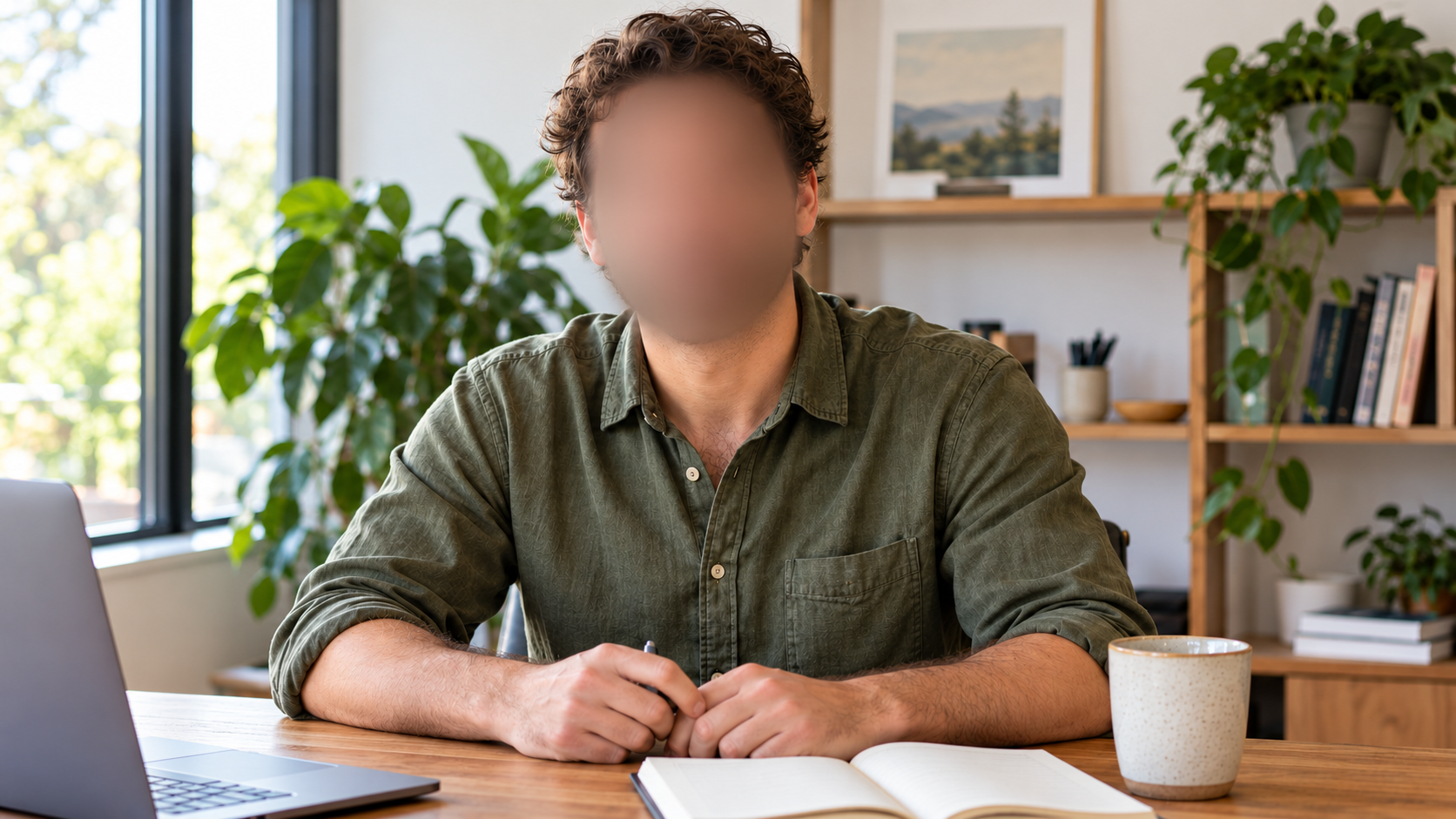
Face blur means making a face unclear so nobody can tell who the person is. The rest of the picture stays sharp, so your photo or video still looks normal.
Blur can be used in two ways. In design, it softens a background so the main subject stands out. For privacy, it hides a person's identity. The effect looks similar, but the strength is very different. A design blur only has to look nice. A privacy blur has to hide enough detail that a friend, a neighbor or a face recognition system cannot tell who it is.
Blur Face in Photos vs Blur Face in Video
In a photo, you place the blur once. In a video, people move, turn around, walk out of the frame and come back. The blur has to follow them all the time. Tools that track faces on their own save hours compared with masking by hand. For still pictures, the BGBlur photo face blur tool does the job in one step.
Blur, Redact and Anonymize: What Is the Difference?
These words are often mixed up. Blur makes a part of the picture unclear. Redaction covers it, often with a solid box. Anonymizing means making sure nobody can identify the person at all, even by voice or clothing. Learn more in our guides on what digitally anonymized really means and what redacted means.
Why Blur Faces? Legal Reasons and Privacy Laws That Protect Identity
Most laws do not say "you must blur faces". They say you need a good reason to publish a person who can be identified. Blurring is one of the cleanest ways to stay on the safe side. Here is how the main rules work.
Face Blur and GDPR: Is a Face Personal Data?
Yes. Under the EU's GDPR, personal data is any information about a person who can be identified, and a clear face fits that easily. The law does not treat every photo as sensitive biometric data. Its own text says photos count as biometric data only when special technology is used to identify a person, as Recital 51 of the GDPR explains. Even so, an ordinary photo is still personal data, so you need a lawful reason to publish it.
For a deeper look, read our GDPR video compliance guide.
UK GDPR and CCTV Footage: When Faces Must Be Blurred
The UK works in a similar way. When someone asks for CCTV footage that shows them, the owner usually has to blur other people in the frame. That includes faces and other clues such as clothing, tattoos and number plates, according to this overview of CCTV access requests from a UK law firm. See also our guides on UK GDPR and video privacy and the Online Safety Act.
US Laws on Children and Face Scans (COPPA and BIPA)
The US has no single law for faces, so the rules come in pieces. For kids, the FTC updated the COPPA Rule in 2013 so that personal information includes a photo, video or audio file that has a child's image or voice. This matters for online services made for children under 13.
Some states also protect face scans. Illinois, for example, counts a scan of face geometry as a biometric identifier and asks for written consent to collect it. Blurring a face in a video is not the same as scanning faces, but it shows how seriously the law treats faces. Creators can read more in our guide on COPPA and what creators need to know.
Privacy Rights, Portrait Rights and Right of Publicity
Even where no data law applies, many places let people control how their image is used. Our guides on the right to privacy in photos and video and the right of publicity in filmmaking explain how this can affect your videos.
Privacy Laws in Other Countries
Many countries, including India and South Africa, now have data protection laws that treat clear video as personal data. Start with our overview of global privacy laws for video.
This is general information and not legal advice. If you publish videos for business, ask a lawyer who knows the rules where your audience lives.
Ethical Rules for Blurring Faces: What Creators Should Follow
Ethics goes further than the law. Someone can have no legal case against you and still be hurt by seeing their face online. A good test is simple: would this person be happy to see this clip public, searchable and permanent?
A few habits cover most cases:
- Ask first when you can. If a person is the subject of your video, get a clear yes before you publish. Consent is better than any blur.
- Blur people who did not choose to be there. Passersby and background faces never signed up. Our guide on filming people without permission goes deeper.
- Look beyond the face. A blurred face next to a name tag, a tattoo or a house number can still point to one person.
- Take it down when asked. If someone asks you to remove or blur their face later, do it quickly.
- Do not use blur to mislead. Blurring a witness protects them. Blurring someone who should be held to account is a different story.
Crowds at protests, marches and funerals deserve special care. People there can be at risk if they are identified, so blurring them is a kind default even when no rule asks for it.
How to Blur Faces of Children and Sensitive People in Videos
Children, patients, victims and witnesses need more protection than the average person. The harm from being seen is bigger, and they often cannot give real consent.
For children, the safest habit is to blur any child who is not your own, and to think twice about your own. In 2026, Italy's data protection authority ruled that a mother could not post photos of her kids without the father's consent, as our post on the Italian sharenting ruling explains. Schools, clubs and event teams should set one clear rule: no unblurred child faces in public posts without written permission.
Take extra care with:
- Patients and visitors in clinics and hospitals
- Witnesses and victims in news or public interest footage
- People at protests, shelters, support groups or places of worship
- Workers filmed inside a workplace
When in doubt, blur more, not less. A solid box over the face is the strongest choice for the most sensitive cases, and the BGBlur redact face feature is made for that.
Industries That Need to Blur Faces: Vlogging, News, Healthcare and More
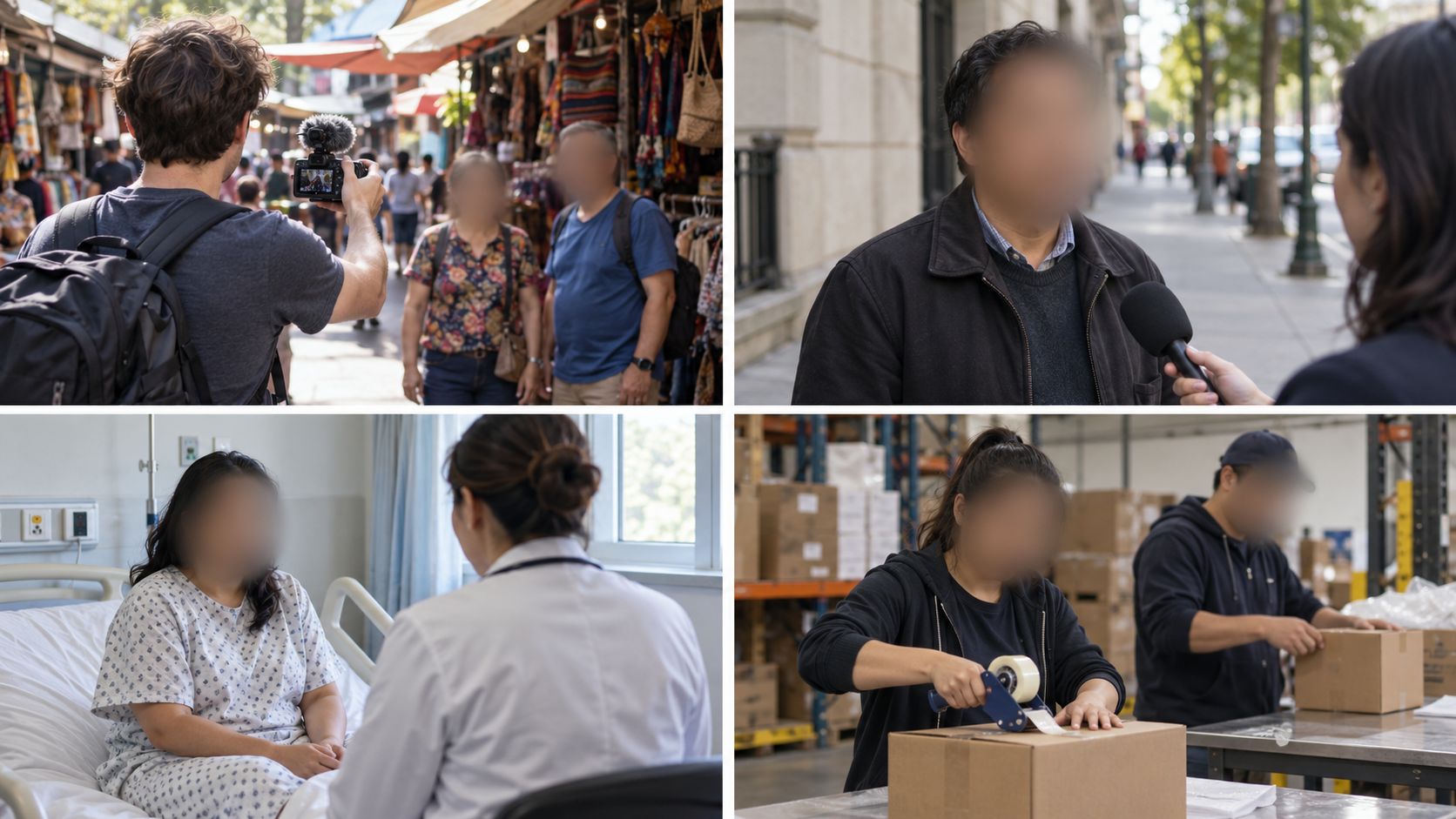
Any job that films people in public or shared spaces ends up needing face blur. These groups use it every day:
Vloggers and content creators. Street interviews and travel vlogs catch bystanders by default. See a vlogger street interview example.
Journalists and documentary makers. Protecting sources, witnesses and minors is part of the job.
Healthcare and education. Training videos, patient recordings and campus cameras all show people with strong privacy needs.
Government and public records. Offices that release footage under public records laws must hide other people in it. Our guides on body cam redaction and FOIA body camera rulings show why automatic tools matter.
Shops, security and home cameras. Store cameras and doorbell cameras record neighbors and customers. Read about doorbell cameras, GDPR and bystander footage.
Social media users. Even a personal story can show a friend who would rather stay private. A new example is the Instagram Pixel effect for blurring people in Stories.
Teams with lots of videos need volume. The bulk video blur feature handles many videos in one run.
Face Blur Effects Explained: Gaussian Blur vs Pixelate vs Bokeh vs Solid Box
No single face blur effect is best for every job. The right pick depends on how much protection you need and how natural the video should look.
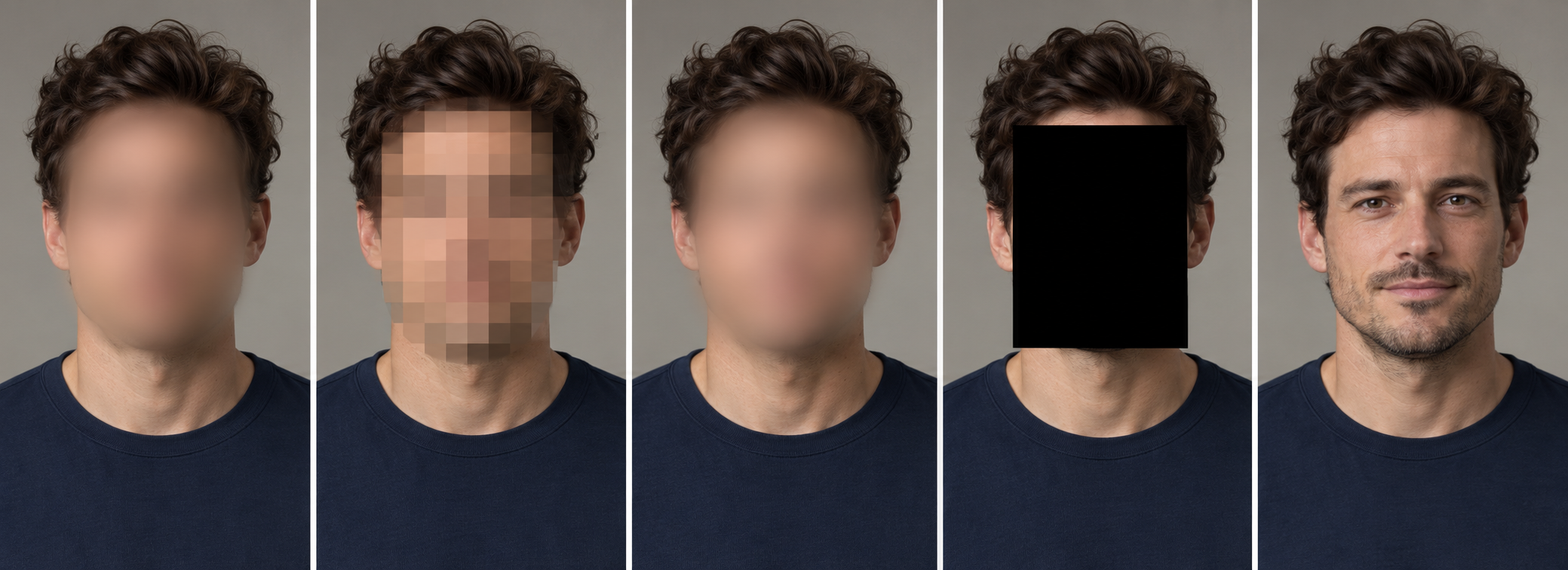
| Effect | How it looks | How well it hides a face | Best for |
|---|---|---|---|
| Gaussian blur | Smooth, soft smear | Good when strong, weak when light | Everyday videos and photos |
| Pixelate or mosaic | Visible blocks | Good with big blocks, weak with small ones | Quick edits where the effect can be obvious |
| Bokeh style blur | Soft, glowing look | Like gaussian when strong | Polished, film style footage |
| Solid box | Flat block of color | Best, no detail left | Sensitive footage and legal use |
| Face swap | A different face | Strong if done well | Stories where faces must look real |
Gaussian Blur: The Most Common Face Blur Effect
Gaussian blur mixes the pixels together, so the face becomes a soft smear. It looks clean and professional. The catch is strength. A light gaussian blur can still show the shape of the eyes, nose and mouth.
Pixelate and Mosaic Blur
Pixelate swaps the face for big blocks. It looks obvious, which some people like because viewers can see that something was hidden. Small blocks show too much, so always pick a coarse setting.
Bokeh Blur
Bokeh is a soft, camera lens style blur. It looks lovely, but for privacy it only works if it is strong enough to remove the shape of the face.
Solid Box or Redaction
A solid box leaves no face detail at all, so there is nothing to recover. It is the safest choice for sensitive material. It is not the prettiest, so many creators use blur for everyday clips and a box for high risk ones.
Can a Blurred Face Be Unblurred?
A strong blur removes detail that cannot come back exactly. Researchers do publish AI methods that sharpen blurry faces, but they mostly guess the missing parts and work best on light blur. The lesson is simple: avoid weak settings. Our guide on why weak blur fails explains the risk, and the comparison of blur vs synthetic faces shows when to swap a face instead.
How to Blur Face in Video and Photos Before Sharing Online
You can blur faces in a video in a few minutes with an AI tool that finds and follows each face for you. The same steps work for photos.

Step 1: Decide Whose Face Needs to Be Blurred
Watch the clip once and note every face. Include the main person, people in the background, reflections in windows and faces on screens. If someone agreed to appear, you can leave them clear and blur everyone else.
Step 2: Upload Your Video and Let the Tool Find Faces
Open the BGBlur face blur tool and upload your video. The AI finds the faces and follows them as they move, so you do not have to place a mask on every frame. Photos work the same way in the photo face blur tool.
Step 3: Pick the Blur Effect and Strength
Use a strong blur for everyday footage and a solid box for sensitive footage. If you also need to hide a logo, a screen or a plate, the blur anything feature lets you draw or describe the area.
Step 4: Check Every Face Before You Export
Scrub through the whole video, not just the start. Look for moments when a face turns sideways, leaves the frame, sits in a crowd or falls into shadow. Zoom in to full size. If a face was missed, add it before you export.
Step 5: Export the New File and Keep the Original Private
Share only the blurred version and keep the original in private storage. If you do not want to upload footage at all, our guide on how to blur faces in video without uploading it shows a local way. For a quick overview, see how to blur faces in photos and videos with AI in seconds.
Blur Face in Video Online Free: What to Check Before You Upload
Many people look for a free way to blur faces in video online. Free tools can be fine, but check four things first: does it find faces on its own, does the blur follow the face, is there a watermark on the export, and what happens to your upload. BGBlur lets you try face blur on a clip before you choose a plan, and the pricing page lists the current limits.
Best Face Blur Tools in 2026: BGBlur, Blureit, Picsart, Premiere Pro and Flixier
The best face blur tool finds every face, follows it through the whole video and lets you choose the effect. Here are five options in plain words. Features and plans change, so check each site for the latest details.
1. BGBlur (bgblur.com)
BGBlur is built for privacy work. It finds faces on its own and the blur follows them across the frame, so you skip frame by frame editing. It also has a solid box option for sensitive footage, a photo tool, and tools for number plates, logos and other areas, plus bulk processing for teams. Start with the BGBlur face blur tool or read the full comparison of the best AI face blur tools.
2. Blureit
Blureit is another blur tool people use for quick jobs. Because tools like this change often, look at its own site for current features, limits and pricing, and test it on a short clip. Use the five questions below to judge it.
3. Picsart
Picsart has an online face blur page. By its own description, it finds faces automatically, follows them as they move, lets you pick blur, pixelate or mosaic, and exports without a watermark. You can try it on the Picsart face blur page.
4. Adobe Premiere Pro
Premiere Pro is professional editing software. Adobe's own guide shows the method: you draw a feathered mask over the face and track it as it moves. It gives you lots of control, but it takes more time and skill, especially for long videos with many faces. See how it compares in our page on BGBlur vs Adobe Premiere.
5. Flixier
Flixier is an online editor that works in your browser. Its face blur page shows blur or pixelate masks in square or circle shapes that you place over faces. The page describes adding more masks for moving people, so check the result carefully on long clips.
Five Questions to Ask Before You Pick a Face Blur Tool
- Does it find faces on its own, including side faces and small faces in a crowd?
- Does the blur follow the face through the whole video?
- Can you choose the effect and the strength?
- Where is your video processed, and how long is it kept?
- Does the export have a watermark or a quality limit?
Common Mistakes When You Blur Faces for Privacy
Even careful editors slip. These mistakes cause most leaks:
- Using a light blur. If you can still tell who it is, it is not working.
- Checking only the first seconds. Faces move, so always check the middle and the end.
- Forgetting mirrors and screens. Windows, mirrors, phones and monitors show faces too.
- Leaving other clues. Name tags, tattoos, number plates and house numbers can point to a person. The BGBlur license plate blur covers plates.
- Forgetting the voice. A voice can identify a person as easily as a face. The voice anonymizer handles that.
- Sharing the original. Keep the original private and post only the blurred file.
Final Thoughts: Blur Face for Privacy Every Time You Share
Blurring faces is a small step that protects real people. It helps you follow the law, treat people fairly, keep children safe and share your content with a clear conscience. Pick a strong effect, check every face from start to end, and keep your original footage private.
To put this into practice, upload a clip to the BGBlur face blur tool and see how it handles your footage. Privacy rules and tools keep changing, so bookmark this guide and make face blur a normal part of how you publish. A few minutes of blurring today can save you from a lot of trouble later.
Related Articles You Should Not Miss
If you want to go deeper on blurring faces and protecting privacy, these guides are worth your time:
- Best AI face blur tools compared: six tools side by side, with pricing, video support and best use for each.
- How to blur faces in video without uploading it: a local method for sensitive footage that should never leave your computer.
- Why a weak blur fails and can be reversed: what goes wrong with light blur and how to avoid it.
- Do Meta smart glasses really blur faces?: what is confirmed, what is not, and how to blur footage yourself.
- How to protect your photos from AI image tools: opt-out steps and why blurring faces limits what AI can copy.
- Street filming and bystander privacy: the legal risks of filming strangers and how automatic blur helps creators.