Instagram Pixel Effect: Blur People in Stories [2026]
Instagram's new Pixel effect lets you type a prompt like 'the person on the right' and pixelate them in a Story. It's pitched at relationship soft launches, but it also raises a fair question: what does Meta keep? This guide covers how it works, what Instagram retains, and how to blur faces privately before you post.
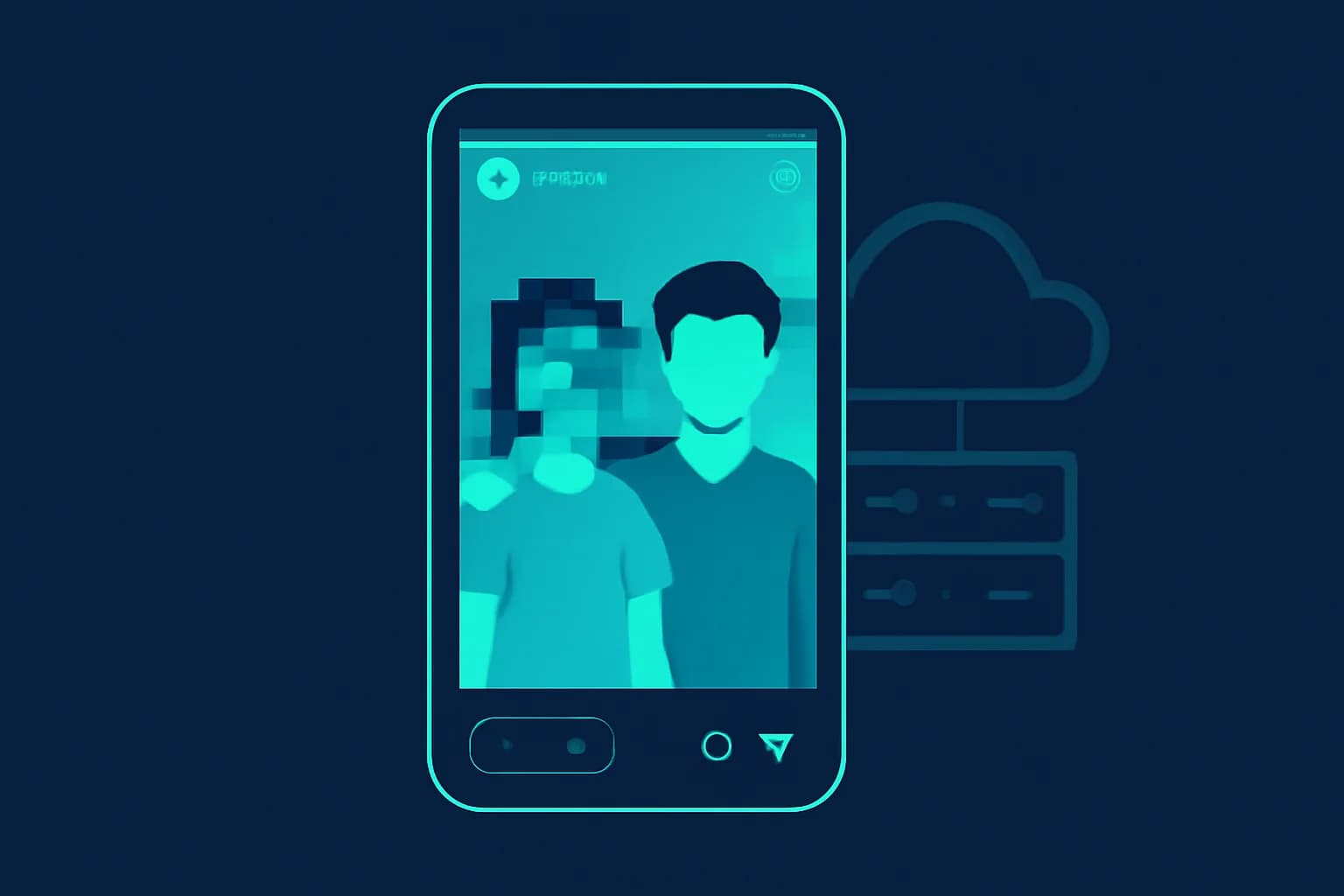
In late September 2026, Instagram rolled out the Pixel effect, an AI tool inside Stories that lets you type who or what you want pixelated, such as "the person on the right," and hides them behind a mosaic. Instagram pitched it with a wink: "Soft launching? We got you." The feature was built on Meta AI, and within a day it was being covered as a dating-drama story. Some people loved it, plenty called it unnecessary, and one commenter on Instagram's own post summed up the skeptics: congrats, you made a pixelate filter more cumbersome.
Underneath the jokes there is a more practical question. If you hand Instagram a photo and ask its AI to hide someone's face, what happens to the original photo, the edited one, and the face you were trying to protect? Instagram hasn't said much about that, and the company's general track record on retention is not reassuring if privacy is your goal. This guide explains how Pixel works, what Instagram and Meta are documented to keep, and how to blur faces in a way where the sensitive version never reaches the platform in the first place.
What Is the Instagram Pixel Effect and How Does It Work?
The Pixel effect is an AI Story effect that cuts out a person or object you describe in text and pixelates it. It lives under the Restyle effects in Instagram Stories, with a "Write a prompt" option. You edit the prompt to call out what you want hidden, for example "the person on the right," and Instagram's AI finds that subject, segments it from the photo, and applies the pixel mosaic (PetaPixel).
A few details worth knowing:
- It is prompt-driven, not a face-detection toggle. You describe the target in words, so results depend on how clearly you phrase it. Reporters noted you can adjust the prompt to make someone "extremely pixelated" or only lightly obscured so they stay slightly recognizable (Dexerto).
- It targets Stories. It is part of Instagram's Story editing tools rather than a general photo editor.
- It was announced around September 24 to 25, 2026, according to coverage of the launch.
- It works on objects too. Instagram's own examples include blurring a child's face in a family photo or obscuring a stranger who ended up in the background (Yahoo Tech).
One thing no outlet we checked could tell us: whether the pixelation runs on your phone or on Meta's servers. That matters, and we come back to it below.
How Do I Use the Pixel Effect Step by Step?
- Open Instagram and start a new Story.
- Choose or capture the photo.
- Open the Restyle effects and select Pixel.
- Tap the option to write a prompt and describe who or what to hide ("the person on the right," "the man in the blue shirt").
- Adjust the wording until the intensity looks right, then share.
Expect to retry. Because the AI interprets natural language, vague prompts like "my date" may select the wrong person, and in group photos you often need to name position or clothing.
Why Is Everyone Talking About Soft Launching and Pixel?
Instagram built Pixel around "soft launching," the habit of hinting at a new partner without showing their face. Instead of the classic partial hand or back of a head, Pixel lets you post a full photo where the partner is visibly there but unidentifiable. If you're new to the term, our explainer on what soft launching is and why people do it covers the origin, the etiquette, and the alternatives.
YPulse reports that Tinder data found 26% of 18 to 34 year olds in the UK prefer gradually revealing a relationship, and frames it as "privacy is the new luxury in dating" (YPulse). The reaction was split:
| Reaction | What people said |
|---|---|
| Fans | It's a cool, quick way to protect privacy, and handy for kids and bystanders |
| Skeptics | A pixelated partner can look "humiliating," and you could just not post them |
| Practical critics | The same effect has long existed as a basic filter, now with extra steps |
| Privacy-minded users | Why does hiding someone require uploading them to Meta first? |
That last reaction is the one that matters for the rest of this article.
Does Instagram Store the Photos You Edit With Pixel?
Instagram hasn't published a verifiable, Pixel-specific retention policy, so assume the standard Instagram rules apply. PetaPixel noted that critics, including Mashable, questioned "how Meta stores the pictures of people who aren't showing their faces online, since the pixelation happens in the app." That is the crux: to blur a person, Instagram's tool has to see that person first.
What is documented about Instagram's general handling of your content:
- Deleted doesn't mean gone immediately. Instagram's Help Center says content you delete is removed from your account and moved to Recently Deleted, then deleted after 30 days. It also says full deletion can take up to 90 days, and that copies may remain in backup storage used for disaster recovery (Instagram Help Center).
- Stories are archived by default. Unless you switch it off, your Stories are saved to a private archive after they expire.
- Public posts feed Meta's AI. Meta executives have said the company trains on public content, and reporting at the time said US users have no opt-out, while EU users can object. Meta says it does not train on private messages or things shared only with friends (Social Media Today).
None of that proves Pixel keeps your original. It means you have no reason to assume it doesn't, and the burden of proof sits with the platform.
Is Instagram a Bad Choice If You Want to Keep Your Data Private?
Yes. If privacy is your top priority, Instagram is a weak choice, because the platform is designed to retain and learn from what you share. That is a design statement, not an accusation of wrongdoing: Meta's products are built around collecting activity and content data, and the policies above are how that works in practice.
Here is the practical picture:
❌ Where Instagram Falls Short on Privacy
- Retention outlasts deletion. Ninety days to delete, plus backups, means "I deleted it" isn't the same as "it's gone."
- Public equals training data. Anything public can be used to improve Meta AI, with no opt-out for most US users.
- AI features need your raw photo. Tools like Pixel, and earlier ones like Meta's Muse Image feature, which let anyone generate AI images from public photos, start with your unedited image.
- You can't audit it. There's no dashboard showing where a photo went after you uploaded it.
✅ What Instagram Does Offer
- A private account setting that limits who sees your posts.
- A Sharing and reuse control for AI features and content reuse.
- The ability to delete content, even if deletion is slow.
Those are useful, and you should use them. They reduce exposure. They don't change the fact that the platform receives whatever you give it.
The simple rule: treat anything you upload to Instagram as retained. If a face shouldn't be seen, hide it before the file leaves your device.
Why Does Blurring Before You Upload Beat Blurring Inside Instagram?
Because the platform only keeps what it receives. If you blur the face in your own workflow and then post the edited file, Instagram never sees the original photo. That is a very different privacy outcome from uploading the original and asking Instagram's AI to hide the person afterward.
There are three concrete advantages:
- The unblurred image stays with you. Instagram receives only the finished, already-hidden version, so there's no raw copy for its systems or backups to hold.
- You control the strength. Pixel's intensity depends on your prompt and the AI's interpretation. A dedicated blur tool lets you choose stronger blur or a solid cover, which resists the kind of reconstruction we describe in our guide to why weak blur fails against forensic de-pixelation.
- It works everywhere. The result isn't locked to Stories. You can use the same blurred file on Instagram, TikTok, WhatsApp, or a shared album.
How Do You Blur a Face Privately Before Posting With BGBlur?
Upload the photo or video to BGBlur in your browser, let the AI detect the face, blur it, and download the result. BGBlur is built for exactly this "protect before you publish" step.

Step 1: Open BGBlur and Add Your File
Go to bgblur.com and drop in your photo or video. It works in the browser on phone or desktop, with MP4, MOV, and M4V input up to 4K. No app install is needed.
Step 2: Let the AI Find Faces
BGBlur's AI detects faces automatically and, in video, tracks them through motion, so a partner who turns their head or walks across the frame stays hidden without frame-by-frame editing. If you only want one person hidden, you can blur selectively and leave everyone else clear.
Step 3: Choose Your Blur Strength
Pick blur or pixelation and set how strong it is. For a playful soft launch, a light pixel effect may be enough. For children, strangers, or anything sensitive, use a heavy blur so the face can't be recognized or reconstructed. Our step-by-step guide to blurring and pixelating faces on your phone walks through the options.
Step 4: Export and Post
Download the finished file and upload that version to Instagram. Your upload is deleted from BGBlur's servers within 24 hours, and the original never touches Meta. For a deeper walkthrough of the photo workflow, see how to blur a face in a photo or video with AI in 3 seconds.
Pixel vs. BGBlur at a Glance
| Feature | Instagram Pixel effect | BGBlur |
|---|---|---|
| How you pick the target | Text prompt (AI interprets) | Automatic face detection, plus selective control |
| Where the original goes | Into Instagram | Stays with you; posted file is already blurred |
| Video support | Built into Stories | Motion-tracked blur in video, up to 4K |
| Blur strength control | Adjust via prompt wording | Choose blur type and intensity |
| Works outside Instagram | No | Yes, any platform |
| Retention | Standard Instagram retention applies | Upload deleted within 24 hours |
Can Pixelated Faces Be Recognized or Reversed?
Sometimes, if the effect is light. Mild pixelation leaves a low-resolution version of the face that software can sometimes sharpen or match against known photos, and context clues like clothing, tattoos, a distinctive car, or a tagged location can identify someone with no face at all.
Practical hardening tips:
- Use stronger blur for anyone who truly needs to be unidentifiable.
- Hide context. Remove or cover tags, name tags, license plates, and unique backgrounds.
- Don't reuse the same outfit and setting across posts if you're trying to keep someone anonymous.
- Strip location data before you post.
If you also want to protect vehicles in the frame, BGBlur can blur license plates automatically, which is useful for background privacy beyond faces.
Who Else Should Think Twice About Uploading Raw Photos?
The soft-launch use case is the least serious one. Pixel's other pitched uses are the ones that carry real stakes:
Parents blurring a child's face in a family photo. Once an unedited photo of a minor is uploaded, you've handed a clean image to a platform that retains it. Blurring first keeps the original off the service. Our guide to protecting people from unwanted filming and posting covers consent for bystanders.
Creators and small businesses who film in public spaces and need to hide customers or passersby for privacy-law reasons. The GDPR guide to blurring faces and license plates in video explains when that's expected.
Anyone dating carefully. If you're soft launching because you want privacy, uploading the unedited photo to an ad-funded platform and relying on its AI to hide your partner is a strange way to get it.
Should You Skip Pixel Entirely?
Not necessarily. For a throwaway Story where the stakes are low, Pixel is convenient and free. The point isn't that it's dangerous. It's that convenience and privacy pull in different directions, and Instagram is optimized for the first. If the face matters, hide it yourself first. If it doesn't, enjoy the effect.
A reasonable setup for most people:
- Blur sensitive faces yourself (children, strangers, anyone who hasn't agreed to be posted) before upload.
- Lock down Instagram settings: private account, and turn off content reuse for AI features where available.
- Keep Stories archive off if you don't want expired Stories saved.
- Ask your partner first. A hidden face is a choice that should be mutual.
The Bottom Line
Instagram's Pixel effect is a fun, fast way to pixelate someone in a Story, and Instagram clearly built it around soft launching. But it works by taking your original photo first, on a platform that says deletion can take up to 90 days, keeps backups, and trains AI on public posts. Instagram hasn't told us how Pixel itself handles your images, so the safest assumption is the ordinary one: what you upload is retained.
If you want the face hidden and the original kept private, blur it before it leaves your device. Try BGBlur to detect and blur faces in photos and video in seconds, post the protected version, and let Instagram only ever see what you meant to share.
Further reading: