Blur Face in Photo and Video with AI in 3 Seconds [2026]
BGBlur is a free, browser-based AI tool that automatically detects and blurs faces, backgrounds, and license plates in photos and videos in about 3 seconds. This guide covers how it works, common use cases, and step-by-step instructions to protect your privacy online.
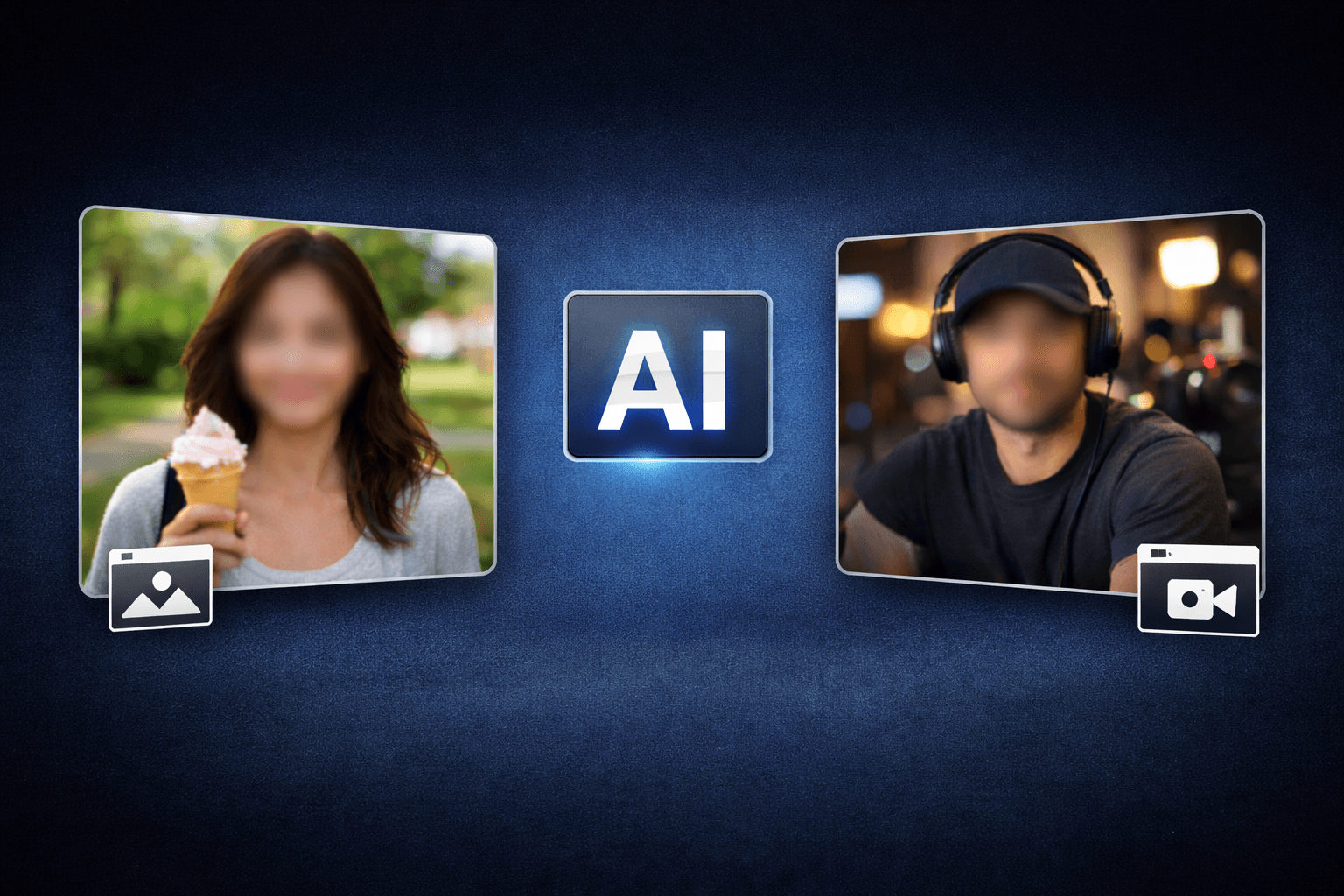
In today's digital world, protecting your privacy while sharing content online has never been more important. Whether you're posting family photos, creating video content, or sharing moments on social media, you need a fast and reliable way to blur photo and video backgrounds without compromising quality. That's where BGBlur comes in—your go-to AI-powered solution for instant privacy protection that works in just 3 seconds, completely free online.
| Question | Answer |
|---|---|
| How fast is it? | Faces and backgrounds detected and blurred in about 3 seconds |
| Do I need an app? | No — works entirely in the browser on any device |
| Is it free? | Yes, free plan available; no sign-up required for basic use |
| What can it blur? | Faces, backgrounds, license plates, and custom objects |
| How long is my data kept? | Uploads are deleted within 24 hours of processing |
What is BGBlur and Why You Need It
BGBlur is an AI-powered tool that lets you blur background in photos and videos within seconds. Unlike traditional editing software that requires technical skills and hours of work, BGBlur uses advanced artificial intelligence to automatically detect faces and backgrounds, giving you professional results instantly.
Privacy concerns around personal data are not hypothetical. According to Pew Research Center's 2023 survey on Americans and data privacy, 81% of U.S. adults say they are very or somewhat concerned about how companies use the data collected about them, and most report feeling they have little to no control over it. Blurring identifiable details before you post is one of the few controls you actually have.
Key Features That Make BGBlur Stand Out
Lightning-Fast Processing No more waiting around. BGBlur can blur image background in just 3 seconds, making it perfect for busy content creators, parents, and professionals who need quick results.
AI-Powered Accuracy The smart AI technology recognizes faces, people, and sensitive details automatically, so you don't have to manually select areas to blur. Just upload your content and let the AI do the work.
Works for Both Photos and Videos Whether you need to blur video background for your YouTube content or blur background of photo for Instagram, BGBlur handles both formats seamlessly.
How to Blur Background Online Free with BGBlur
Using BGBlur is incredibly simple:
- Upload Your Content – Drag and drop your photo or video
- AI Detection – The system automatically identifies faces and backgrounds
- Choose What to Blur – Select faces, backgrounds, or specific areas you want to protect
- Download – Get your privacy-protected content instantly
The entire process takes less than 10 seconds, making it one of the fastest ways to blur background online without installing heavy software. If you need more than just faces and backgrounds — say, a license plate in a dashcam clip or a document on a desk — see the complete guide to object and region blur for how selective blurring works in more detail.
Privacy First: Your Data Stays Safe
When you use ai background blur tools, privacy concerns are valid. Here's how BGBlur protects you:
- No Data Storage – Your photos and videos are processed and deleted from servers within 24 hours
- Secure Encryption – All uploads use SSL encryption during transfer
- No Third-Party Sharing – Your content never leaves the processing environment
- Local Processing Option – For maximum security, BGBlur offers client-side processing where possible
Your privacy matters. That's why BGBlur is designed with security at its core, ensuring that when you blur picture or video content, your data remains yours alone. If you are weighing face blurring against other anonymization techniques, our face anonymization vs. face blur comparison breaks down when each approach makes sense.
Common Use Cases for Background Blur
Social Media Content Creators Protect the identity of people in your vlogs and stories while maintaining professional-looking content. Use video background blur ai free to keep viewers focused on you, not your surroundings.
Parents Sharing Family Moments Share precious memories online while keeping your children's faces private. Blur image backgrounds to hide identifiable locations and protect your family's security.
Business Professionals Create product demonstrations or tutorials without revealing sensitive office information. BGBlur helps maintain confidentiality during video calls and presentations.
Real Estate Agents Show properties while protecting client privacy by blurring faces and license plates in photos and virtual tours.
Dashcam and Fleet Owners Blur faces and license plates automatically before sharing incident footage publicly or with insurers — see our dedicated guide on blurring faces and license plates in dashcam videos for a step-by-step walkthrough.
Why Choose AI Background Over Manual Editing?
Traditional photo editing requires selecting blur areas manually—a time-consuming process that demands precision. AI background technology revolutionizes this by:
- Automatically detecting all faces in seconds
- Maintaining natural-looking blur gradients
- Processing entire videos frame-by-frame without manual input
- Adapting to movement in videos for consistent blur
Tips for Best Results with Video Background Blur Online Free
Lighting Matters Well-lit scenes help the AI detect faces and backgrounds more accurately, giving you cleaner blur results.
Choose Your Blur Strength For subtle privacy, use light blur. For complete anonymity, increase the intensity. BGBlur gives you full control.
Preview Before Downloading Always check the preview to ensure all sensitive areas are properly blurred before sharing your content.
Conclusion: Protect Your Privacy in Seconds
In an age where digital privacy is constantly under threat, having a quick and reliable way to blur video and photo content is essential. BGBlur combines speed, accuracy, and security to give you professional results without the learning curve of complex editing software.
Whether you're a content creator, parent, or professional, blur image background protection has never been easier. Try BGBlur today and experience the power of AI-driven privacy protection that works in just 3 seconds. Your memories deserve to be shared safely—let BGBlur help you do exactly that.
Start blurring now and take control of your digital privacy. Because when it comes to protecting what matters, every second counts.
Frequently Asked Questions
How can I blur faces in photos for free? BGBlur offers a completely free way to blur faces in photos online. Simply upload your image, and the AI automatically detects all faces. You can then choose which faces to blur and download your protected photo instantly—no sign-up required for basic features.
Is there an app that can blur background in videos? Yes! BGBlur works directly in your web browser, so you don't need to download any app. It functions as a powerful online tool that can blur video backgrounds using AI technology. Just visit the website from any device, upload your video, and let the AI handle the rest.
How do I blur someone's face in a video online? With BGBlur, blurring faces in videos is simple. Upload your video file, wait for the AI to detect all faces (takes about 3 seconds), select the specific faces you want to blur, and download your edited video. The AI tracks faces throughout the entire video automatically.
Can I blur the background of a photo without blurring the person? Absolutely! BGBlur's AI intelligently separates the subject from the background. You can choose to blur only the background while keeping the person in focus, creating a professional portrait effect. This is perfect for removing distracting elements while maintaining subject clarity.
Is BGBlur safe to use? Will my photos be stored? Yes, BGBlur is completely safe. Your privacy is the top priority—all photos and videos are processed securely with SSL encryption and are deleted within 24 hours of processing. BGBlur does not store, share, or use your content for any purpose. Your files never leave the secure processing environment.
Does BGBlur work on iPhone and Android? Yes. BGBlur runs entirely in the browser, so it works the same way on iPhone, Android, and desktop with nothing to install.
Can BGBlur blur license plates as well as faces? Yes. BGBlur automatically detects and blurs license plates in dashcam, street, and security footage alongside faces and backgrounds.
Update — August 4, 2026: Wondering how BGBlur stacks up against other face blur tools on the market? See our full breakdown in Best AI Face Blur Tools 2026: Full Comparison Guide, covering pricing, video support, and processing location across six leading tools.