GDPR video compliance blur & redaction
EU privacy-compliant video blur for faces, plates, and PII—technical measures supporting GDPR Article 5 data minimization.
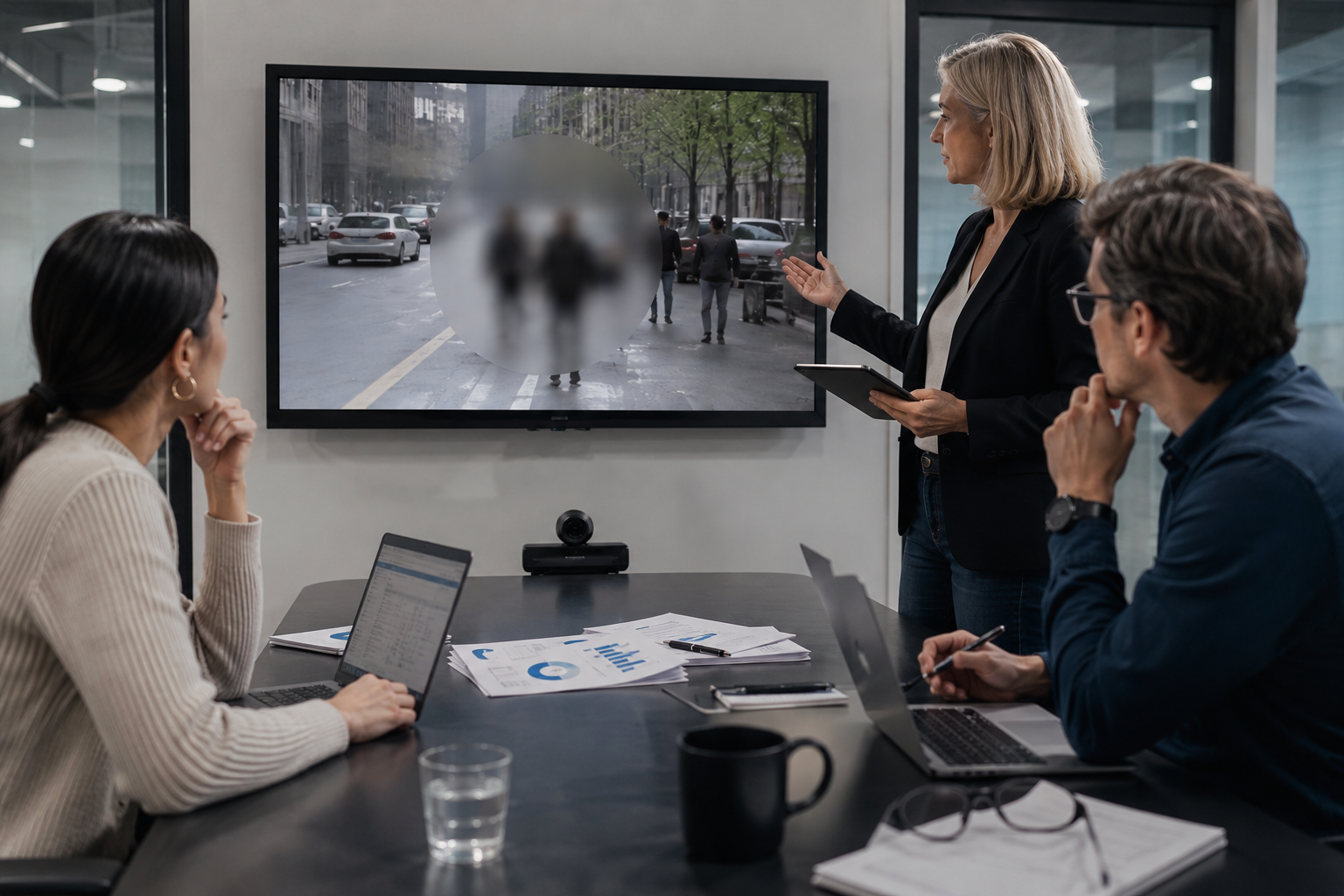
GDPR Article 5(1)(c) requires data minimization: collect and process only personal data adequate and necessary for your purpose. For video, that means blurring identifiable faces, plates, and PII when the specific identity isn't essential to your use case.
Identify personal data in video: faces, plates, documents, readable text.
Built for EU-based businesses, multinationals with EU operations, and compliance officers managing video data.
Identify personal data in video
Locate faces, plates, documents, and readable text that constitute personal data under GDPR.
Apply blur to minimize identifiable information
Blur regions per GDPR Article 5 data minimization—only obscure what's necessary for your use case.
Document blur decisions
Record blur decisions in your processing records and DPIA if applicable before publication.

What this example demonstrates
GDPR fines averaged €4.8M in 2026 with enforcement targeting unnecessary personal data retention. Video blur is a technical measure demonstrating good-faith compliance when combined with legal documentation and consent frameworks.
Why teams use this pattern
Blur is not a silver bullet—GDPR compliance also requires lawful basis, data subject rights, retention policies, and DPIAs—but it's a visible, auditable step controllers can implement before publication.
Common use cases
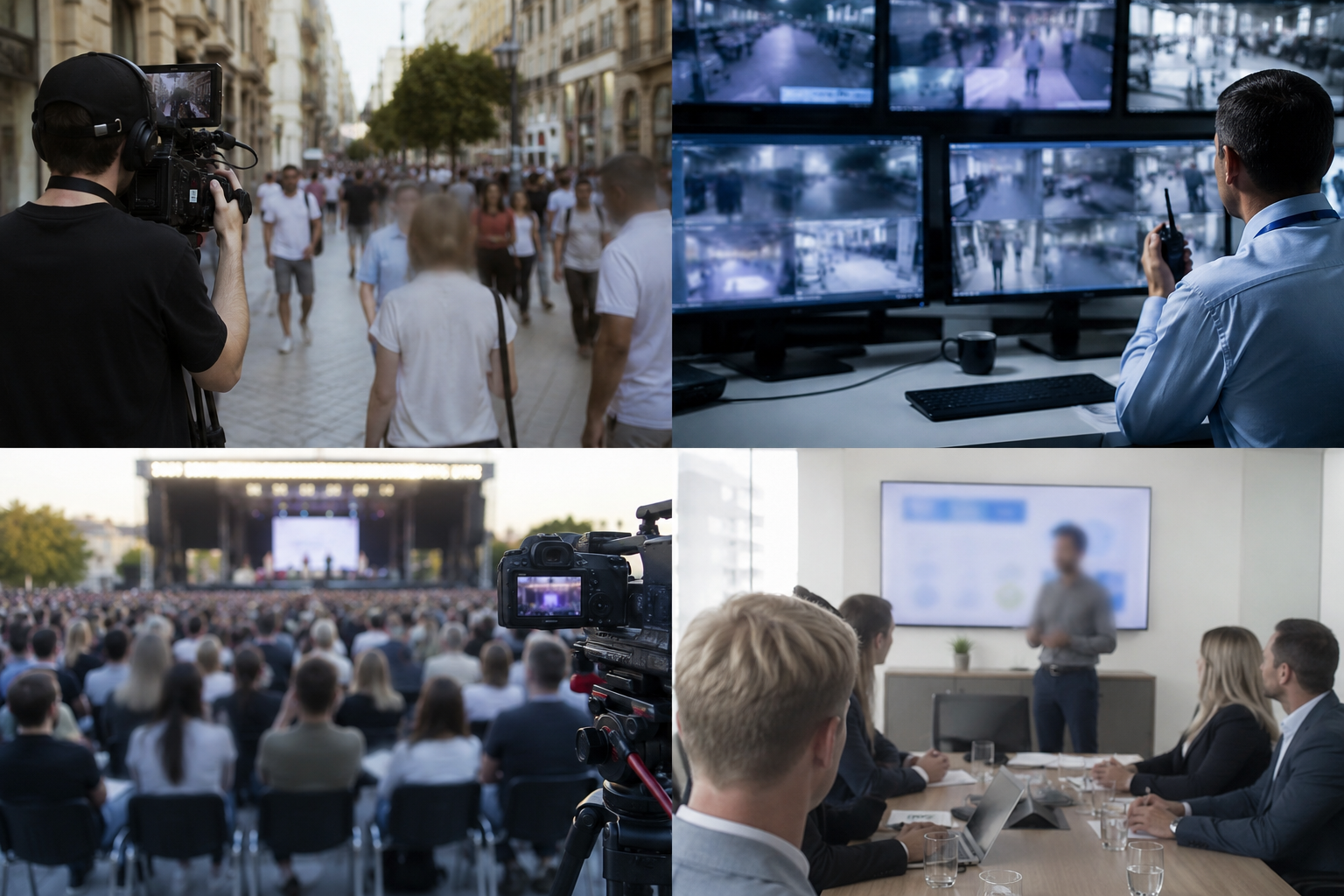
Teams reach for this workflow when public space recordings for marketing in eu markets; cctv footage shared externally for investigations; event coverage with attendees in eu jurisdictions; corporate training videos with eu employee data. BGBlur automates detection so these scenarios stay publishable without days in a timeline.

Built for EU-based businesses and organizations and Multinational corporations with EU operations
Ideal audiences include EU-based businesses and organizations, Multinational corporations with EU operations, Marketing teams targeting EU audiences, Data protection and compliance officers. Pair this example with your policy review when footage is sensitive or public-facing.
Use cases
- Public space recordings for marketing in EU markets
- CCTV footage shared externally for investigations
- Event coverage with attendees in EU jurisdictions
- Corporate training videos with EU employee data
Who it's for
- EU-based businesses and organizations
- Multinational corporations with EU operations
- Marketing teams targeting EU audiences
- Data protection and compliance officers
More video blur examples
Explore similar scenarios with the same demo clips and step-by-step guidance.
Face blur in talking-head video
Automatic face detection and blur for interviews, podcasts, and vlogs—motion-tracked so identities stay protected.
License plate blur in street & dashcam footage
Hide readable plates in traffic, parking, and ride-along footage—ideal for motovlogs and location shoots.
Blur anything: logos, text & custom regions
Target arbitrary areas—logos on hoodies, on-screen addresses, signage—with precise AI-assisted selection.
Background blur for cinematic focus
Soften or replace busy backgrounds so subjects stand out—great for webinars, reviews, and product demos filmed at home.
Frequently asked questions
- Does blur satisfy GDPR consent requirements?
- Blur is a minimization technique, not a substitute for lawful basis; you still need consent, legitimate interest, or another legal ground under Article 6.
- Can blurred faces be considered anonymous under GDPR?
- GDPR Recital 26 says data is anonymous if no one can re-identify individuals; strong irreversible blur may qualify, but always verify with legal counsel for your specific context.
- What about GDPR data subject access requests?
- If someone requests deletion of their image, blur applied post-request can be an alternative to full deletion when the video's context is necessary; document your justification.
Ready to try this on your footage?
Upload MP4, MOV, or M4V and apply the same blur modes shown in this example.
Try BGBlur free