"The blur tools are a lifesaver — I can softly blur distracting backgrounds and automatically anonymize license plates in my vlogs."
SJ
Sarah Johnson
Content Creator • YouTube
Motion-tracked license plate blur, background blur, face blur, and face anonymization all in your browser. Upload, tweak, export without After Effects or manual masks.
Features
All the tools you need to blur, protect, and enhance your content.
Video blur
Auto-detect plates
Video blur
Frame-by-frame tracking
Video blur
No green screen needed
Video blur
Use a prompt or draw a box around what to blur
Privacy
Blur faces in photos
Privacy
Team-grade redaction
Privacy
AI voice masking
Face swap
Swap faces in images
Face swap
Swap faces in video
Face swap
Remove objects with scene fill
Ecosystem
Ask questions and get AI summaries
Join thousands of creators and teams who trust bgblur every day.
Need to blur video backgrounds? Our AI detects and blurs backgrounds with precision, making it easy to keep the focus on your subject without manual roto. Great for vloggers, educators, and creators who want clean, professional-looking videos.
Our tool uses AI blur background technology with motion tracking to blur moving faces, license plates, or sensitive info in real-time. No frame-by-frame edits needed. Ideal for dashcams, interviews, and more. Blur portion of video or hide face in video securely and fast.
Add a touch of style with motion blur effect and soft background transitions. Our video blur online tool helps you focus viewers' attention and protect identities. Easily blur part of video or use AI background blur to enhance content quality for social and business use.
Blur sensitive areas automatically—faces, plates, or private details—with our AI background blur. It's perfect for content creators who need to blur face in video or blur a part of video while keeping a polished, professional look. Zero editing expertise required.
Need to edit at scale? Use our video background blur online free feature to apply blur effects to multiple videos in one go. Blur face, blur background in video, or hide personal info in seconds—ideal for agencies, vloggers, or legal compliance edits in bulk.
Export your video with blurred background in formats like MP4, MOV, or WebM while maintaining HD quality. Our AI bg blur tech delivers sharp focus and clean blur effect on video, so your content looks polished, secure, and ready for publishing anywhere.
Protect sensitive information in your videos with automated detection and blur. The AI Face Redactor helps with accurate face redaction, while you can Redact License Plates and redact privacy-sensitive details without manual frame-by-frame editing.
Protect people's identities with AI-powered face anonymization. BGBlur automatically detects faces in your video and replaces them with realistic synthetic faces, helping you share footage without revealing someone's real identity. Ideal for privacy-sensitive videos, interviews, classrooms, public footage, and compliance workflows.
Get started with our simple 3-step process
Upload your MP4, MOV, or M4V file securely in your browser.
Choose face blur, license plate blur, background blur, or object blur and preview instantly.
Export your privacy-safe video in high quality and publish anywhere.
Use Cases
Discover how creators, businesses, educators, and security teams use AI Blur to protect privacy in videos and images.
Blur people, private locations, and sensitive details in your videos automatically before publishing to YouTube or social media.
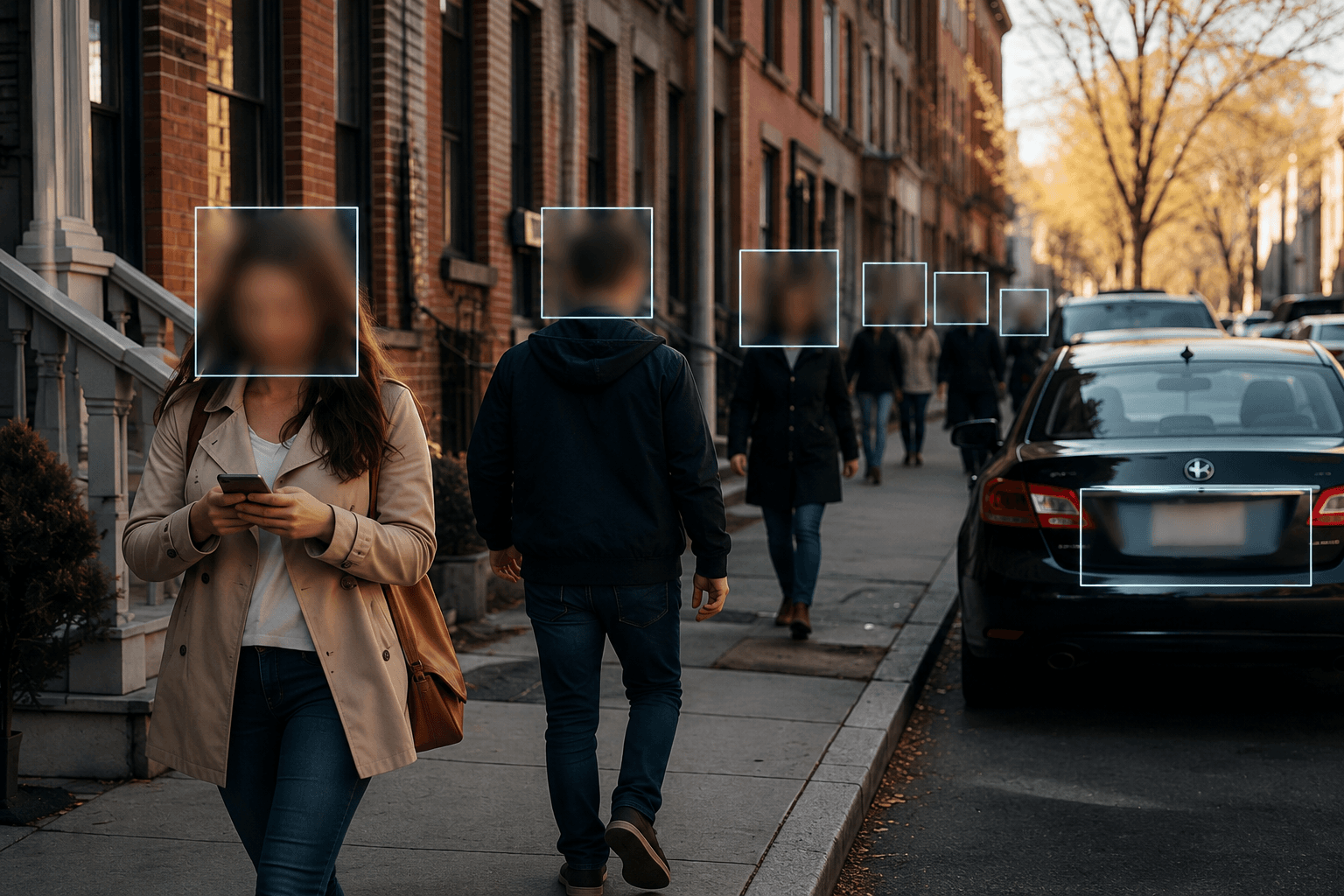
Automatically blur license plates, faces, and street signs while riding to protect privacy and stay compliant.
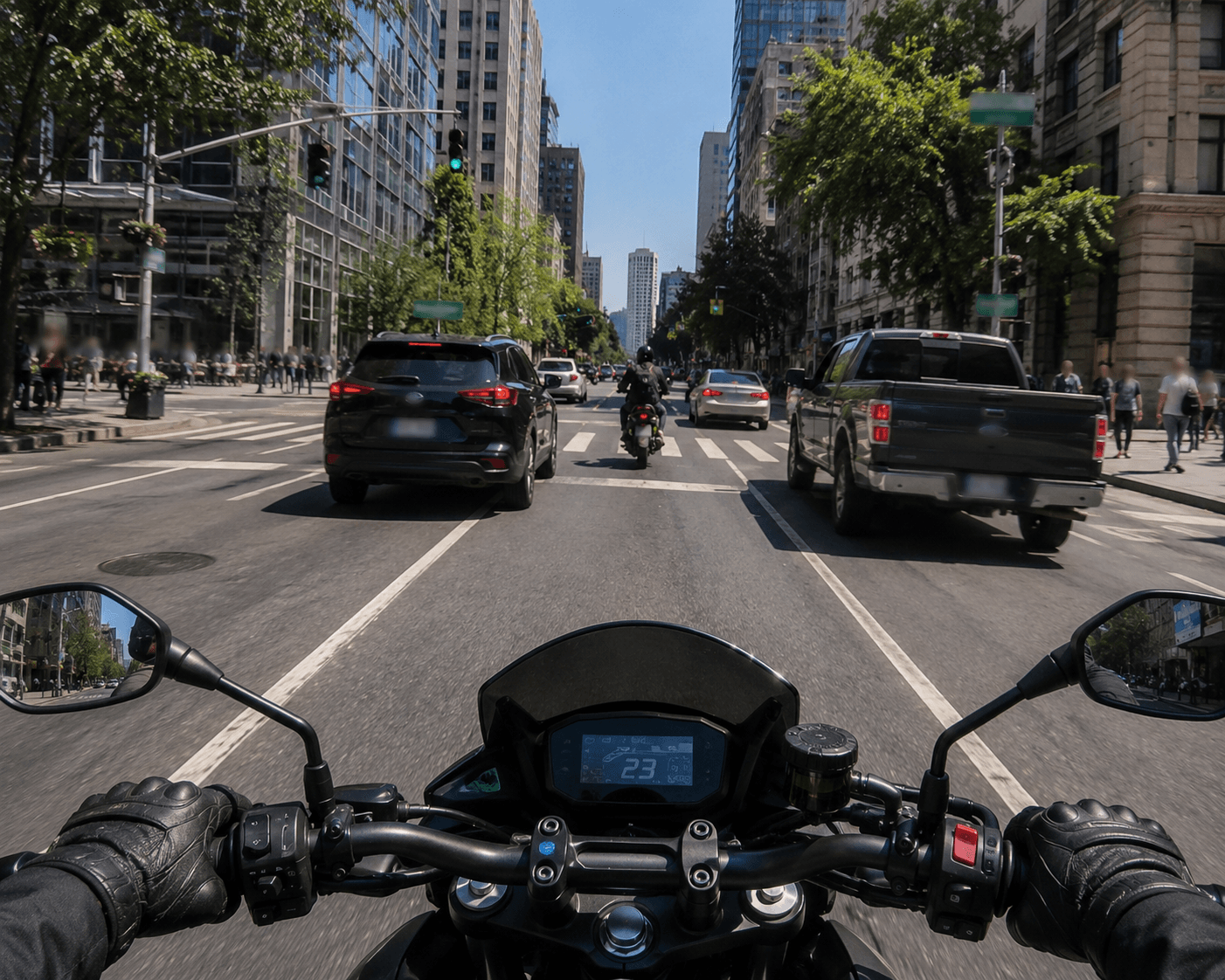
Protect identities by blurring faces, documents, vehicles, and confidential information in news footage.
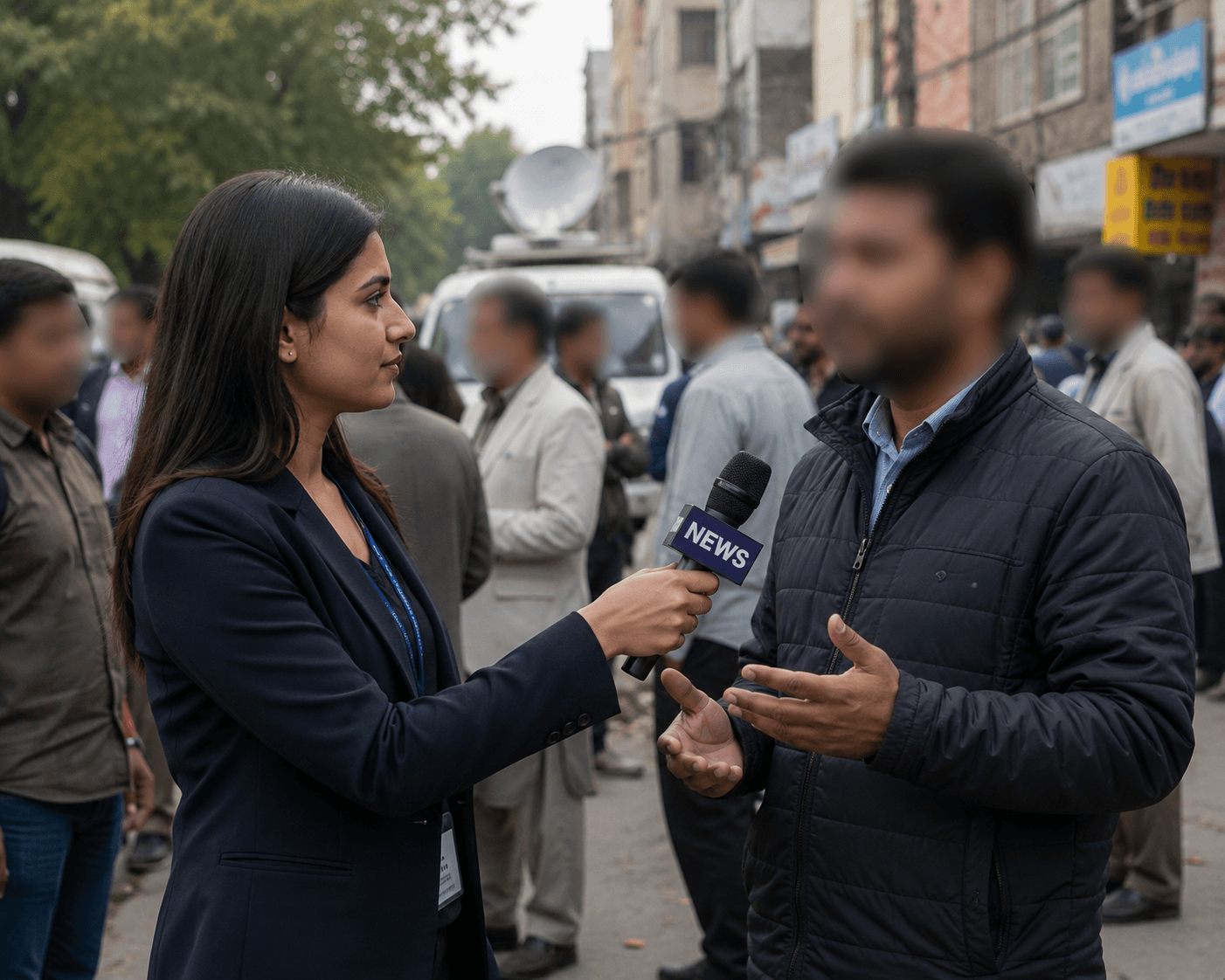
Blur license plates, customer information, and backgrounds in vehicle photos and walkaround videos instantly.
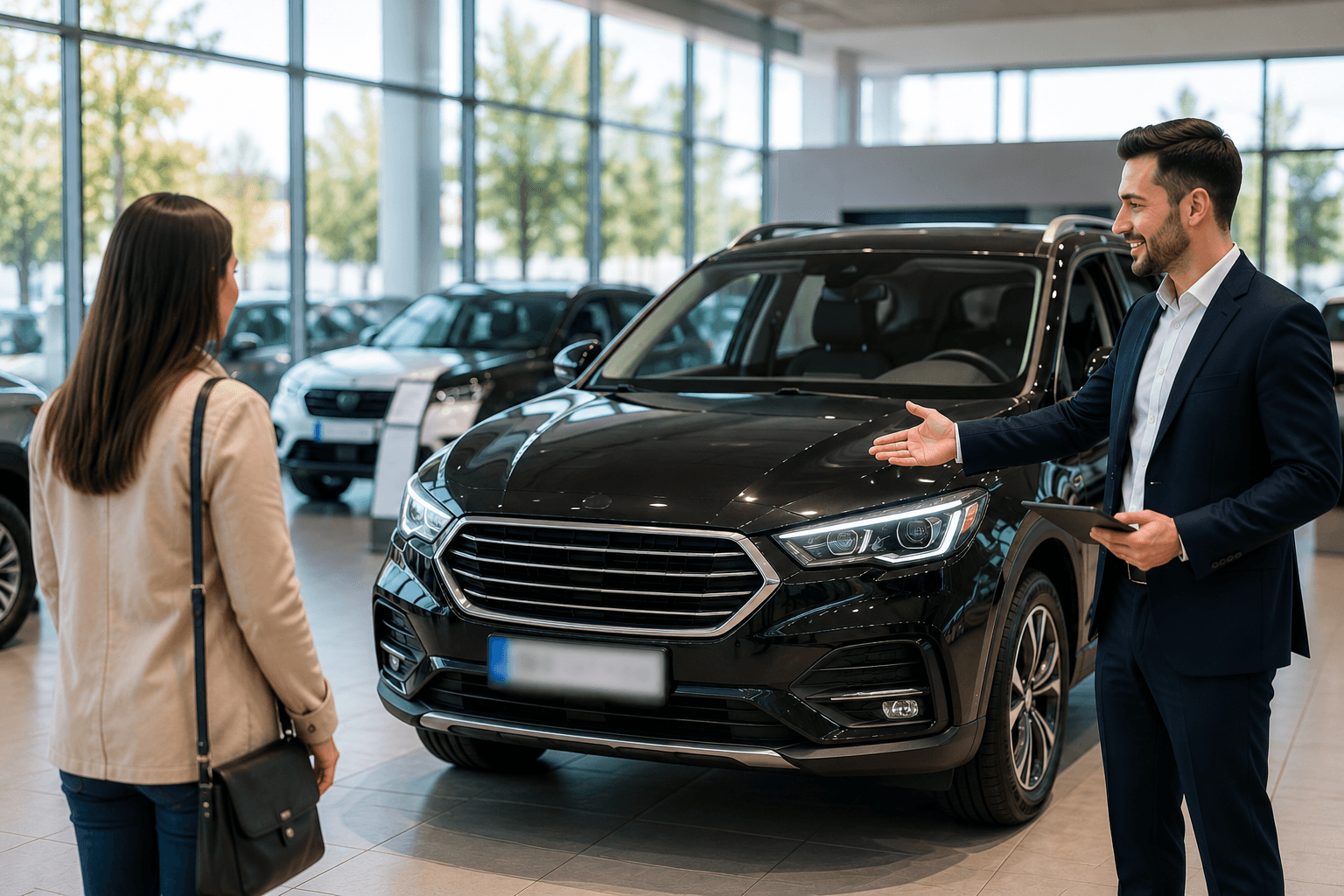
Blur student faces and sensitive details in school event videos to protect privacy and ensure compliance.

Blur faces, license plates, and sensitive details in CCTV and security videos to protect privacy and comply with regulations.
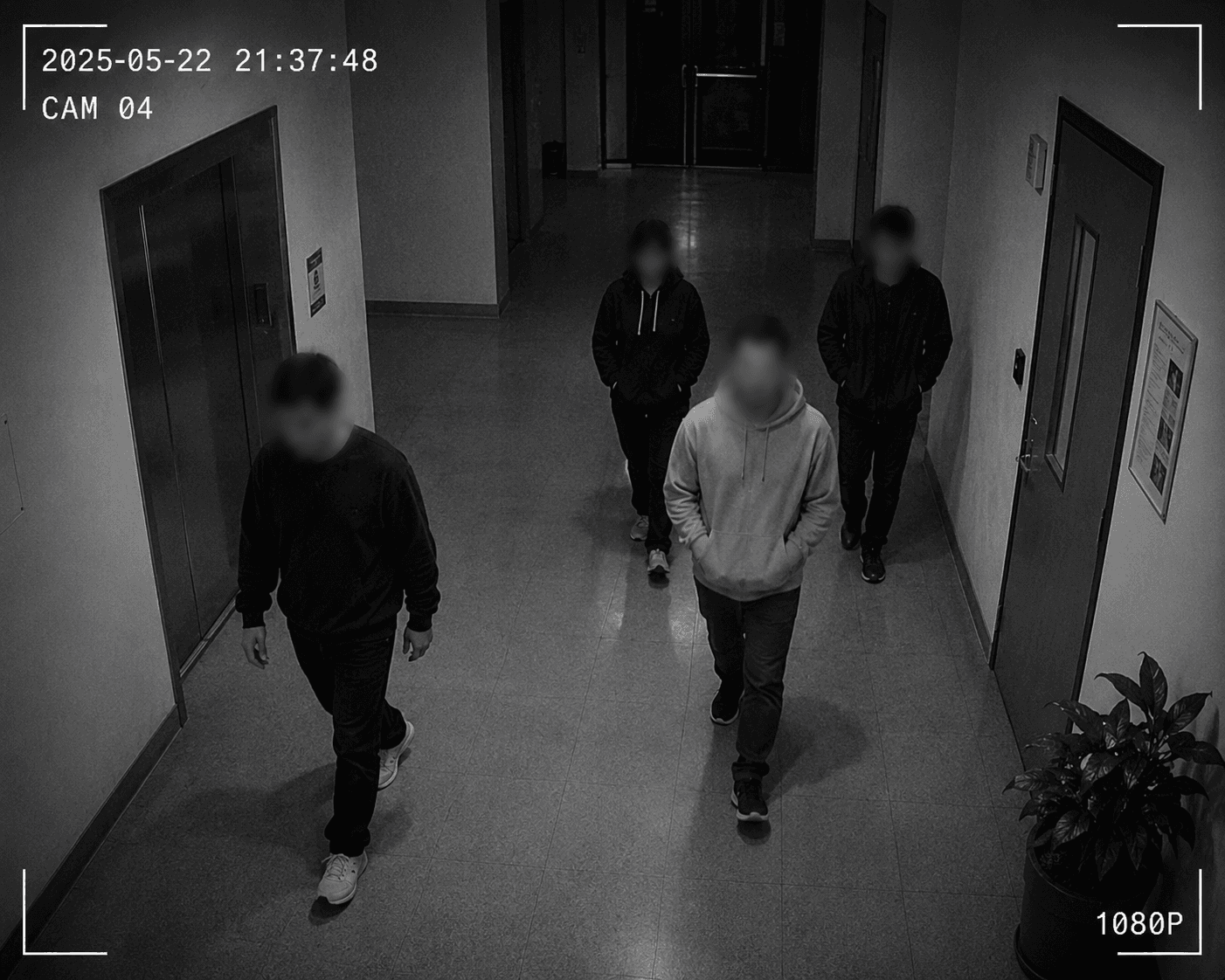
AI license plate blur, background blur, face blur, and full face anonymization in one tool. Professional video privacy online. No manual masking.
Create privacy-safe content for YouTube, TikTok, and Instagram using our AI background blur tool. Instantly blur video background, faces, or objects to meet platform rules and protect identities with blur effect on video that’s social-ready.
No editing skills? No problem. Our video blur online tool helps you blur face in video, blur background in video, or hide any object. With AI blur background and smooth controls, anyone can create privacy-first, polished videos in seconds.
Want to blur a part of video or an animated GIF? Our GIF and video blur tools work on moving content. Add background blur or hide faces in dynamic visuals—ideal for reels, presentations, and marketing use.
Automatically detect and blur background in video with precision using our AI background blur tool. From motion blur effect to subtle bokeh-style blurs, create pro-level content without complex editing—just upload and blur.
* All plans include a free trial.
Perfect for quick, one-off privacy edits





Best for content creators & small teams
For high-volume projects & agencies
Exactly the credits you need, nothing more
100 credits
~1 min of video or 100 images
Discover how thousands of creators, journalists, and businesses are protecting privacy and creating professional content with our AI video blur technology.
120K+
Blurred Clips
500K+
License Plates Hidden
"The blur tools are a lifesaver — I can softly blur distracting backgrounds and automatically anonymize license plates in my vlogs."
Sarah Johnson
Content Creator • YouTube
"Perfect for short-form content — selective blur and automatic license-plate hiding keeps posts compliant and on-brand without manual editing."
Emma Rodriguez
Social Media Manager • Digital Agency
"I've used many blur filters, but the adaptive face and plate blur here are the most natural-looking — great for client deliverables where privacy matters."
Lisa Thompson
Freelance Video Editor • Independent
"We rely on the motion-aware blur and plate anonymization for on-the-go product demos. It's fast, consistent, and saves legal review time."
Michael Chen
Marketing Director • TechStart Inc.
"The blur tools are a lifesaver — I can softly blur distracting backgrounds and automatically anonymize license plates in my vlogs."
Sarah Johnson
Content Creator • YouTube
"Perfect for short-form content — selective blur and automatic license-plate hiding keeps posts compliant and on-brand without manual editing."
Emma Rodriguez
Social Media Manager • Digital Agency
"I've used many blur filters, but the adaptive face and plate blur here are the most natural-looking — great for client deliverables where privacy matters."
Lisa Thompson
Freelance Video Editor • Independent
"We rely on the motion-aware blur and plate anonymization for on-the-go product demos. It's fast, consistent, and saves legal review time."
Michael Chen
Marketing Director • TechStart Inc.
Our AI analyzes your video and automatically detects and blurs backgrounds, faces, license plates, or any objects you select with motion tracking.
We support MP4, MOV, and M4V formats for all blur functions including face blur video and background blur.
Free users can blur videos under 200MB and 10 minutes. Pro users get unlimited blur processing with longer video support.
AI face swap uses advanced artificial intelligence to detect and replace a face in a video with another face while keeping expressions, lighting, and angles natural.
You should use face anonymization when sharing content publicly, handling sensitive data, or complying with privacy laws to protect identities.
With BgBlur, you can easily blur face or pixelate face by uploading your content, and the AI will automatically detect and apply the effect in seconds.
Yes, BgBlur allows you to blur licence plate or blur number plate in video online free with just a few clicks, no technical skills required.
To blur multiple objects online, upload your video and select the Blur Anything feature. Then add multiple object names separated by commas and proceed, and our AI will automatically blur those objects.
Yes, BGBlur's AI automatically tracks moving objects, faces, and vehicles. You do not need to manually mask every frame; the motion-aware tracker keeps the blur locked onto the subject as it moves.
BGBlur is a completely web-based tool. You can upload any video or image, select the Face Blur tool, and apply pixelation or blur instantly inside your browser without downloading any apps or plugins.
Absolutely. Our AI is trained specifically to detect and blur license plates in driving footage, dashcams, and street-view videos. It helps creators and transport fleets stay compliant with privacy laws.
Your privacy is our priority. BGBlur leverages advanced client-side technologies to process videos securely. Your files are processed locally in your browser and are never uploaded or stored permanently on external servers.
Yes! BGBlur is fully responsive and optimized for mobile browsers. You can easily blur a video background or pixelate faces directly on your iPhone, iPad, or Android phone.
Limits depend on the feature. Standard video blur tools such as face blur, license plate blur, background blur, blur anything, screen blur, NSFW blur, and face anonymization support up to 200MB and 10 minutes on the free plan, while Pro users get unlimited blur processing with longer video support. Object Remover supports MP4 and MOV videos up to 1GB and 10 seconds per clip. Voice Anon direct uploads support up to 100MB, while the upload/URL workflow supports audio or video files up to 500MB and under 10 minutes.
Share your experience and help others make informed decisions
Community Score
0.0
/ 5
Based on 0 reviews
Be the first to share your experience and help others make informed decisions!
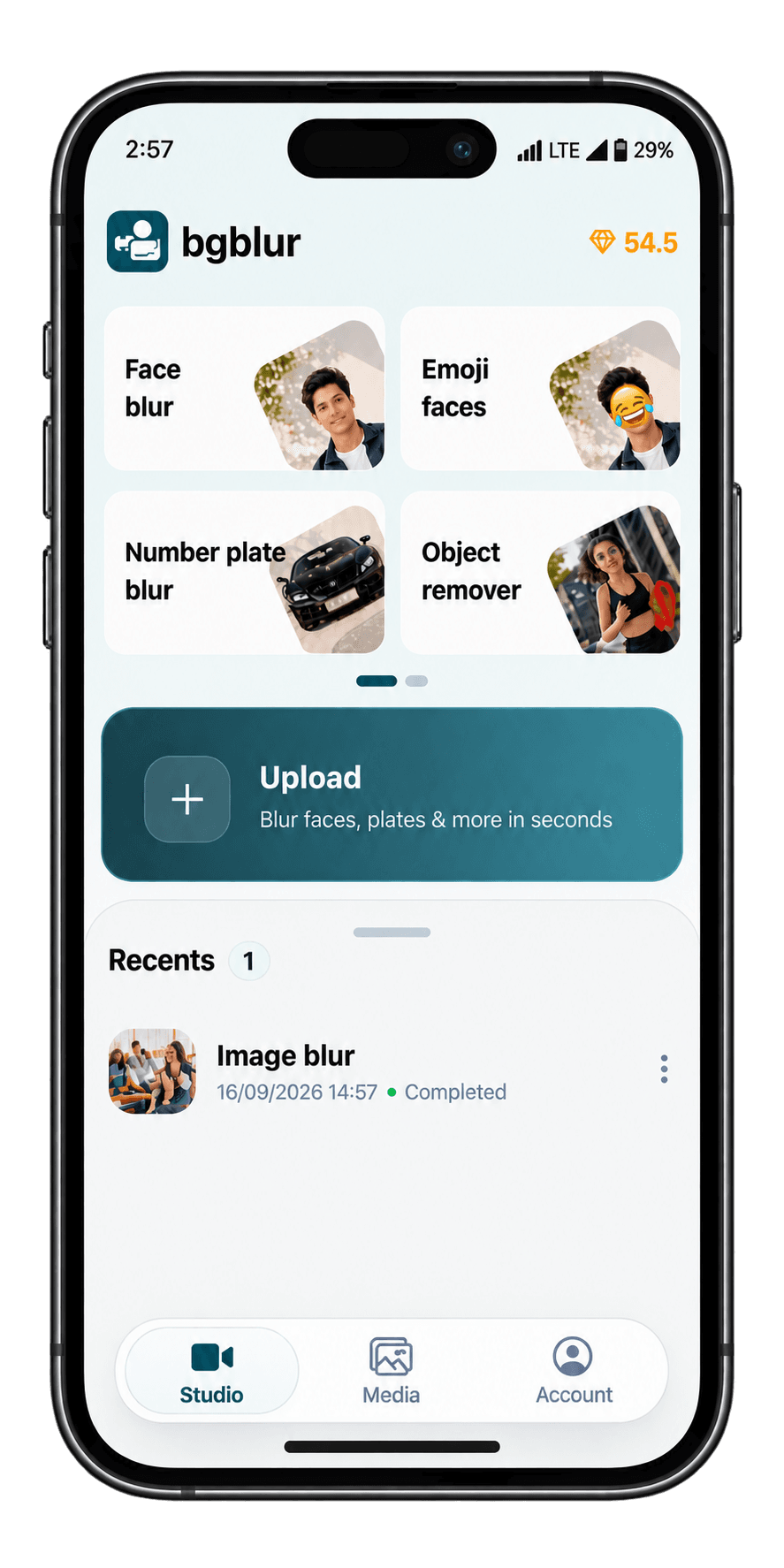
Blur faces, license plates and more straight from your phone. Our iOS and Android apps are live now.