Voice Changer AI Tool
Transform your voice instantly with AI. Change pitch, anonymize speech, and create realistic voice effects in seconds.
Try Voice Changer AI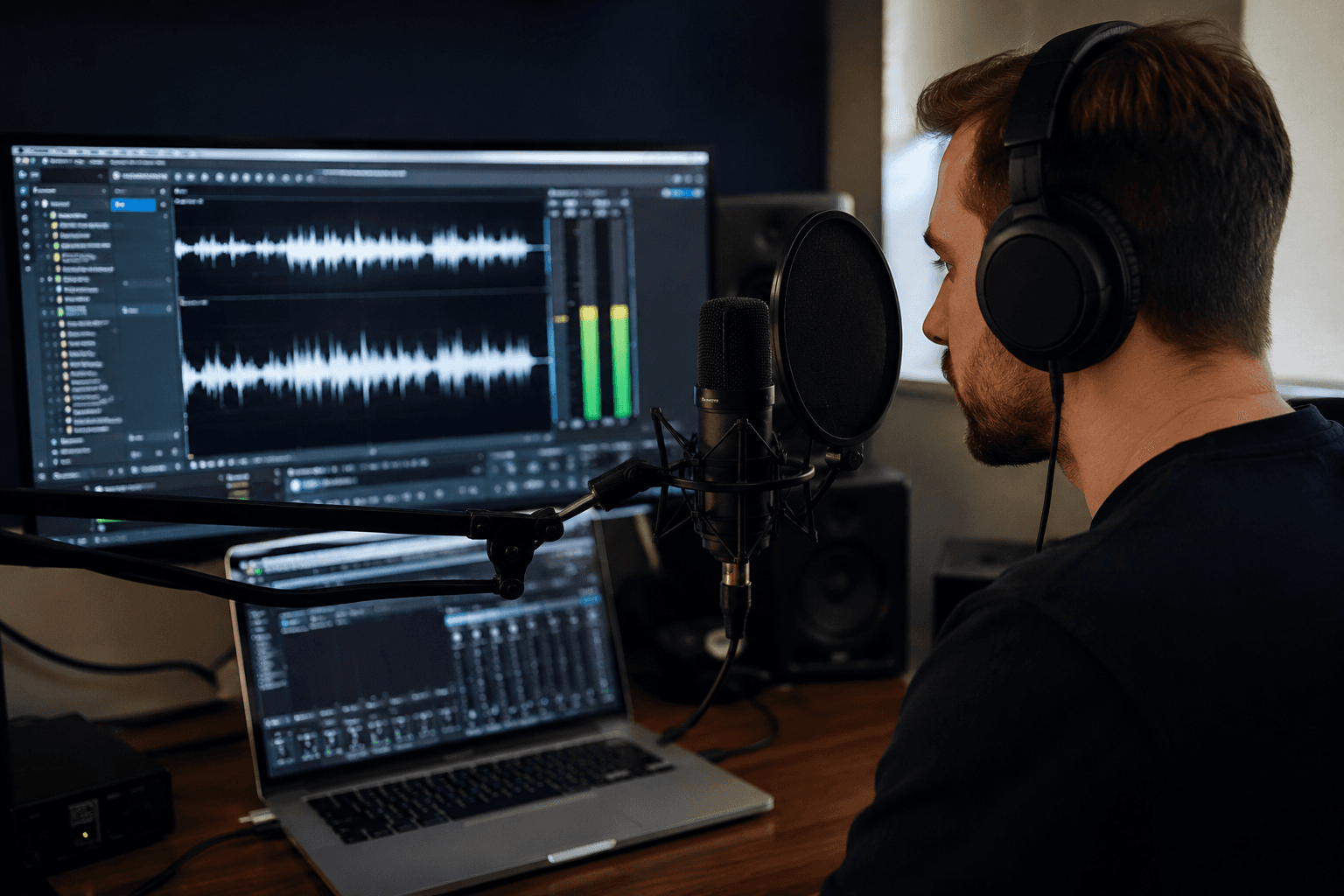
Voice Changer AI Automatically
Quickly transform your voice using advanced AI voice recognition technology. Simply upload your audio file, and the tool automatically analyzes your voice, including tone, pitch, and speech patterns, within seconds. Whether you're creating voiceovers, gaming content, podcasts, or social media clips, AI delivers fast, seamless, and professional-quality voice transformations without requiring any editing experience.
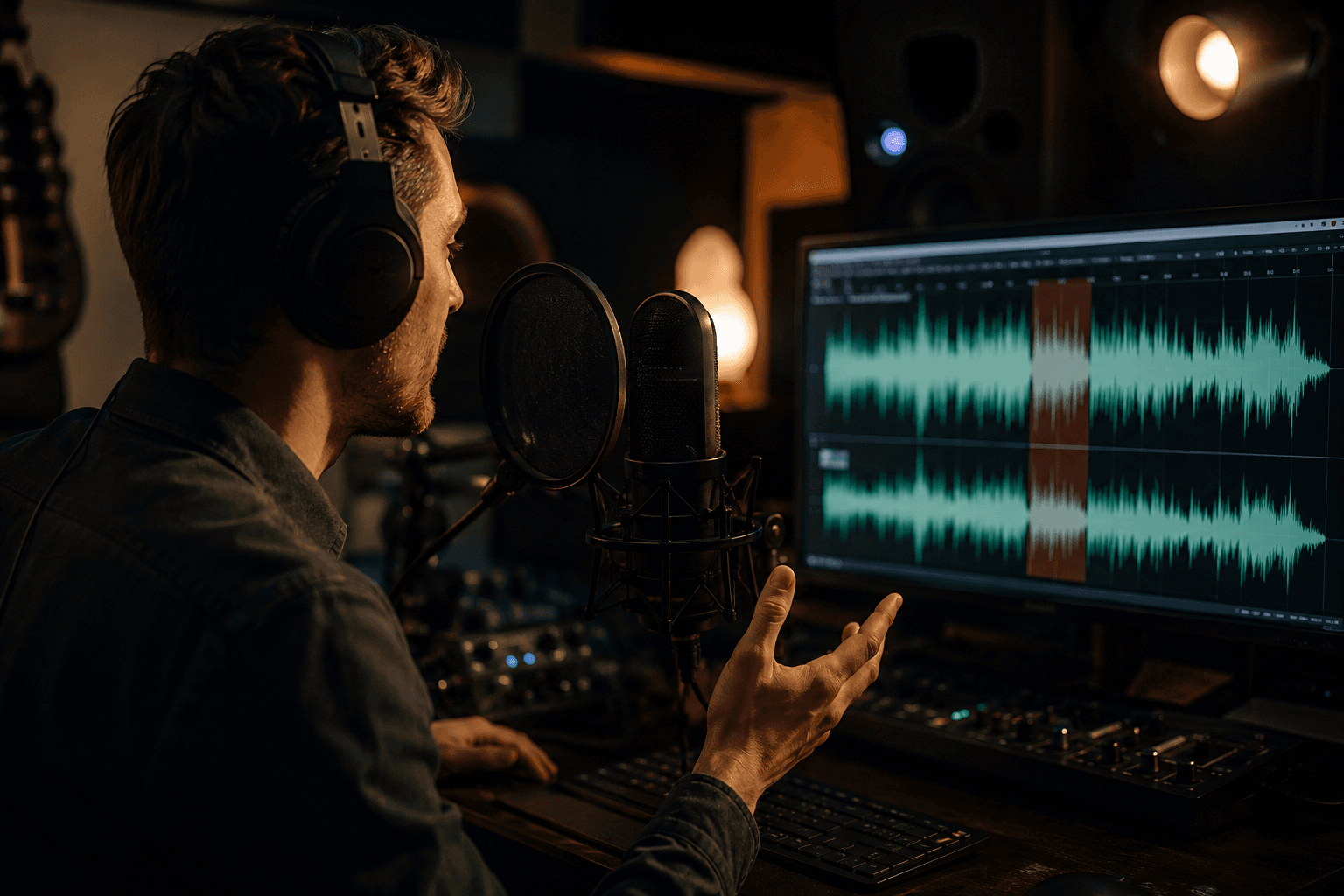
Realistic Voice Modification
Our AI precisely adjusts vocal tone, resonance, texture, and speech characteristics to create highly natural-sounding results. Every voice transformation is smooth, clear, and authentic, without robotic artifacts, awkward distortions, or loss of audio quality. Whether you're changing your voice slightly or creating an entirely new character, the final output sounds polished and realistic.
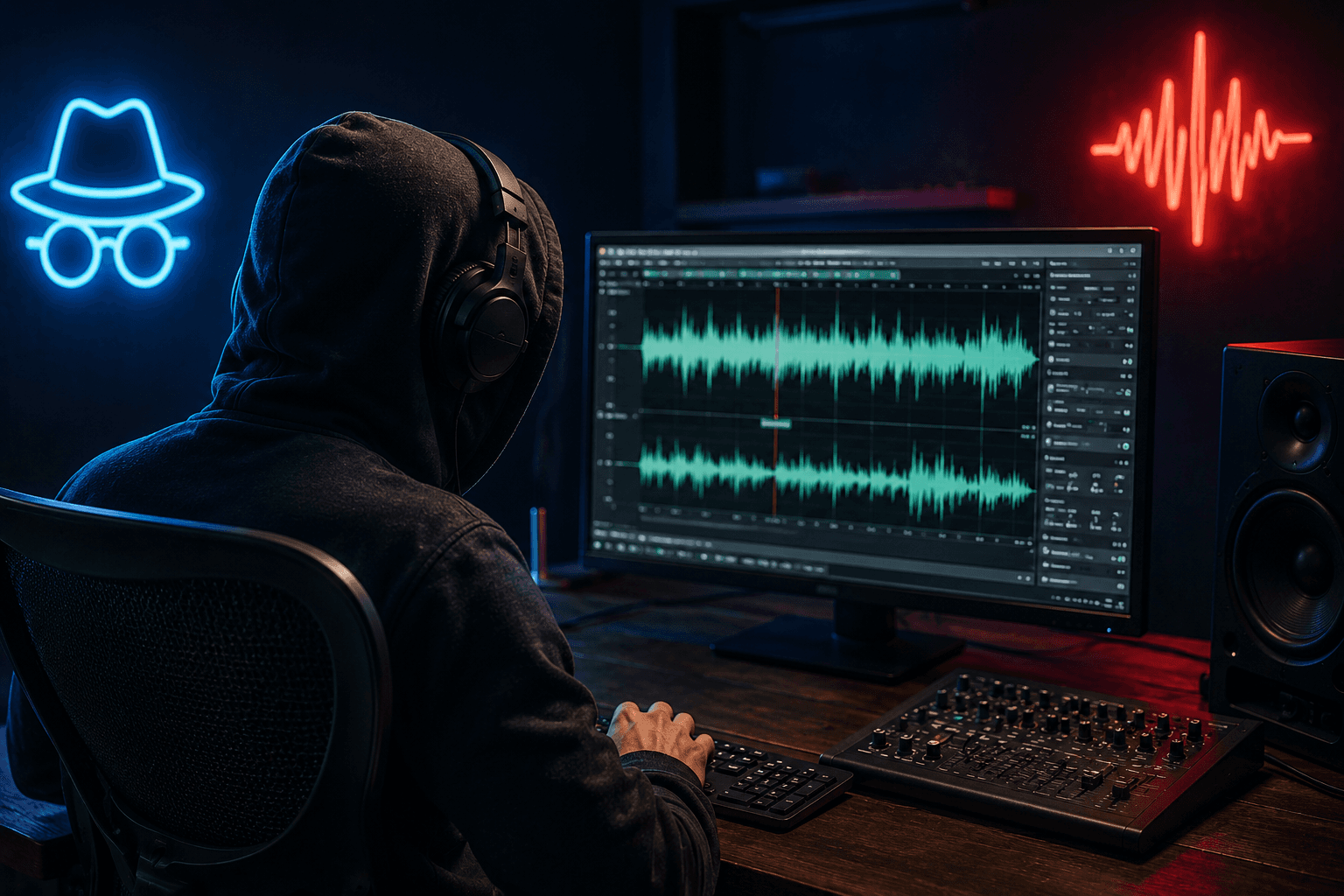
Voice Anonymization and Pitch Control
Protect your privacy with advanced voice anonymization that disguises your identity while preserving natural speech clarity. Instantly raise or lower your voice using the built-in AI pitch changer, making it perfect for anonymous recordings, secure communication, character creation, and creative audio projects. Achieve precise control over your vocal style with just a few adjustments.
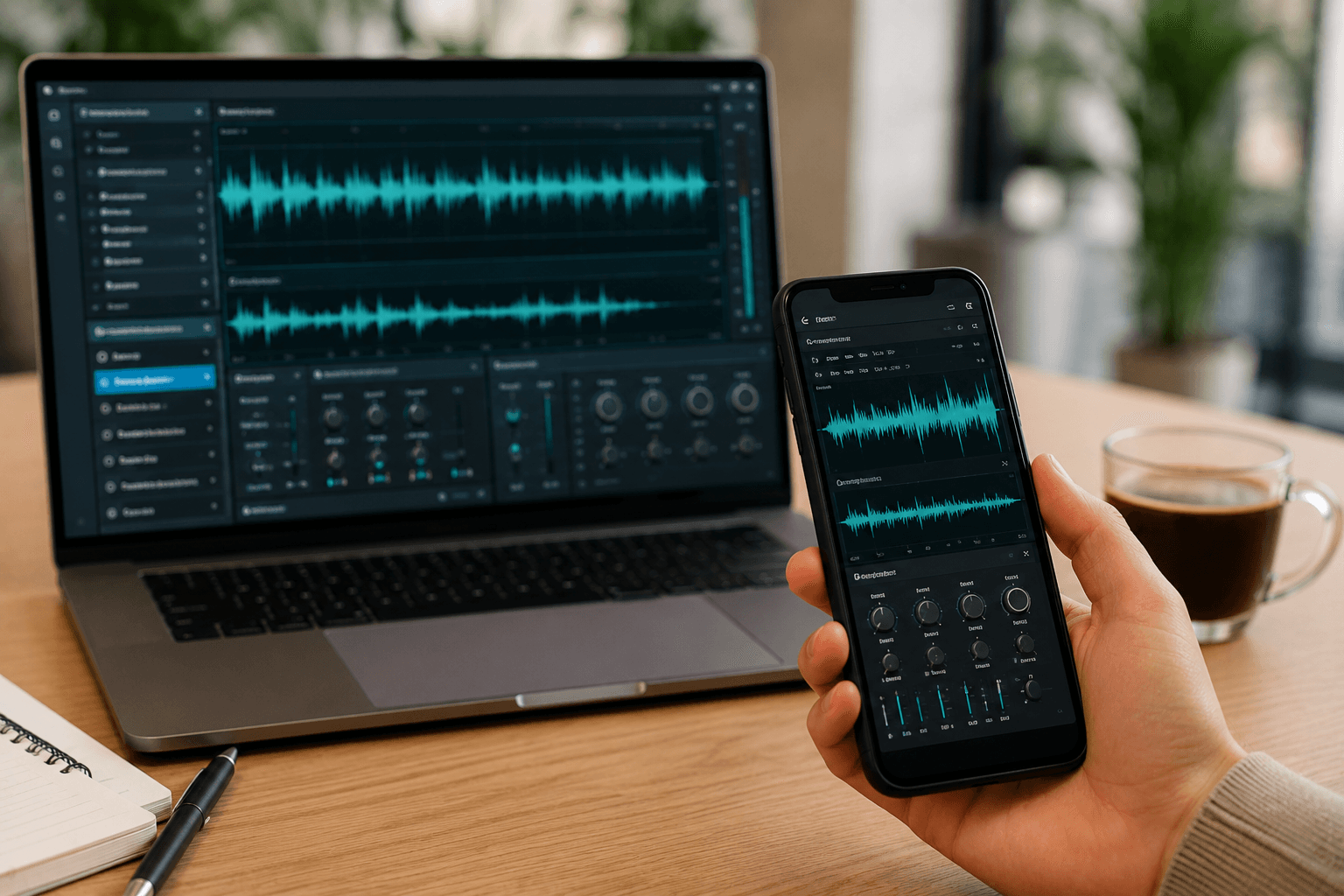
Works on Mobile and Desktop
Use the voice changer directly from your browser on any device, including smartphones, tablets, laptops, and desktop computers. No downloads, software installations, or technical setup required. Whether you're at home, in the office, or on the go, you can transform your voice quickly, securely, and conveniently from anywhere.
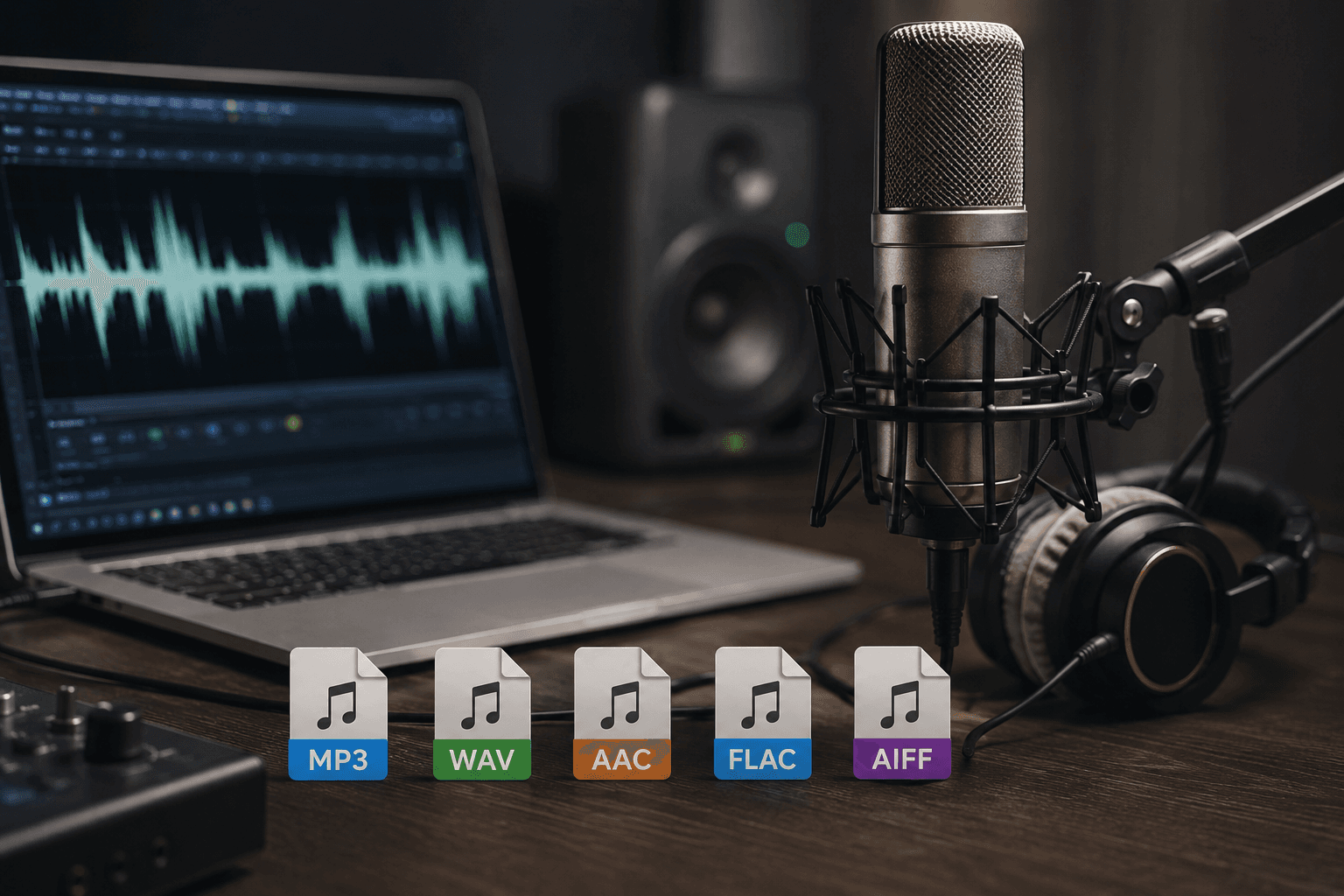
Supports Popular Audio Formats
Upload MP3 or WAV audio files and start changing your voice instantly. Whether you're editing podcasts, voice recordings, interviews, gaming clips, or professional voiceovers, our AI voice changer ensures fast processing, seamless compatibility, and crystal-clear output across all supported file types.
What Makes BGBlur Different for Voice Anonymization?
BGBlur adds voice anonymization to visual privacy tools so sensitive videos can protect both how someone looks and how they sound.
Audio identity protection
Anonymize voice in video when speech could identify a witness, participant, customer, or subject.
Video privacy companion
Pair voice anonymization with face blur or face anonymization for stronger identity protection.
Useful for interviews
Support journalism, research, HR, legal, education, and testimonial workflows.
Browser-based processing
Upload a clip and process voice anonymization online without a complex audio workstation.
Safer publishing
Reduce biometric and personal identity exposure before content is shared publicly or internally.
Unified privacy suite
Use one BGBlur workflow for voices, faces, license plates, screens, and sensitive objects.
Voice Anonymization for Privacy-Sensitive Videos
BGBlur helps protect audio identity by anonymizing voices in videos. It is useful for interviews, research recordings, legal clips, HR material, testimonials, and sensitive public-interest footage.
Pair voice anonymization with face blur or face anonymization when a person should not be identifiable by either appearance or speech.
Powered by BGBlur voice anonymization
Voice Anonymization FAQ
Voice anonymization helps reduce the chance that someone is identified by speech in interviews, research videos, HR recordings, legal clips, or sensitive testimonials.
If the person should not be identifiable, pair voice anonymization with face blur or face anonymization.
BGBlur provides a browser-based workflow so you can upload a video and handle privacy-focused audio processing online.
Voice Anon supports audio/video uploads up to 100MB for direct processing. The upload/URL workflow supports files up to 500MB and under 10 minutes. Supported formats include common audio files plus MP4, MOV, AVI, and MKV videos with audio.
Yes, BGBlur's AI automatically tracks moving objects, faces, and vehicles. You do not need to manually mask every frame; the motion-aware tracker keeps the blur locked onto the subject as it moves.
BGBlur is a completely web-based tool. You can upload any video or image, select the Face Blur tool, and apply pixelation or blur instantly inside your browser without downloading any apps or plugins.
Absolutely. Our AI is trained specifically to detect and blur license plates in driving footage, dashcams, and street-view videos. It helps creators and transport fleets stay compliant with privacy laws.
Your privacy is our priority. BGBlur leverages advanced client-side technologies to process videos securely. Your files are processed locally in your browser and are never uploaded or stored permanently on external servers.
Yes! BGBlur is fully responsive and optimized for mobile browsers. You can easily blur a video background or pixelate faces directly on your iPhone, iPad, or Android phone.
Limits depend on the feature. Standard video blur tools such as face blur, license plate blur, background blur, blur anything, screen blur, NSFW blur, and face anonymization support up to 500MB and 5 minutes on the free plan, or up to 1GB and 10 minutes on paid plans. Object Remover supports MP4 and MOV videos up to 1GB and 10 seconds per clip. Voice Anon direct uploads support up to 100MB, while the upload/URL workflow supports audio or video files up to 500MB and under 10 minutes.
User Reviews
Share your experience and help others make informed decisions
Write a Review
Community Score
0.0
/ 5
Based on 0 reviews
All Reviews (0)
No reviews yet
Be the first to share your experience and help others make informed decisions!
Ready to blur your video content?
Start protecting privacy and creating professional video blur effects today with our AI-powered tool. No downloads required - blur directly in your browser.
Start Blurring Now