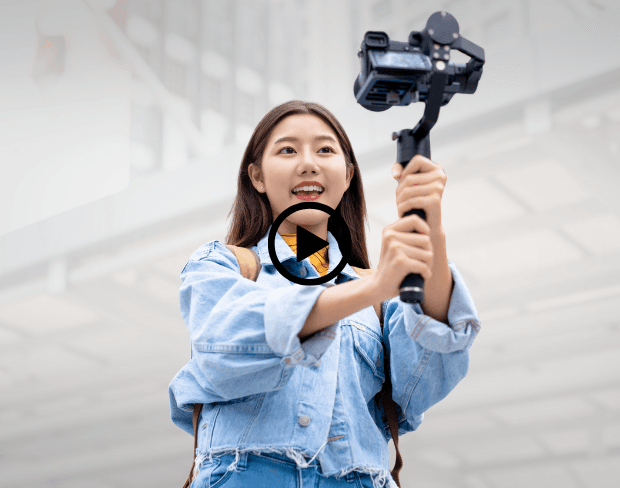
Blur Backgrounds in Videos Instantly
Vloggers, streamers, and creators can now blur bg distractions with our AI bg blur tool. This background blur video feature ensures your subject stands out, delivering clean and professional visuals. Whether filming at home or in public, achieve a video with blurred background that keeps your audience focused on you.
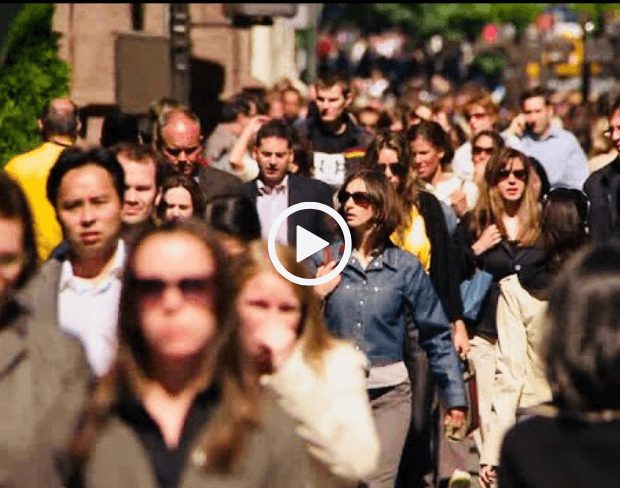
Create Studio-Like Videos Without Expensive Gear
No DSLR or special lens required. Use our AI blur background tool to blur a video background automatically and give your content a cinematic depth of field. With blur effect on video, creators can transform simple shots into polished productions, saving costs while ensuring consistency across all platforms.
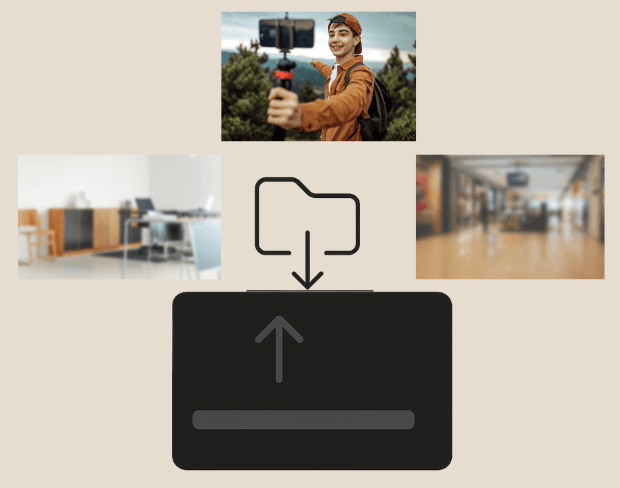
Batch Blur for Multiple Videos at Once
Need to edit multiple clips? Our tool supports batch video bg blur processing to blur portion of video or entire backgrounds across dozens of files simultaneously. Perfect for vloggers, brands, or educators, it's the fastest way to prepare videos with blurred background for YouTube, reels, or campaigns.
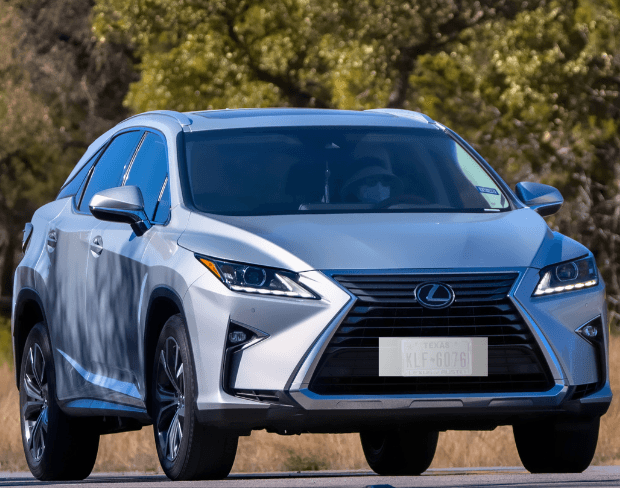
Blur Faces and Sensitive Information Securely
Keep your content safe by using our blur video online feature to blur face in video or blur section of video with ease. Protect privacy by hiding license plates, bystanders, or documents while keeping your vlog or tutorial professional. AI-powered background blur ai ensures every video is secure and polished.
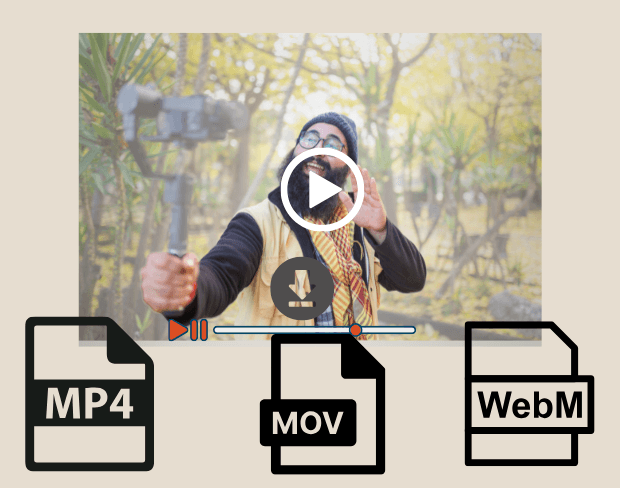
Export Blur-Enhanced Videos in Multiple Formats
After editing, export your video background blur online free in MP4, MOV, or WebM formats. Our blur effect on video stays sharp and HD-ready for YouTube, Instagram, TikTok, or professional presentations. With flexible output, your blurred video content is always platform-ready and visually appealing.
Blur Your Vlog Backgrounds Now
Start creating professional vlogs instantly with our free AI-powered background blur tool.
Blur vlog background now