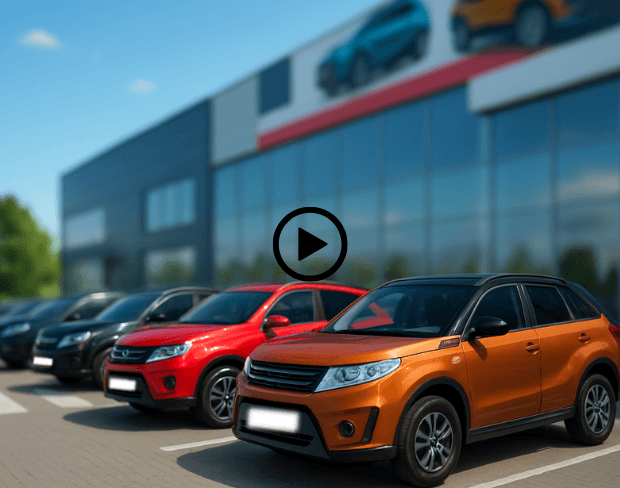
Blur Backgrounds to Highlight Vehicles
Car dealerships can use AI bg blur to blur video background and make vehicles the main focus. Background blur video ensures that car listings, promos, and walkaround videos look clean and professional, drawing customer attention directly to the cars without any distracting surroundings.
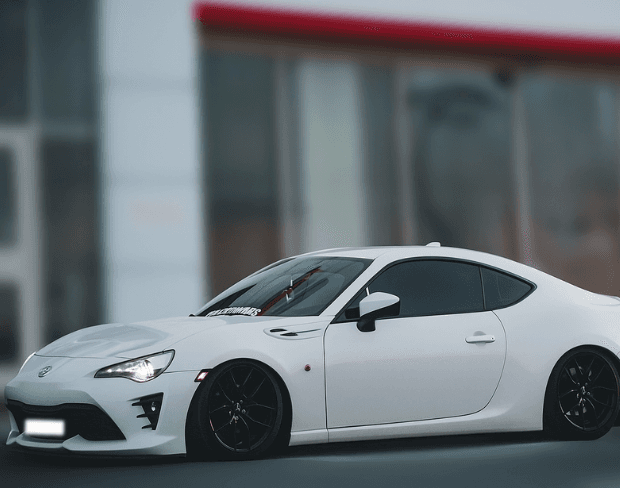
Create Studio-Quality Car Videos Easily
No need for expensive setups or controlled studio spaces. Use our AI blur background tool to blur a video background and give your car videos a polished, professional look. Blur effect on video adds depth and focus, making each vehicle stand out for online listings, social media, or advertisements.
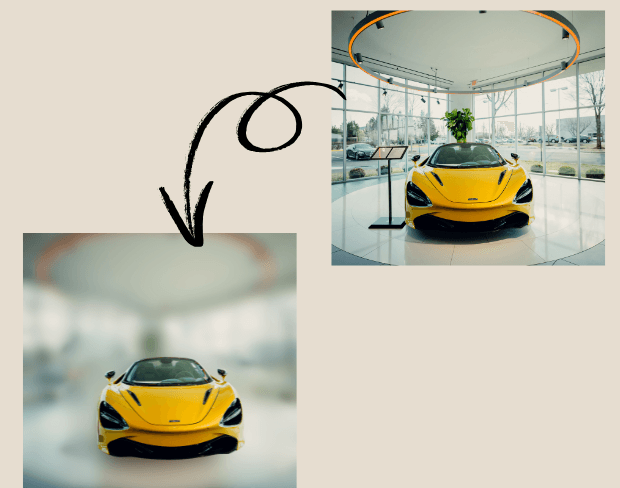
Batch Blur Multiple Vehicle Clips Quickly
Dealerships often showcase dozens of cars. Our tool supports batch processing to blur portion of video or entire backgrounds across multiple clips simultaneously. Perfect for prepping promotional videos or inventory listings, ensuring consistency and saving time in post-production for every car.
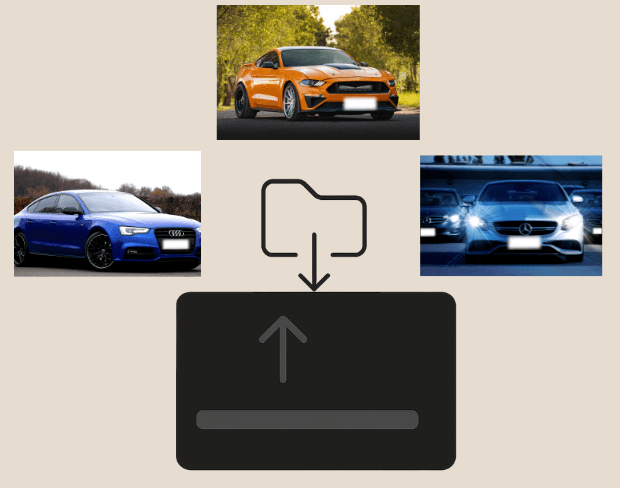
Blur Sensitive Information Securely
Protect privacy in videos by blurring license plates, personal items, or bystanders. Blur face in video or use background blur AI to hide any sensitive content while keeping your dealership videos professional and viewer-focused, ensuring compliance and polished presentation for all platforms.
Export Car Videos in Multiple Formats
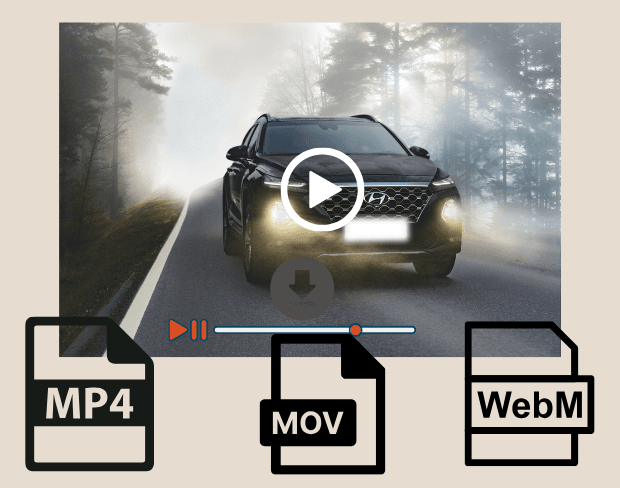
After editing, export your blurred background videos in MP4, MOV, or WebM. Our AI blur background tool ensures HD-ready, platform-ready videos for YouTube, Instagram, or your dealership website. Smooth video bg blur and flexible output options make showcasing your inventory effortless and professional.
Blur Your Car Video Backgrounds Now
Start creating professional automotive showcase videos instantly with our free AI-powered background blur tool.
Blur car video background now