Get AI Insights From Your Video
Ask questions, get instant summaries, and search inside any video with AI.
Try it free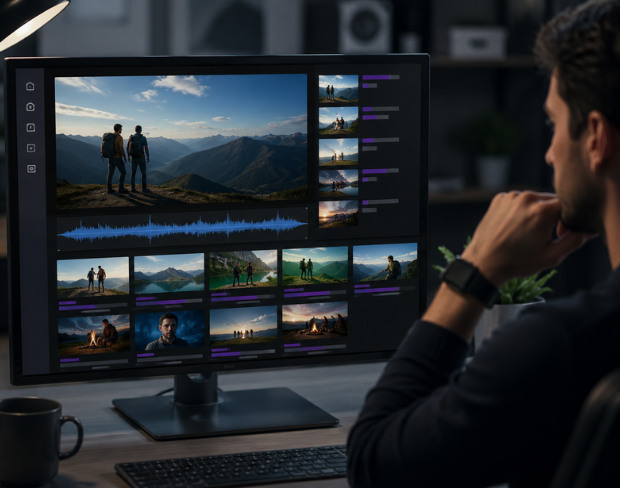
AI Video Indexing With Instant Summaries
Upload a video and Video Intelligence automatically indexes it by transcribing the audio and analyzing the visual content in chunks. Once indexing is complete, you get an automatic summary covering the main scene, people, objects, actions, and key events, along with 3-5 key highlights pulled straight from the footage. There's no manual tagging or scrubbing through the timeline required.
Ask a Question, Get a Direct Answer
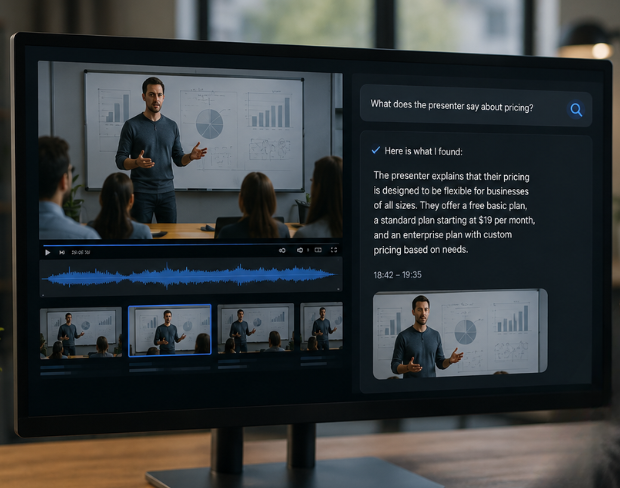
Instead of watching an entire video to find one detail, type a specific question like "What brands or logos appear?" or "What does the presenter say about pricing?" and let the AI search the video for you. Once indexing finishes, the answer is generated automatically based on both what was said and what was shown, so you get the exact information you need without rewatching anything.
Keep Chatting With Your Video
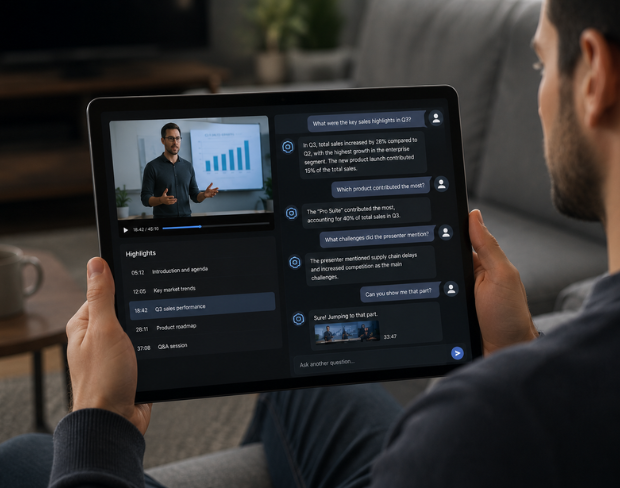
The conversation doesn't stop at the first answer. Once a video is indexed, you can keep asking unlimited follow-up questions and dig deeper into specific moments, topics, or moments, just like chatting with someone who has already watched the whole thing. This makes it easy to explore a video from multiple angles without re-uploading or re-indexing.
Built for Meetings, Research, and Content Teams
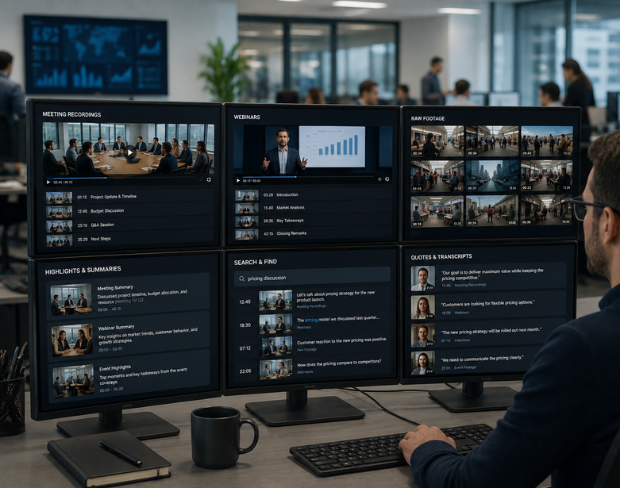
Video Intelligence is built for anyone who doesn't have time to rewatch footage. Review long meeting or webinar recordings in minutes, scan raw footage for specific objects or moments as a content moderator or researcher, extract key highlights and summaries from raw clips as a marketer or creator, and search interview or event footage for specific quotes as a journalist or analyst. Anyone who wants a fast, searchable summary instead of watching the whole video can use it.
Works in Your Browser on Any Device
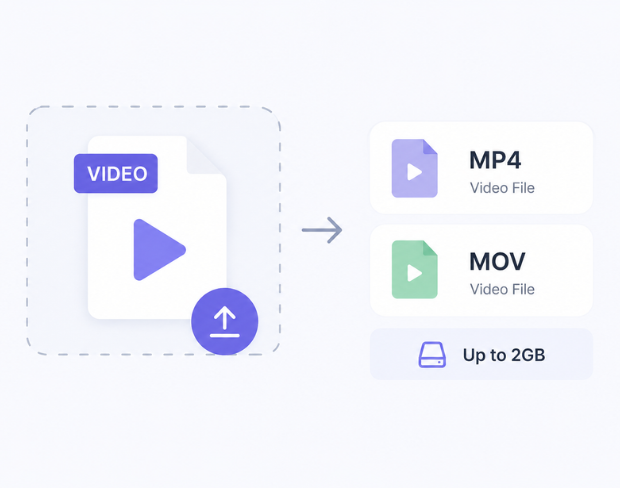
Video Intelligence runs entirely in your browser on mobile phones, tablets, and desktops, with no downloads or software installs required. Just upload your video, choose Search or Analyze mode, and let the AI handle the rest. Supported formats: MP4, MOV videos up to 2GB
Video Intelligence FAQ
Upload a video and BGBlur's AI indexes the audio and visual content automatically. Once indexing finishes, you get the results you asked for — a direct answer to your question, an instant summary, or both.
Search lets you ask a specific question about the video (e.g. "What does the presenter say about pricing?") and get a direct AI-generated answer. Analyze produces an automatic summary of the video — the main scene, people, objects, actions, and 3-5 key highlights. You can select one or both when you upload.
Yes. Once a video is indexed, you can ask unlimited follow-up questions about it — a chat-with-your-video experience — without re-uploading or re-indexing.
Indexing a video costs 10 credits per minute of video, charged once. Asking follow-up questions or re-running Search/Analyze on an already-indexed video is free.
Anyone who needs to get information out of a video without watching the whole thing — reviewing meeting or webinar recordings, researching raw footage, extracting key moments for content, or searching interview footage for specific quotes or topics.
Free plan: up to 500MB and 5 minutes per video. Paid plans: up to 1GB and 10 minutes per video. Supported formats: MP4, MOV.
Yes, BGBlur's AI automatically tracks moving objects, faces, and vehicles. You do not need to manually mask every frame; the motion-aware tracker keeps the blur locked onto the subject as it moves.
BGBlur is a completely web-based tool. You can upload any video or image, select the Face Blur tool, and apply pixelation or blur instantly inside your browser without downloading any apps or plugins.
Absolutely. Our AI is trained specifically to detect and blur license plates in driving footage, dashcams, and street-view videos. It helps creators and transport fleets stay compliant with privacy laws.
Your privacy is our priority. BGBlur leverages advanced client-side technologies to process videos securely. Your files are processed locally in your browser and are never uploaded or stored permanently on external servers.
Yes! BGBlur is fully responsive and optimized for mobile browsers. You can easily blur a video background or pixelate faces directly on your iPhone, iPad, or Android phone.
Limits depend on the feature. Standard video blur tools such as face blur, license plate blur, background blur, blur anything, screen blur, NSFW blur, and face anonymization support up to 200MB and 10 minutes on the free plan, while Pro users get unlimited blur processing with longer video support. Object Remover supports MP4 and MOV videos up to 1GB and 10 seconds per clip. Voice Anon direct uploads support up to 100MB, while the upload/URL workflow supports audio or video files up to 500MB and under 10 minutes.
User Reviews
Share your experience and help others make informed decisions
Write a Review
Community Score
0.0
/ 5
Based on 0 reviews
All Reviews (0)
No reviews yet
Be the first to share your experience and help others make informed decisions!
Ready to blur your video content?
Start protecting privacy and creating professional video blur effects today with our AI-powered tool. No downloads required - blur directly in your browser.
Start Blurring Now