Find Objects in Video With AI
Upload a video and search for people, vehicles, packages, logos, tools, animals, and other visible details using natural-language questions.
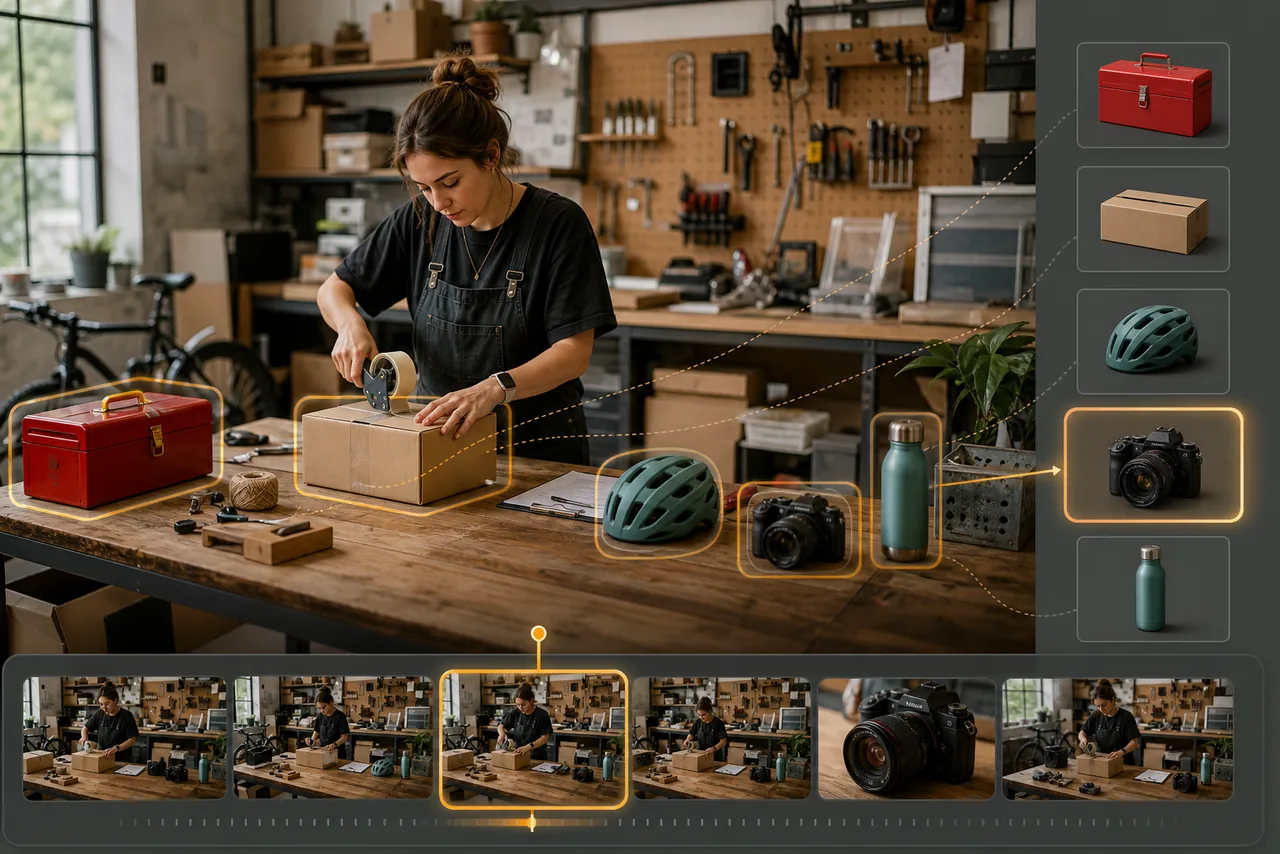
Search what appears on screen
Visual and audio indexing lets you ask about objects and scenes that a transcript alone cannot describe, from a parcel or helmet to a vehicle, animal, logo, or tool.
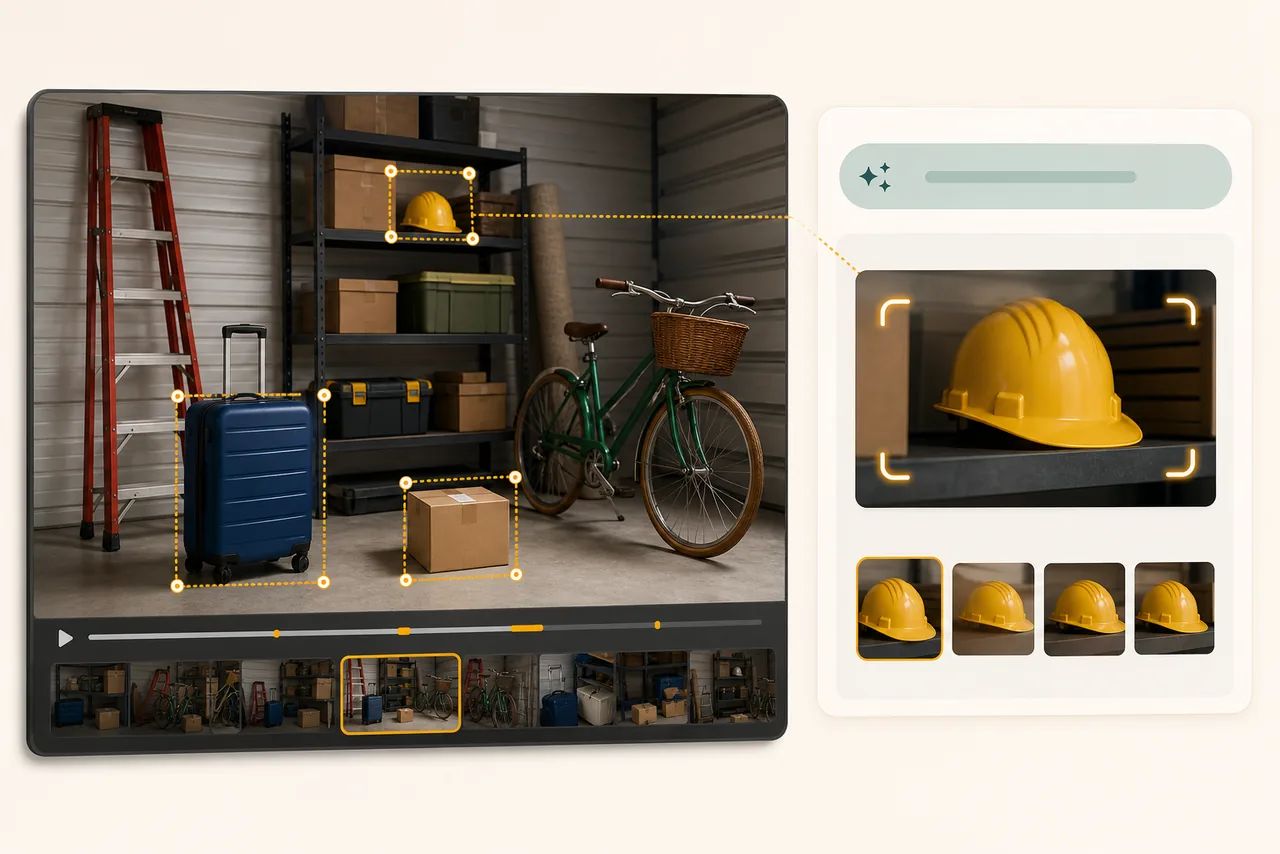
Describe the object in everyday language
Search using the color, category, action, location, or context you remember. Follow-up questions can narrow the result without manual tags or frame-by-frame scrubbing.
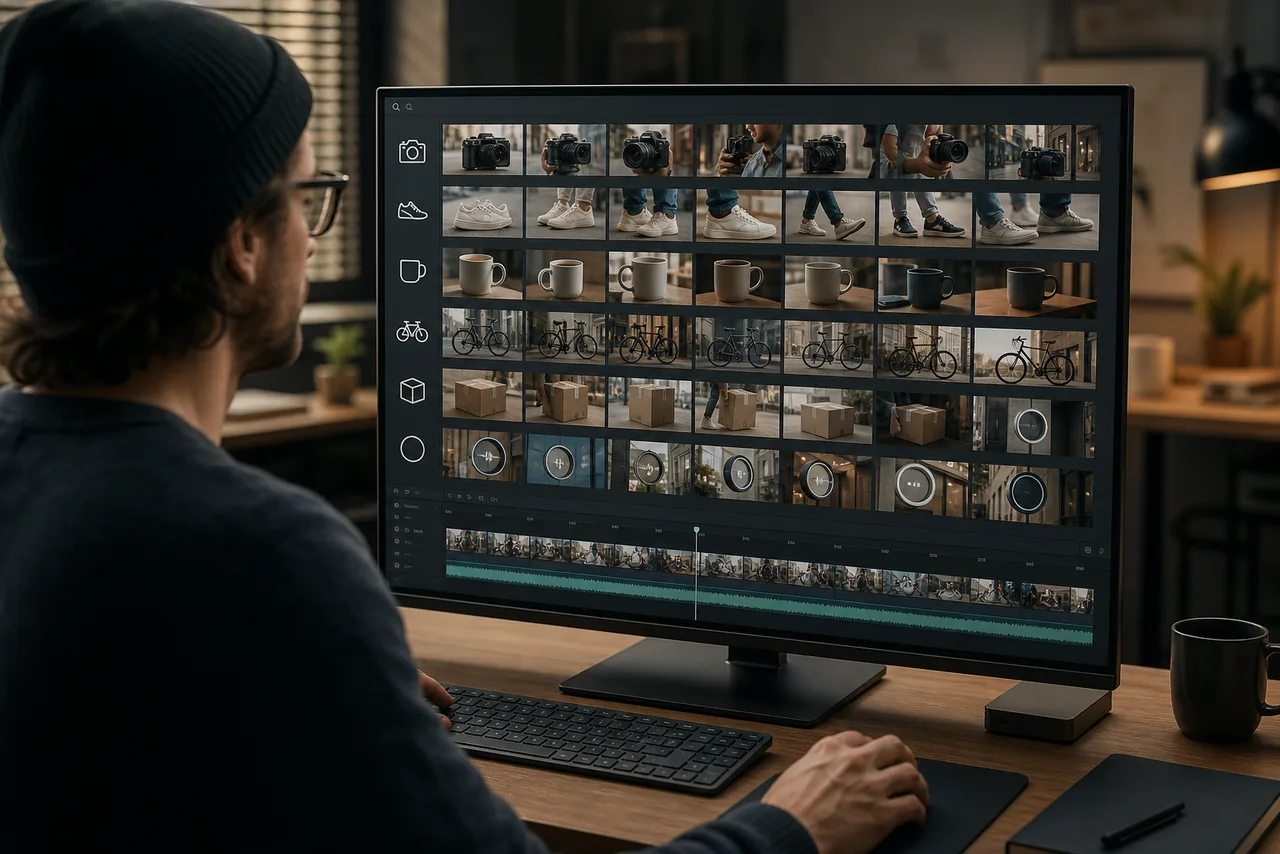
Find moments for editing and privacy
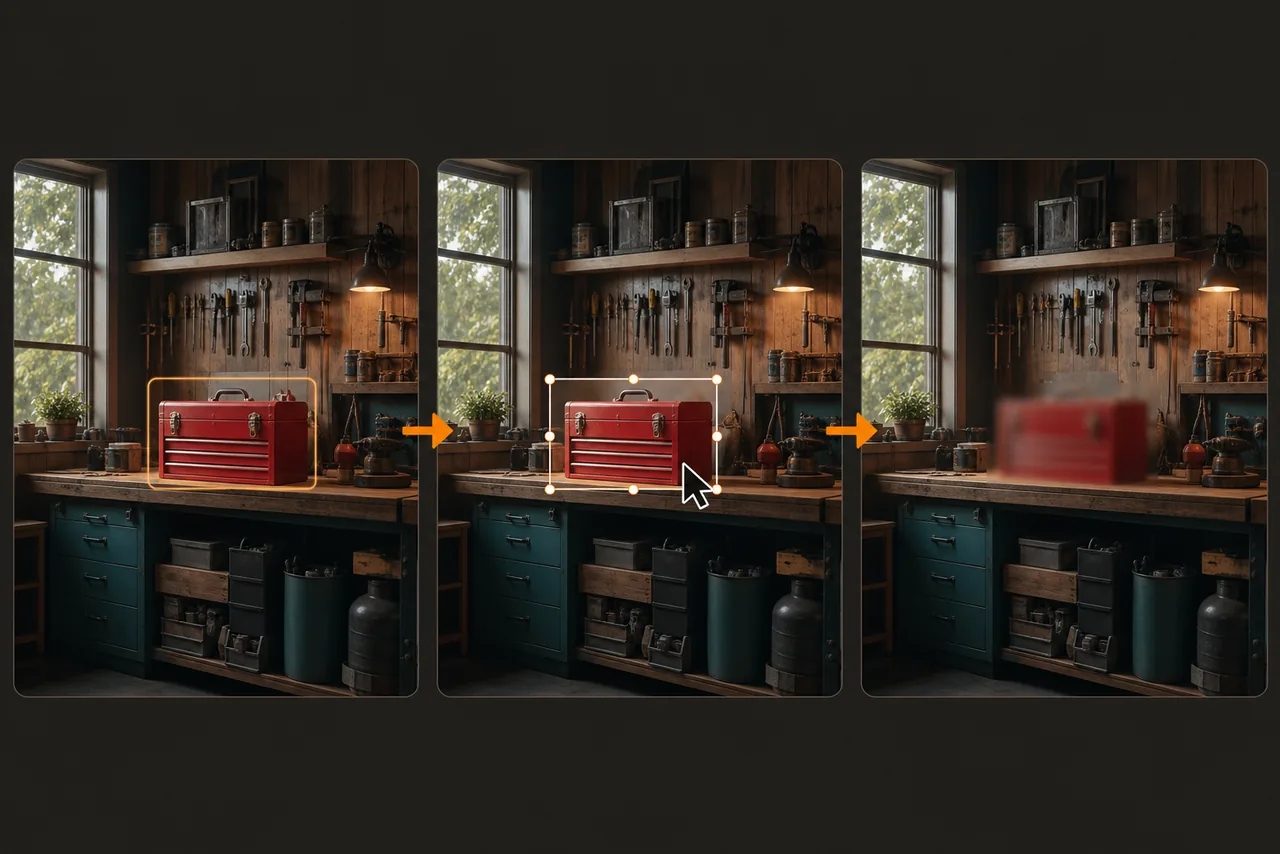
Locate an unwanted logo, private item, face, or plate, confirm it in the source footage, then continue with BGBlur's blur or object-removal tools.
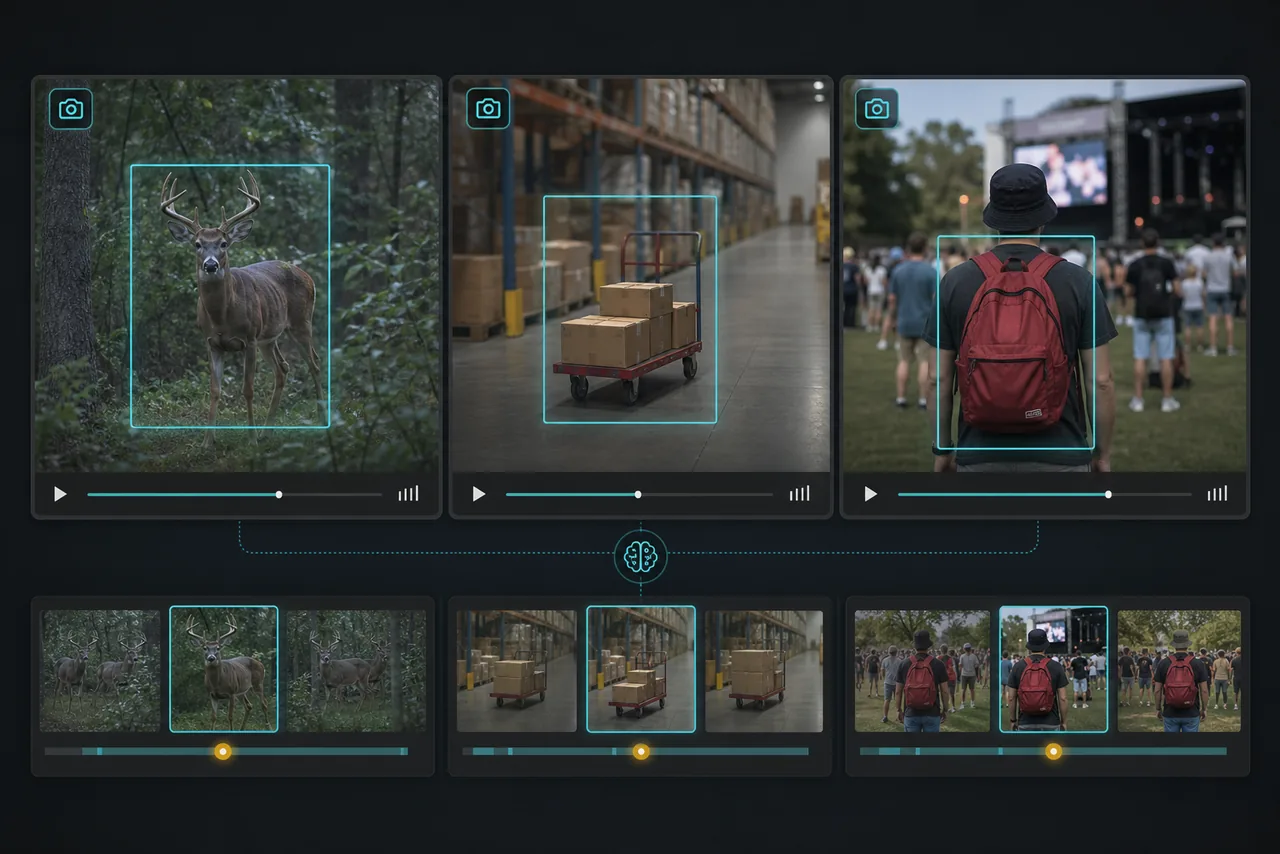
Useful for creators, security, and research
Editors can find product shots and props, reviewers can look for packages or vehicles, and researchers can locate observable scenes in an uploaded recording.
Treat every match as a review lead
Lighting, motion, occlusion, image quality, and brief appearances affect results. AI cannot guarantee detection or prove that an object is absent, so check important findings in the original video.
Frequently Asked Questions
Yes. BGBlur can index sampled visual content and available audio, then answer questions about objects, scenes, and actions in an uploaded video. Verify the result against the source.
You can ask about visible people, vehicles, packages, tools, clothing, logos, animals, signs, products, furniture, and many other scene details.
No. Upload the video and ask natural-language questions using the details you remember.
No. Small, hidden, blurred, fast-moving, or briefly visible objects may be missed. Review the original footage whenever presence or absence matters.
Yes. Finding and editing are separate workflows, but you can continue with BGBlur's Blur Anything or AI Video Object Remover tools.
Yes, BGBlur's AI automatically tracks moving objects, faces, and vehicles. You do not need to manually mask every frame; the motion-aware tracker keeps the blur locked onto the subject as it moves.
BGBlur is a completely web-based tool. You can upload any video or image, select the Face Blur tool, and apply pixelation or blur instantly inside your browser without downloading any apps or plugins.
Absolutely. Our AI is trained specifically to detect and blur license plates in driving footage, dashcams, and street-view videos. It helps creators and transport fleets stay compliant with privacy laws.
Your privacy is our priority. BGBlur leverages advanced client-side technologies to process videos securely. Your files are processed locally in your browser and are never uploaded or stored permanently on external servers.
Yes! BGBlur is fully responsive and optimized for mobile browsers. You can easily blur a video background or pixelate faces directly on your iPhone, iPad, or Android phone.
Limits depend on the feature. Standard video blur tools such as face blur, license plate blur, background blur, blur anything, screen blur, NSFW blur, and face anonymization support up to 200MB and 10 minutes on the free plan, while Pro users get unlimited blur processing with longer video support. Object Remover supports MP4 and MOV videos up to 1GB and 10 seconds per clip. Voice Anon direct uploads support up to 100MB, while the upload/URL workflow supports audio or video files up to 500MB and under 10 minutes.
User Reviews
Share your experience and help others make informed decisions
Write a Review
Community Score
0.0
/ 5
Based on 0 reviews
All Reviews (0)
No reviews yet
Be the first to share your experience and help others make informed decisions!
Ready to blur your video content?
Start protecting privacy and creating professional video blur effects today with our AI-powered tool. No downloads required - blur directly in your browser.
Find Objects in a Video