AI Incident Report Generator From Video
Turn uploaded CCTV, dashcam, bodycam, and workplace clips into a structured, timestamped incident-report draft for human review.
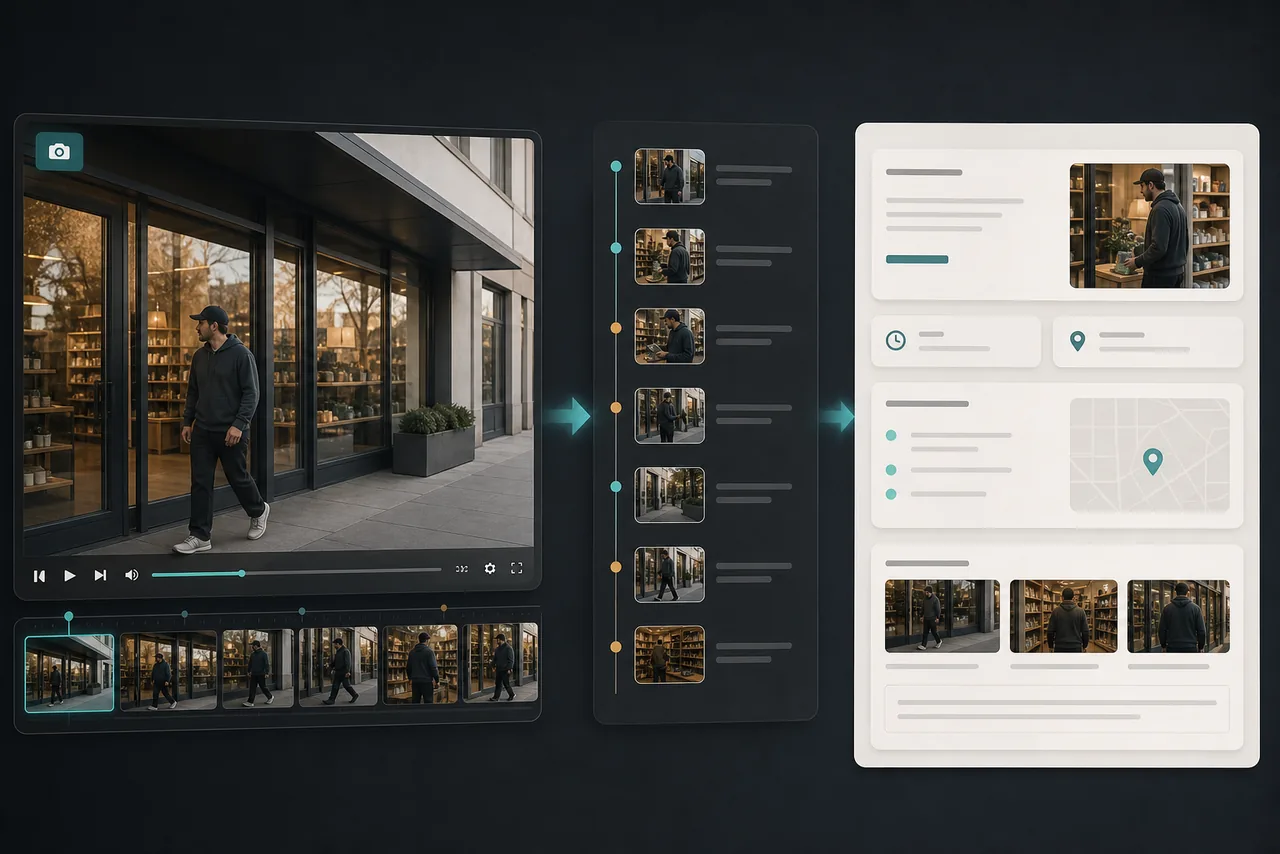
Turn Video Analysis Into a Structured Draft
Choose the AI Incident Report workflow in Video Intelligence to organize an uploaded clip into an executive summary, recording context, observed people, vehicles and objects, key observations, and items requiring verification.
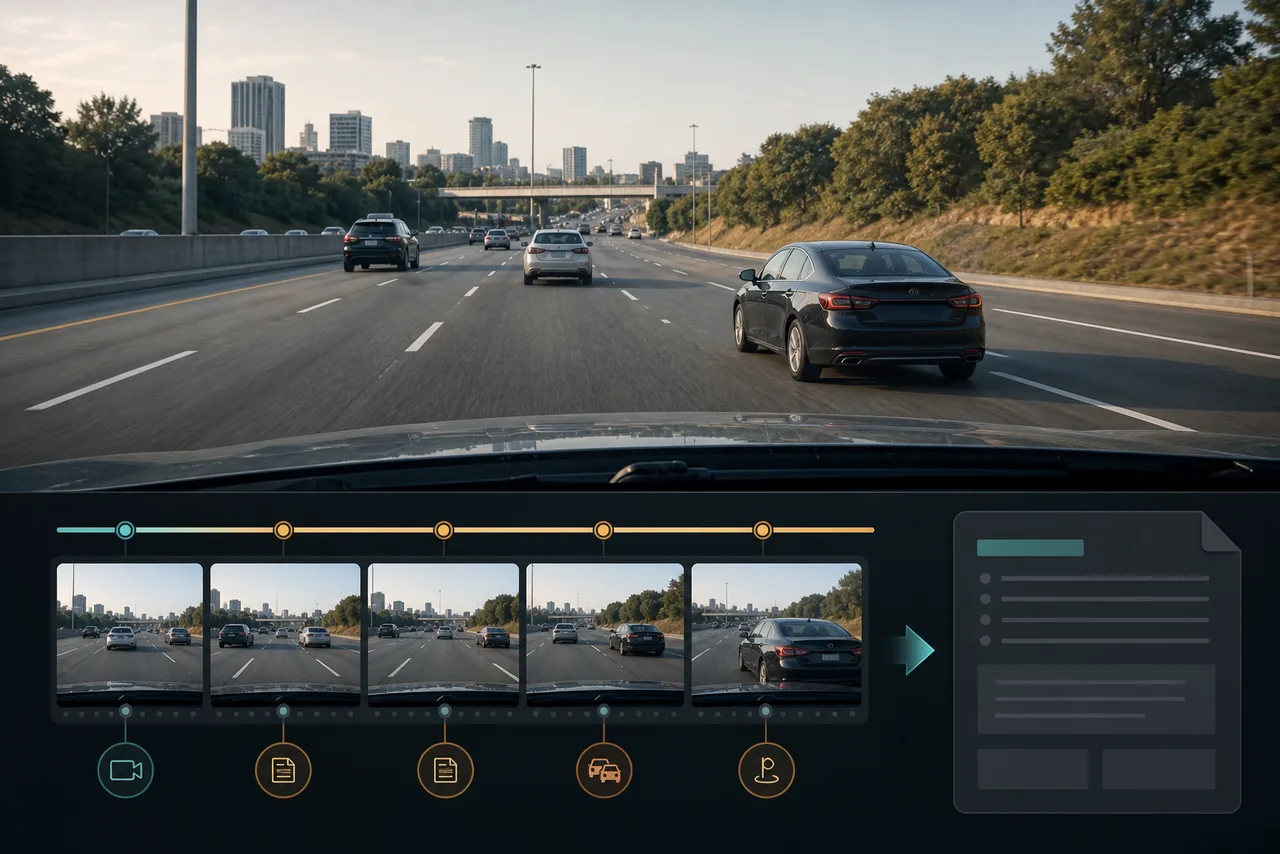
Build a Chronological Incident Timeline
The generated draft arranges important moments with timestamps so reviewers can understand what happened before, during, and after an event without relying on an unstructured block of AI text.
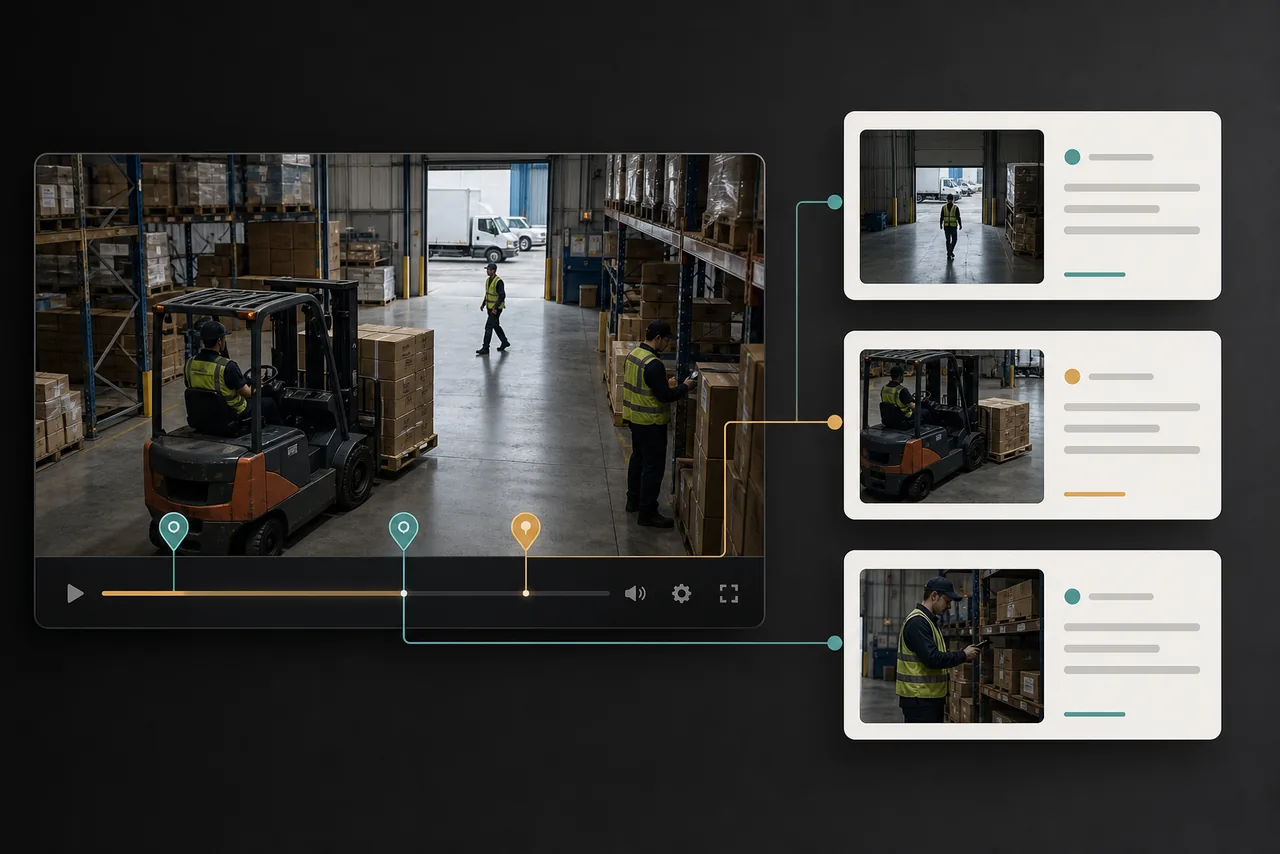
Link Findings Back to Supporting Moments
Each report finding is designed to point back to the relevant video moment or extracted clip. This makes verification easier and keeps the draft connected to its source instead of presenting unsupported conclusions.
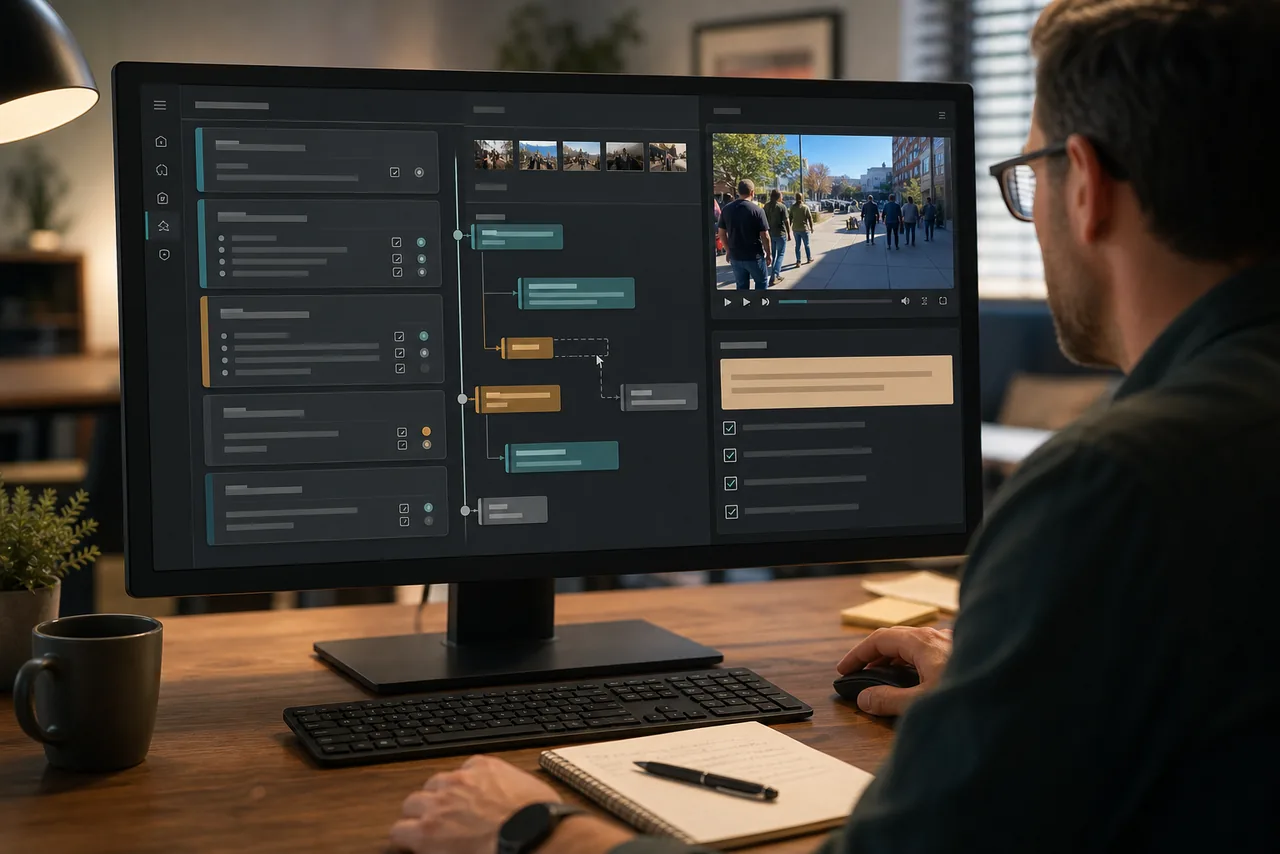
Edit, Correct, and Verify Every Detail
The output remains a human-reviewed draft. Correct descriptions, remove irrelevant findings, add notes, and confirm every important detail against the original recording.
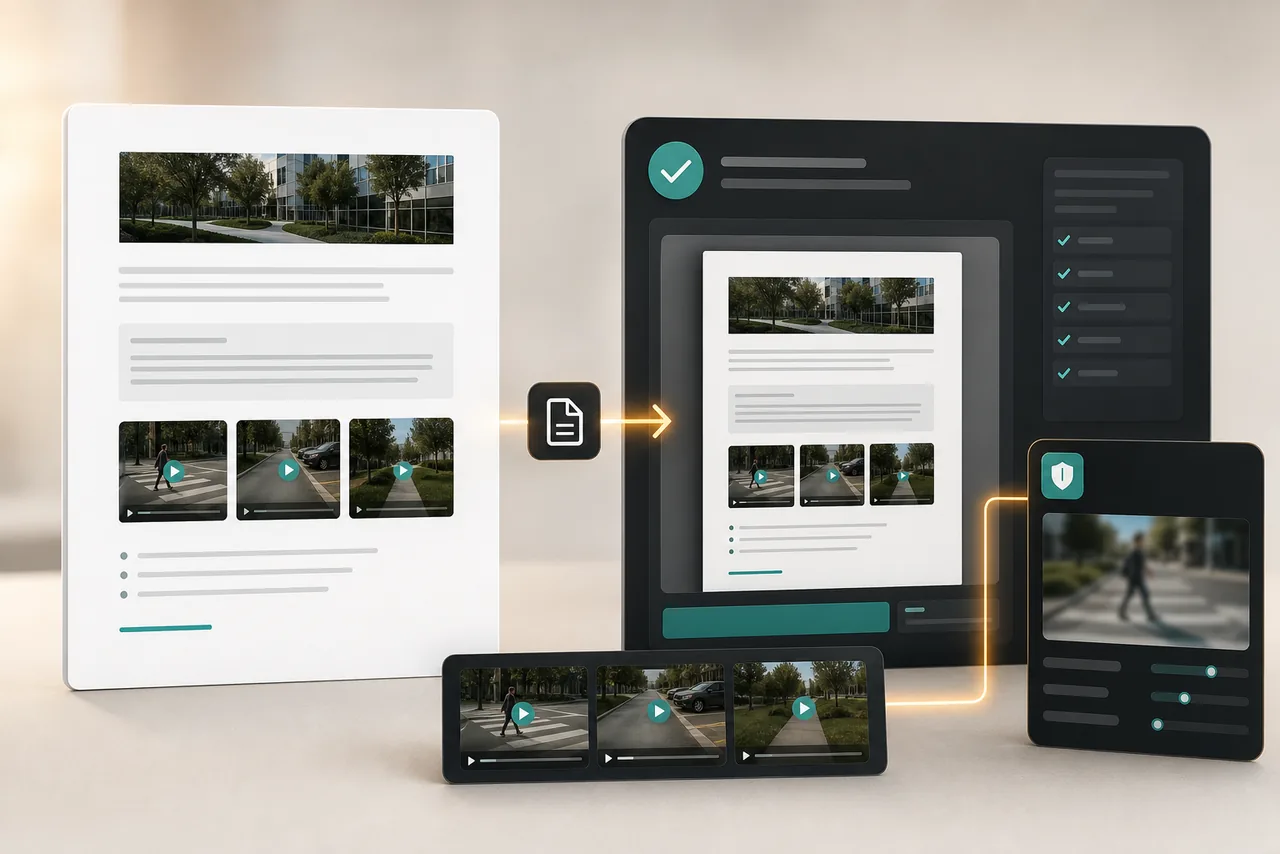
Prepare a Privacy-Conscious Handoff
After reviewing the report, use BGBlur's face, plate, and object-blur tools before a derivative clip is shared. Preserve the original recording separately.
AI Incident Report Generator FAQs
Yes. Open Video Intelligence, upload a clip, and choose the AI Incident Report workflow to generate a structured, timestamped draft.
It is designed for uploaded CCTV, dashcam, bodycam, workplace, property, and other incident-related MP4 or MOV clips rather than live camera feeds.
No. It is an editable review aid, not a certified transcript, legal conclusion, policy determination, or substitute for qualified human investigation.
The draft includes timestamps and key supporting observations so reviewers can verify wording against the original recording.
Go to /dashboard/video-intelligence, upload a clip, choose AI Incident Report, and review the generated draft and key moments.
Yes, BGBlur's AI automatically tracks moving objects, faces, and vehicles. You do not need to manually mask every frame; the motion-aware tracker keeps the blur locked onto the subject as it moves.
BGBlur is a completely web-based tool. You can upload any video or image, select the Face Blur tool, and apply pixelation or blur instantly inside your browser without downloading any apps or plugins.
Absolutely. Our AI is trained specifically to detect and blur license plates in driving footage, dashcams, and street-view videos. It helps creators and transport fleets stay compliant with privacy laws.
Your privacy is our priority. BGBlur leverages advanced client-side technologies to process videos securely. Your files are processed locally in your browser and are never uploaded or stored permanently on external servers.
Yes! BGBlur is fully responsive and optimized for mobile browsers. You can easily blur a video background or pixelate faces directly on your iPhone, iPad, or Android phone.
Limits depend on the feature. Standard video blur tools such as face blur, license plate blur, background blur, blur anything, screen blur, NSFW blur, and face anonymization support up to 200MB and 10 minutes on the free plan, while Pro users get unlimited blur processing with longer video support. Object Remover supports MP4 and MOV videos up to 1GB and 10 seconds per clip. Voice Anon direct uploads support up to 100MB, while the upload/URL workflow supports audio or video files up to 500MB and under 10 minutes.
User Reviews
Share your experience and help others make informed decisions
Write a Review
Community Score
0.0
/ 5
Based on 0 reviews
All Reviews (0)
No reviews yet
Be the first to share your experience and help others make informed decisions!
Ready to blur your video content?
Start protecting privacy and creating professional video blur effects today with our AI-powered tool. No downloads required - blur directly in your browser.
Generate an Incident Report