Blur Video Background
Blur video backgrounds instantly for focused, distraction-free visuals.
How to Use BG Blur
Get started with our simple 3-step process
Upload your video to our AI video blur editor
Upload your video to our AI video blur editor.
Select what to blur: background, faces, license plates, or objects
Pick the blur mode that fits your use case and adjust intensity for a natural result.
Download your professionally blurred video with privacy protection
Export and download your processed video in just a few clicks.
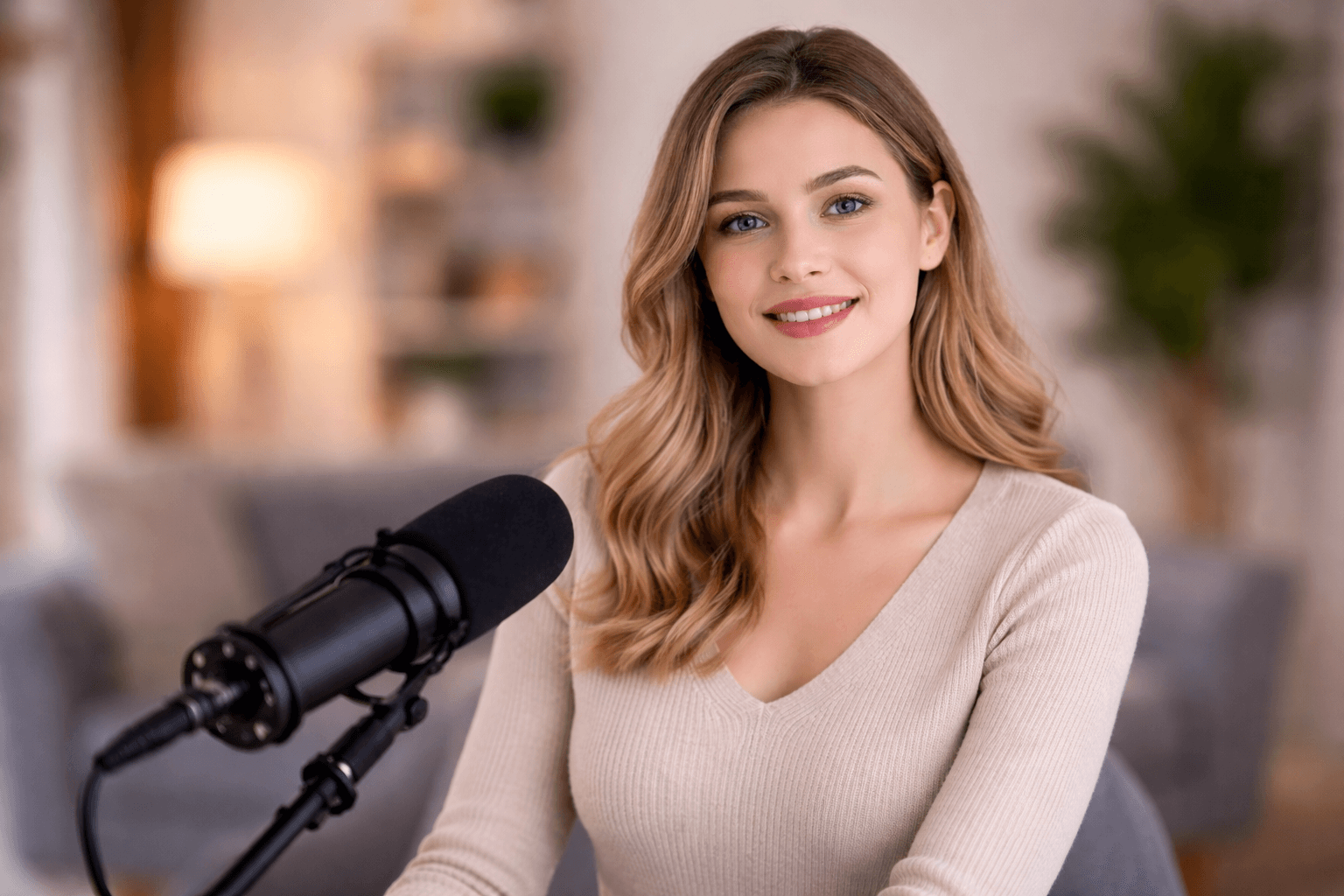
Smart Blur Video Background Tool
Blur video background automatically to remove unwanted distractions and keep attention on your subject. This AI background blur works smoothly across different environments and lighting conditions, helping you create professional-looking videos without complex editing or tools.
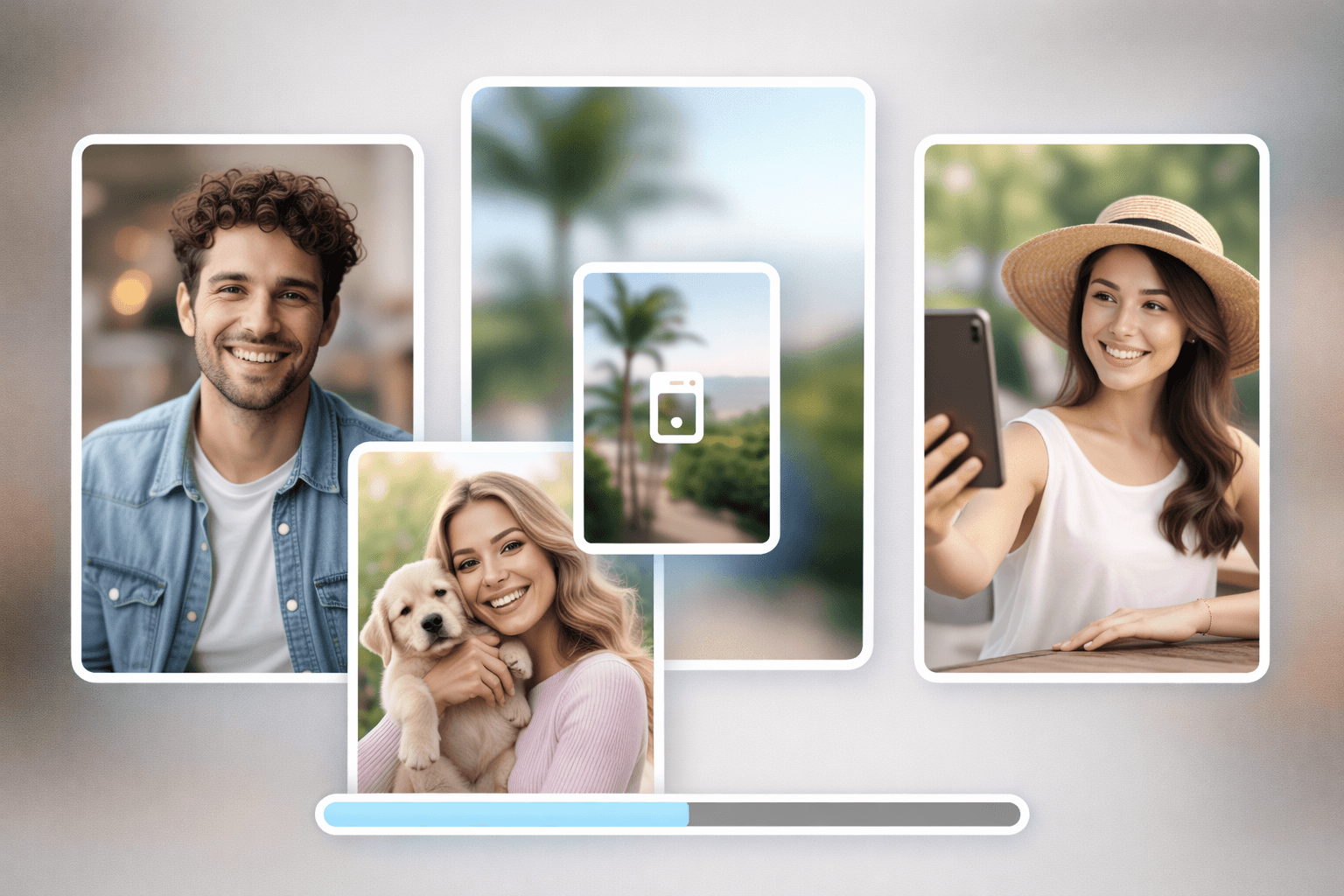
Blur Background of Photos in Seconds
Along with videos, you can easily blur photo backgrounds online. Upload an image to blur the background and highlight the main subject effortlessly. Whether you want to blur the background of a photo, blur a picture, or blur an image background, BGBlur delivers clean and accurate results instantly.
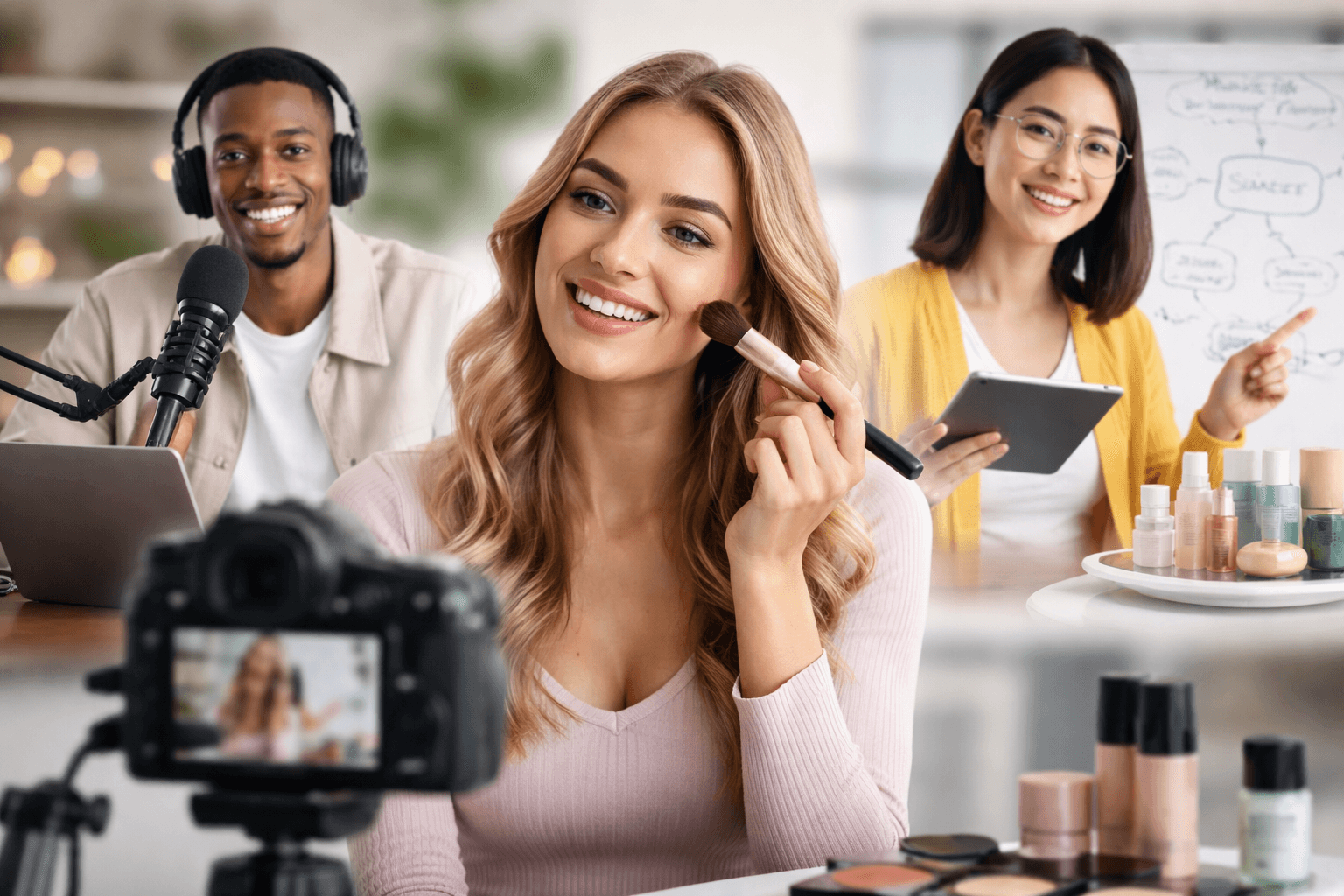
Privacy-Safe Background Blur for Content Creators & More.
BGBlur is designed for creators across industries. Use blur video background for hairstyle tutorials, news videos, online teaching, interviews, presentations, reels, product showcases, and more. This background blur video feature helps your content stay clean, professional, and viewer-focused.
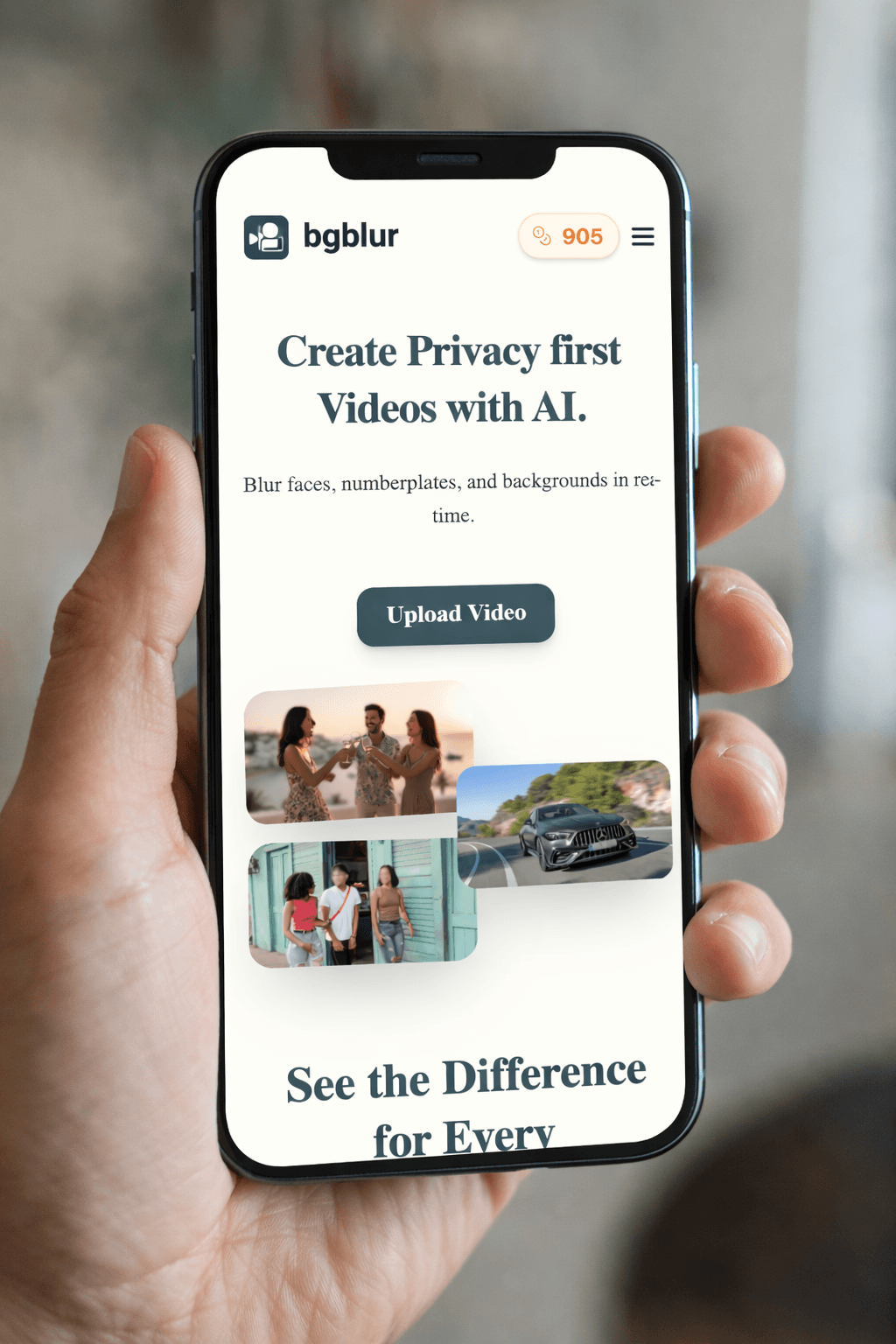
Blur Background Online Works on Any Device
BGBlur works directly in your browser on mobile phones, tablets, and desktops. There's no need to download any app or software to blur video or blur images. Just upload your file, apply AI background blur, and download the result instantly.
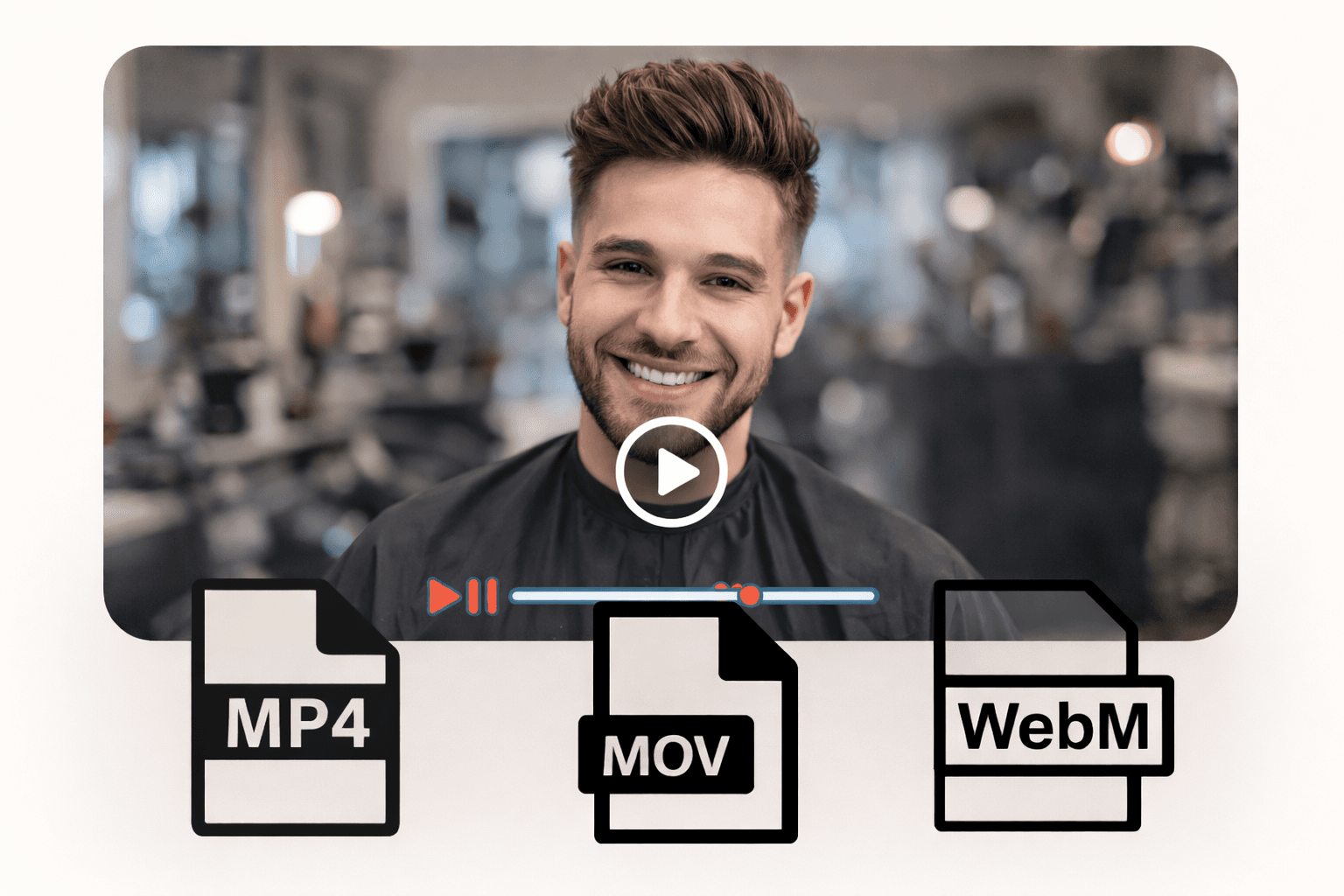
Supports Popular Video & Image Formats
Blur background video and images without worrying about compatibility. BGBlur supports commonly used formats for smooth uploads and exports. Supported formats: MP4, MOV videos PNG, JPG, JPEG, GIF, WebP images
What Makes BGBlur Different for Video Background Blur?
BGBlur creates AI background blur for existing videos, keeping people sharp while softening cluttered rooms, offices, streets, and creator setups.
Subject-aware blur
AI separates the subject from the background so the person remains clear while the background softens.
Professional look online
Create video background blur, depth-of-field, and bokeh-style edits without camera gear or desktop software.
Useful for creators
Improve talking-head videos, reaction clips, tutorials, interviews, webinars, and social content.
Privacy benefit
Hide distracting or sensitive room details while keeping the speaker visible.
Adjustable workflow
Use background blur intensity and previews to balance polish with natural-looking footage.
Mobile-friendly
Blur video background online from a browser on common devices.
AI Video Background Blur That Keeps Subjects Sharp
BGBlur softens distracting video backgrounds while preserving the foreground subject. It helps creators improve talking-head clips, webinars, tutorials, interviews, and home-office recordings after they are filmed.
Upload an existing video, apply subject-aware background blur, preview the result, and export a cleaner clip without a green screen, DSLR lens, or complex editing timeline.
Powered by BGBlur background blur
Video Background Blur FAQ
Yes. Upload an existing clip to BGBlur and apply AI video background blur without reshooting or using a green screen.
BGBlur is designed to keep the foreground subject clear while softening the background behind them. If you also need face blur on other people in the video, that can be applied in the same workflow.
Talking-head videos, tutorials, webinars, interviews, reaction videos, remote work clips, and social posts often benefit from background blur. For still images, try image background blur.
Free plan: up to 1GB and 5 min per video. Paid plans: up to 2.5GB and 10 minutes per video. Supported formats: MP4, MOV, M4V.
Yes, BGBlur's AI automatically tracks moving objects, faces, and vehicles. You do not need to manually mask every frame; the motion-aware tracker keeps the blur locked onto the subject as it moves.
BGBlur is a completely web-based tool. You can upload any video or image, select the Face Blur tool, and apply pixelation or blur instantly inside your browser without downloading any apps or plugins.
Absolutely. Our AI is trained specifically to detect and blur license plates in driving footage, dashcams, and street-view videos. It helps creators and transport fleets stay compliant with privacy laws.
Your privacy is our priority. BGBlur leverages advanced client-side technologies to process videos securely. Your files are processed locally in your browser and are never uploaded or stored permanently on external servers.
Yes! BGBlur is fully responsive and optimized for mobile browsers. You can easily blur a video background or pixelate faces directly on your iPhone, iPad, or Android phone.
Limits depend on the feature. Standard video blur tools such as face blur, license plate blur, background blur, blur anything, screen blur, NSFW blur, and face anonymization support up to 500MB and 5 minutes on the free plan, or up to 1GB and 10 minutes on paid plans. Object Remover supports MP4 and MOV videos up to 1GB and 10 seconds per clip. Voice Anon direct uploads support up to 100MB, while the upload/URL workflow supports audio or video files up to 500MB and under 10 minutes.
User Reviews
Share your experience and help others make informed decisions
Write a Review
Community Score
0.0
/ 5
Based on 0 reviews
All Reviews (0)
No reviews yet
Be the first to share your experience and help others make informed decisions!
Ready to blur your video content?
Start protecting privacy and creating professional video blur effects today with our AI-powered tool. No downloads required - blur directly in your browser.
Start Blurring Now