Blur License Plate in Video and Images with AI
Protect vehicle privacy by blurring license plates in images and videos instantly using AI.
How to Use BG Blur
Get started with our simple 3-step process
Upload your video to our AI video blur editor
Upload your video to our AI video blur editor.
Select what to blur: background, faces, license plates, or objects
Pick the blur mode that fits your use case and adjust intensity for a natural result.
Download your professionally blurred video with privacy protection
Export and download your processed video in just a few clicks.
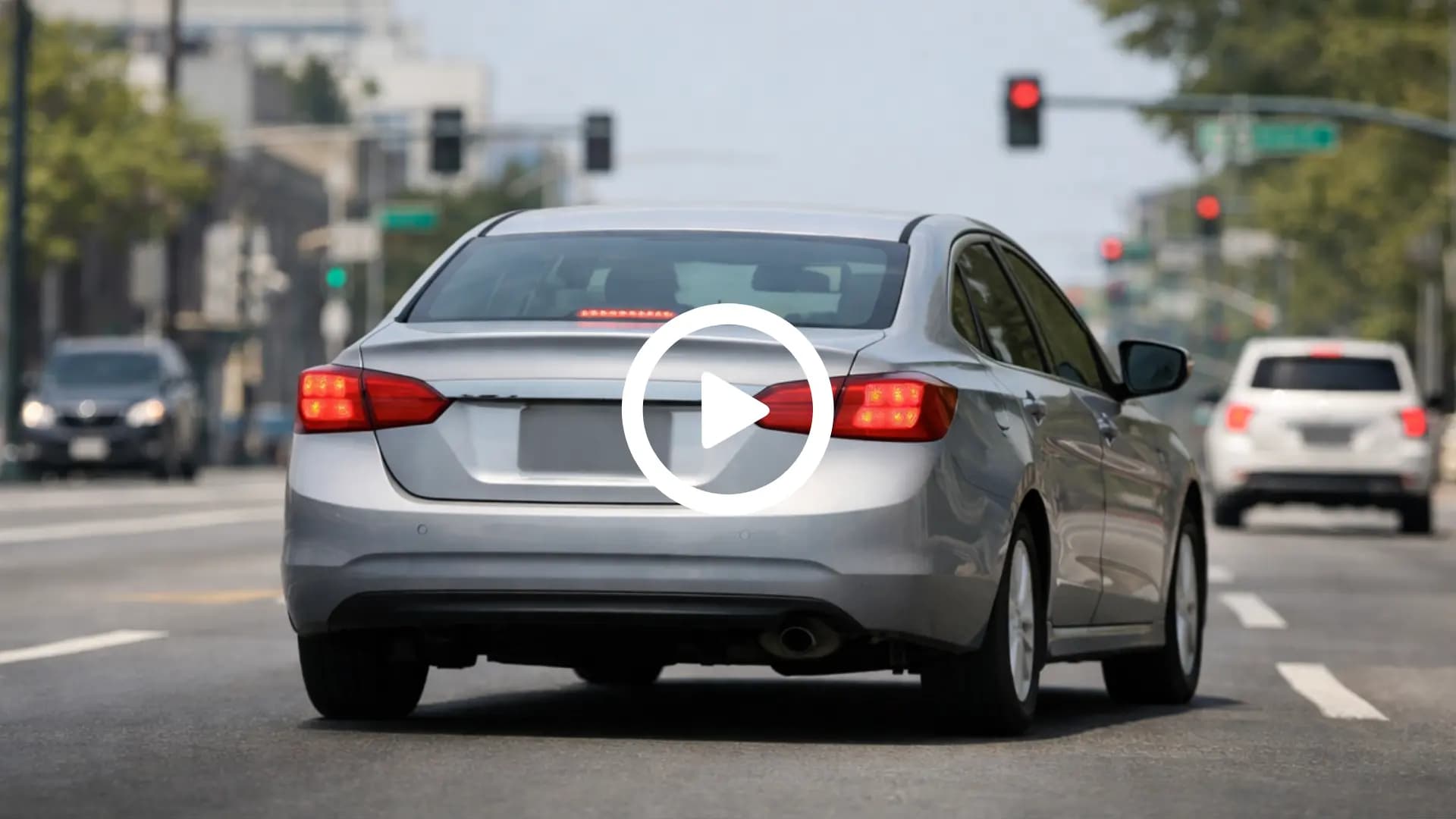
Blur License Plate in Video with Automatic Tracking
Blur license plates in videos accurately, even when vehicles are moving or camera angles change. The AI detects number plates frame by frame and keeps them consistently blurred throughout the entire video, preventing missed frames and uneven masking. The tool works smoothly for both short clips and long recordings, allowing you to blur license plates online without drawing boxes manually. Results stay clean and professional from start to finish.
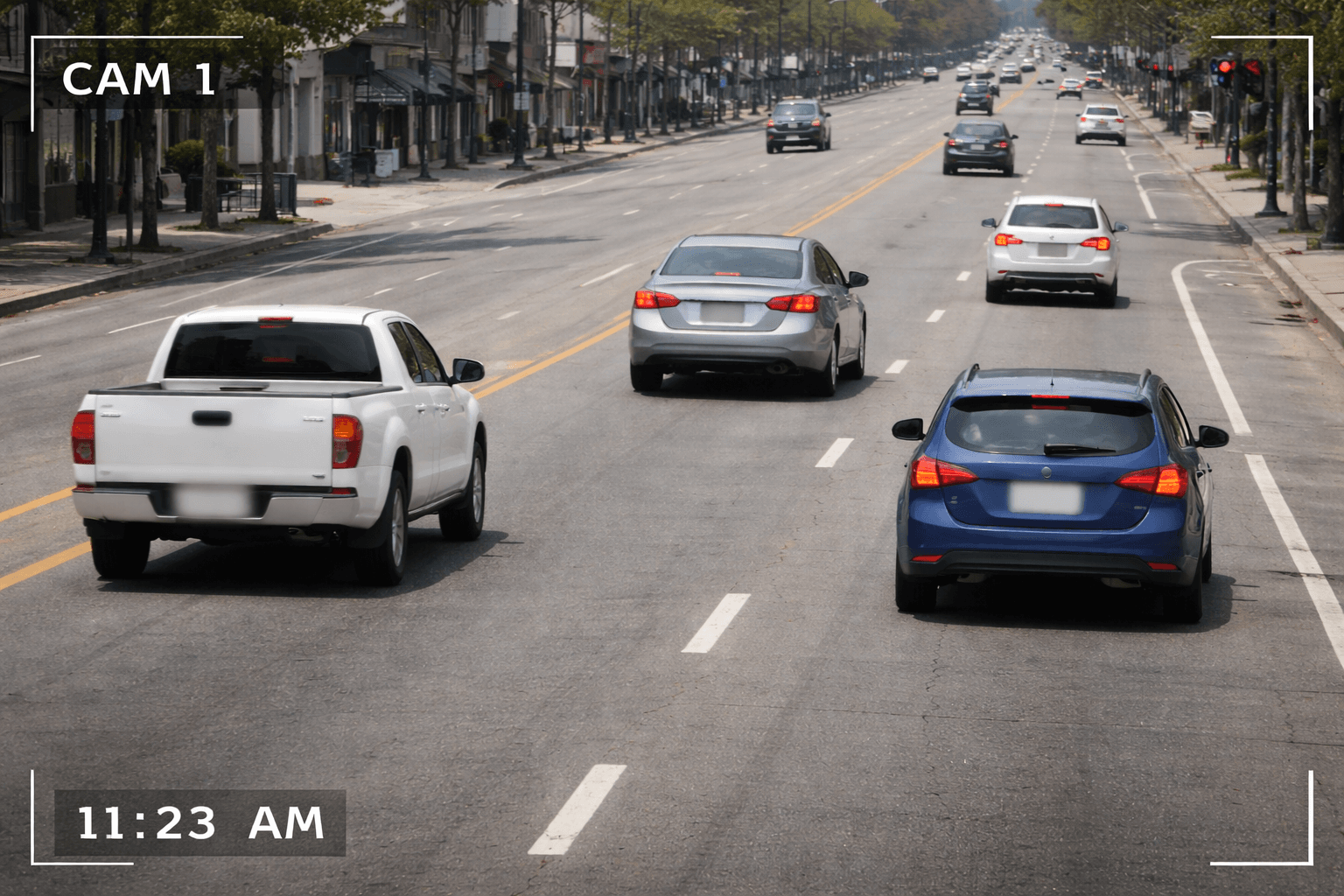
Blur License Plate in Photo Online with Precision
Blur license plates in photos instantly by uploading an image to this online blur tool. The AI identifies number plates in car photos, parking images, street scenes, and vehicle documents, applying a clear license plate blur while keeping the rest of the image sharp. This helps prevent unintentional exposure of vehicle details and requires no photo editing experience.
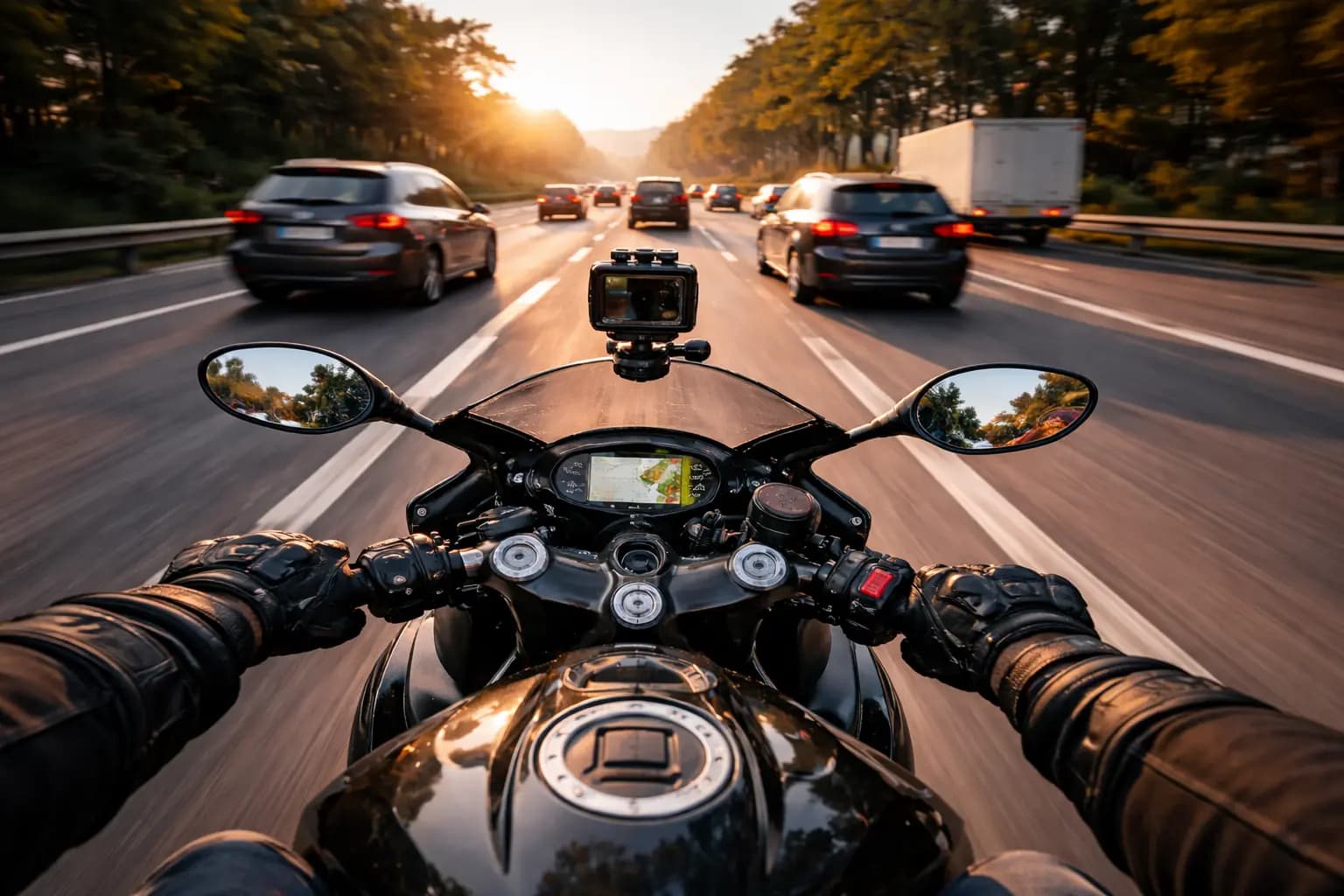
Privacy-Focused Use Cases for Content and Compliance
This online license plate blur tool is designed to protect privacy across a wide range of real-world scenarios. Content creators can blur license plates before publishing videos or images. Businesses can secure customer data in real estate listings, delivery footage, and ride-sharing visuals. Journalists and media teams can safely publish public recordings, while individuals can share vehicle photos without revealing sensitive information. Ideal for meeting privacy and data-protection requirements.
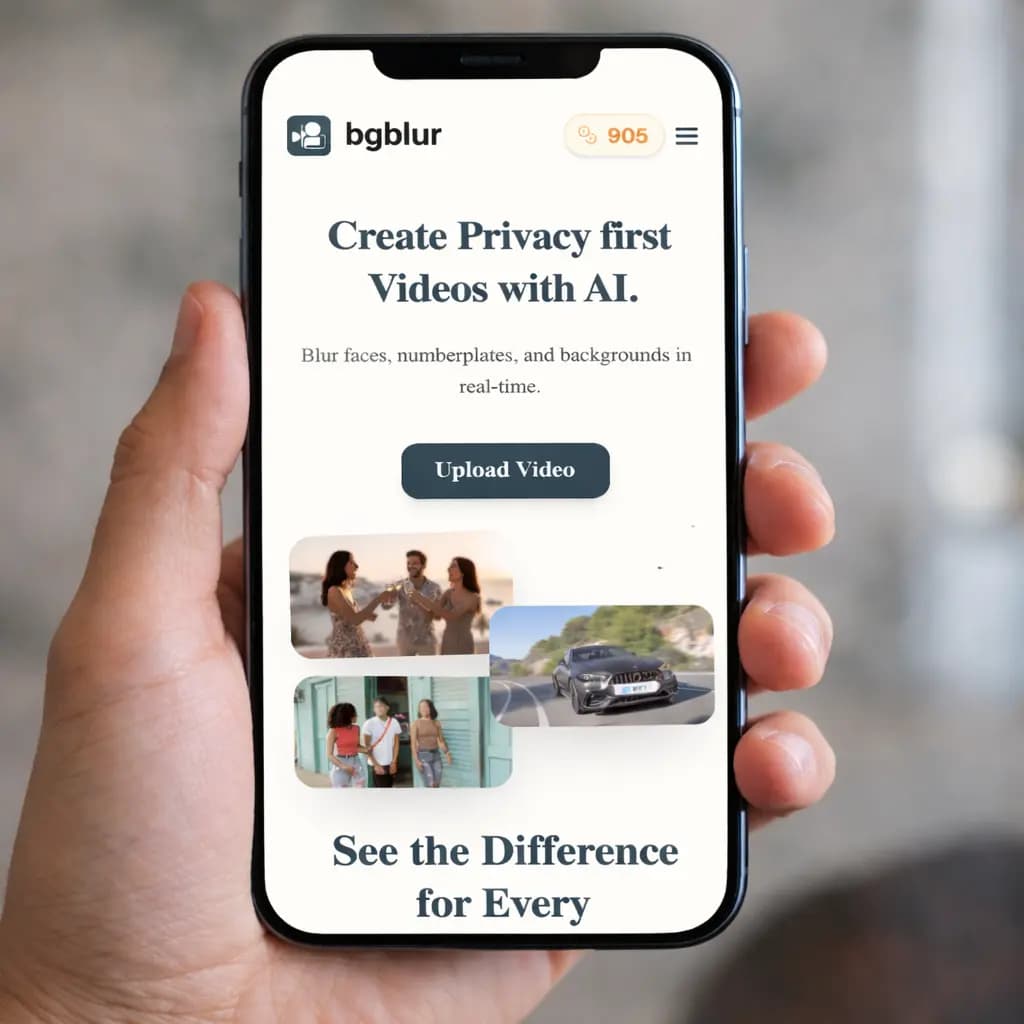
Use on Mobile and Desktop — No App Required
Blur license plates directly from your phone, tablet, or desktop browser. This web-based number plate blur tool works without installing any apps or software. You can blur license plates in images or videos anytime, anywhere. It’s optimized for mobile use, runs smoothly on all modern browsers, and requires no storage space or updates. Just upload, blur, and download.
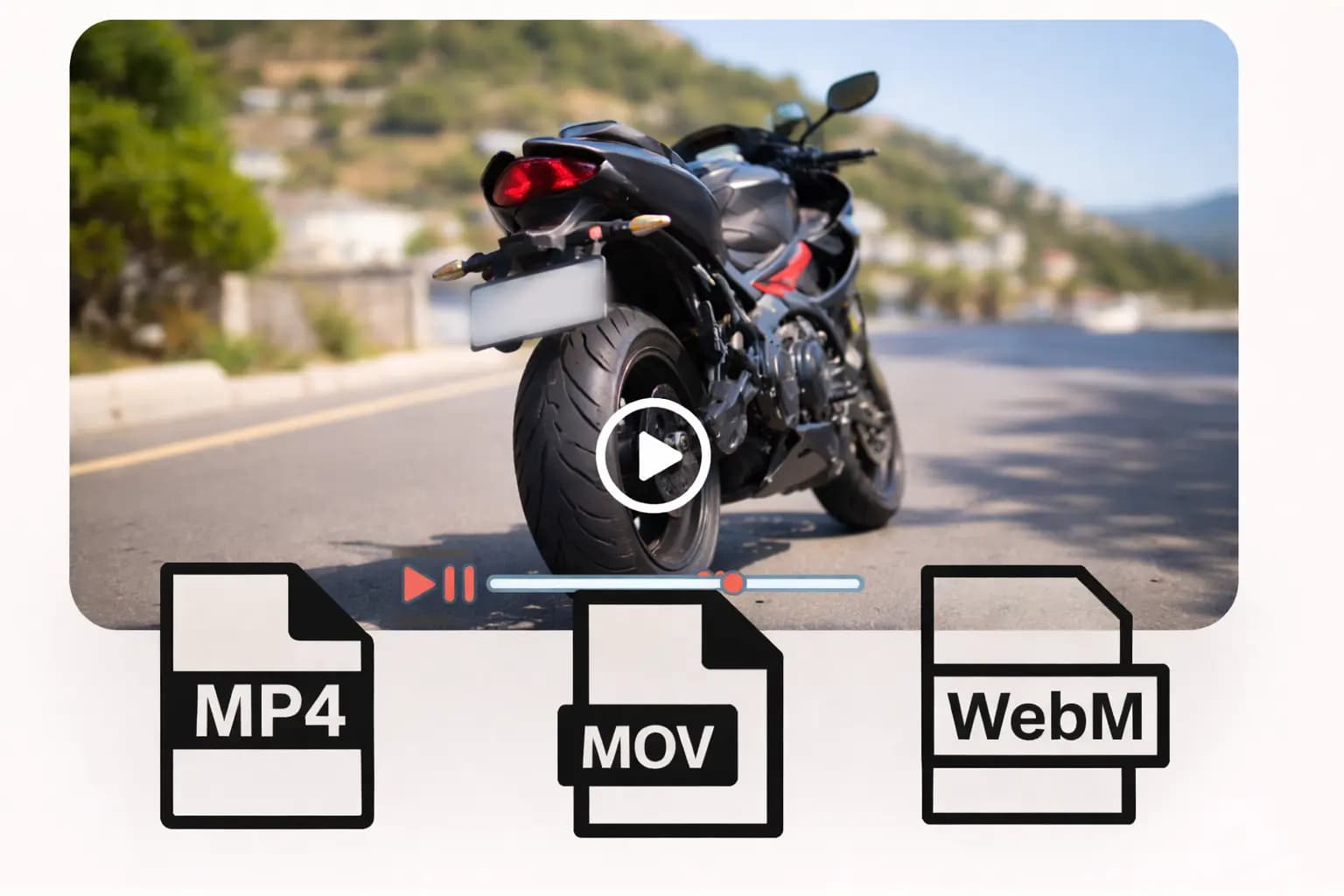
Supports Popular Video and Image Formats
The license plate blur editor supports MP4 and MOV videos for seamless processing, along with PNG, JPG, JPEG, GIF, and WebP images. This broad format compatibility allows you to blur number plates in videos and images from any source without file conversion, while maintaining consistent quality across all supported formats.
Automatic License Plate Blur for Dashcam and Fleet Video
Automatic license plate blur video processing is built for exactly this use case: dashcam footage, fleet and delivery video, insurance claims, and rideshare recordings where every visible plate needs to be masked before the clip goes anywhere. Upload the full recording and every number plate blur video pass is handled automatically — no manual boxing, no missed frames as vehicles move through the shot.
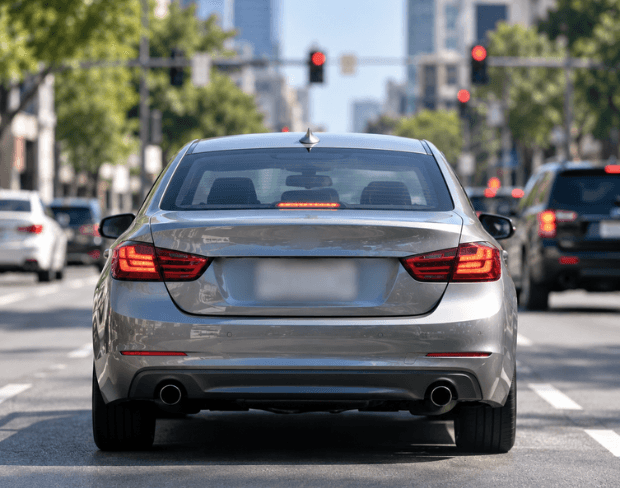
Blur a License Plate in a Video, Step by Step
If you're looking up how to blur a license plate in a video or how to blur out a license plate in a video, the process here is the same either way: upload the clip, let the AI find every plate, and download the result with plates blurred throughout. Works for a single frame or a full-length video, and covers both a stationary vehicle and plates moving through traffic.
What Makes BGBlur Different for License Plate Blur?
BGBlur is built to blur license plates in video automatically, especially for dashcam footage, street videos, fleet recordings, and automotive content.
AI plate detection
Automatically find readable license plates in video instead of masking every vehicle manually.
Frame-by-frame tracking
License plate blur follows moving cars, changing angles, and traffic scenes across the clip.
Dashcam-ready workflow
Designed for dashcam video blur, road footage, fleet reviews, parking lots, and public street recordings.
Privacy-safe publishing
Reduce exposure of vehicle identifiers before sharing footage online or internally.
Online processing
Blur number plates in video from the browser without a desktop editing setup.
Pairs with face blur
Combine license plate blur with face blur when footage includes both people and vehicles.
Automatic License Plate Blur for Video and Images
BGBlur detects and blurs license plates in dashcam footage, street videos, fleet recordings, car photos, and parking scenes. It is designed to reduce exposure of readable vehicle identifiers before content is shared.
Upload footage, let AI locate number plates, and export a redacted version with consistent plate blur across moving vehicles and changing camera angles.
Powered by BGBlur license plate blur
License Plate Blur FAQ
BGBlur detects visible number plates and applies license plate blur across video frames, helping hide readable vehicle identifiers in moving footage.
It is useful for dashcam clips, fleet recordings, car reviews, parking footage, street videos, delivery content, and public-road scenes.
Yes. BGBlur provides related workflows for face blur and license plate blur when footage includes both people and vehicles. Use blur anything for other visible details in the same clip.
Free plan: up to 1GB and 5 min per video. Paid plans: up to 2.5GB and 10 minutes per video. Supported video formats include MP4, MOV, and M4V.
Yes, BGBlur's AI automatically tracks moving objects, faces, and vehicles. You do not need to manually mask every frame; the motion-aware tracker keeps the blur locked onto the subject as it moves.
BGBlur is a completely web-based tool. You can upload any video or image, select the Face Blur tool, and apply pixelation or blur instantly inside your browser without downloading any apps or plugins.
Absolutely. Our AI is trained specifically to detect and blur license plates in driving footage, dashcams, and street-view videos. It helps creators and transport fleets stay compliant with privacy laws.
Your privacy is our priority. BGBlur leverages advanced client-side technologies to process videos securely. Your files are processed locally in your browser and are never uploaded or stored permanently on external servers.
Yes! BGBlur is fully responsive and optimized for mobile browsers. You can easily blur a video background or pixelate faces directly on your iPhone, iPad, or Android phone.
Limits depend on the feature. Standard video blur tools such as face blur, license plate blur, background blur, blur anything, screen blur, NSFW blur, and face anonymization support up to 200MB and 10 minutes on the free plan, while Pro users get unlimited blur processing with longer video support. Object Remover supports MP4 and MOV videos up to 1GB and 10 seconds per clip. Voice Anon direct uploads support up to 100MB, while the upload/URL workflow supports audio or video files up to 500MB and under 10 minutes.
User Reviews
Share your experience and help others make informed decisions
Write a Review
Community Score
0.0
/ 5
Based on 0 reviews
All Reviews (0)
No reviews yet
Be the first to share your experience and help others make informed decisions!
Ready to blur your video content?
Start protecting privacy and creating professional video blur effects today with our AI-powered tool. No downloads required - blur directly in your browser.
Start Blurring Now