Screen recording blur for tutorials & demos
Blur passwords, API keys, and PII in screen recordings—tracked through cuts and edits without manual frame-by-frame masking.
Screen recordings for tutorials, customer support, and product demos routinely capture sensitive data: login credentials, API tokens, personal emails, and internal URLs that should never reach public documentation.
Redact sensitive data in screen recordings in three steps
Built for DevRel, customer success, and product teams publishing tutorials or support walkthroughs.
Upload your screen recording
Drop MP4, MOV, or M4V captures into BGBlur—no timeline project or desktop software required.
Select regions with sensitive data
Paint over passwords, emails, API keys, or any UI element that should not appear in the published video.
Preview and export
Scrub the timeline to verify coverage, then export for documentation portals, YouTube, or support tickets.
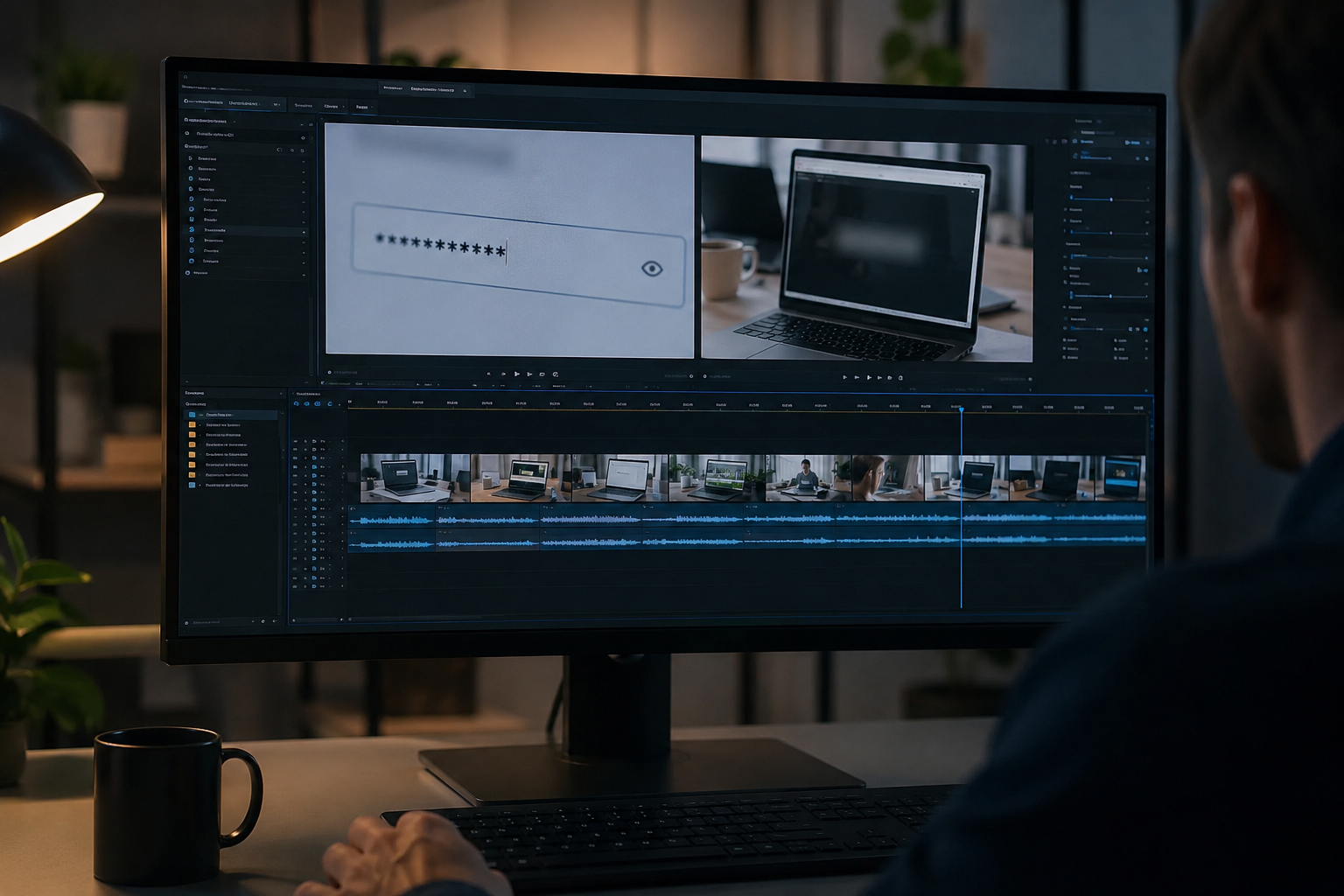
What this example demonstrates
Manual frame-by-frame redaction is impractical for long recordings. AI-assisted blur detects and tracks text regions so passwords entered at 0:30 stay masked through cuts and edits.
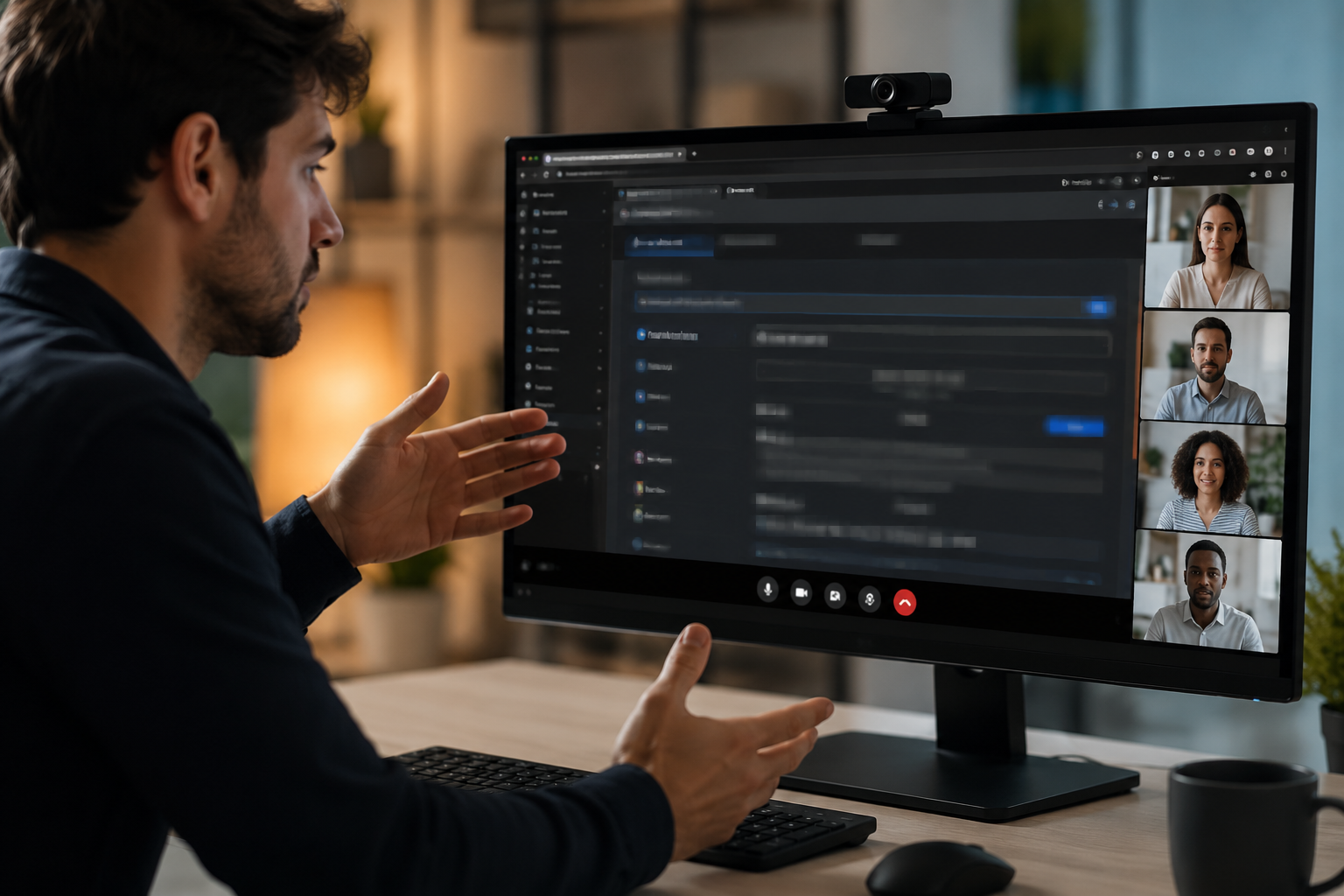
Why teams use this pattern
Pair selective text blur with audio scrubbing when you verbally mention credentials or read sensitive information aloud during the demo.
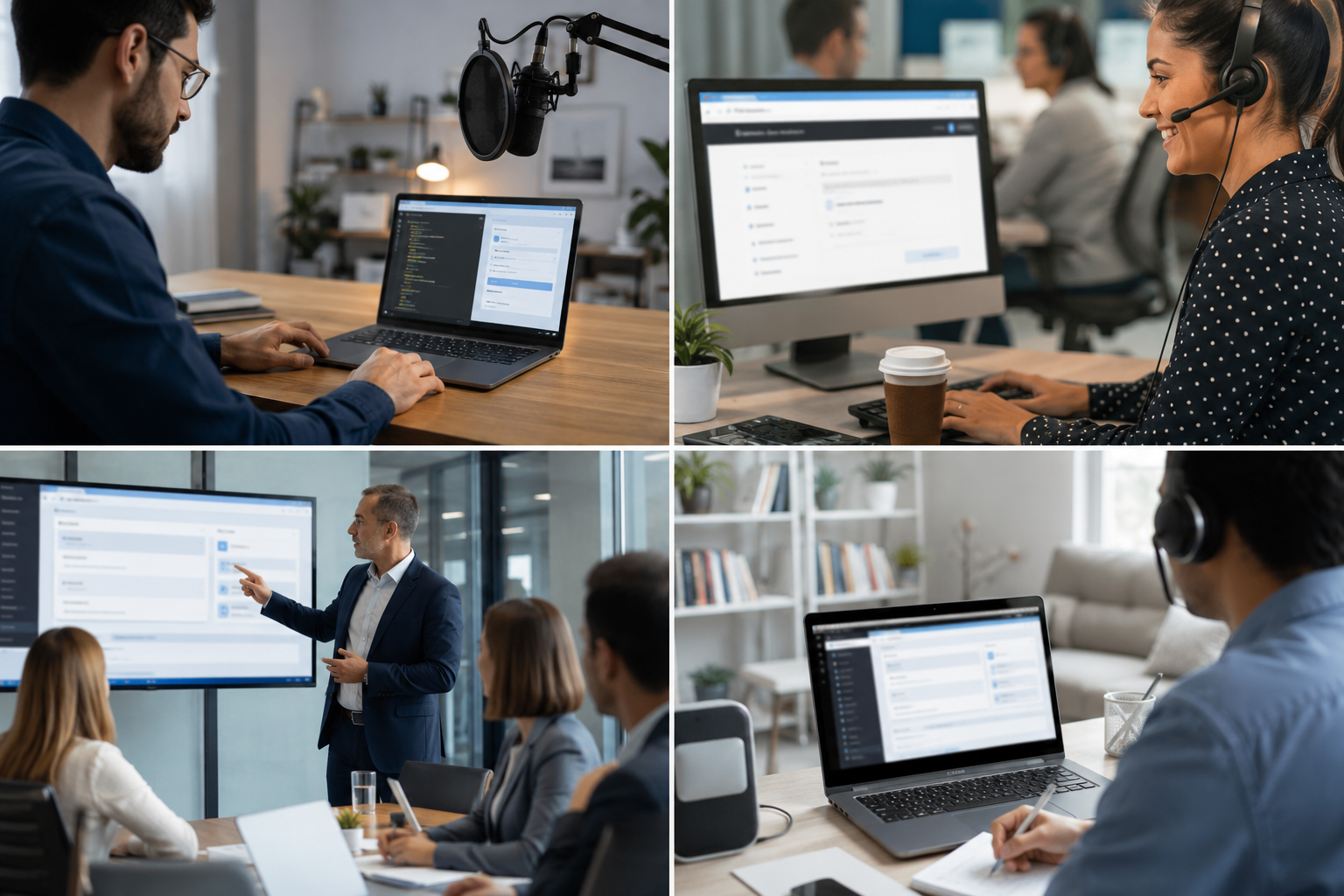
Common use cases
Teams reach for this workflow when developer tutorials showing authentication flows; customer support screen shares with account details; saas product demos with test customer data; it training videos with system credentials. BGBlur automates detection so these scenarios stay publishable without days in a timeline.

Built for DevRel and developer advocates and Customer success teams
Ideal audiences include DevRel and developer advocates, Customer success teams, Product marketing, IT trainers and technical writers. Pair this example with your policy review when footage is sensitive or public-facing.
Use cases
- Developer tutorials showing authentication flows
- Customer support screen shares with account details
- SaaS product demos with test customer data
- IT training videos with system credentials
Who it's for
- DevRel and developer advocates
- Customer success teams
- Product marketing
- IT trainers and technical writers
More video blur examples
Explore similar scenarios with the same demo clips and step-by-step guidance.
Blur anything: logos, text & custom regions
Target arbitrary areas—logos on hoodies, on-screen addresses, signage—with precise AI-assisted selection.
Face blur in talking-head video
Automatic face detection and blur for interviews, podcasts, and vlogs—motion-tracked so identities stay protected.
Background blur for cinematic focus
Soften or replace busy backgrounds so subjects stand out—great for webinars, reviews, and product demos filmed at home.
License plate blur in street & dashcam footage
Hide readable plates in traffic, parking, and ride-along footage—ideal for motovlogs and location shoots.
Frequently asked questions
- Can it detect text automatically?
- Text detection helps identify regions to blur; always manually verify that all sensitive data is covered before publishing.
- What about copy-paste actions showing credentials?
- Any on-screen text can be blurred, including clipboard pastes, terminal commands, and browser autofill—mark those timestamps for review.
- Should I blur the entire screen or just sensitive areas?
- Selective blur maintains context and usability for viewers; only obscure the minimum necessary data for privacy compliance.
Ready to try this on your footage?
Upload MP4, MOV, or M4V and apply the same blur modes shown in this example.
Try BGBlur free