Blur Sensitive Content in MP4 Files Online — Free Browser Tool
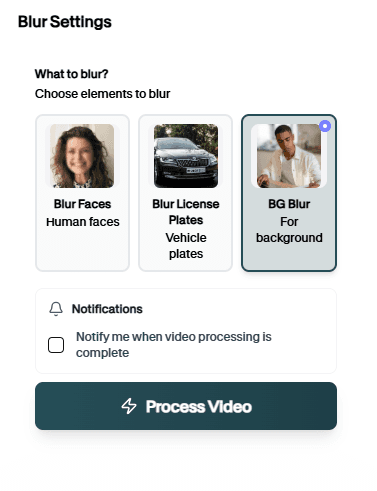
Drop an MP4 from your phone, dashcam, or screen recorder. Blur MP4 Online detects faces and plates, lets you verify the preview, and returns a processed MP4 without installing FFmpeg or Premiere.
Why blur MP4 online instead of locally
When you need one file fixed fast without opening a NLE.
MP4-native blur pipeline
Most online tools force conversions that degrade quality or break metadata. Blur MP4 Online keeps the workflow container-native: upload MP4, review AI detections on the real timeline, download MP4. That matters for dashcam, mobile, and screen-capture sources that already live as MP4.
Ideal when IT locks down desktop installs or you only need to redact one clip for email or upload.
Accept H.264 MP4 from phones, drones, CCTV exports, and screen capture
Blur faces, license plates, logos, or custom regions before sharing
Scrub timeline to catch missed frames on long MP4 clips
Avoid re-wrapping to odd containers before upload
Export MP4 suitable for YouTube, email, and evidence portals
Skip command-line FFmpeg blur filters for one-off privacy jobs
Where MP4 blur shows up

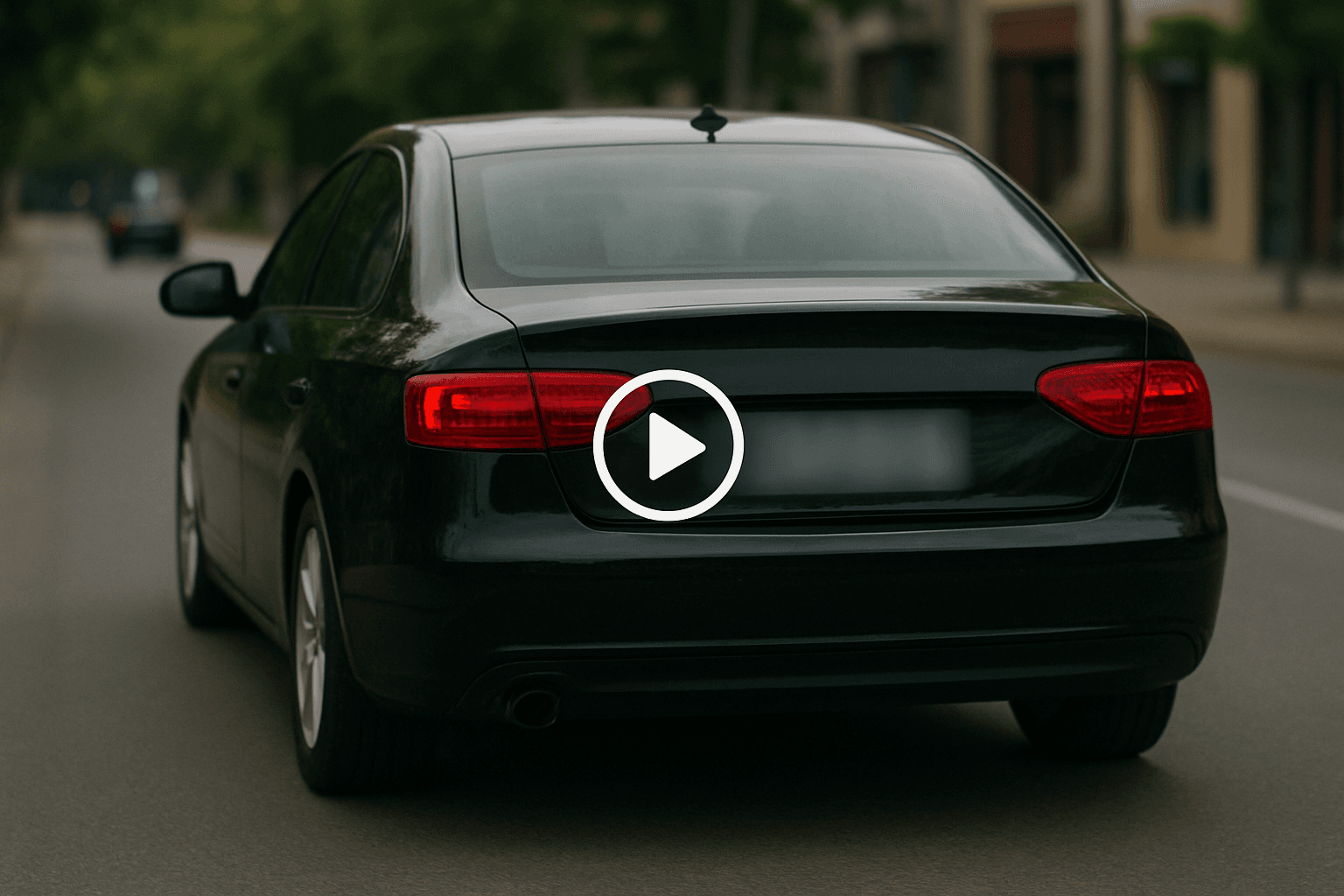
Dashcam MP4s
Redact plates before uploading driving clips. keeps this workflow practical for repeated review, privacy cleanup, publishing, and team handoff without forcing editors to rebuild every mask or adjustment manually.
Screen recordings
Hide faces or emails in Loom-style MP4 exports. keeps this workflow practical for repeated review, privacy cleanup, publishing, and team handoff without forcing editors to rebuild every mask or adjustment manually.

Drone footage
Blur bystanders in aerial MP4 rushes. keeps this workflow practical for repeated review, privacy cleanup, publishing, and team handoff without forcing editors to rebuild every mask or adjustment manually.

Client delivery
Send redacted MP4 evidence to legal teams. keeps this workflow practical for repeated review, privacy cleanup, publishing, and team handoff without forcing editors to rebuild every mask or adjustment manually.

Archive cleanup
Fix legacy MP4 libraries before public release. keeps this workflow practical for repeated review, privacy cleanup, publishing, and team handoff without forcing editors to rebuild every mask or adjustment manually.
Social re-uploads
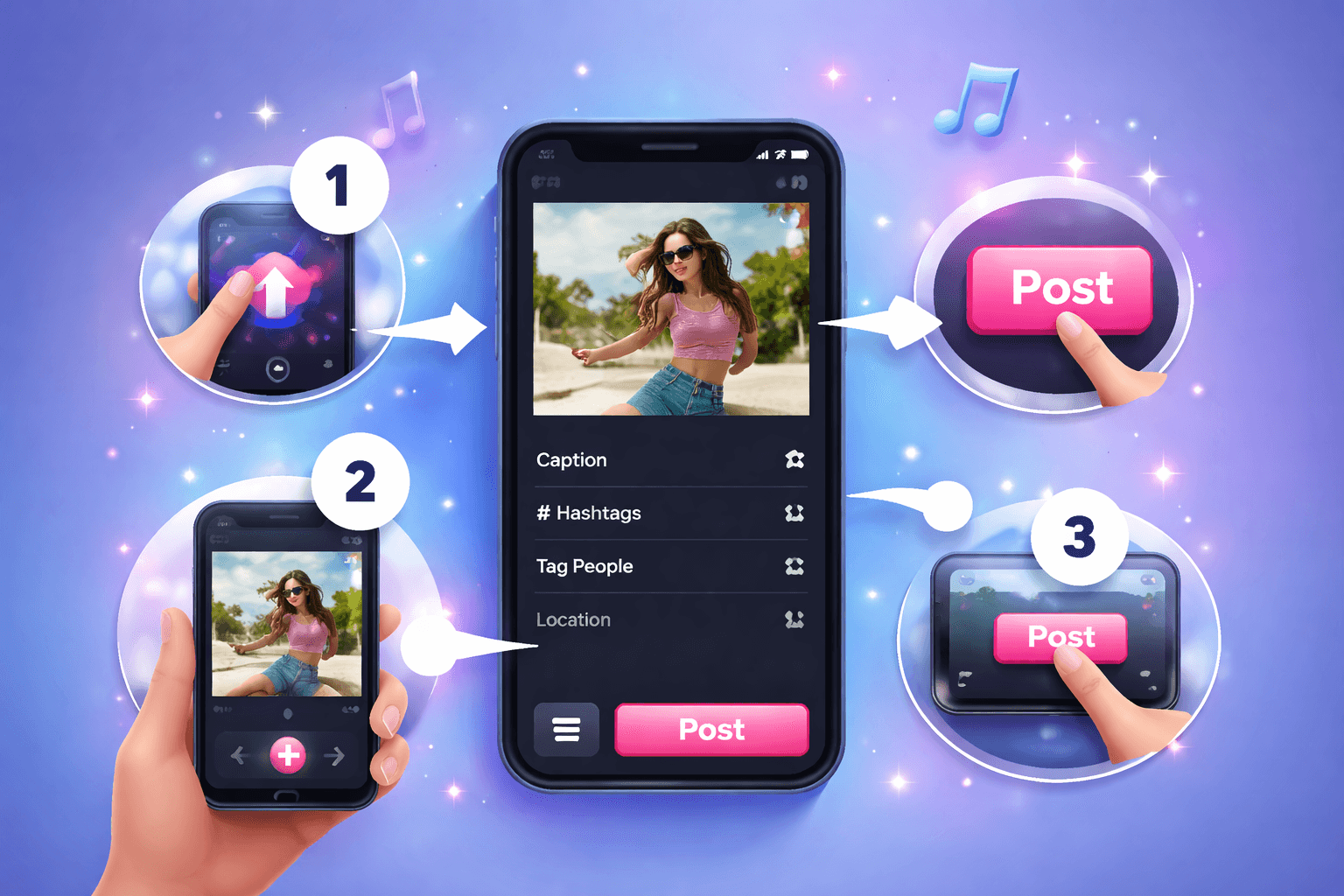
Sanitize MP4 pulls before reposting elsewhere. keeps this workflow practical for repeated review, privacy cleanup, publishing, and team handoff without forcing editors to rebuild every mask or adjustment manually.
Skip transcoding detours
Less time converting containers means faster turnaround on single-file privacy requests.
Blur your MP4 now
Upload an MP4 and preview detections before export.
Blur an MP4 in three steps
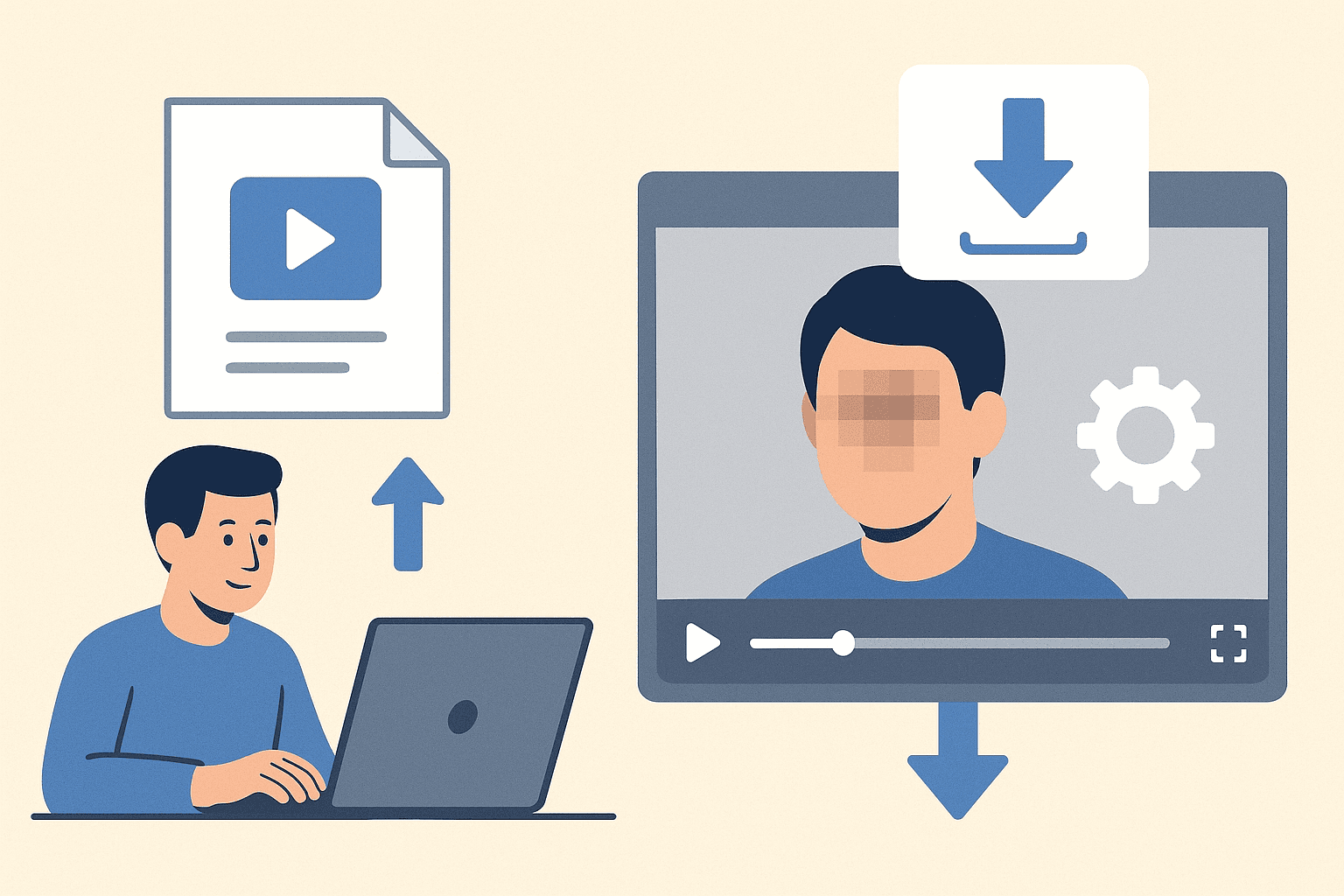
Upload, verify, download — same container format.
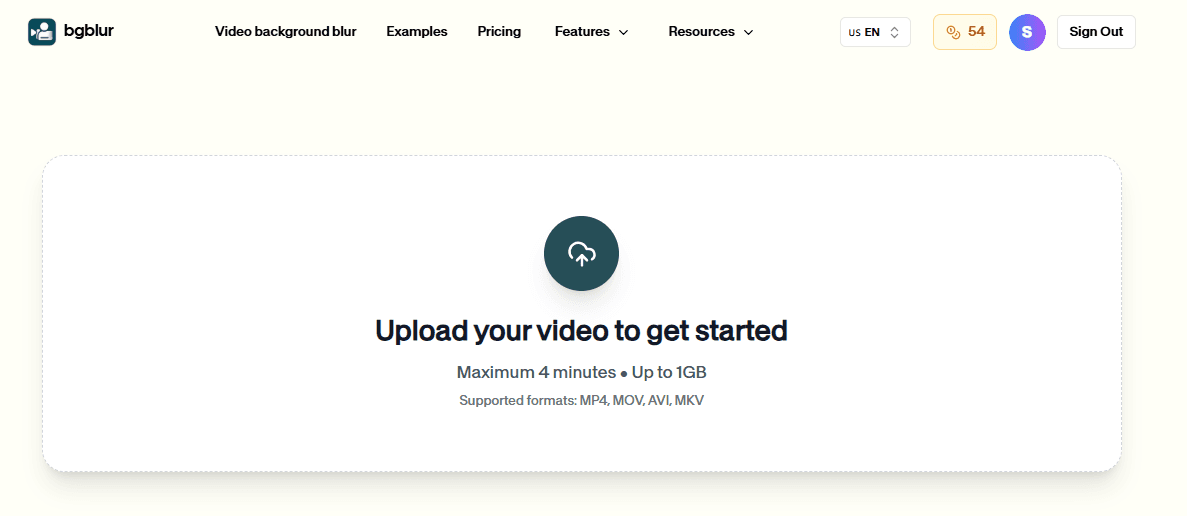
Upload your MP4 file
Select the MP4 from disk or drag it into the browser — phone, dashcam, and screen capture sources welcome.
Preview blur on the timeline
Scrub the MP4 to confirm faces, plates, or objects stay covered through motion and scene changes.
Download blurred MP4
Save the processed MP4 and share via upload, email, or your existing media pipeline.
Format workflow
Built for MP4-first teams
Detection and export without container gymnastics.

Large MP4 support
Practical limits for real-world phone and dashcam files.
Browser processing
No local install — works on locked-down corporate laptops.

Privacy exports
Redacted MP4s ready for clients and compliance review.
Teams shipping blurred MP4s daily
Operations and creators on container-native blur.
“Dashcam MP4s go to insurers the same day — plates are gone before they leave the browser.”
“Staff cannot install desktop editors. Browser MP4 blur solved one-off redaction tickets.”
“I keep everything as MP4 from the camera — no more converting just to blur a plate.”
Blur MP4 Online FAQ
File size, quality, and format questions.
The free tier supports practical MP4 sizes including many phone and dashcam clips — check the upload UI for current limits.
Yes. The export stays in MP4 so downstream tools and platforms accept it without conversion.
Yes. Detection handles faces and plates — scrub the preview to verify angled plates on moving traffic.
Re-encoding is required to apply blur. Export at the highest quality setting suitable for your delivery channel.
No. The entire workflow runs in the browser.
Core blur is free to start. Very long files may hit premium limits.
User Reviews
Share your experience and help others make informed decisions
Write a Review
All Reviews (0)
No reviews yet
Be the first to share your experience and help others discover this tool!
Video privacy tools
Related privacy tools for faster video anonymization
Move between video blur, object redaction, AI privacy editing, and combined face plus license plate workflows from one toolset.
MP4 workflow
Fix one MP4 privacy issue without opening an editor
Upload, confirm blur on the real timeline, download MP4 — done before the ticket escalates.
Native MP4 in and out — quality preserved where possible.
Upload MP4