
Blur Backgrounds Instantly for News Reports
Journalists can use AI bg blur to blur video background quickly during interviews or field reports. Background blur video ensures the focus stays on the reporter or subject, creating clean, professional visuals even in busy or distracting environments, keeping your news content sharp and audience-ready.

Create Studio-Quality Reports Anywhere
No studio or green screen required. Use our AI blur background tool to blur a video background and give your reports a polished, professional look. With blur effect on video, journalists can maintain visual consistency across segments, delivering high-quality news content from any location.
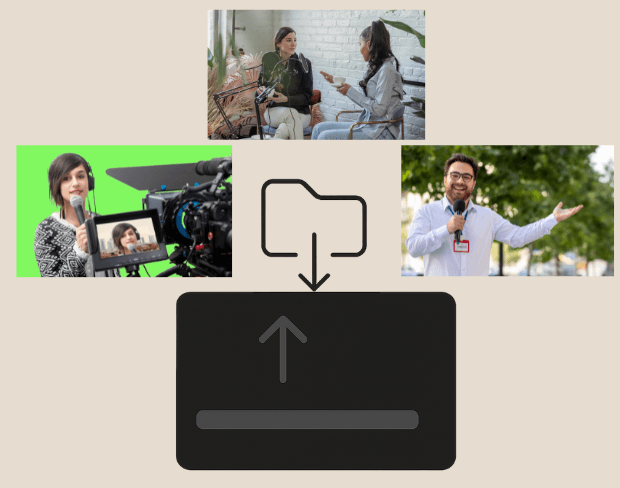
Batch Blur Multiple Clips for News Coverage
Need to process multiple news segments or interviews? Our tool supports batch processing to blur portion of video or entire backgrounds across several clips at once. Ideal for journalists managing large volumes of footage, ensuring consistency and efficiency in delivering polished reports quickly.
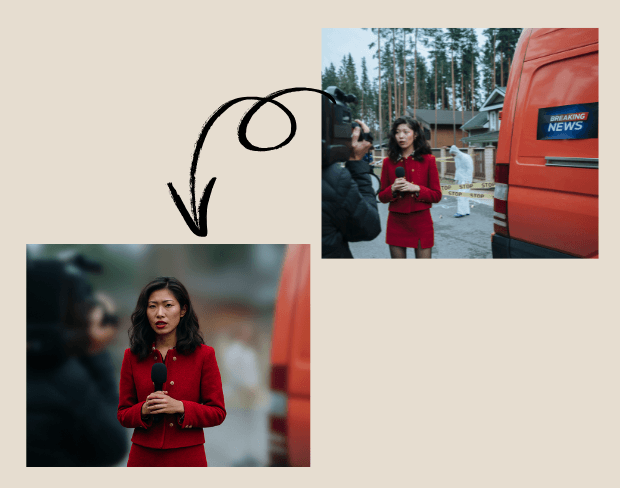
Blur Faces and Sensitive Information Securely
Protect sources and sensitive content with AI background blur. Blur face in video or hide confidential documents, locations, or bystanders. Journalists can maintain privacy and professionalism while ensuring their video content complies with ethical and legal standards without compromising on quality.
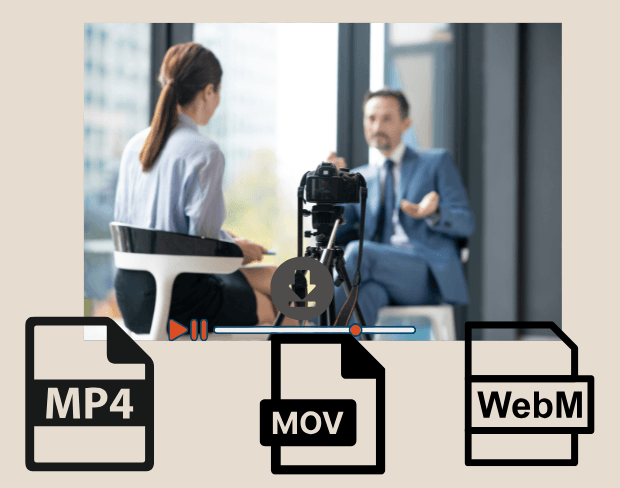
Export Blurred Reports in Multiple Formats
After editing, export your videos with blurred backgrounds in MP4, MOV, or WebM. Our AI blur background tool delivers HD-ready, platform-ready footage for news websites, TV, or social media. Flexible formats and smooth video bg blur ensure that your journalistic content is visually consistent and ready to publish.
Blur Your News Report Backgrounds Now
Start creating professional news reports instantly with our free AI-powered background blur tool.
Blur news report background now