Blur Screen in Video Free
Blur computer screens, phone screens, dashboards, documents, and sensitive on-screen details in videos online for free with AI-assisted object blur.
How to Blur Objects in Video and Photos
Get started with our simple 3-step process
Step 1: Upload Your Content
Upload your video or image where you want to blur objects. Supports all common formats.
Step 2: Describe What You Want to Blur
Type the object name—car, book, painting, person, logo, or any item. The AI identifies it automatically.
Step 3: Hit Blur Anything & Download
Click "Blur Anything" and download your privacy-protected content instantly.
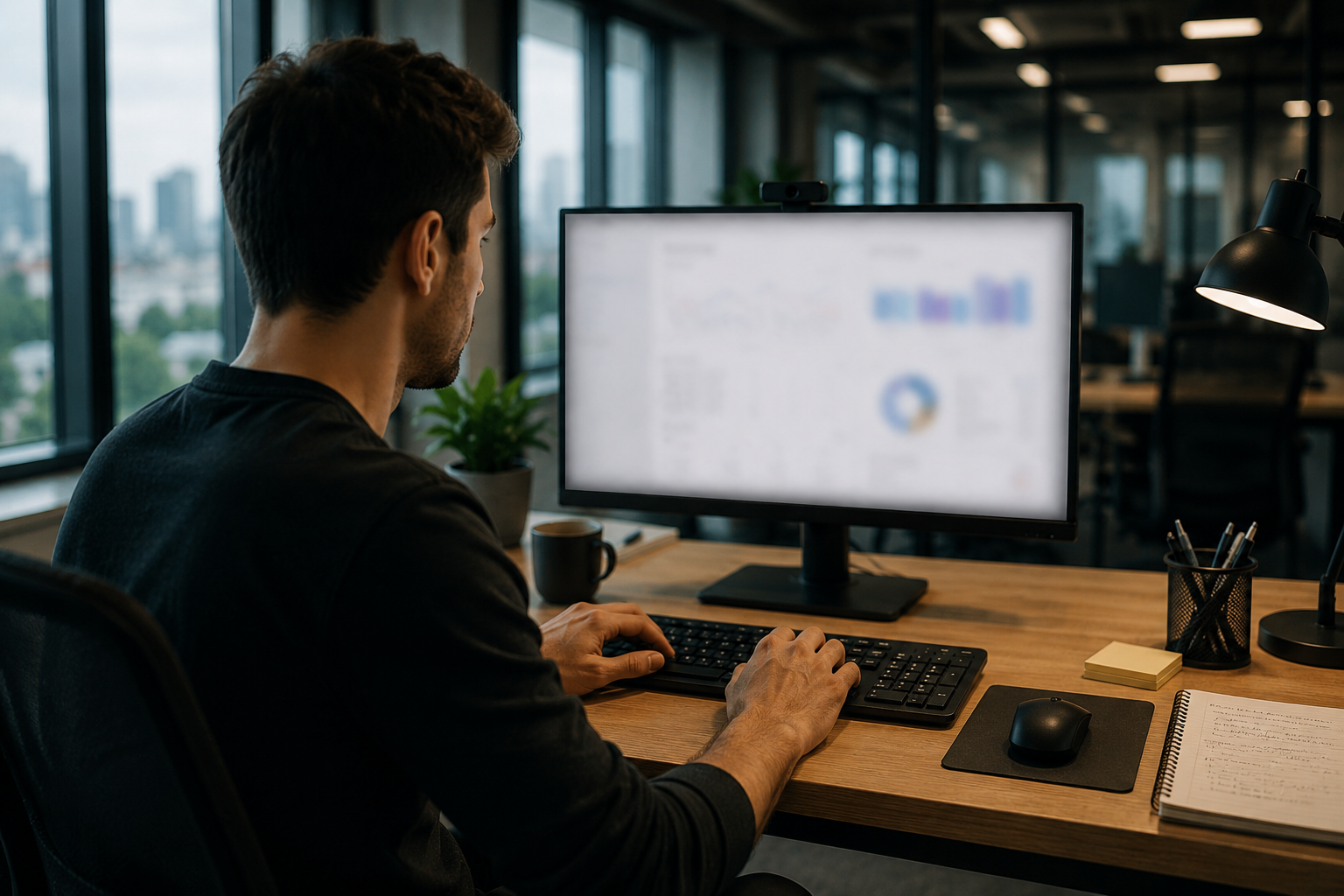 Prompt: Laptop screen
Free screen blur for videos
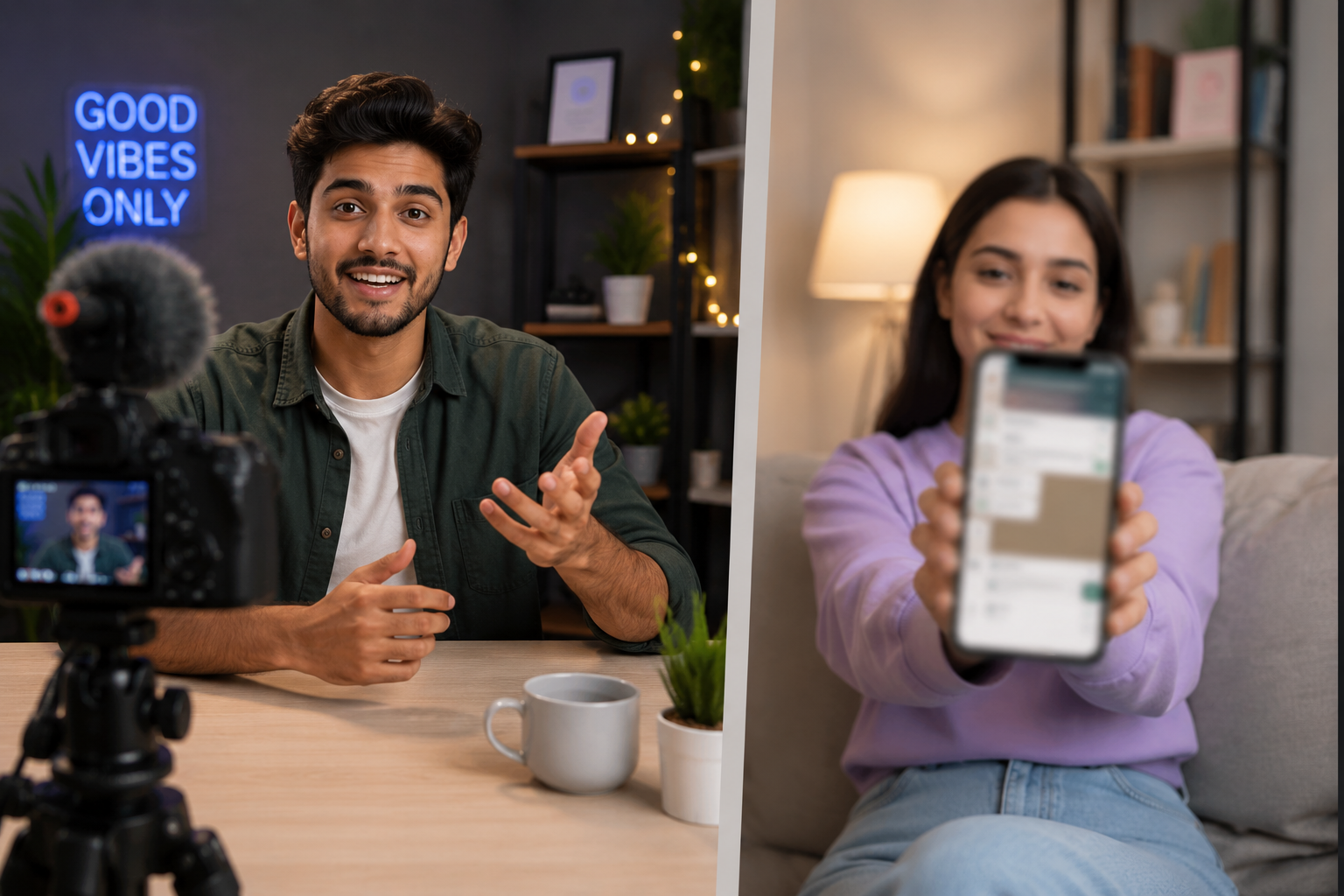
Upload a video and blur visible screens before sharing it publicly. BGBlur helps hide computer monitors, phone screens, tablets, dashboards, whiteboards, documents, and other areas that may contain private information.
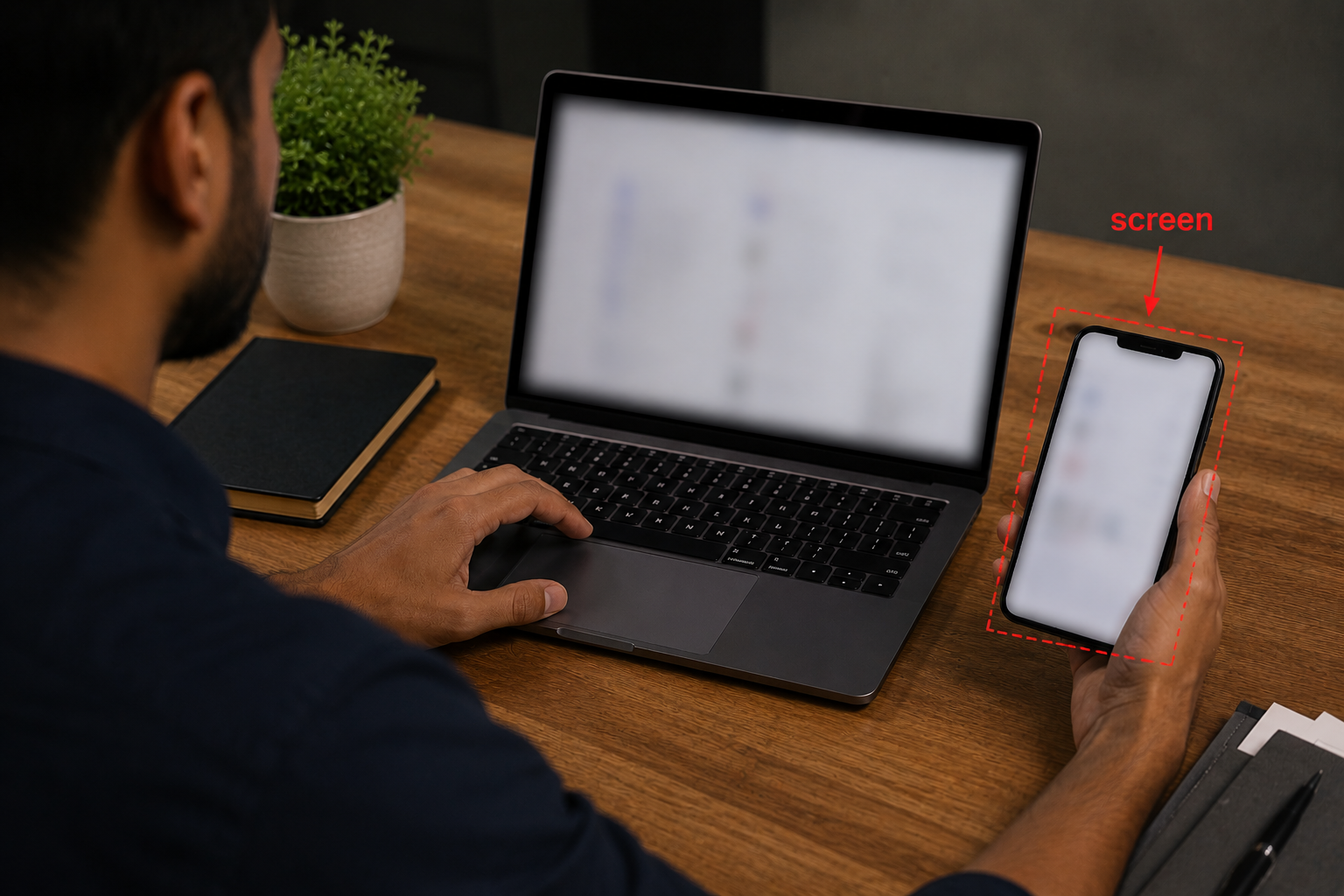 Prompt: Phone screen
Use prompts to target what should be blurred
Instead of masking every frame manually, describe what you want to blur, such as "laptop screen," "phone screen," "monitor," or "dashboard." AI-assisted object detection helps target the right area while leaving the rest of the scene visible.
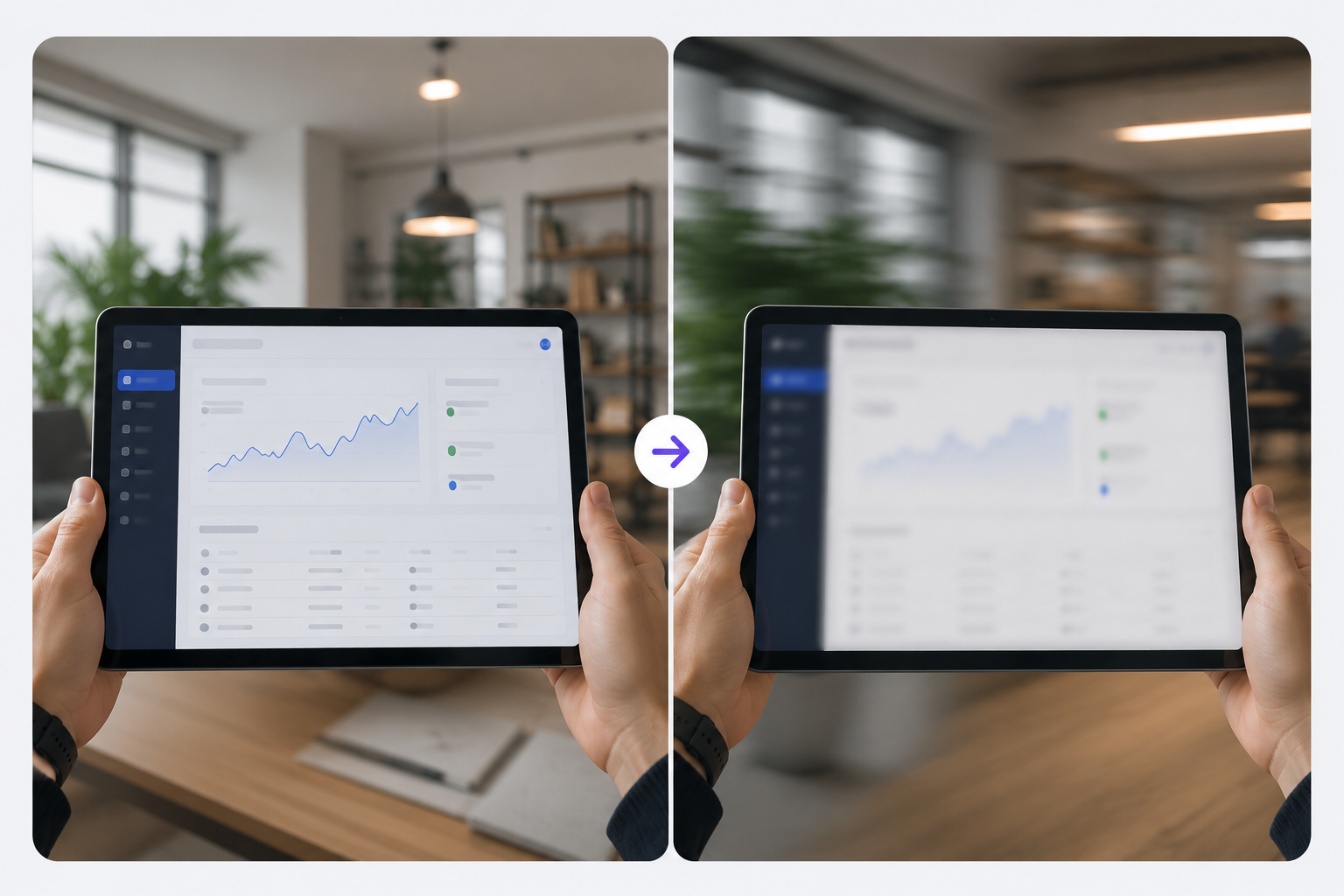 Prompt: Laptop
Track screens as the camera or subject moves
Screen recordings, workplace videos, tutorials, and behind-the-scenes clips often include moving cameras or moving devices. BGBlur can keep the blur aligned across frames so sensitive text and UI details stay protected.
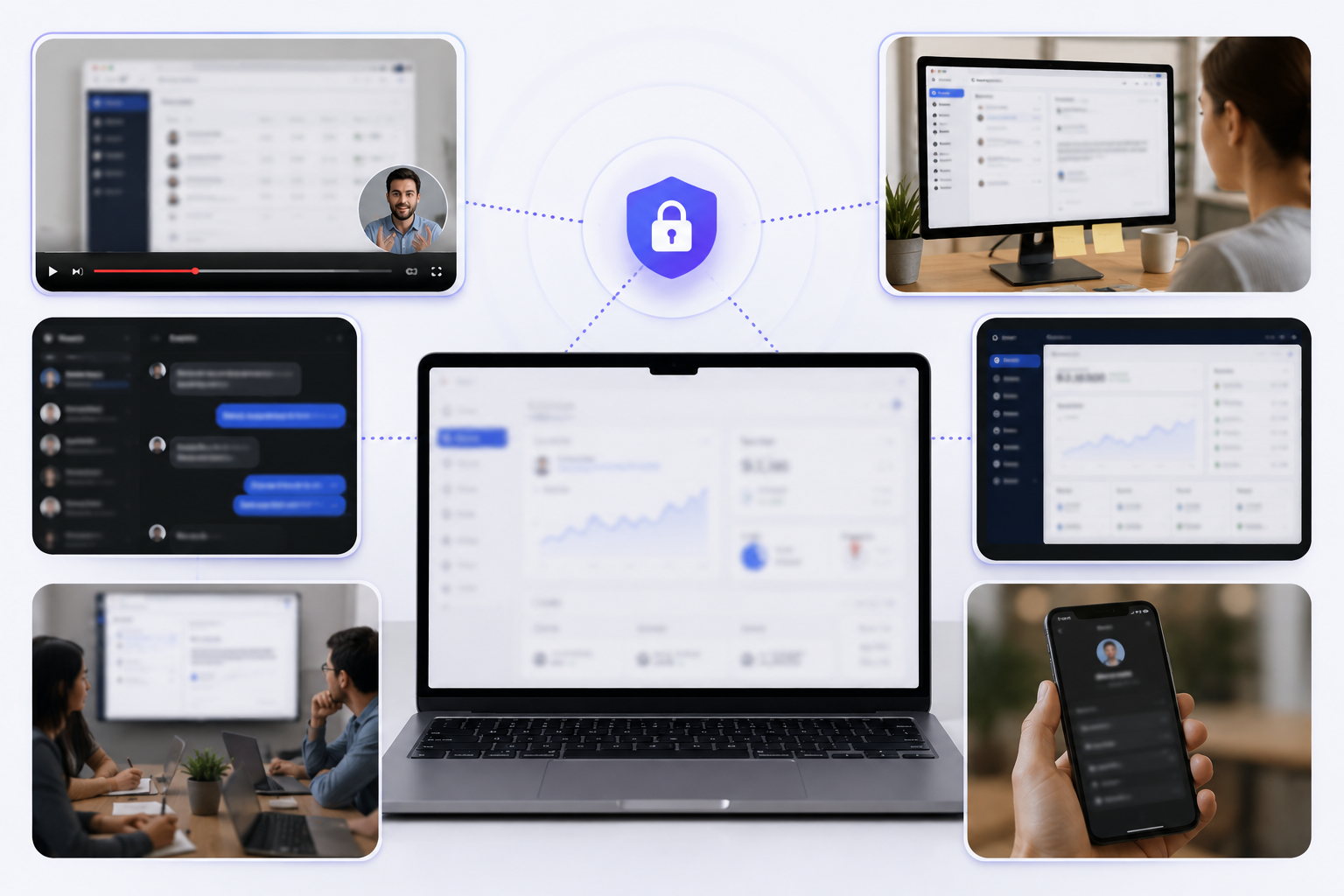 Prompt: Dashboard
Protect passwords, names, chats, and business data
Blur screens before posting product demos, support recordings, office videos, classroom clips, or social media content. This reduces the risk of exposing customer names, private messages, internal dashboards, emails, passwords, or account details.
 Prompt: Document
Browser-based workflow for quick cleanup
No professional editing software is required. Select your video, choose what screen area should be blurred, process it in the browser workflow, and export a privacy-safe version ready to publish.
What Makes BGBlur Different for Blurring Screens in Video?
BGBlur helps hide screens, monitors, dashboards, chats, and private data in recorded videos before they are shared.
Screen privacy blur
Blur screens in video to hide emails, dashboards, account data, chats, passwords, and internal tools.
Made for recordings
Useful for tutorials, demos, livestream clips, support videos, and training material.
Selective redaction
Hide the screen or display without blurring the whole video frame.
Online workflow
Upload and blur screen content from the browser instead of using a full editing suite.
Protects business data
Reduce accidental exposure of confidential information before publishing or sending a clip.
Works with object blur
Combine screen blur with document, logo, face, or license plate blur when footage has multiple risks.
Blur Screens in Video with AI Precision
BGBlur helps you blur screens, monitors, dashboards, chats, account pages, and private display content in recorded videos. It is built for tutorials, product demos, support recordings, livestream clips, and workplace training videos where screen data should not be exposed.
Describe or select the screen area you want to hide, then let BGBlur apply targeted screen blur while keeping the rest of the video usable. Try it at /features/blur-screen-in-video-free with no downloads or complex masking software.
Powered by BGBlur screen blur
Blur Screen in Video FAQ
Yes. Upload your video, describe the screen you want to hide, and use BGBlur to apply blur before sharing the edited clip.
Blur anything that could identify a person, account, client, location, password, private message, internal tool, document, or dashboard.
BGBlur is built for video object blur, so it can keep blur aligned across frames when the device or camera moves.
Yes, BGBlur's AI automatically tracks moving objects, faces, and vehicles. You do not need to manually mask every frame; the motion-aware tracker keeps the blur locked onto the subject as it moves.
BGBlur is a completely web-based tool. You can upload any video or image, select the Face Blur tool, and apply pixelation or blur instantly inside your browser without downloading any apps or plugins.
Absolutely. Our AI is trained specifically to detect and blur license plates in driving footage, dashcams, and street-view videos. It helps creators and transport fleets stay compliant with privacy laws.
Your privacy is our priority. BGBlur leverages advanced client-side technologies to process videos securely. Your files are processed locally in your browser and are never uploaded or stored permanently on external servers.
Yes! BGBlur is fully responsive and optimized for mobile browsers. You can easily blur a video background or pixelate faces directly on your iPhone, iPad, or Android phone.
Limits depend on the feature. Standard video blur tools such as face blur, license plate blur, background blur, blur anything, screen blur, NSFW blur, and face anonymization support up to 200MB and 10 minutes on the free plan, while Pro users get unlimited blur processing with longer video support. Object Remover supports MP4 and MOV videos up to 1GB and 10 seconds per clip. Voice Anon direct uploads support up to 100MB, while the upload/URL workflow supports audio or video files up to 500MB and under 10 minutes.
User Reviews
Share your experience and help others make informed decisions
Write a Review
Community Score
0.0
/ 5
Based on 0 reviews
All Reviews (0)
No reviews yet
Be the first to share your experience and help others make informed decisions!
Ready to blur your video content?
Start protecting privacy and creating professional video blur effects today with our AI-powered tool. No downloads required - blur directly in your browser.
Start Blurring NowTrusted by thousands of creators
Perfect for tutorials
I record a lot of software tutorials and needed to hide sensitive information on screen. BGBlur makes it so easy to blur specific screens and monitors in my videos.
James T.
Great for work demos
We use this for product demos where we need to hide confidential data on dashboards. The screen blur is precise and the tracking works perfectly.
Nina P.
Essential for privacy
Finally a tool that can blur phone screens and laptop displays in videos automatically. No more manual masking frame by frame!
Carlos M.