Photo Blur Online Free — Blur Images with AI
Blur photos online in seconds with AI. Blur image backgrounds, faces, license plates, and sensitive areas — free in your browser on iPhone, Android, and desktop. No watermark, no app download.

How to Use BG Blur
Get started with our simple 3-step process
Upload your video to our AI video blur editor
Upload your video to our AI video blur editor.
Select what to blur: background, faces, license plates, or objects
Pick the blur mode that fits your use case and adjust intensity for a natural result.
Download your professionally blurred video with privacy protection
Export and download your processed video in just a few clicks.
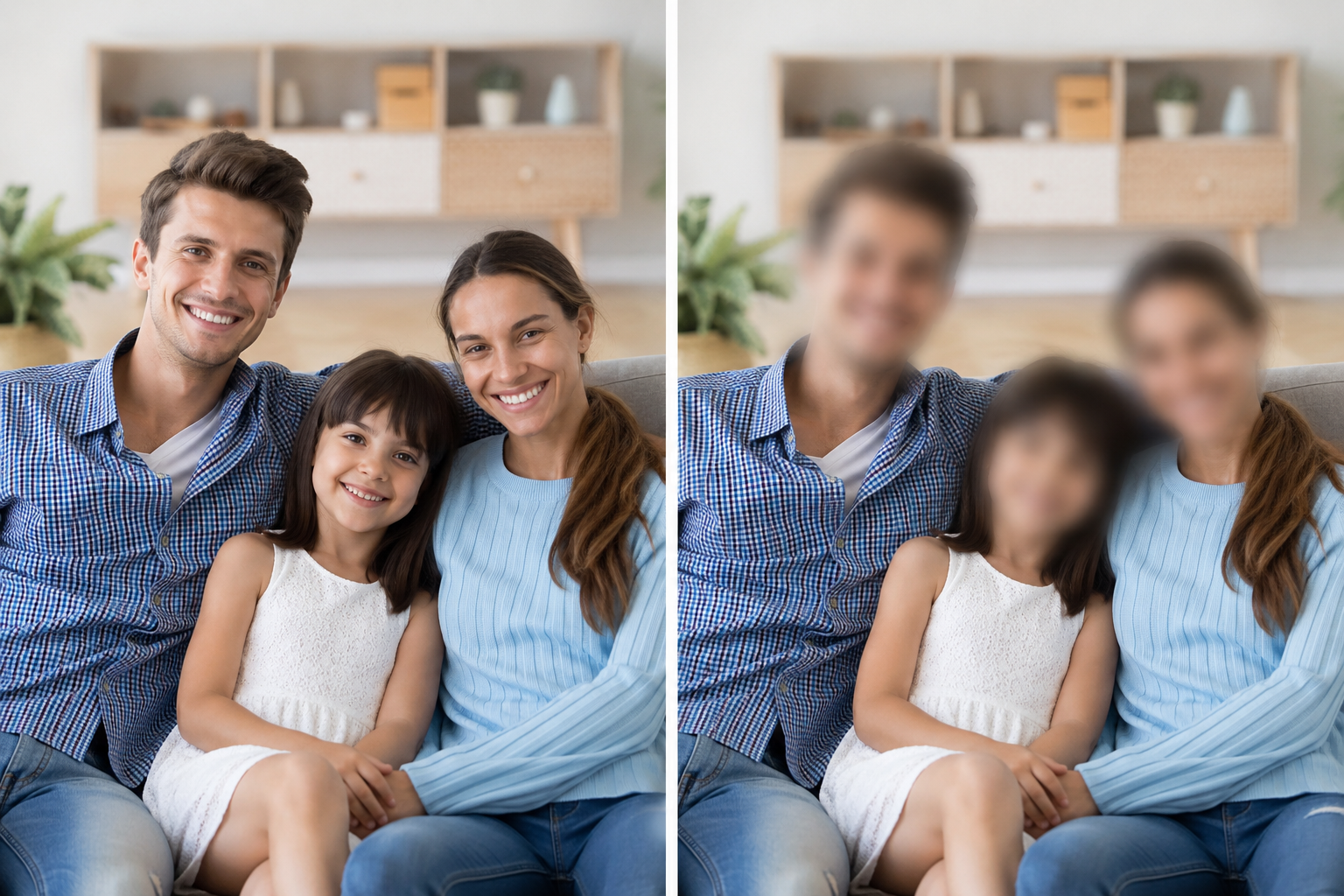
Blur Photos Online with AI — Free Photo Blur Tool
Need to blur a photo before posting? BGBlur is a free photo blur tool that runs in your browser — no Canva account, no Photoshop, no mobile app install. Upload JPG, JPEG, PNG, or WebP and apply AI-powered blur in seconds. Whether you searched for photo blur, blur photo, or blur image, the workflow is the same: upload, select what to blur, preview, and download. Our AI detects faces, backgrounds, and selectable regions automatically, so you spend less time masking and more time publishing privacy-safe images.

Blur Background of Photo Automatically
The blur background of photo workflow is one of the most common reasons people look for photo blur online. BGBlur separates your subject from the background using AI — similar to portrait mode on a phone, but on photos you have already taken. Hide messy rooms, street crowds, office clutter, or identifiable locations while keeping the person or product sharp. This is ideal for LinkedIn headshots, product listings, real estate photos, and social posts where the subject should stay in focus and everything behind them should fade away with natural Gaussian blur.
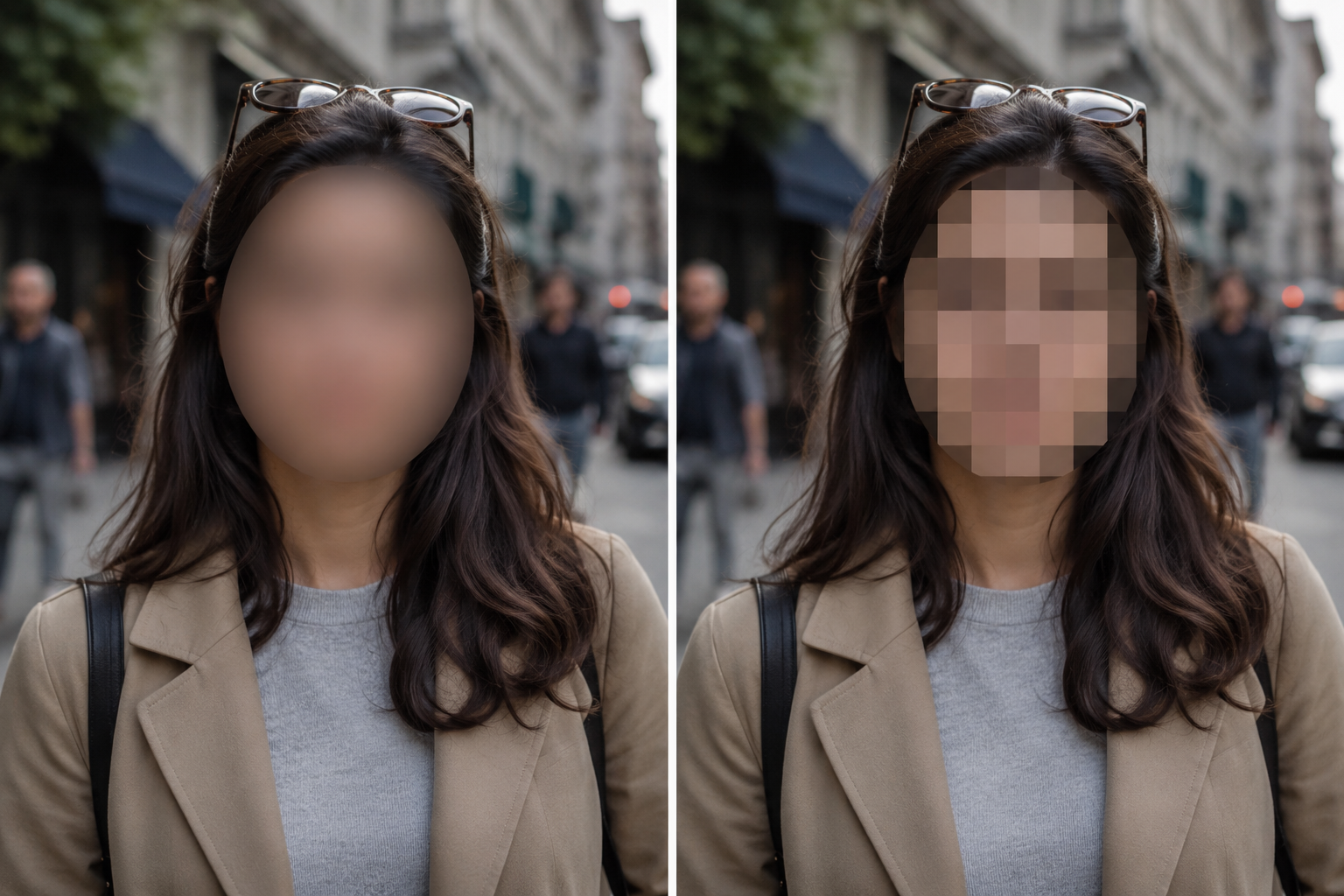
Blur Faces, Plates, and Sensitive Details in Photos
Photo blur is not only aesthetic — it is a privacy tool. Automatically blur faces in crowd shots, event photos, and screenshots before sharing online. Blur license plates in car listing photos, parking shots, and accident documentation. Use pixelate or Gaussian blur to censor text, signatures, email addresses, and other sensitive regions. BGBlur handles multiple blur targets in one upload, making it a practical alternative to manual brushing in Adobe Express or Pixlr when your goal is fast anonymization rather than creative editing.
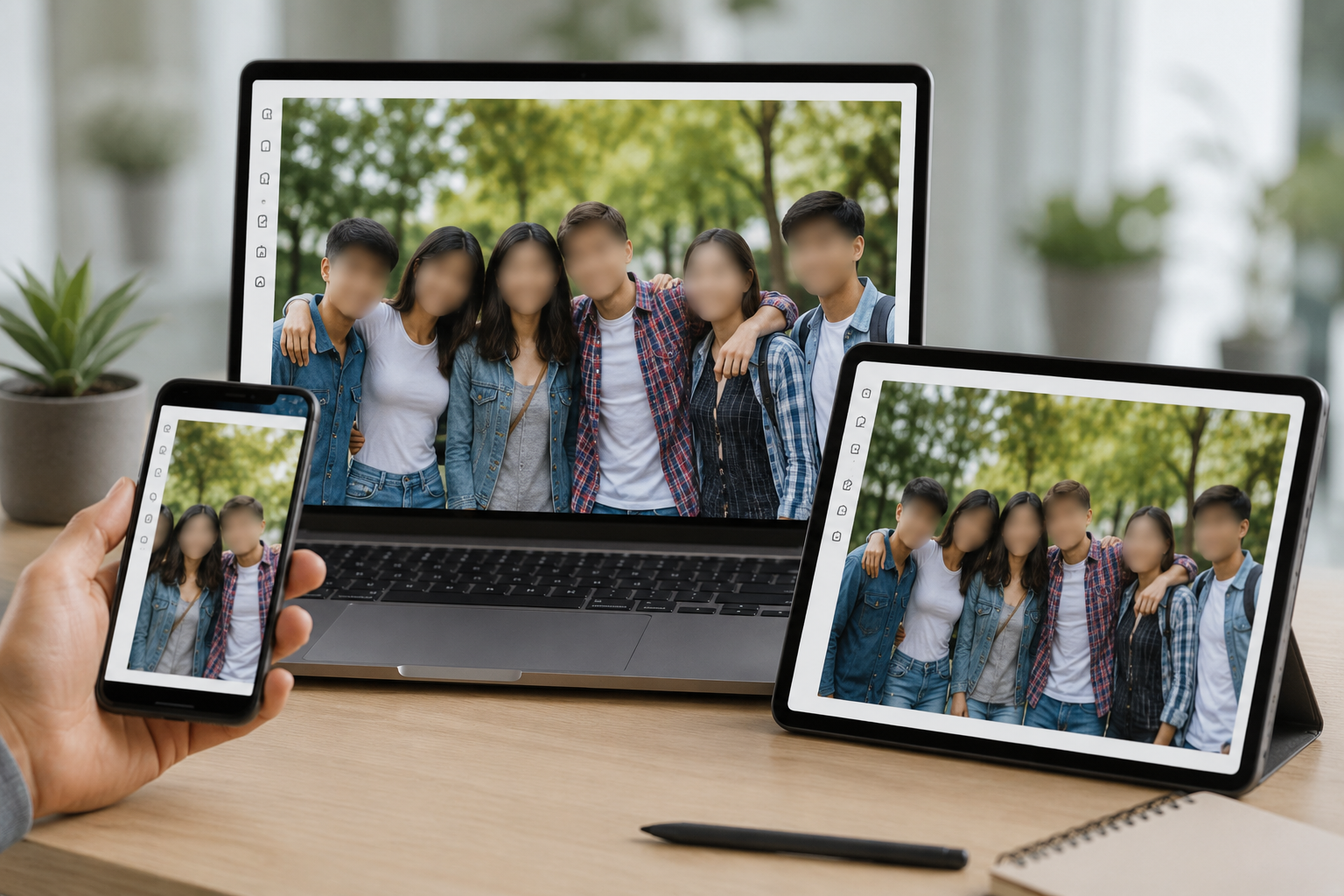
Gaussian Blur, Pixelate, and Selective Photo Blur
Different situations call for different blur styles. Gaussian blur creates a smooth, natural softening — best for backgrounds and subtle privacy edits. Pixelation delivers stronger censorship for faces and identity protection. Selective photo blur lets you brush or AI-select specific areas when you only need to blur part of an image, not the whole frame. Adjust blur intensity before export so your photo blur looks professional whether you are preparing GDPR-compliant documentation, redacting a screenshot, or cleaning up a portrait for Instagram.
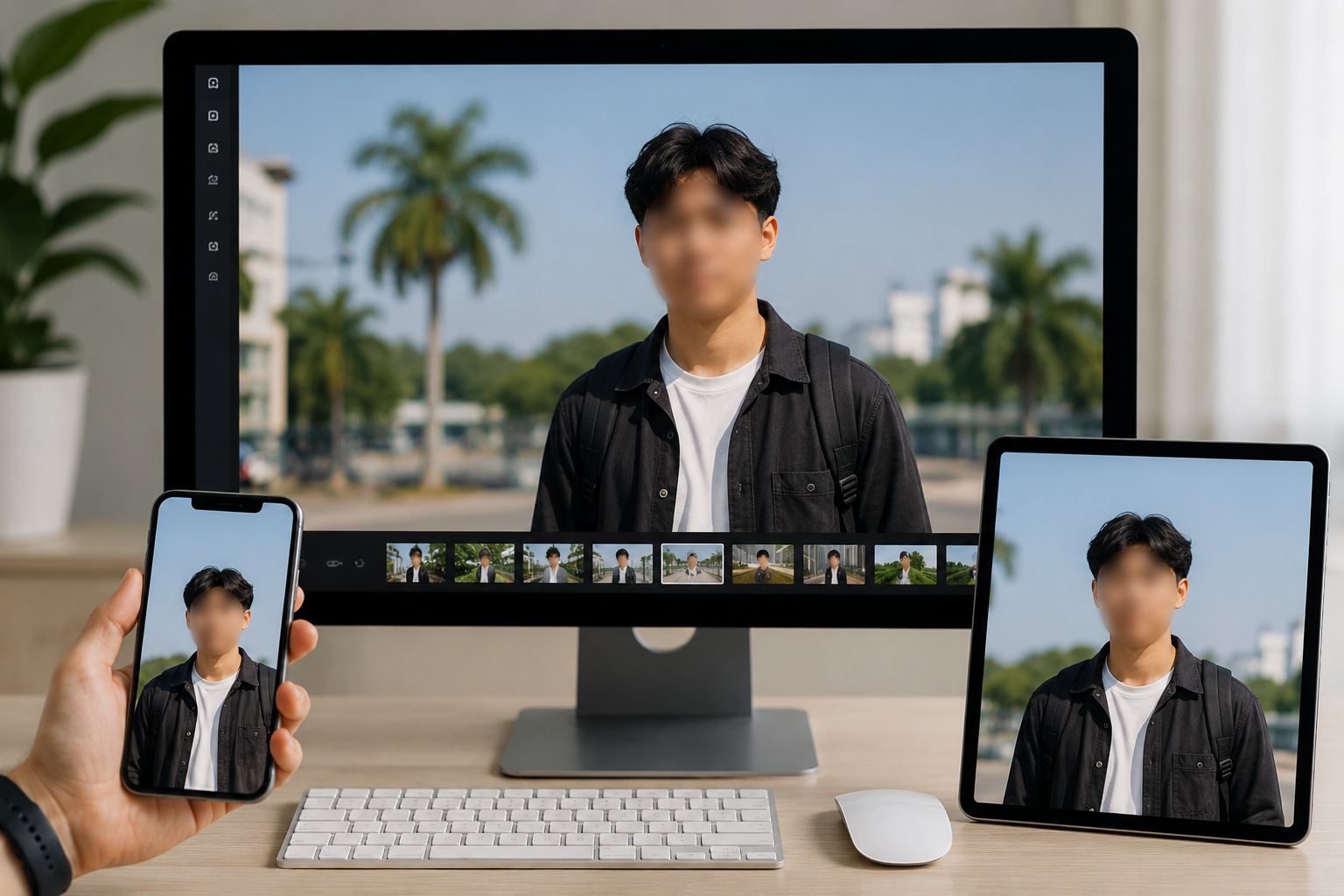
How to Blur a Photo on iPhone — No App Required
Searching how to blur a photo on iPhone? Open bgblur.com in Safari or Chrome on your iPhone — no App Store download needed. Tap Choose a Photo, select from your camera roll, and apply AI photo blur directly in the browser. The interface is optimized for mobile screens, so blur background of photo already taken, hide faces in a group shot, or redact sensitive details from a screenshot on the go. The same tool works on Android, iPad, and desktop, so you can start on your phone and finish on a laptop without switching apps or losing your edit.
What Makes BGBlur Different for Photo Blur Online?
BGBlur targets the full photo blur intent — background softening, face anonymization, plate redaction, and selective blur — in one browser workflow instead of juggling Canva, Pixlr, and mobile apps.
All-in-one photo blur
Blur image backgrounds, faces, license plates, and custom regions from a single upload — not separate tools for each edit.
AI detection built in
Skip manual masking for common photo blur tasks like crowd faces, messy backgrounds, and readable plates in listing photos.
Free browser workflow
Blur photos online without watermarks on exports, without installing Photoshop, and without an App Store download on iPhone.
Privacy-first processing
Built for GDPR-style anonymization and safe sharing — not just decorative Gaussian blur for social aesthetics.
Mobile-ready
How to blur a photo on iPhone: open bgblur.com in Safari, upload, blur, download. Same on Android and desktop.
Connected to video blur
Use the same BGBlur account workflow for photo blur and video face or background blur when projects mix stills and clips.
Photo Blur Online — Backgrounds, Faces, and Selective Redaction
BGBlur is built for the full photo blur search intent: blur image backgrounds, hide faces in crowd photos, redact license plates in car listings, and censor sensitive text in screenshots — all from the browser without Canva or Photoshop.
Upload JPG, PNG, or WebP, choose AI blur for backgrounds or faces, adjust intensity, preview the result, and export a privacy-ready image. Works on iPhone via Safari with no app install.
Powered by BGBlur photo blur
Photo Blur Online FAQ
Open bgblur.com, upload your JPG or PNG, choose background blur, face blur, or selective blur, preview the result, and download. No account required to start, and no watermark on exports for standard photo blur edits.
Yes. BGBlur applies blur background of photo using AI subject detection — keeping people or products sharp while softening the room, street, or clutter behind them. It works on photos from iPhone, Android, or any camera.
Visit bgblur.com in Safari, tap Choose a Photo, select from your library, apply AI photo blur, and download. No App Store download is needed — the full photo blur tool runs in mobile Safari and Chrome.
Photo blur is the broad category — backgrounds, partial image blur, Gaussian softening, and privacy redaction. Face blur is a subset focused on hiding identifiable people. BGBlur supports both, plus license plate blur and custom region blur in the same workflow.
Image uploads support JPG, JPEG, PNG, and WebP up to 20MB. For video blur workflows, Free plan: up to 1GB and 5 min per video. Paid plans: up to 2.5GB and 10 minutes per video.
Yes, BGBlur's AI automatically tracks moving objects, faces, and vehicles. You do not need to manually mask every frame; the motion-aware tracker keeps the blur locked onto the subject as it moves.
BGBlur is a completely web-based tool. You can upload any video or image, select the Face Blur tool, and apply pixelation or blur instantly inside your browser without downloading any apps or plugins.
Absolutely. Our AI is trained specifically to detect and blur license plates in driving footage, dashcams, and street-view videos. It helps creators and transport fleets stay compliant with privacy laws.
Your privacy is our priority. BGBlur leverages advanced client-side technologies to process videos securely. Your files are processed locally in your browser and are never uploaded or stored permanently on external servers.
Yes! BGBlur is fully responsive and optimized for mobile browsers. You can easily blur a video background or pixelate faces directly on your iPhone, iPad, or Android phone.
Limits depend on the feature. Standard video blur tools such as face blur, license plate blur, background blur, blur anything, screen blur, NSFW blur, and face anonymization support up to 200MB and 10 minutes on the free plan, while Pro users get unlimited blur processing with longer video support. Object Remover supports MP4 and MOV videos up to 1GB and 10 seconds per clip. Voice Anon direct uploads support up to 100MB, while the upload/URL workflow supports audio or video files up to 500MB and under 10 minutes.
User Reviews
Share your experience and help others make informed decisions
Write a Review
Community Score
0.0
/ 5
Based on 0 reviews
All Reviews (0)
No reviews yet
Be the first to share your experience and help others make informed decisions!
Ready to blur your video content?
Start protecting privacy and creating professional video blur effects today with our AI-powered tool. No downloads required - blur directly in your browser.
Start Blurring Now