Face blur in talking-head video
Watch motion-tracked face blur on a talking-head clip—identities stay hidden through head turns without Premiere masks.
Podcast, interview, and vlog footage often has one clear speaker plus incidental faces in frame. This example shows automatic face detection that follows movement so you are not keyframing oval masks for every export.
Blur faces on a talking-head clip in three steps
Built for podcast video, remote interviews, and creator collabs where not everyone on camera signed a release.
Upload MP4, MOV, or M4V
Drop your interview or vlog master into BGBlur—no timeline project or Creative Cloud seat required for a privacy-only pass.
Enable face blur or anonymization
Run detectors on every face in frame; blur regions update each frame so subjects stay covered during nods and pans.
Export for YouTube, TikTok, or review
Download a policy-safe MP4, then optionally stack background or plate blur if the same clip has mixed privacy risks.

Talking heads without hand-drawn masks
Traditional NLEs need adjustment layers and tracked masks for each face. BGBlur localizes faces across the timeline and keeps blur glued to skin tones—even when the host turns toward a second camera. That is why daily uploaders use it before color or sound finishing.
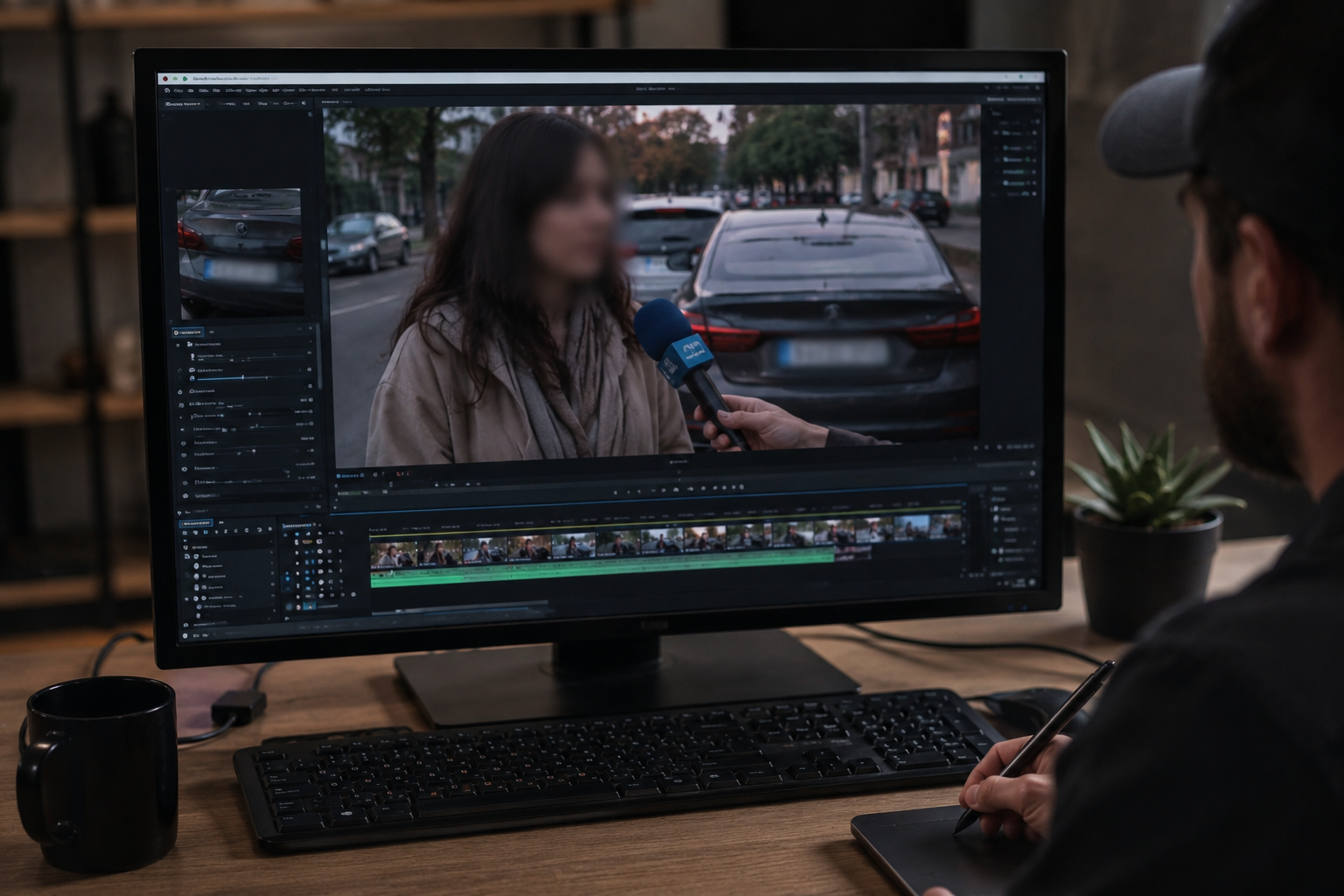
Stack face blur with plates or backgrounds
Street interviews and campus b-roll often expose pedestrians and plates in the same shot. After this face pass, enable license plate or background blur in one browser session instead of exporting three times from separate tools.

Vertical Shorts and horizontal podcasts
The same detector pipeline works for 9:16 Reels and 16:9 podcast video. Creators keep one workflow for TikTok clips cut from longer interview masters—no separate mobile app blur that drifts off the face mid-sentence.

When to choose anonymization vs soft blur
Heavy anonymization fits whistleblower-style interviews; softer Gaussian blur fits training and social content where mood matters. Preview both in the editor before publishing to internal comms or public channels.
Use cases
- Street interviews and “person on the street” clips
- Classroom or campus b-roll with incidental students
- Creator collabs where not everyone signed a release
Who it's for
- YouTubers & podcast video teams
- News & documentary editors
- Educators and comms teams
More video blur examples
Explore similar scenarios with the same demo clips and step-by-step guidance.
Vlogger & street interview privacy
Keep bystanders and non-consenting faces out of frame legally and ethically—optimized for fast turn edits.
News & documentary anonymization patterns
Protect witnesses and vulnerable subjects while preserving editorial context—blur and anonymization in one pipeline.
Background blur for cinematic focus
Soften or replace busy backgrounds so subjects stand out—great for webinars, reviews, and product demos filmed at home.
License plate blur in street & dashcam footage
Hide readable plates in traffic, parking, and ride-along footage—ideal for motovlogs and location shoots.
Frequently asked questions
- Will blur follow the face if they move?
- The workflow is built for motion: faces are tracked so the blur region updates frame-to-frame instead of staying static.
- Can I combine face blur with plate or background blur?
- Yes—many productions stack modes so pedestrians, plates, and sensitive environment details are handled in one pass.
- Is this suitable for short-form vertical video?
- Yes—the same detection pipeline works for horizontal and vertical timelines common on TikTok, Reels, and Shorts.
Ready to try this on your footage?
Upload MP4, MOV, or M4V and apply the same blur modes shown in this example.
Try BGBlur free