News & documentary anonymization patterns
Anonymize witness and sensitive interviews—strong visual privacy without losing the emotional frame.
News desks and documentary teams need credible anonymity fast. This face-blur.mp4 example focuses on heavy blur and anonymization paths for subjects who must not be recognizable on air or in streams.
Protect witnesses and sources in editorial video
Independent docs, nonprofit storytellers, and local news use this before legal and standards review.
Import interview masters
Work from the highest-quality file you are allowed to process in browser.
Apply anonymization or heavy blur per subject
Tune strength to station guidelines—some desks require full face replacement.
Legal + text review
Check lower-thirds, captions, and metadata stripping outside BGBlur.
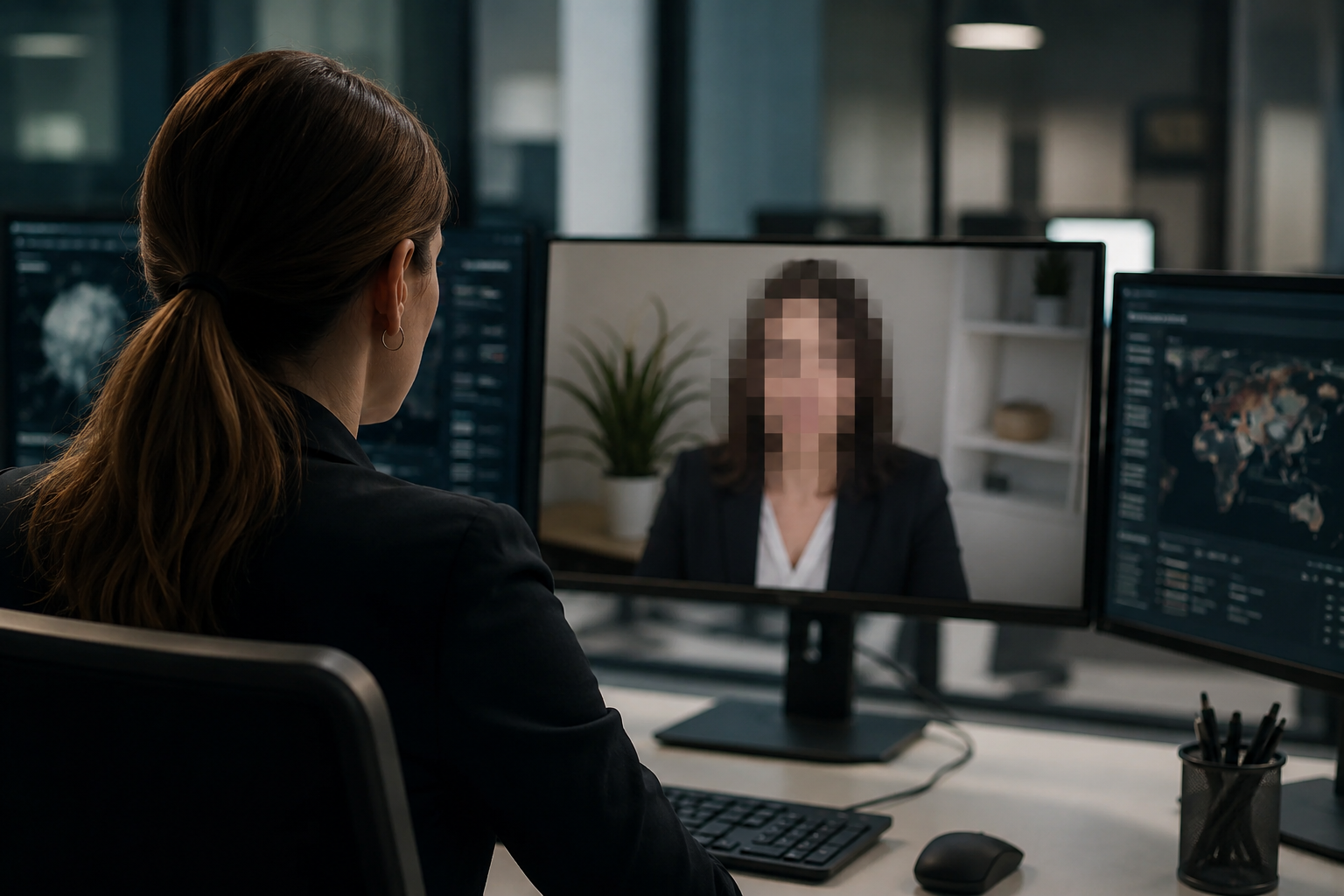
Beyond light mosaic
Light pixelation may not meet desk standards for sensitive sources. BGBlur’s anonymization path targets non-reversible coverage while preserving head movement for storytelling.

Captions can re-identify
Always review supers, chyrons, and auto-captions—video blur does not fix text that names the subject. Standards editors should sign off on the full package.

Conflict-zone B-roll
Incidental IDs in wide shots may need plate and face passes. Stack modes when a single frame mixes uniforms, plates, and bystanders.

Metadata and project hygiene
Strip GPS, camera serials, and project paths in your finishing pipeline. Blur handles picture; ops security handles files and distribution lists.
Use cases
- Sensitivity-reviewed interviews
- Conflict-zone b-roll with incidental IDs
- Whistleblower packages
Who it's for
- News desks
- Independent documentary teams
- Nonprofit storytellers
More video blur examples
Explore similar scenarios with the same demo clips and step-by-step guidance.
Vlogger & street interview privacy
Keep bystanders and non-consenting faces out of frame legally and ethically—optimized for fast turn edits.
Face blur in talking-head video
Automatic face detection and blur for interviews, podcasts, and vlogs—motion-tracked so identities stay protected.
Blur anything: logos, text & custom regions
Target arbitrary areas—logos on hoodies, on-screen addresses, signage—with precise AI-assisted selection.
Fleet & dashcam compliance-style blur
Reduce incidental personal data in driver footage—helpful for sharing clips internally or in marketing.
Frequently asked questions
- Does anonymization equal blur?
- Anonymization can include replacement techniques; blur is a common baseline that fits tight news deadlines.
- Can captions re-identify people?
- Yes—always review text and lower-thirds alongside video effects.
- What metadata should we strip?
- Camera EXIF, location tags, and project files can leak; handle in your finishing pipeline beyond the blur tool.
Ready to try this on your footage?
Upload MP4, MOV, or M4V and apply the same blur modes shown in this example.
Try BGBlur free