Dashcam Blur Software for Faces and License Plates
Browser-based dashcam blur software that automatically redacts faces and license plates in driving footage. Process insurance clips, YouTube compilations, fleet video, and incident recordings without desktop editing software.
How to Use BG Blur
Get started with our simple 3-step process
Upload your video to our AI video blur editor
Upload your video to our AI video blur editor.
Select what to blur: background, faces, license plates, or objects
Pick the blur mode that fits your use case and adjust intensity for a natural result.
Download your professionally blurred video with privacy protection
Export and download your processed video in just a few clicks.
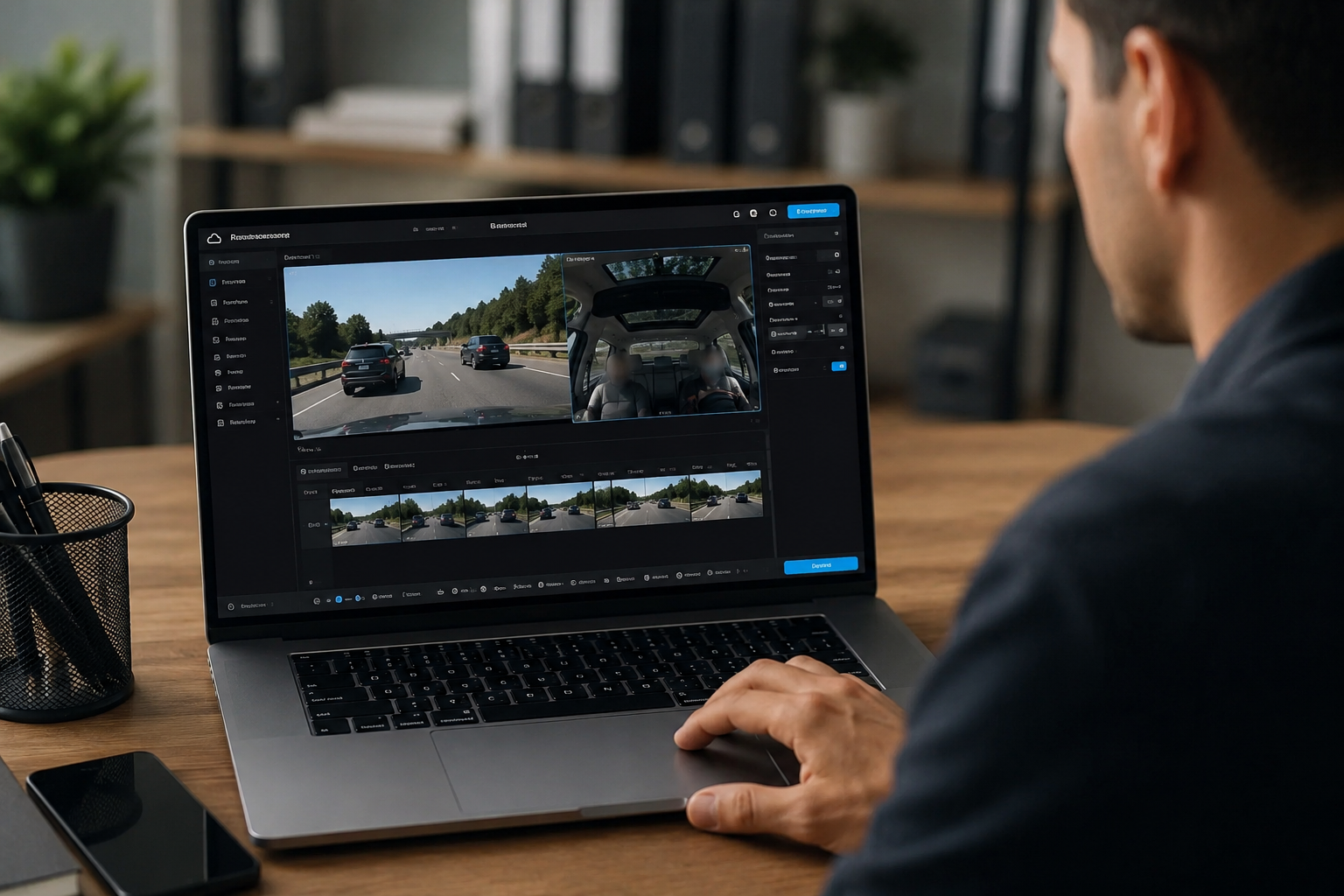
All-in-one dashcam blur software in the browser
Most dashcam workflows need more than plate blur alone. BGBlur works as practical dashcam blur software for creators, insurers, fleet teams, and drivers who must hide faces, license plates, and other identifiers before sharing footage. Upload MP4 or MOV files from front and rear dashcams, process them online, and export a redacted version without installing desktop software or learning timeline editing.
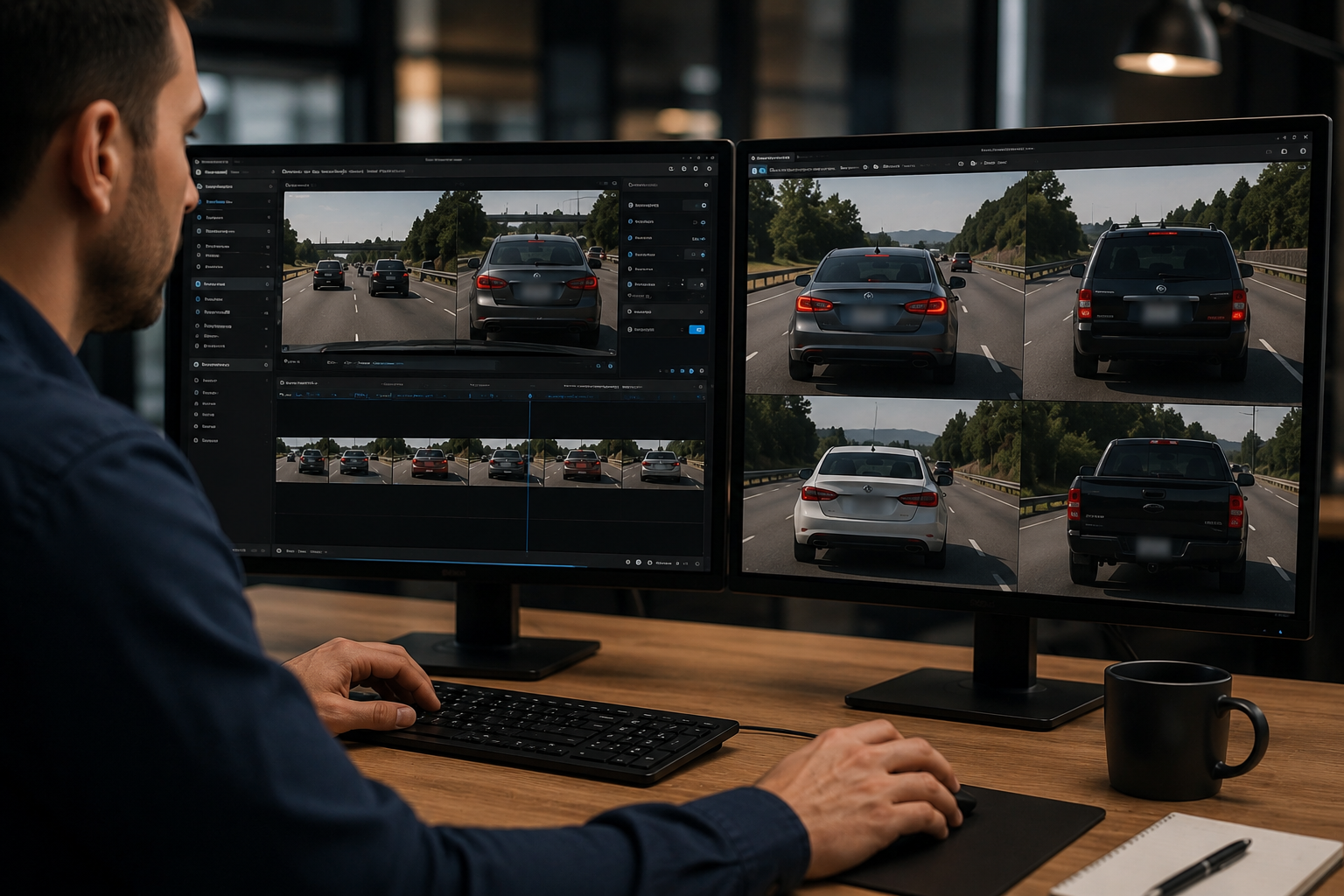
Blur license plates in dashcam video automatically
Driving clips capture dozens of third-party vehicles in minutes. BGBlur detects and tracks license plates across frames, even during merges, intersections, and high-speed passes. This is essential for YouTube dashcam channels, Reddit driving compilations, insurance documentation, and public incident posts where readable plates create privacy and policy risk.
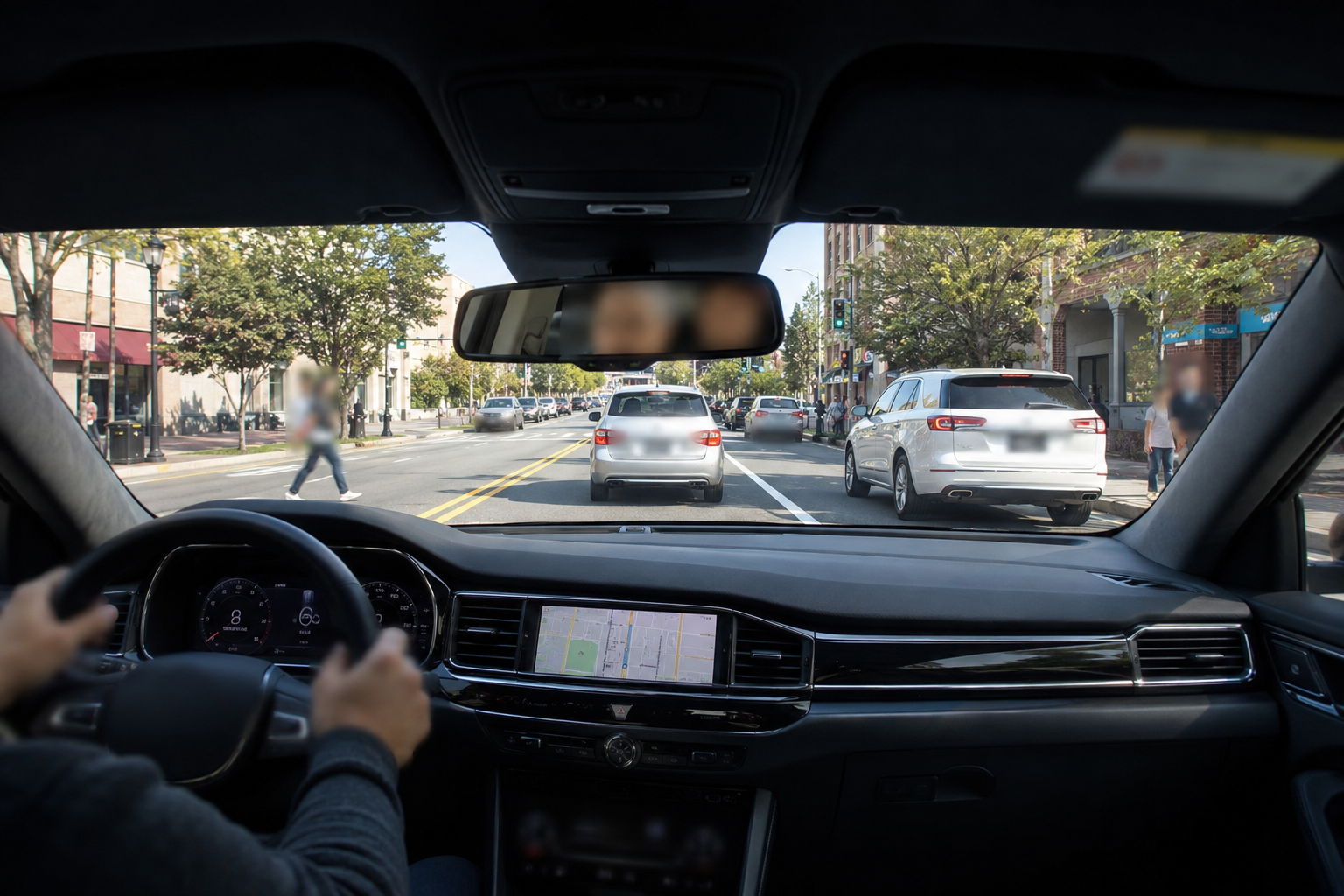
Blur faces and passengers in dashcam recordings
Dashcam blur software should also handle people visible through windshields, pedestrians at crossings, rideshare passengers, and bystanders after collisions. BGBlur combines face detection with plate redaction so one upload covers the most common privacy issues in road footage. That makes it easier to publish clips, send evidence externally, or archive incidents without exposing unrelated identities.
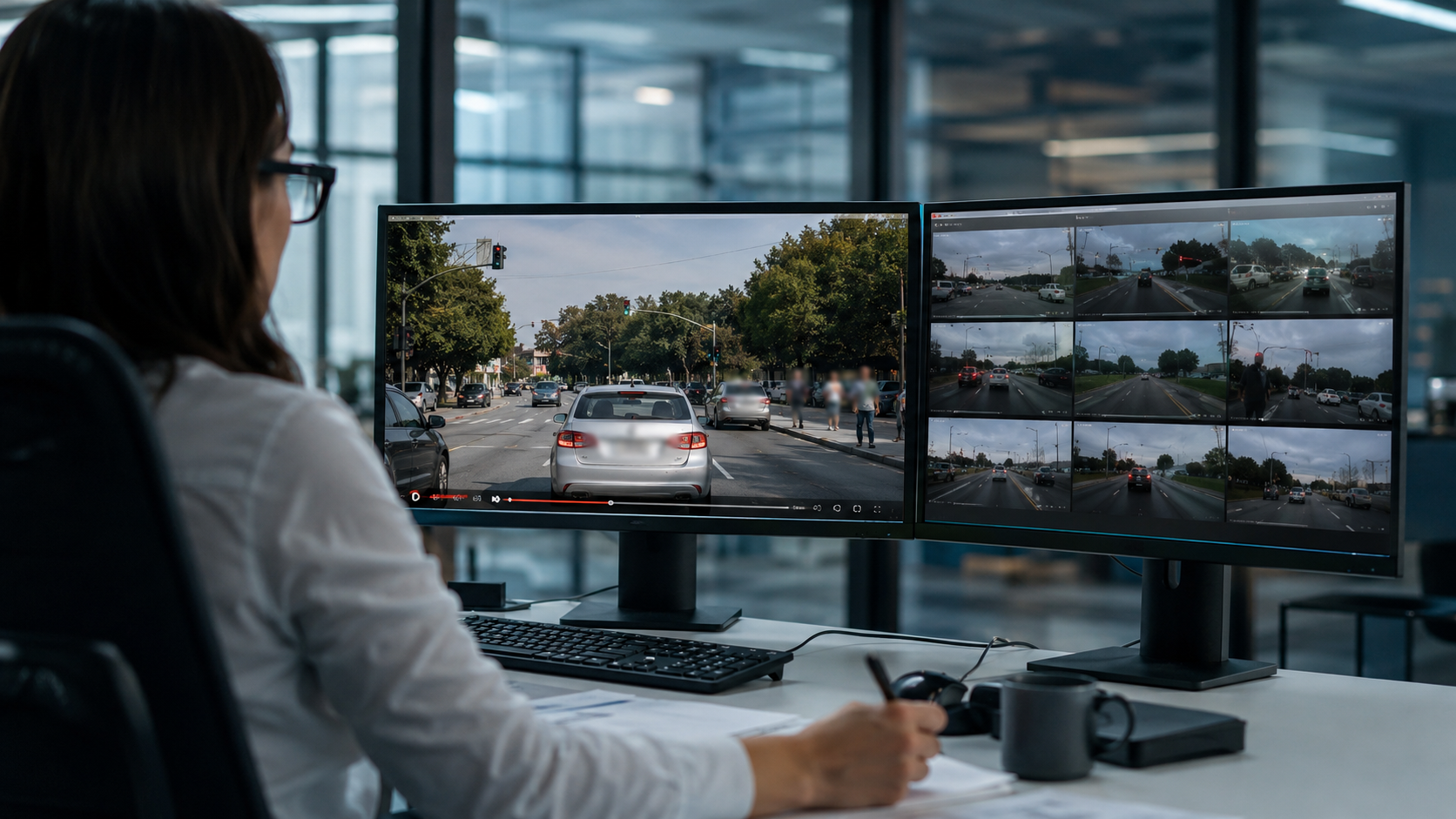
Built for insurance, fleet, and legal workflows
Claims adjusters, fleet safety managers, and legal teams often need redacted copies of dashcam video for external review. BGBlur helps prepare shareable exports quickly while preserving the visual context of the incident. Use it for liability disputes, driver coaching, near-miss review, and documentation where only some vehicles or individuals should remain identifiable.
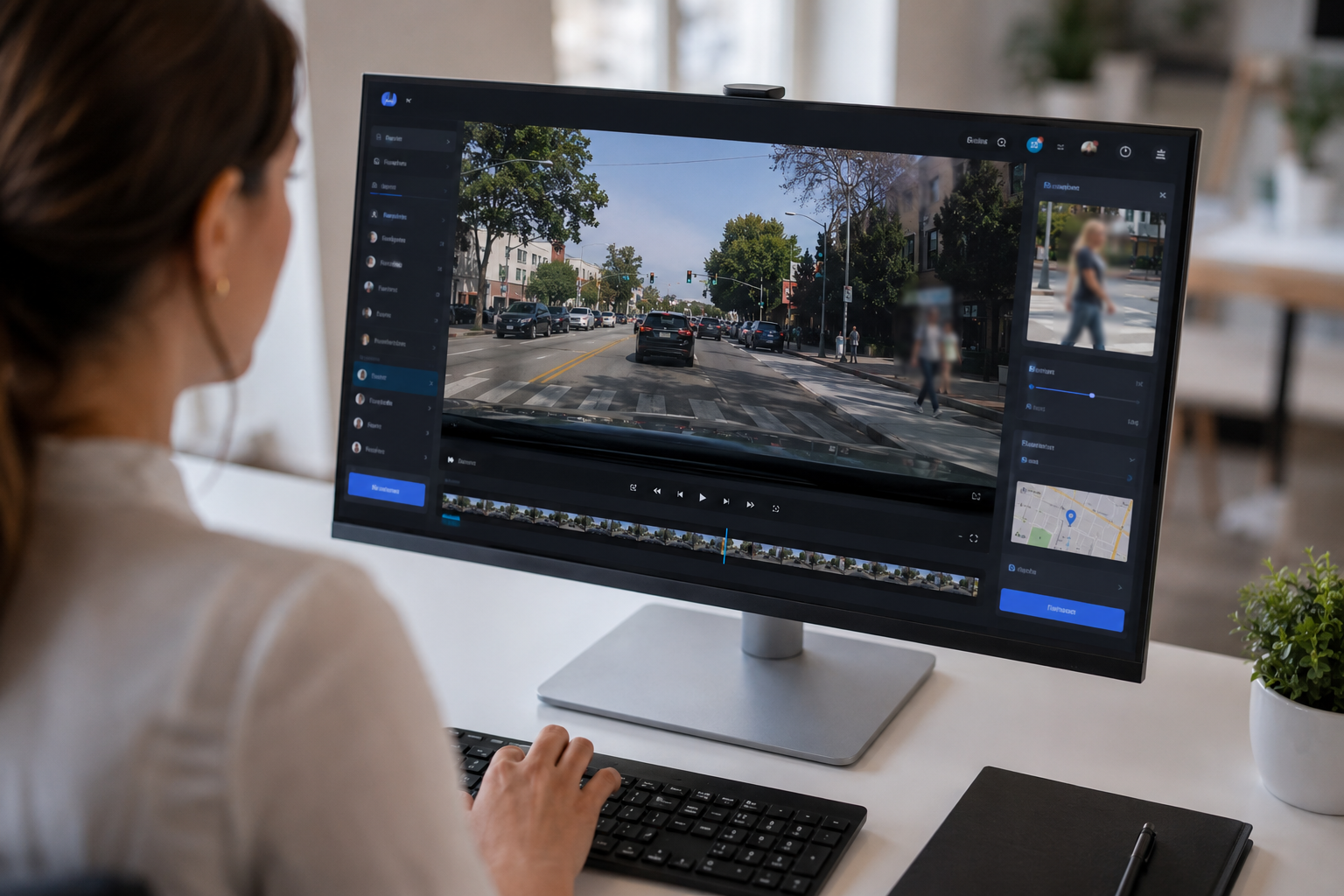
Fast exports for social platforms and evidence sharing
Whether you are posting a dashcam clip online or sending a privacy-safe version to a third party, BGBlur keeps the workflow simple: upload, review detections, export, download. The software maintains usable video quality while applying consistent blur across motion, low light, rain, glare, and compressed dashcam files from popular camera brands.
What Makes BGBlur Different?
BGBlur is built for browser-based AI video editing: upload a clip, choose what to hide or soften, and export privacy-ready footage without learning timeline software.
AI video blur
Automatic video blur workflows reduce manual masking for faces, plates, backgrounds, screens, and sensitive objects.
Browser-based
Edit video online from desktop or mobile without installing professional video editing software.
Privacy focused
BGBlur is designed for safer publishing, redaction, anonymization, and compliance-aware video sharing.
Selective control
Choose targeted blur, background blur, face anonymization, or object blur based on the footage.
Fast workflow
Simple upload, preview, processing, and export steps help creators and teams finish edits quickly.
Multiple formats
Use BGBlur across common video and image workflows for social, legal, training, and creator content.
Blurring Video Backgrounds Automatically
BgBlur is dedicated to making video privacy and enhancement accessible to everyone. Our tools use advanced AI to help you blur faces, license plates, and backgrounds in your videos—quickly and securely, right in your browser.
Features include automatic face blur, license plate blur, and background blur. Try it out now by uploading your video at /en/upload. No downloads or advanced software required!
Powered by BGBlur
Frequently Asked Questions
Our AI analyzes your video and automatically detects and blurs backgrounds, faces, license plates, or any objects you select with motion tracking.
We support MP4, MOV, and M4V formats for all blur functions including face blur video and background blur.
Free users can blur videos under 200MB and 10 minutes. Pro users get unlimited blur processing with longer video support.
AI face swap uses advanced artificial intelligence to detect and replace a face in a video with another face while keeping expressions, lighting, and angles natural.
You should use face anonymization when sharing content publicly, handling sensitive data, or complying with privacy laws to protect identities.
With BgBlur, you can easily blur face or pixelate face by uploading your content, and the AI will automatically detect and apply the effect in seconds.
Yes, BgBlur allows you to blur licence plate or blur number plate in video online free with just a few clicks, no technical skills required.
To blur multiple objects online, upload your video and select the Blur Anything feature. Then add multiple object names separated by commas and proceed, and our AI will automatically blur those objects.
Yes, BGBlur's AI automatically tracks moving objects, faces, and vehicles. You do not need to manually mask every frame; the motion-aware tracker keeps the blur locked onto the subject as it moves.
BGBlur is a completely web-based tool. You can upload any video or image, select the Face Blur tool, and apply pixelation or blur instantly inside your browser without downloading any apps or plugins.
Absolutely. Our AI is trained specifically to detect and blur license plates in driving footage, dashcams, and street-view videos. It helps creators and transport fleets stay compliant with privacy laws.
Your privacy is our priority. BGBlur leverages advanced client-side technologies to process videos securely. Your files are processed locally in your browser and are never uploaded or stored permanently on external servers.
Yes! BGBlur is fully responsive and optimized for mobile browsers. You can easily blur a video background or pixelate faces directly on your iPhone, iPad, or Android phone.
Limits depend on the feature. Standard video blur tools such as face blur, license plate blur, background blur, blur anything, screen blur, NSFW blur, and face anonymization support up to 200MB and 10 minutes on the free plan, while Pro users get unlimited blur processing with longer video support. Object Remover supports MP4 and MOV videos up to 1GB and 10 seconds per clip. Voice Anon direct uploads support up to 100MB, while the upload/URL workflow supports audio or video files up to 500MB and under 10 minutes.
User Reviews
Share your experience and help others make informed decisions
Write a Review
Community Score
0.0
/ 5
Based on 0 reviews
All Reviews (0)
No reviews yet
Be the first to share your experience and help others make informed decisions!
Ready to blur your video content?
Start protecting privacy and creating professional video blur effects today with our AI-powered tool. No downloads required - blur directly in your browser.
Start Blurring NowTrusted by thousands of creators
My favorite video tool
Great app, easy to use. Helps our small business save time and money to create different marketing materials professionally. Thank you.
Shaelyn D.
Best blur tool out there
I need a good blur tool for my work and I've been through them all. This one is the best by far. It's so easy to use and the results always look amazing.
Kira H.
Love it
It's amazingly easy and gives the perfect results for my bags and accessories. It looks like it was done by a professional photographer.
Mary J.