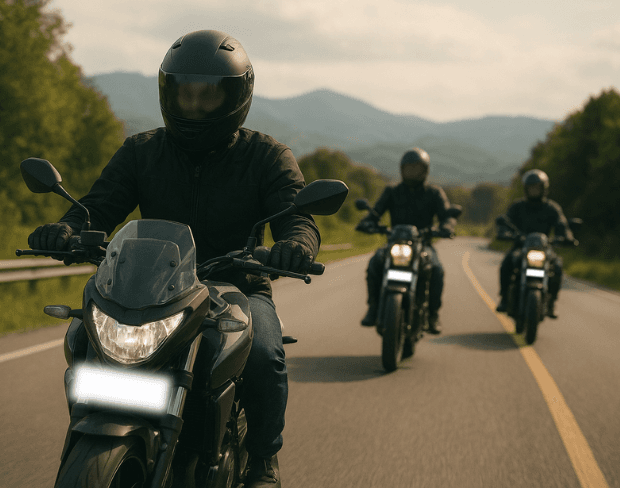
Free AI Motorcycle Video Background Blur

Create epic moto vlogs with professional background blur effects. Remove distractions, protect privacy, and make your rides look cinematic in seconds!

How to Use BG Blur

Get started with our simple 3-step process

01

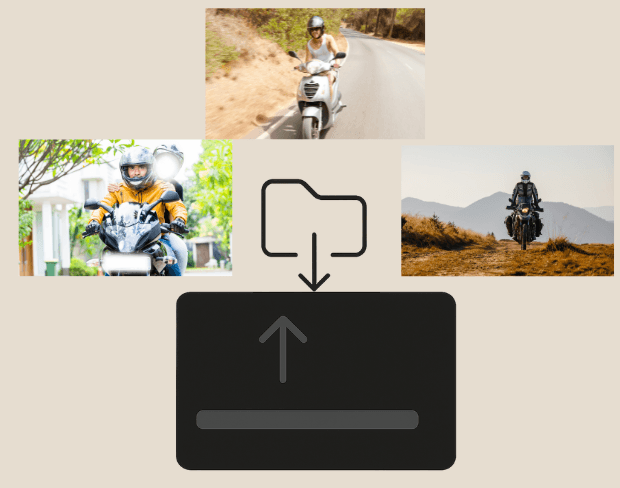
Upload your video to our AI video blur editor

Upload your video to our AI video blur editor.

02

Select what to blur: background, faces, license plates, or objects

Pick the blur mode that fits your use case and adjust intensity for a natural result.

03

Download your professionally blurred video with privacy protection

Export and download your processed video in just a few clicks.

Pure Riding, Zero Distractions

Pure Riding, Zero Distractions

Blur busy traffic and cluttered streets so viewers focus on your ride, not the chaos around you. Our AI creates cinematic depth for epic motorcycle vlogs.
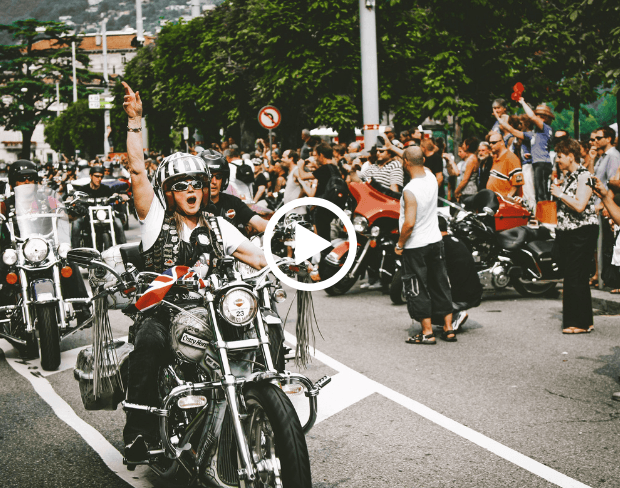
Protect Riders, Capture Adventure

Keep other riders' faces and license plates private with smart AI blur. Film group rides or public roads worry-free while sharing the thrill of the ride.
Protect Riders, Capture Adventure
Helmet Cam to Hero Shot Instantly

Helmet Cam to Hero Shot Instantly

Transform shaky GoPro footage into smooth, professional moto vlogs. One-tap background blur removes distractions from traffic, crowds, or messy pit stops.
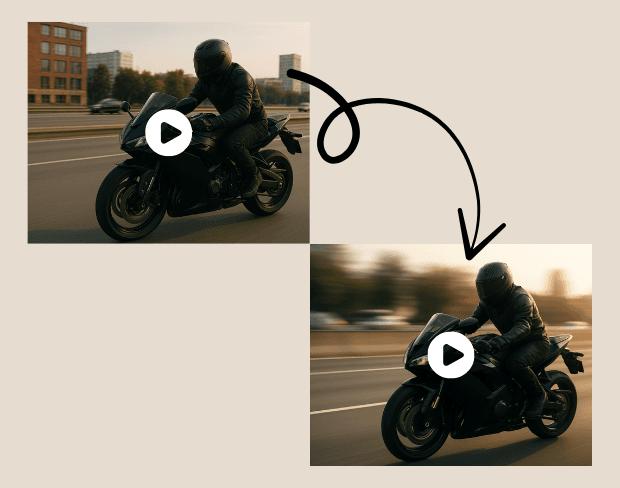
Your Journey Deserves the Spotlight

Don't let busy highways steal your thunder. BGBlur's AI turns chaotic traffic into cinematic backgrounds—making every ride look like a movie scene.
Your Journey Deserves the Spotlight
Moto Content That Pops

Moto Content That Pops

Create scroll-stopping ride vlogs with professional blur effects. Perfect for bike reviews, tour diaries, or daily commutes. No expensive editing required.

What Makes BGBlur Different?

BGBlur is built for browser-based AI video editing: upload a clip, choose what to hide or soften, and export privacy-ready footage without learning timeline software.

AI video blur

Automatic video blur workflows reduce manual masking for faces, plates, backgrounds, screens, and sensitive objects.

Browser-based

Edit video online from desktop or mobile without installing professional video editing software.

Privacy focused

BGBlur is designed for safer publishing, redaction, anonymization, and compliance-aware video sharing.

Selective control

Choose targeted blur, background blur, face anonymization, or object blur based on the footage.

Fast workflow

Simple upload, preview, processing, and export steps help creators and teams finish edits quickly.

Multiple formats

Use BGBlur across common video and image workflows for social, legal, training, and creator content.

AI License Plate Recognition Built for Redaction

BGBlur uses plate recognition to find vehicle identifiers in footage so they can be blurred before publishing or internal distribution. The workflow is focused on privacy action, not just detection.

Recognize visible plates, apply license plate blur, and combine it with face blur or object blur when road footage contains multiple privacy risks.

Powered by BGBlur plate recognition

Frequently Asked Questions

How does the AI video blur work?

Our AI analyzes your video and automatically detects and blurs backgrounds, faces, license plates, or any objects you select with motion tracking.

What video formats support blur effects?

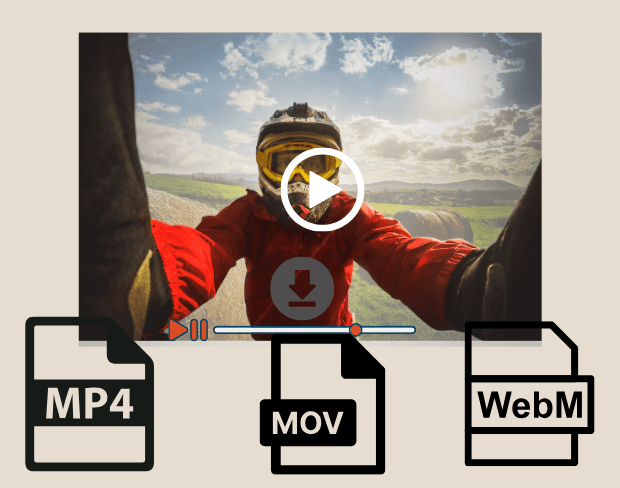
We support MP4, MOV, and M4V formats for all blur functions including face blur video and background blur.

Is there a limit for video blur processing?

Free users can blur videos under 200MB and 10 minutes. Pro users get unlimited blur processing with longer video support.

What is AI face swap and how does it work?

AI face swap uses advanced artificial intelligence to detect and replace a face in a video with another face while keeping expressions, lighting, and angles natural.

When should I use face anonymization?

You should use face anonymization when sharing content publicly, handling sensitive data, or complying with privacy laws to protect identities.

How can I blur face or pixelate face in a photo or video?

With BgBlur, you can easily blur face or pixelate face by uploading your content, and the AI will automatically detect and apply the effect in seconds.

Can I blur number plate in video online free without editing skills?

Yes, BgBlur allows you to blur licence plate or blur number plate in video online free with just a few clicks, no technical skills required.

How can I blur multiple objects online?

To blur multiple objects online, upload your video and select the Blur Anything feature. Then add multiple object names separated by commas and proceed, and our AI will automatically blur those objects.

Can I blur moving objects in a video automatically?

Yes, BGBlur's AI automatically tracks moving objects, faces, and vehicles. You do not need to manually mask every frame; the motion-aware tracker keeps the blur locked onto the subject as it moves.

How do I pixelate faces online without installing software?

BGBlur is a completely web-based tool. You can upload any video or image, select the Face Blur tool, and apply pixelation or blur instantly inside your browser without downloading any apps or plugins.

Is it possible to auto-blur license plates in dashcam videos?

Absolutely. Our AI is trained specifically to detect and blur license plates in driving footage, dashcams, and street-view videos. It helps creators and transport fleets stay compliant with privacy laws.

Does BGBlur upload my private videos to a remote server?

Your privacy is our priority. BGBlur leverages advanced client-side technologies to process videos securely. Your files are processed locally in your browser and are never uploaded or stored permanently on external servers.

Can I blur a video background on iPhone, Android, or mobile devices?

Yes! BGBlur is fully responsive and optimized for mobile browsers. You can easily blur a video background or pixelate faces directly on your iPhone, iPad, or Android phone.

What is the maximum video file size and duration supported?

Currently, BGBlur supports files up to 200MB and durations up to 10 minutes, supporting common video resolutions up to 4K. This makes it ideal for vlogs, social media posts, and security camera clips.

User Reviews

Share your experience and help others make informed decisions

Write a Review

5 stars

Community Score

0.0

/ 5

Based on 0 reviews

All Reviews (0)

No reviews yet

Be the first to share your experience and help others make informed decisions!

Blur Your Moto Videos Now

Start creating professional motorcycle vlogs instantly with our free AI-powered background blur tool.

Blur moto video background now