
Face Anonymization & AI Face Swap Video Tool

Protect identities or generate new faces in videos instantly using AI no manual editing or face uploads required.

Face Anonymization & AI Face Swap Video Tool

Choose Video

Protect identities or generate new faces in videos instantly using AI no manual editing or face uploads required.

Face Anonymization in Video with AI Tracking

Automatically anonymize faces in videos with precision, even when people are moving or camera angles shift. The AI detects faces frame by frame and applies consistent anonymization ensuring identities stay protected throughout the entire video. Perfect for creators, businesses, and professionals who need reliable privacy protection in dynamic content. No manual editing required just upload your video and let the AI handle everything.

Supports Popular Video Formats

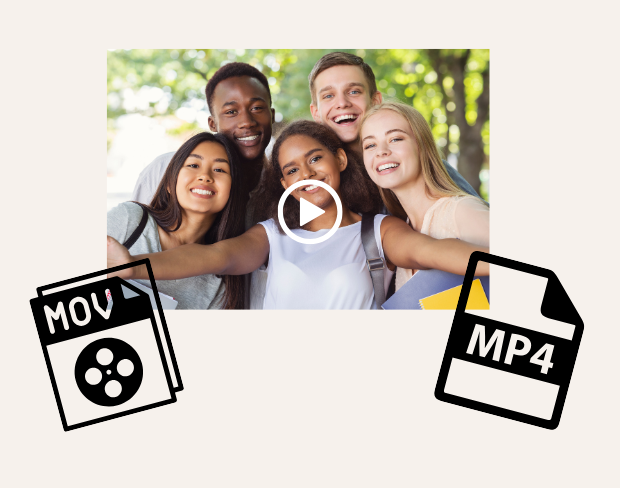
The AI face editor supports MP4 and MOV formats for smooth and reliable processing. Whether you're working with short clips or long-form videos, the tool ensures consistent quality and performance. No conversions required just upload and process instantly.

Face Anonymization in Video with AI Tracking

Face Anonymization in Video with AI Tracking

Automatically anonymize faces in videos with precision, even when people are moving or camera angles shift. The AI detects faces frame by frame and applies consistent anonymization ensuring identities stay protected throughout the entire video. Perfect for creators, businesses, and professionals who need reliable privacy protection in dynamic content. No manual editing required just upload your video and let the AI handle everything.

AI Face Swap Video Generated, Not Uploaded

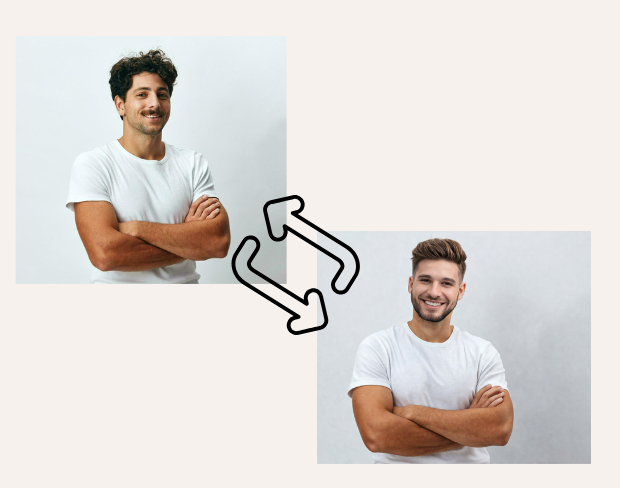
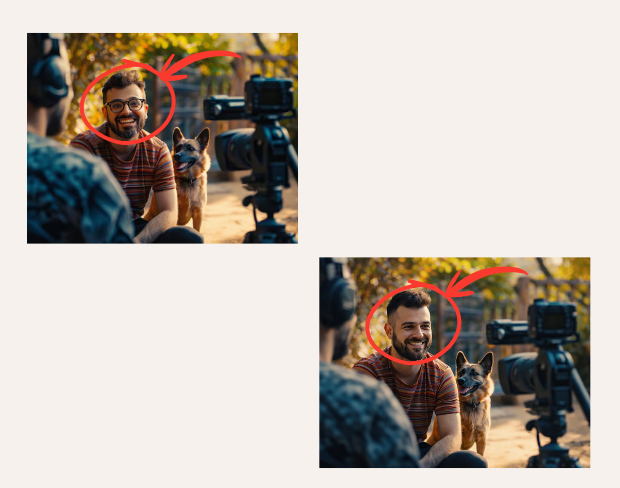
Create realistic face transformations in videos using AI without uploading any face images. This AI face swap video tool automatically generates new faces and applies them seamlessly across frames. The AI maintains natural expressions, lighting, and motion consistency, delivering clean and professional results. Ideal for privacy-first content, storytelling, and AI-powered video editing.
AI Face Swap Video Generated, Not Uploaded
AI Video Tool Built for Privacy & Creativity

AI Video Tool Built for Privacy & Creativity

This AI video tool combines face anonymization and AI face generation to handle real-world use cases. Content creators can anonymize identities before publishing. Businesses can secure faces in marketing, surveillance, or customer-related footage. Journalists and media teams can safely share public recordings, while individuals can create AI-generated face content without exposing real identities.

Use on Mobile and Desktop No App Required

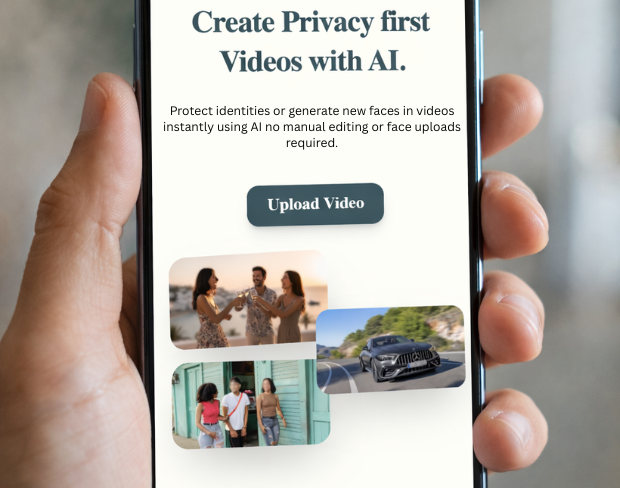
Access this AI video tool directly from your browser on mobile, tablet, or desktop. No downloads or installations needed. Upload your video, apply face anonymization or AI face swap, and download your result all within minutes.
Use on Mobile and Desktop No App Required
Supports Popular Video Formats

Supports Popular Video Formats

The AI face editor supports MP4 and MOV formats for smooth and reliable processing. Whether you're working with short clips or long-form videos, the tool ensures consistent quality and performance. No conversions required just upload and process instantly.

What Makes BGBlur Different for Face Anonymization?

BGBlur is built for stronger identity protection than simple cosmetic blur, supporting privacy workflows for sensitive people-focused footage.

Identity protection

Use face anonymization when a person should not remain identifiable in the final video.

Beyond basic blur

Support anonymization workflows for legal, security, research, journalism, and documentary use cases.

AI tracking

Keep protection aligned with the face as people move through the scene.

Compliance-aware content

Prepare footage for safer sharing when consent, privacy, or data protection obligations matter.

Online workflow

Anonymize faces in video from the browser without a specialist redaction platform.

Pairs with other redaction

Combine face anonymization with license plate blur, object blur, and screen blur for fuller coverage.

AI Video Tool Built for Privacy & Creativity

This AI video tool combines face anonymization and AI face generation to handle real-world use cases. Content creators can anonymize identities before publishing. Businesses can secure faces in marketing, surveillance, or customer-related footage. Journalists and media teams can safely share public recordings, while individuals can create AI-generated face content without exposing real identities.

Access this AI video tool directly from your browser on mobile, tablet, or desktop. No downloads or installations needed. Upload your video, apply face anonymization or AI face swap, and download your result all within minutes.

Face Anonymization & AI Face Swap Video Tool

Face Anonymization in Video with AI Tracking

Automatically anonymize faces in videos with precision, even when people are moving or camera angles shift. The AI detects faces frame by frame and applies consistent anonymization ensuring identities stay protected throughout the entire video. Perfect for creators, businesses, and professionals who need reliable privacy protection in dynamic content. No manual editing required just upload your video and let the AI handle everything.

AI Face Swap Video Generated, Not Uploaded

Create realistic face transformations in videos using AI without uploading any face images. This AI face swap video tool automatically generates new faces and applies them seamlessly across frames. The AI maintains natural expressions, lighting, and motion consistency, delivering clean and professional results. Ideal for privacy-first content, storytelling, and AI-powered video editing.

AI Video Tool Built for Privacy & Creativity

This AI video tool combines face anonymization and AI face generation to handle real-world use cases. Content creators can anonymize identities before publishing. Businesses can secure faces in marketing, surveillance, or customer-related footage. Journalists and media teams can safely share public recordings, while individuals can create AI-generated face content without exposing real identities.

Use on Mobile and Desktop No App Required

Access this AI video tool directly from your browser on mobile, tablet, or desktop. No downloads or installations needed. Upload your video, apply face anonymization or AI face swap, and download your result all within minutes.

Supports Popular Video Formats

The AI face editor supports MP4 and MOV formats for smooth and reliable processing. Whether you're working with short clips or long-form videos, the tool ensures consistent quality and performance. No conversions required just upload and process instantly.

Can I blur moving objects in a video automatically?

Yes, BGBlur's AI automatically tracks moving objects, faces, and vehicles. You do not need to manually mask every frame; the motion-aware tracker keeps the blur locked onto the subject as it moves.

How do I pixelate faces online without installing software?

BGBlur is a completely web-based tool. You can upload any video or image, select the Face Blur tool, and apply pixelation or blur instantly inside your browser without downloading any apps or plugins.

Is it possible to auto-blur license plates in dashcam videos?

Absolutely. Our AI is trained specifically to detect and blur license plates in driving footage, dashcams, and street-view videos. It helps creators and transport fleets stay compliant with privacy laws.

Does BGBlur upload my private videos to a remote server?

Your privacy is our priority. BGBlur leverages advanced client-side technologies to process videos securely. Your files are processed locally in your browser and are never uploaded or stored permanently on external servers.

Can I blur a video background on iPhone, Android, or mobile devices?

Yes! BGBlur is fully responsive and optimized for mobile browsers. You can easily blur a video background or pixelate faces directly on your iPhone, iPad, or Android phone.

What is the maximum video file size and duration supported?

Currently, BGBlur supports files up to 200MB and durations up to 10 minutes, supporting common video resolutions up to 4K. This makes it ideal for vlogs, social media posts, and security camera clips.

User Reviews

Share your experience and help others make informed decisions

Write a Review

5 stars

Community Score

0.0

/ 5

Based on 0 reviews

All Reviews (0)

No reviews yet

Be the first to share your experience and help others make informed decisions!

Ready to blur your video content?

Start protecting privacy and creating professional video blur effects today with our AI-powered tool. No downloads required - blur directly in your browser.

Start Blurring Now