Blur Yoga Backgrounds for Instagram Fitness Videos [2026]
A step-by-step guide to blurring backgrounds and faces in yoga and fitness videos so home studios, gym floors, and group classes look professional while protecting everyone's privacy.
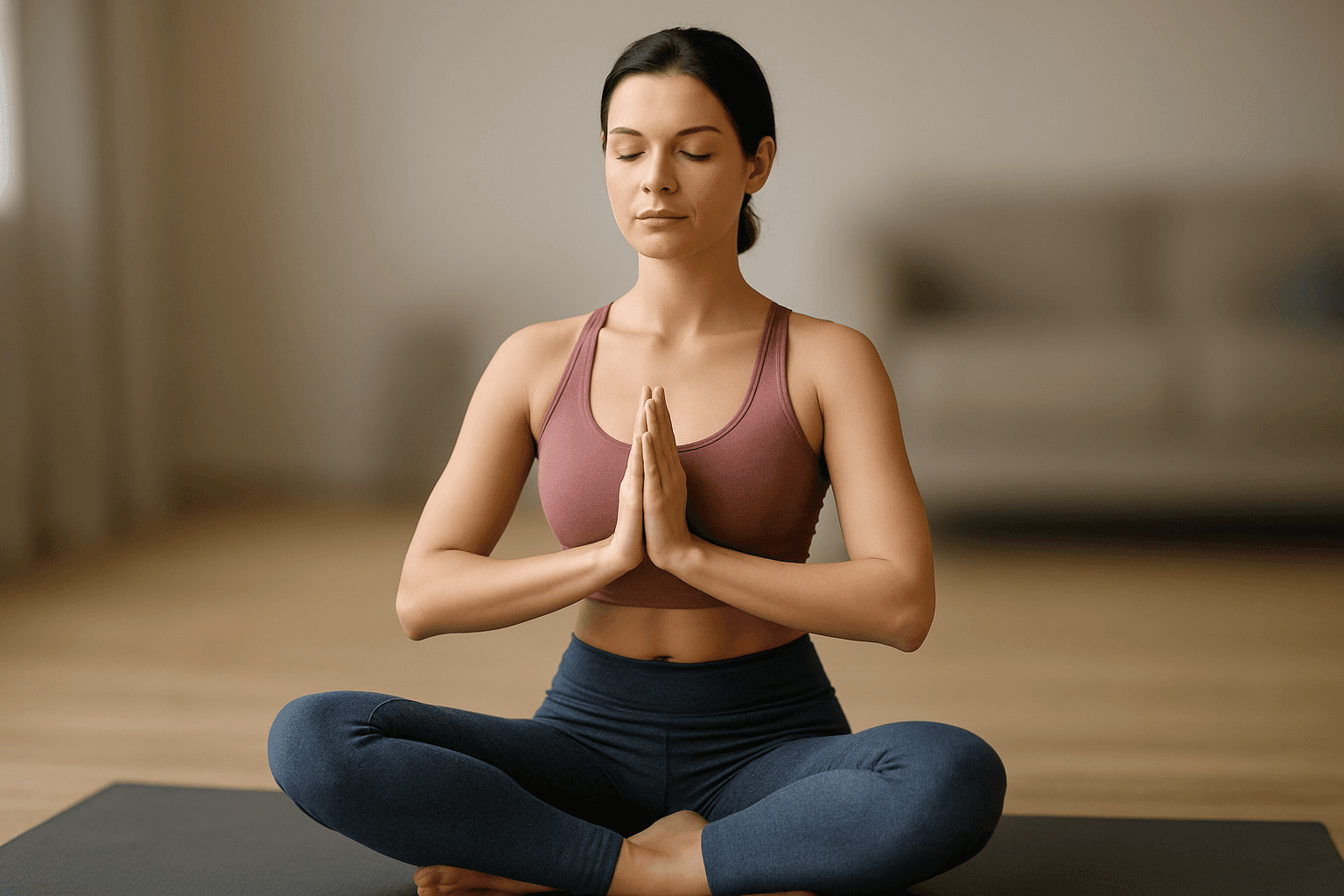
You've just filmed the perfect yoga flow—your form is flawless, the lighting is beautiful, but there's one problem: your cluttered bedroom, random roommates walking by, or personal items are stealing the spotlight. Sound familiar?
Whether you're a yoga instructor building your brand or a fitness enthusiast sharing your journey, background blur can transform amateur-looking videos into professional content while keeping your personal space private.
| Question | Answer |
|---|---|
| Does it work on phone footage? | Yes — MP4, MOV, M4V from any device |
| Will it hurt video quality? | No — resolution is preserved up to 4K |
| Can it blur multiple students at once? | Yes — face detection tracks several people simultaneously |
| Is there a free plan? | Yes — 3 videos/month, under 200MB, 720p export |
| Do I need editing skills? | No — upload, select blur, export in three steps |
Why Blur Your Yoga Video Backgrounds?
Privacy matters. Not everyone wants to broadcast their home address, family photos, or living situation to thousands of followers. A blur background online tool helps you:
- Hide messy rooms or personal belongings
- Create a professional, studio-like aesthetic
- Keep viewers focused on your poses and technique
- Protect your privacy without sacrificing content quality
Plus, blurred backgrounds make your yoga videos look polished and Instagram-ready in seconds—no expensive equipment needed.
The Fast Way to Make Background Blurry in Yoga Videos
Forget complicated video editing software that requires a tutorial marathon. Here's how bgblur solves this in three clicks:
Step 1: Upload Your Video
Drag and drop your yoga videos directly into the online video editor.
Step 2: Apply AI Blur
The ai blur tool automatically detects you as the subject and applies a smooth blur to everything behind you. You stay sharp; distractions fade away.
Step 3: Download & Share
Export your video with the blurred background and post it straight to Instagram, TikTok, or your fitness blog.
Protecting Client Privacy in Professional Yoga Videos
As a yoga instructor, respecting your students' privacy isn't just courteous—it's essential for building trust and staying compliant with privacy regulations.
When You Need to Blur Faces in Group Classes
Recording classes for your online library or social media? You'll likely need to blur face in video for students who:
- Didn't sign a video release form
- Don't want their image on social media
- Are minors (always require parental consent)
- Simply prefer to remain anonymous
For a deeper breakdown of face-blur methods and when to use pixelation instead of a smooth blur, see our complete guide to blurring faces in photos and video.
bgblur makes this effortless with:
- Face blur tool that automatically detects and tracks faces
- Blur moving face in video technology—works even as students flow through poses
- Pixelated blur options when you need maximum privacy protection
- Selective blurring so you can choose which faces to blur
These methods to blur someone's face in video footage help you protect privacy while still creating valuable content. No more choosing between sharing your teaching or respecting boundaries.
Privacy Best Practices for Fitness Content Creators
1. Always Get Consent First
Before filming in shared spaces, inform everyone and get written permission. Use the blur for face feature as a backup for anyone who declines.
2. Hide Identifying Information
Use video blur to obscure:
- Studio addresses visible through windows
- Membership boards with client names
- Personal belongings with identifying details
- License plates in parking lot shots
3. Create a Privacy-First Workflow
Make blurring a standard step in your editing process. With bgblur's free tool, you can batch-process multiple yoga videos in minutes.
4. Be Transparent with Your Audience
Let clients know you use professional tools to protect privacy—it builds trust and positions you as a responsible instructor.
When You Need More Than Background Blur
Teaching a group class? Filming in a public gym? Sometimes you need comprehensive privacy features.
bgblur offers:
- Face blur tool that tracks and blurs faces automatically
- Blur moving face in video technology—no manual editing frame by frame
- Pixelated blur options for extra privacy protection
- Custom area selection for hiding specific details
These methods to blur someone's face in video footage keep you compliant with privacy expectations while still showcasing your teaching skills. If your studio also records footage that includes strangers, security cameras, or shared gym equipment, our guide on object and region blur for video privacy covers how to selectively obscure specific areas beyond just faces and backgrounds — useful for gym signage, membership boards, or other studio branding you don't want to broadcast.
Real Scenarios Where Blur Saves the Day
Scenario 1: Home Studio Setup
You film in your living room but don't want viewers seeing your family photos, mail on the counter, or that laundry pile. Make background blur in seconds while keeping yourself crystal clear.
Scenario 2: Public Park Class
You're teaching outdoor yoga, but strangers keep walking through your shot. The video blur background feature lets you soften distractions without re-filming.
Scenario 3: Gym Floor Content
You want to share a tutorial filmed at your gym, but other members are working out nearby. Use the face blur in video feature to respect everyone's privacy automatically.
Scenario 4: Client Testimonials
A student loves your class but doesn't want their face online. Record their testimonial and blur face in yoga videos while keeping the authentic audio.
Quick Tips for Better Yoga Videos
Want your content to pop even more? Combine background blur with these tricks:
Lighting: Film facing a window for natural light that highlights your form
Angles: Place your camera slightly below eye level for flattering yoga shots
Consistency: Use the same blur intensity across videos for a cohesive brand look
Sound: Add calming music or voiceovers to complement the visual focus
Framing: Position yourself in the center third of the frame before applying blur
Start Blurring Today
Stop letting messy backgrounds or privacy concerns hold back your yoga content. With bgblur, you get professional-looking videos without the professional price tag or learning curve.
Whether you need to make background blurry, blur moving face in video, or simply create a polished aesthetic, this ai tool handles it all. Respect your privacy and your clients' privacy—without sacrificing content quality.
Ready to protect privacy and elevate your content? Try the blur tool now—your Instagram feed (and your privacy) will thank you.
For more insights on creating engaging social media content, check out our guide on how to get followers on Instagram, TikTok, and LinkedIn and discover how to improve Instagram brand visibility without paid ads.
Frequently Asked Questions
Does background blur work on phone-filmed yoga videos?
Yes. Whether you shoot on iPhone, Android, or a standalone camera, the online video editor handles MP4, MOV, and M4V formats seamlessly, with no minimum resolution requirement.
Will blurring reduce my video quality?
No. The ai tool maintains your original resolution up to 4K while applying the blur effect. Your yoga form stays sharp and clear even as the background fades away.
Can I blur multiple faces at once in a group class video?
Yes! The face blur tool detects and tracks multiple faces simultaneously — perfect for group yoga sessions where several students haven't consented to appear online.
Is it really free?
Yes, the free tool offers 3 videos per month under 200MB and 10 minutes each, exported at 720p — generous limits for individual creators posting a few clips a week.
How do I use the video blur for TikTok and Instagram Reels?
Upload your vertical video, apply the blur, and export in the same format. The TikTok video editor AI optimization ensures your content looks perfect on social platforms.
Should I blur faces even if students verbally agreed to be filmed?
It's still good practice. Verbal consent in class doesn't always cover posting footage publicly or using it in marketing, so blurring by default and only showing faces with a signed release protects you from disputes later.
Does background blur help with GDPR or other privacy regulations?
Blurring identifiable faces and backgrounds reduces your exposure significantly, since footage without an identifiable person generally falls outside biometric data rules. Studios operating in the EU or UK should also review our GDPR video compliance guide for consent requirements on any footage that still shows recognizable faces.