Meta Muse Deepfake Opt-Out: Protect Your Photos [2026]
Meta's Muse Image feature let anyone generate AI images from public Instagram photos without consent — enabled by default, and even opting out doesn't delete images already made. This guide walks through checking your exposure, opting out of Meta's AI features, and why proactively blurring faces in your public photos and videos limits the raw material tools like Muse can use.
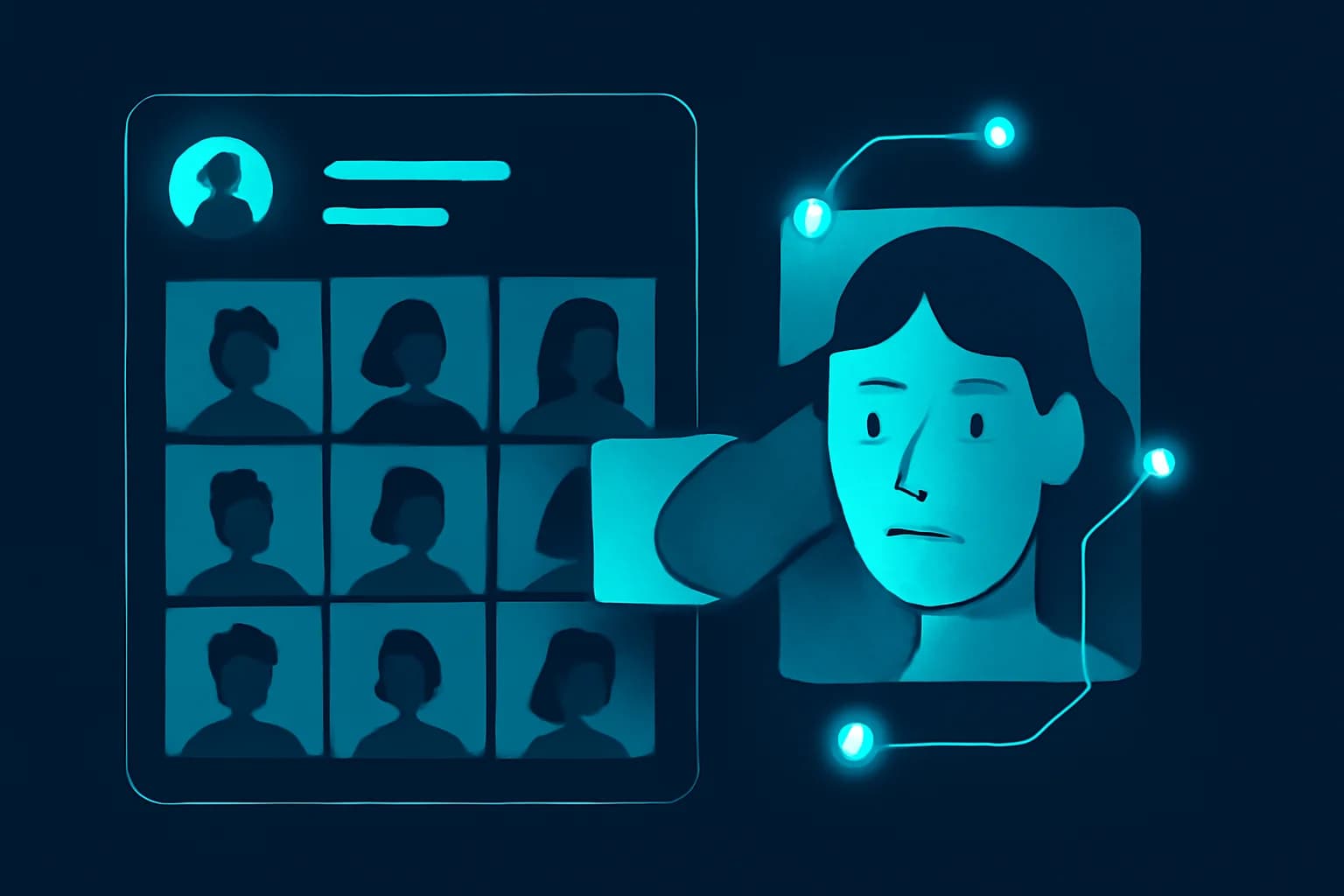
On July 7, 2026, Meta Superintelligence Labs launched Muse Image, an AI tool built into Instagram that let anyone generate AI images using another person's public photos as a reference — just by tagging their username. No notification. No approval. It worked on any public account, and it was turned on by default. Meta pulled the feature three days later, on July 10, after backlash from privacy advocates, journalists, and the actors' union SAG-AFTRA. But the settings Meta introduced to manage it are still part of Instagram, and — as several outlets confirmed after testing it — opting out doesn't delete images that were already made of you.
This guide is a practical walkthrough, not a news recap: how to check your exposure, exactly how to opt out of Meta's AI image and content-reuse features, why the opt-out doesn't undo what already happened, and — because settings alone won't solve this — why reducing the raw source material available to tools like Muse (via face blurring before you post) is the more durable form of protection.
What Actually Happened With Meta Muse?
Muse Image let a user open Meta AI, tag any public Instagram username, and generate synthetic images depicting that person — in a new pose, outfit, setting, or scenario — using their real photos as the visual reference. One CNET reporter demonstrated how quickly this could go wrong, generating a deepfake-style image of a colleague's face pasted onto a pirate within about a minute of trying the tool (Yahoo Tech).
The backlash was immediate and specific. Critics — including journalist Taylor Lorenz — flagged the obvious risk of unauthorized, non-consensual likeness generation at platform scale. SAG-AFTRA, representing actors and performers, called the lack of an opt-in requirement "an utter miscalculation of public sentiment regarding the obvious dangers and harms inherent in such use." Meta removed Muse Image from Instagram entirely on July 10, 2026, acknowledging the rollout "missed the mark" on giving people meaningful control over how their public content gets reused (Yahoo Tech).
| Question | Answer |
|---|---|
| What launched, and when? | Muse Image, an AI likeness-generation tool, on Instagram, July 7, 2026 |
| Opt-in or opt-out by default? | Opt-out — every public account was included unless the owner manually disabled it |
| When was it pulled? | July 10, 2026, roughly 3 days after launch, following public backlash |
| Are already-generated images deleted if you opt out? | No — opting out only stops future generation |
| Is the underlying setting still relevant? | Yes — the Instagram "Sharing and reuse" toggle governs AI content use generally, not just Muse |
| Does BGBlur help? | Yes — blurring faces in photos/videos before posting reduces the clean reference material available to likeness-generation tools |
Was Muse Really Opt-Out by Default — and Why Does That Matter?
Yes. Every public Instagram account was included in Muse's reference pool automatically; Meta didn't ask anyone to turn the feature on (Malwarebytes). To avoid having your public photos used, you had to know the feature existed, find the toggle — buried a few menus deep under "Sharing and reuse" — and switch it off yourself, before anyone tagged your username.
This default matters more than it might seem. An opt-in model would have meant zero people were exposed unless they actively chose to be. An opt-out model meant every public Instagram account — creators, small business owners, teachers, private individuals with public profiles for entirely mundane reasons — was exposed from minute one, and the burden of protection fell entirely on the person least equipped to know it was necessary. That inversion, more than any single generated image, is what critics pointed to as the actual design failure.
How Do I Check Whether AI Images of Me Already Exist?
There's no dashboard Meta provides that tells you who generated an image using your likeness, or how many times it happened — that gap was one of the specific criticisms of the tool. A few practical (imperfect) options:
- Reverse image search your own recent photos. Run a handful of your public profile and post photos through Google Images or TinEye periodically. This can surface reposted or lightly-edited versions, though it won't reliably catch heavily AI-transformed images.
- Set a name + "AI" or "deepfake" alert. A Google Alert for your name alongside terms like "AI image" or "deepfake" catches some public discussion or reposting you wouldn't otherwise see.
- Ask your close network. Friends and followers are more likely than a search engine to stumble across and flag something involving you specifically.
- Assume gaps exist. None of the above is comprehensive. This detection gap is exactly why the next section — reducing what's available to generate from in the first place — matters more than trying to audit after the fact.
One technical detail worth knowing: Muse Image outputs reportedly carry Content Seal, an invisible watermark designed to survive cropping, compression, resizing, and even screenshots, and Meta has previewed a detection tool (with a planned extension to video) that could eventually let someone check whether an image was Muse-generated. For a deeper technical breakdown of how Muse's agentic image and video generation pipeline works — including the Content Seal mechanism — see explainx.ai's Meta Muse Image & Muse Video: Agentic Generation Guide.
How Do I Opt Out of Meta's AI Image and Training Features?
Even with Muse Image pulled, the setting governing AI reuse of your content is still live on Instagram, and is worth disabling regardless of whether a specific feature is currently active — Meta has signaled continued investment in creative AI tools, and this toggle is the general-purpose control, not a Muse-specific one.
Step 1: Open Instagram Settings
From your profile, tap the menu icon (three lines, top right), then go to Settings.
Step 2: Find "Sharing and Reuse"
Scroll to the Sharing and reuse section in the settings menu (Forbes).
Step 3: Disable Content Reuse for Posts and Reels
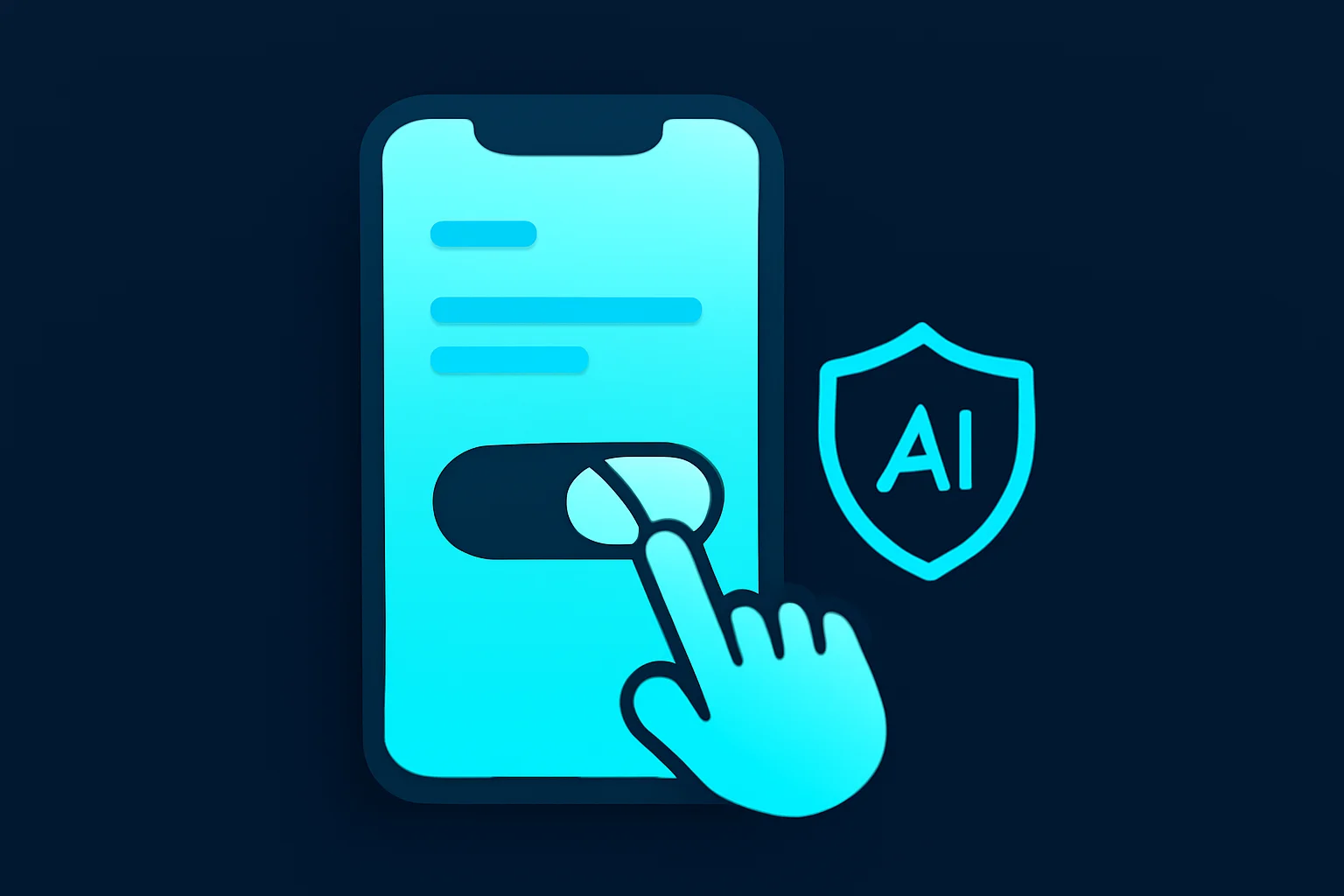
Find "Allow people to reuse your content on Instagram and with AI features at Meta" and toggle off both Posts and Reels. This is the control that governs whether your public content can be referenced by AI features on Meta's platforms going forward.
Step 4: Consider Account Privacy as a Second Layer
Muse-style tools reference public content by default. Setting your account to private removes your posts from what an AI feature — or anyone outside your approved followers — can pull from automatically. It's not airtight (approved followers can still screenshot or repost), but it materially shrinks your exposed surface area.
If I Opt Out, Are Images Already Generated of Me Deleted?
No. This is the detail that got buried under the "how to opt out" headlines: turning off the reuse setting only prevents future AI image generation. It does not remove, recall, or delete any AI-generated images or remixes that were already created using your photos before you changed the setting (Forbes; Malwarebytes).
Anyone who tagged your public username during the roughly three days Muse Image was live and generated an image can still have that image saved, downloaded, or shared, and opting out today does nothing to retract it. This is a structural limitation of after-the-fact consent controls generally: they govern what happens going forward, not what already happened. It's also the strongest practical argument for treating prevention — limiting what identifiable material is public in the first place — as more reliable than any opt-out you flip after a tool has already had access.
Why Proactively Blurring Your Face Reduces Your Deepfake Risk
Muse Image needed one thing to work: a clear, identifiable photo of a real face to use as a reference. That's true of essentially every current likeness-generation and face-swap tool, not just Meta's — the output quality is directly tied to how clean and recognizable the source photos are. Settings toggles control permission. They don't control material. If your public photos and video clips already have faces blurred, obscured, or anonymized before you post them, there's meaningfully less for a tool like Muse — or its inevitable successors — to work from, regardless of what any reuse setting says.
This is where a tool like BGBlur fits into personal privacy practice, not just corporate compliance:
✅ AI Face Blur Before You Post
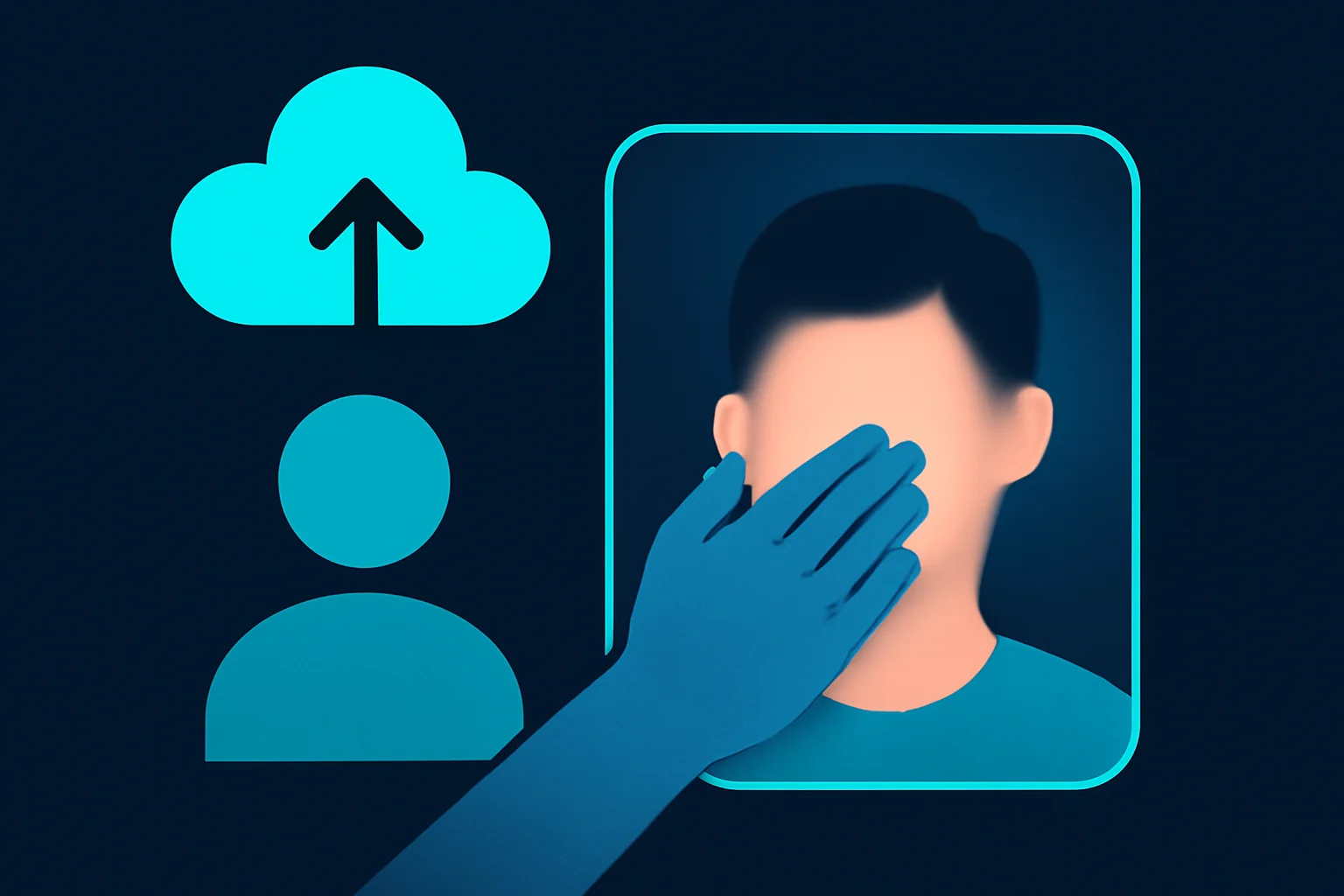
BGBlur's motion-tracked AI face detection blurs faces in photos and videos automatically, in the browser, before you upload anything publicly. For creators, parents posting kids' content, or anyone with a public-facing account who still wants to share video without handing over a clean, tag-able reference image, this converts your posted content from "reusable AI training/generation material" into something a likeness tool has far less to work with.
✅ Selective Blurring for Public-But-Personal Content
Not every public post needs every face blurred — BGBlur supports selective face blur, so you (or others in frame) can be protected while the rest of a photo or video stays untouched. This matters for creators who need to stay recognizable in some content but want to limit exposure in specific clips, like behind-the-scenes footage, event recordings, or group content where bystanders didn't consent to being posted at all.
✅ Applies to Video, Not Just Static Photos
Muse Image focused on static image generation, but the same likeness-reference problem applies to video-based AI tools, which are advancing just as fast. BGBlur's motion tracking follows a face through movement in a video clip — panning, turning, partial occlusion — so blurring holds up through an entire clip rather than only working on a still frame.
Step-by-Step: Audit and Protect Your Public Photos with BGBlur
- Review your public posts. Scroll through your public Instagram, TikTok, or other social profiles and flag content with clear, forward-facing photos or video of yourself or people who didn't consent to being public.
- Upload flagged video to BGBlur. Go to bgblur.com, drag in the video clip (MP4, MOV, or M4V, up to 4K).
- Select face blur. Choose face blur mode — BGBlur's AI detects and tracks faces through the clip automatically, including when someone turns their head or is partially blocked.
- Preview and export. Review the blurred result, then export as MP4, MOV, or WebM. Files are deleted from BGBlur's servers within 24 hours — nothing sits in permanent storage.
- Re-post the protected version, and consider whether the original unblurred file needs to stay publicly accessible anywhere else.
- Repeat for existing public content you're most concerned about, prioritizing forward-facing, high-resolution photos and clips — the ones most useful as a reference for a likeness-generation tool.
For photos specifically rather than video, the same face-blur logic applies — our guide to blurring a face in a photo or video with AI walks through the photo-specific workflow in more detail.
What If My Account Is Already Public and Widely Shared?
If you're a creator, small business owner, or public-facing professional, going fully private isn't realistic — your audience depends on public reach. In that case, the honest answer is that no single control (Meta's opt-out, a private account, or face blurring) eliminates the risk on its own; they're complementary layers, not substitutes for each other:
| Control | What it does | What it doesn't do |
|---|---|---|
| Meta's "Sharing and reuse" opt-out | Stops your content being referenced by future Meta AI features | Doesn't delete images already generated, doesn't cover reposts elsewhere |
| Private account | Removes posts from the public pool entirely | Reduces reach; doesn't stop approved followers from resharing |
| Face blur (BGBlur) on new posts | Reduces clean reference material for any AI tool, on any platform | Doesn't retroactively fix material already public before you started |
| Reverse image search / alerts | Surfaces some existing misuse | Not comprehensive, reactive rather than preventive |
Realistically, most public creators land on a mix: Meta's opt-out flipped as a baseline, selective face blurring on content where full identifiability isn't essential to the post's purpose, and periodic audits of what's already out there. None of that requires giving up a public presence — it requires treating each new upload as a small decision about how much clean reference material you're adding to what's already out there.
Honest Limitations
Face blurring and opt-out settings reduce risk; they don't eliminate it. If clear, high-resolution photos of you already exist publicly — from before you started blurring, from tagged photos posted by other people, or from professional headshots you still need for work — that material remains available to any tool, Meta's or otherwise, regardless of what you do going forward. And Meta's opt-out setting only governs Meta's own AI features; it has no effect on third-party AI tools scraping public photos independently. This is risk reduction for new content and going-forward exposure, not a retroactive fix or a guarantee against every AI tool that might exist.
Update — August 7, 2026: Meta's Muse Image isn't the only platform where safeguards lagged real-world misuse — see our breakdown of Sora 2's deepfake backlash, where anti-impersonation filters were reportedly bypassed within 24 hours of launch.
The Bottom Line
Meta's Muse Image was live for three days, opt-out by default, and left behind a setting that — even now — only controls what happens next, not what already happened. That's not a reason to panic, but it is a reason to stop treating platform settings as the whole solution. Flip the Instagram "Sharing and reuse" toggle off as a baseline. Consider account privacy if going fully public isn't essential to what you do online. And for the photos and video you do share publicly, blurring identifiable faces before you post — with BGBlur — is the one control in this list that reduces your exposure regardless of which company builds the next version of a tool like Muse.
Related reading: how deepfake fraud statistics break down in 2026, how to detect deepfake video call scams with the three-finger test, face anonymization vs. face blur, and the EU AI Act's deepfake labeling rule.
This article references and builds upon the comprehensive analysis available at explainx.ai's Meta Muse Image & Muse Video: Agentic Generation Guide, which covers the technical mechanics of Muse's agentic image and video generation pipeline in greater depth.
Further reading:
- ExplainX Meta Muse Agentic Generation Deep Dive
- BGBlur: Deepfake Fraud Statistics 2026
- BGBlur: How to Detect Deepfake Video Call Scams
Update — October 1, 2026: Meta is back with another photo feature. Instagram's new Pixel effect pixelates people in Stories, but it works on your original upload. See what Instagram stores when you use it.
Update — October 18, 2026: Nudifier abuse is now hitting politicians at scale: 50 MEPs were found on deepfake sites. See what the EU's 2 December ban does and how to reduce your exposure.
Update — October 30, 2026: Parents are pushing back on relatives uploading kids' photos to AI generators. See grandmaislop and children's privacy.