Redacted Meaning: What Does Redacted Actually Mean? [2026]
You've seen the black bars on a leaked document or a blurred face on the news, but what does redacted actually mean? Here's the dictionary and legal definition, where the word comes from, and how the same concept applies when the sensitive content is a face in a video instead of a line of text.
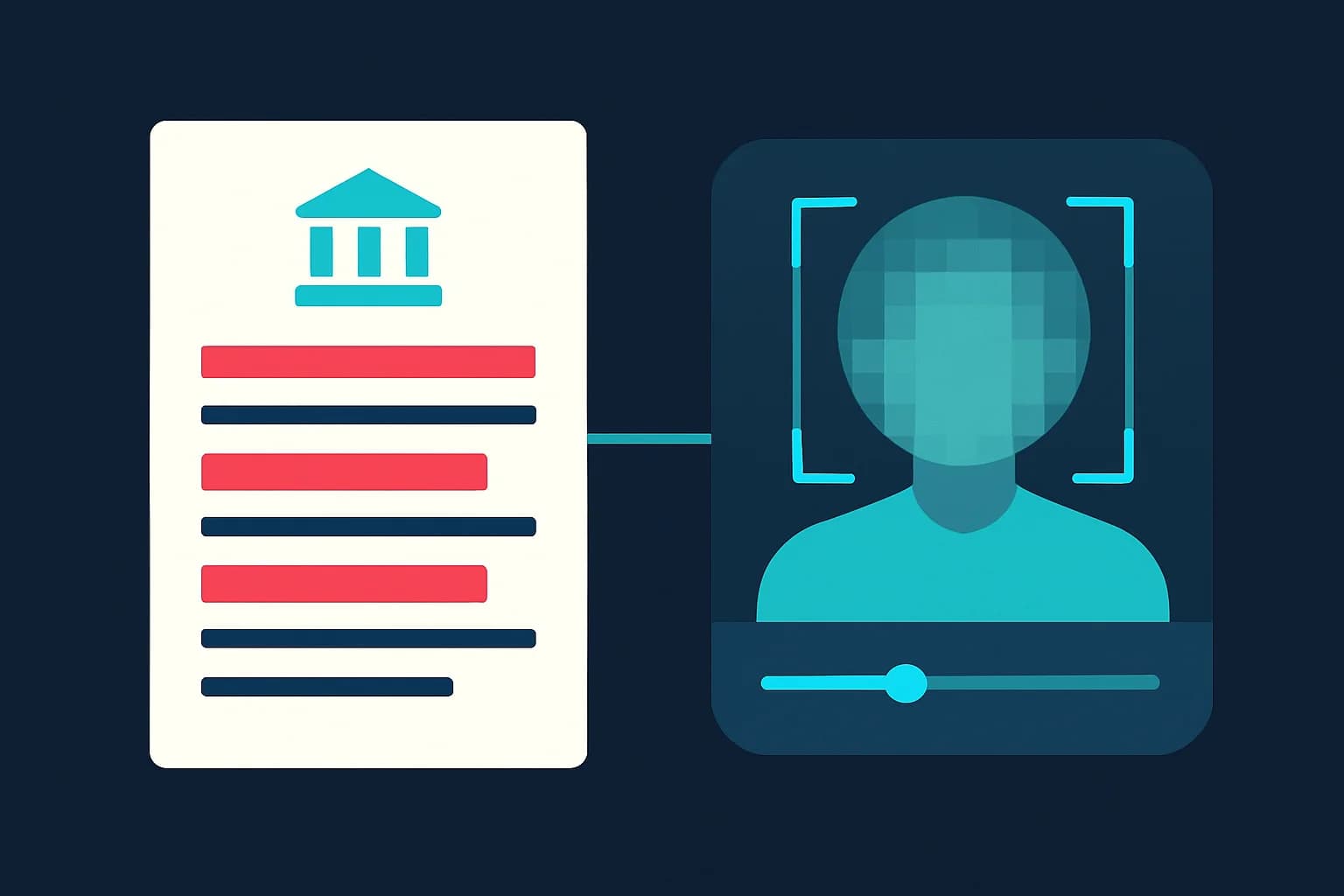
You've seen it a hundred times: a court filing with thick black bars over a name, a leaked government memo with entire paragraphs blacked out, a news broadcast blurring a witness's face. All of it gets described the same way — redacted. But what does redacted actually mean, where does the word come from, and does it work the same way for a video as it does for a page of text?
This guide covers the dictionary definition, the specific legal meaning under US federal rules, the difference between redaction and simply deleting something, and — because redaction isn't just a paper concept anymore — how the same idea applies when the sensitive content is a face, a license plate, or a screen in a video or photo.
TL;DR: Redacted Meaning at a Glance
| Question | Answer |
|---|---|
| What does redacted mean? | Information permanently removed or obscured from a document, photo, or video before release |
| Where does the word come from? | Latin redigere ("to bring back/compile") — originally meant "to draft or compile," narrowed to today's "obscure before release" sense |
| Is redacted the same as deleted? | Not exactly — redaction can be visual-only (and reversible) unless the data is properly flattened out of the file |
| What's the legal standard in the US? | FRCP 5.2 (civil) and FRCP 49.1 (criminal) — for example, only the last 4 digits of an SSN, birth year not full date |
| Redaction vs. anonymization? | Redaction is the action (obscuring an element); anonymization is the outcome (no longer identifiable by any means) |
| Does redaction apply to video and photos? | Yes — blurring faces, plates, screens, and documents across every frame is redaction applied to visual media |
The Dictionary Definition of Redacted
Merriam-Webster defines "redact" primarily as "to obscure or remove (text) from a document prior to publication or release," alongside an older sense: "to select or adapt (as by obscuring or removing sensitive information) for publication or release" and, older still, "to put in writing" or "to draft." That older meaning is why you'll occasionally see "redacted" used in historical or academic contexts to mean "edited into final form" rather than "censored" — the two senses coexisted for centuries before the censorship meaning became dominant in everyday use.
In current, everyday usage — the one behind the huge search volume for "redacted meaning" and "what does redacted mean" — the word almost always refers to the second sense: specific information deliberately hidden or removed from a document before someone else sees it.
What "Redacted" Means in Law
Redaction has a much more precise meaning inside legal and government document handling than it does in casual conversation.
The Legal Definition
Redaction, in a legal context, is the formal process of permanently removing or obscuring sensitive or confidential information from a document before it's disclosed — whether that disclosure is a public court record, a Freedom of Information Act (FOIA) response, or discovery material shared with opposing counsel. It's not optional editorial judgment; specific rules govern exactly what has to be redacted and how.
Federal Rules That Define the Standard
Two federal rules set the baseline for redaction in US court filings:
- Federal Rule of Civil Procedure 5.2 (civil filings): permits only the last four digits of a Social Security number or taxpayer ID, the birth year instead of a full birth date, a minor's initials instead of their full name, and the last four digits of a financial account number.
- Federal Rule of Criminal Procedure 49.1 (criminal filings): applies the same core standard, with additional restrictions — home addresses are limited to city and state only.
What Typically Needs to Be Redacted
Beyond the categories named in FRCP 5.2 and 49.1, redaction commonly covers Social Security and government ID numbers, home addresses and phone numbers, financial account and routing numbers, medical records and diagnoses, the identities of victims, witnesses, and minors, trade secrets and proprietary business information, and privileged attorney-client communications.

Redacted vs. Deleted: A Distinction That Actually Matters
This is where a lot of real-world redaction failures come from. Deleted content is gone — the data no longer exists in the file. Redacted content is supposed to achieve the same practical result (the reader can't access it), but it's frequently implemented as a visual cover-up rather than an actual removal.
A black rectangle drawn over a paragraph in a PDF editor can leave the underlying text fully intact and selectable underneath — anyone who copies and pastes the "redacted" section gets the original text back. The same failure mode shows up in images: a light blur or a small black box over a face or document can sometimes be reversed with basic image editing, especially if the original resolution was high enough. Multiple well-documented redaction failures — leaked court documents, published government files — trace back to exactly this mistake: redaction that looked complete but didn't actually strip the underlying data.
Proper redaction flattens the document or media so the covered content is no longer present in any recoverable layer, and strips metadata (like PDF layers, EXIF data, or revision history) that might expose the original.
Redaction vs. Anonymization: Not the Same Thing
"Redacted" and "anonymized" get used almost interchangeably in casual conversation, but they describe different things. Redaction is the action — obscuring or removing a specific identifying element. Anonymization is the outcome — the resulting content no longer allows the person to be identified by any means reasonably likely to be used, full stop.
You can redact one element (blur a face) without achieving anonymization if other identifying signals — a voice, a distinctive background, a companion who isn't blurred — remain in the content. Getting from "redacted" to genuinely "anonymized" usually means redacting every identifying signal present, not just the most obvious one. Our deeper guide on what "digitally anonymized" actually means walks through that full distinction, including why GDPR treats the two as legally different categories.
How Redaction Works for Video and Photos, Not Just Text
Redaction started as a paper-and-PDF concept, but the same requirement — permanently remove sensitive detail before release — applies just as directly to video and photo evidence, security footage, and body camera recordings. The mechanics are different, but the goal is identical.
Step 1: Identify Every Element That Needs Redaction
Before editing, list what's actually sensitive in the frame: faces, license plates, visible screens or documents, signatures, addresses on packages or mail, and any other identifying detail. A face-redacted video with a readable license plate in the same shot is only partially redacted.
Step 2: Apply Motion-Tracked Redaction Across Every Frame
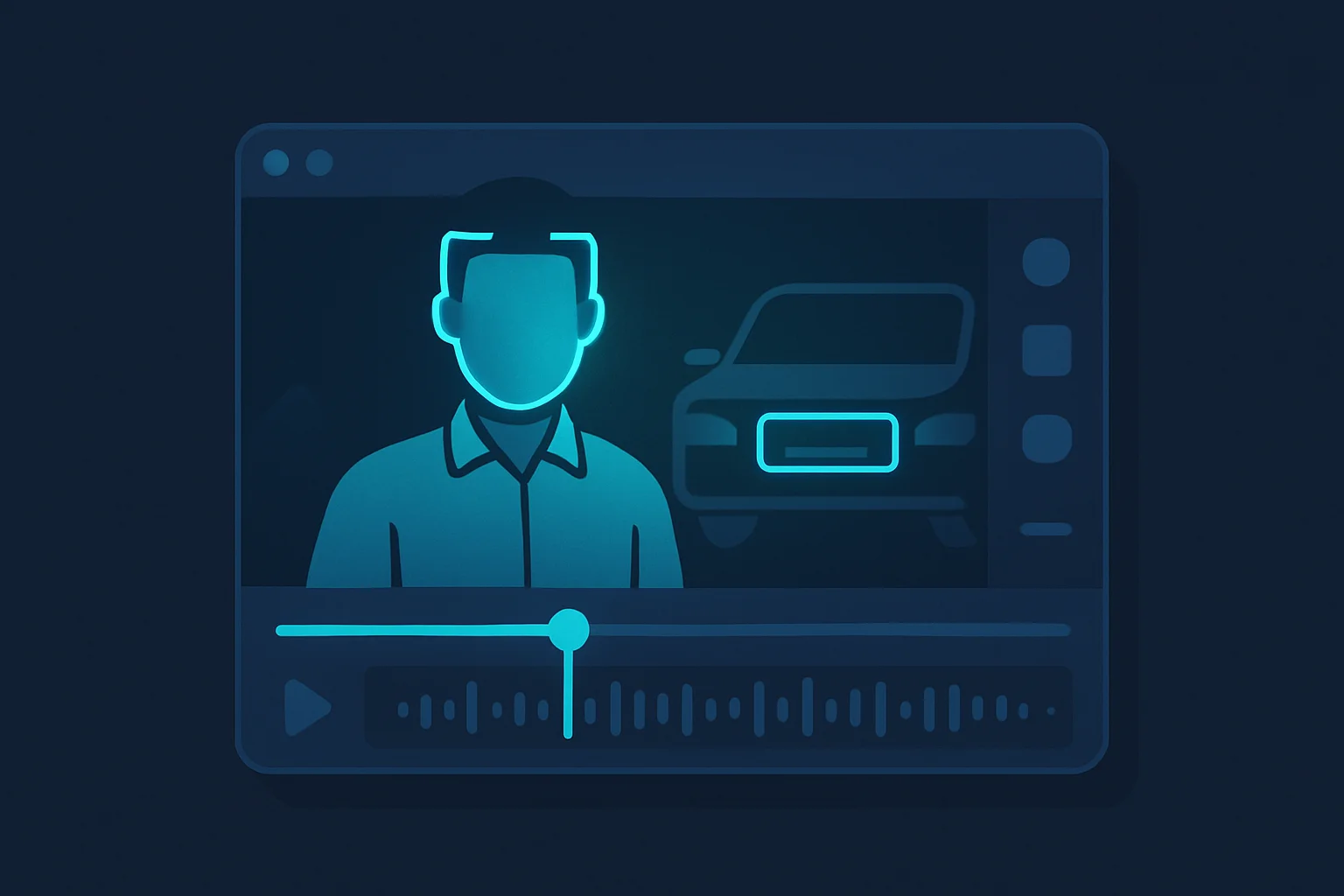
Static, single-frame redaction doesn't work for video — a face that moves in and out of a fixed blur box is unredacted in every frame where the box doesn't line up. BGBlur applies AI-based face detection that tracks the subject through motion across the entire clip, so coverage doesn't depend on the person staying still.
Step 3: Cover License Plates, Screens, and Documents in the Same Pass
Use license plate blur and object blur (described in plain text) to redact vehicles, visible monitors, printed pages, and signatures alongside faces — see our dedicated secure redaction software page for the full feature set built specifically for this workflow.
Step 4: Export a Flattened, Non-Editable File
Just like a properly redacted PDF, the exported video or photo needs to have the redaction burned into the file rather than layered as a movable mask, so there's no way to reconstruct the original detail from the export.
Step 5: Delete the Unredacted Original From Anywhere It Doesn't Need to Be
The redacted copy is for wider distribution. The original, unredacted file should stay limited to the people who genuinely need access to it — legal counsel, the original evidence custodian — the same access-control principle that applies to an unredacted legal document.
Who Needs to Get Redaction Right
Legal teams and paralegals: Redaction errors in discovery or public filings can trigger sanctions, case delays, and malpractice exposure — see our GDPR video compliance guide for the video-specific side of this.
Law enforcement and public records officers: Body camera footage and 911 call video released under public records or FOIA requests need faces, plates, and bystander information redacted before release — our police bodycam blur guide covers this workflow directly.
Journalists: Source protection frequently requires redacting a face or voice, not just declining to name someone — see face anonymization vs. face blur for how far that redaction typically needs to go.
HR and compliance teams: Internal investigation footage and documents shared beyond the immediate case team need the same PII redaction standard as a public filing.
Healthcare organizations: Patient video and images used for training or research need redaction that clears HIPAA's de-identification bar — our healthcare video privacy guide covers the healthcare-specific requirements.
Conclusion
"Redacted" means information has been deliberately, permanently removed from view before something is shared — not hidden behind a layer that can be peeled back later. That distinction is the difference between redaction that actually works and redaction that fails in exactly the way several high-profile document leaks have: a black box that looked complete but left the original data recoverable underneath. The same standard applies whether the sensitive content is a paragraph of text or a face in a video.
BGBlur brings that standard to visual media — secure, browser-based redaction that permanently blurs faces, license plates, screens, and documents in video and photos, with files processed locally and deleted within 24 hours. If your redaction needs to hold up the way a properly redacted legal filing does, it needs to actually remove the detail, not just cover it.
Related Resources
- How to Unredact a PDF: Why Redaction Fails — Why a black box over PDF text often isn't real redaction, and how to check
- Digitally Anonymized: What It Actually Means — The legal distinction between redaction and true anonymization
- Secure Redact: AI Redaction Software — BGBlur's dedicated redaction feature for video and photos
- GDPR Video Content Compliance Guide — Full Article 6/Article 9 breakdown for face and plate data
- How to Blur Body Cam Video Footage — Redaction workflow for law enforcement footage
- Face Anonymization vs. Face Blur — Why some redaction needs to go further than a simple blur
- Healthcare Video Privacy: HIPAA Patient Face Blur Guide — Redaction standards for patient video
Last updated: August 4, 2026