Top 10 Street Photography Tools 2026: Face Blur Guide
A practical roundup of the ten tools street photographers actually use in 2026 — cameras, editors, and BGBlur for privacy protection — plus the legal framework behind publishing candid images of strangers.
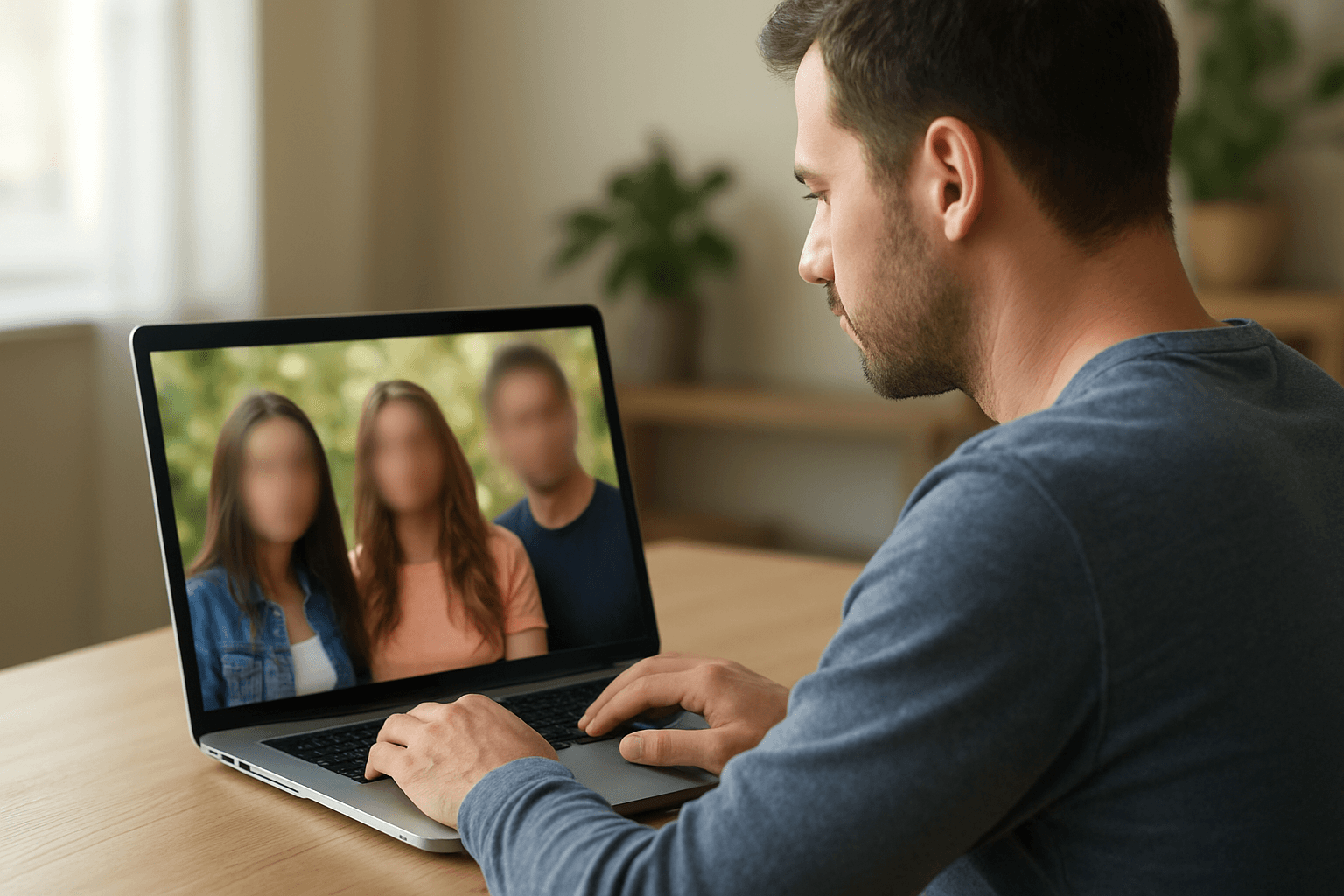
Street photography captures authentic human moments in public spaces—candid expressions, urban life, and the poetry of everyday existence. It's one of photography's most celebrated genres, practiced by masters from Henri Cartier-Bresson to Vivian Maier. But in 2026, street photographers face a complex landscape of privacy laws, platform policies, and ethical considerations that didn't exist for earlier generations.
This comprehensive guide covers the essential tools modern street photographers need to practice their craft while respecting privacy and staying legally compliant.
| Question | Answer |
|---|---|
| Is street photography legal in public? | Generally yes in the US and EU; publishing is where privacy law applies |
| Do I need a model release? | Usually not for editorial/art use; usually yes for commercial use |
| Fastest way to blur faces before posting? | BGBlur — automatic AI face detection, browser-based |
| Best pocket street camera for 2026? | Fujifilm X100VI or Ricoh GR III/IIIx |
| Does blurring hurt image quality? | No — BGBlur preserves resolution outside the blurred region |
| What about GDPR in the EU? | Artistic/journalistic exceptions exist, but commercial work needs stronger compliance — see our GDPR compliance guide |
The Modern Street Photography Dilemma
Street photography has always existed in tension with privacy. The difference today is legal:
Changing Legal Landscape
- GDPR in Europe: Publishing identifiable individuals requires consent or legitimate interest
- Right of Publicity: Commercial use of likenesses requires permission
- Platform Policies: Social media increasingly flags unconsented faces
- Cultural Shifts: Public attitudes toward being photographed have changed
The Artist's Challenge
How do you capture authentic human moments while respecting that not everyone wants their image published? The answer lies in thoughtful practice and proper tools.
Top 10 Tools for Privacy-Conscious Street Photography
1. BGBlur - Essential Privacy Protection
Website: bgblur.com
Why It's #1: BGBlur lets street photographers capture authentic moments and make privacy decisions afterward—protecting subjects who might object while preserving the artistic vision.
Key Features for Street Photography:
- Automatic Face Detection: AI identifies faces in street scenes
- Selective Blur: Protect specific subjects while keeping others sharp
- Batch Processing: Handle large street photography sessions
- Style Options: Artistic blur that complements street aesthetic
- Quality Preservation: Maintain image quality after processing
See our step-by-step guide to blurring faces in photos and video in under three seconds for the exact workflow. For scenes where you need to protect more than just faces — a storefront sign, a license plate in frame, or a bystander's whole silhouette — the object and region blur guide covers selective blurring beyond faces.
Street Photography Applications:
- Commercial Work: Blur faces for stock photography or client work
- Social Media: Protect subjects before Instagram/platform upload
- Exhibition Preparation: Create compliant versions for galleries
- Print Sales: Offer privacy-protected versions
- Portfolio Building: Demonstrate ethical practice
Artistic Consideration: Some photographers find that tasteful blur adds mystery and universality to street images—the focus becomes the moment, not the individual.
2. Adobe Lightroom - Professional Editing Standard
Website: adobe.com/lightroom
The industry standard for photo processing and organization.
Key Features:
- RAW Processing: Maximum quality from camera files
- Batch Editing: Consistent look across street sessions
- Organization: Manage thousands of street photographs
- Mobile Sync: Edit anywhere with cloud integration
- Preset System: Develop signature street photography style
Street Photography Workflow:
- Import and cull images in Lightroom
- Develop selects with your aesthetic
- Export for BGBlur privacy processing
- Re-import processed images
- Final adjustments and export
Pricing: Photography plan from $9.99/month.
3. Capture One - Alternative Professional Editor
Website: captureone.com
Preferred by many professionals for superior color science.
Key Features:
- Color Grading: Industry-leading color tools
- Tethered Shooting: For controlled street setups
- Layer-Based Editing: Precise local adjustments
- Session Organization: Project-based workflow
Why Some Prefer It: Capture One's color rendering often produces more natural skin tones—valuable for street portraits.
Pricing: From $24/month or perpetual license.
4. Fujifilm X100VI - Ideal Street Camera
Website: fujifilm.com
The classic street photography tool, updated for 2026.
Key Features:
- 35mm Equivalent: Classic street focal length
- Compact Size: Unobtrusive presence
- Leaf Shutter: Silent operation
- Film Simulations: In-camera aesthetic
- Optical/Electronic Hybrid Viewfinder: Versatile shooting
Why It Matters: The right camera affects how people perceive you. Compact, quiet cameras reduce subject awareness and capture more authentic moments.
Investment: $1,599 for the definitive street camera.
5. Photo Mechanic - Speed Culling
Website: camerabits.com
Review and select images at maximum speed.
Key Features:
- Instant Preview: Browse images with zero lag
- Metadata Tools: Add IPTC data efficiently
- Batch Rename: Organize files systematically
- Variables: Automate repetitive tasks
Street Workflow Value: Street sessions generate hundreds of images. Photo Mechanic lets you find the keepers quickly.
Pricing: $139 perpetual license.
6. Ricoh GR III/IIIx - Pocket Street Camera
Website: ricoh-imaging.com
The ultimate pocket-sized street photography tool.
Key Features:
- APS-C Sensor: Large sensor in tiny body
- 28mm or 40mm: Classic street focal lengths
- Snap Focus: Instant zone focusing
- Truly Pocketable: Always with you
Street Philosophy: The best camera is the one you have. GR's size means you always have it.
Investment: $999 for always-ready capability.
7. Canva - Social Media Optimization
Website: canva.com
Prepare street photography for social platforms.
Key Features:
- Platform Sizing: Optimal dimensions for each network
- Text Overlays: Add context or branding
- Collage Creation: Multiple images in one post
- Portfolio Pages: Web-ready presentations
Social Strategy: Street photography thrives on social media—Canva helps optimize presentation.
Pricing: Free tier available.
8. SmugMug - Portfolio and Sales Platform
Website: smugmug.com
Professional portfolio hosting with print sales.
Key Features:
- Custom Websites: Professional portfolio presentation
- Print Fulfillment: Sell prints directly
- Client Galleries: Deliver commercial work
- Unlimited Storage: Archive your entire catalog
Monetization Path: SmugMug enables direct print sales—process through BGBlur for commercial privacy compliance.
Pricing: From $13/month.
9. Notion - Project Organization
Website: notion.so
Organize street photography projects and business.
Key Features:
- Project Databases: Track ongoing series
- Location Notes: Document productive spots
- Client Management: Commercial project tracking
- Submission Tracking: Monitor contest/publication submissions
Professional Practice: Serious street photographers treat it as a practice—Notion helps organize that practice.
Pricing: Free for personal use.
10. ExifTool - Metadata Management
Website: exiftool.org
Control what information your images contain.
Key Features:
- GPS Removal: Protect shooting locations
- Batch Processing: Handle entire shoots
- Custom Metadata: Add copyright information
- Format Support: Works with any image type
Privacy Consideration: Location metadata can expose where you found subjects. Remove it before publishing.
Pricing: Free and open source.
Legal Framework for Street Photography
United States
- Public Spaces: Generally permissive for photography
- Editorial Use: Strong First Amendment protections
- Commercial Use: May require model releases
- Private Property: Owner can restrict photography
European Union (GDPR)
- Artistic Exception: May protect journalistic/artistic work
- Legitimate Interest: Must balance against subject rights
- Right to Object: Subjects can request removal
- Commercial Work: Highest compliance requirements
Practical Approach
When in doubt, process through BGBlur. You can always create an unblurred version later with proper consent—you can't un-publish a viral image.
Ethical Street Photography Practice
The Consent Spectrum
- Explicit Consent: Asked and received permission
- Implicit Consent: Subject aware and not objecting
- Unaware Subjects: Candid capture without knowledge
- Objecting Subjects: Someone who doesn't want to be photographed
Best Practice: Respect objections immediately. For unaware subjects, consider post-capture privacy protection.
Power Dynamics
Consider the relationship between photographer and subject:
- Don't exploit vulnerable populations
- Be aware of economic disparities
- Avoid reinforcing stereotypes
- Consider how subjects would feel seeing the image
For images involving minors, unhoused individuals, or other vulnerable subjects, default to a stronger privacy treatment. Our full-body anonymization guide covers cases where blurring just the face isn't enough — distinctive clothing, tattoos, or body shape can still identify someone even with their face obscured.
Building Ethical Practice
- Develop a personal code of ethics
- Be willing to delete images if asked
- Process commercial work through BGBlur by default
- Engage thoughtfully with criticism
Street Photography Workflow for Privacy Compliance
Capture Phase
- Shoot freely and authentically
- Note any explicit objections
- Delete objected images immediately
- Capture location and context notes
Selection Phase
- Review all images in Photo Mechanic
- Select artistic and technical successes
- Flag images with identifiable subjects
- Identify commercial potential images
Processing Phase
- Develop selects in Lightroom/Capture One
- Export commercial/social images for BGBlur
- Process through BGBlur for privacy protection
- Maintain both versions in archive
Publication Phase
- Use privacy-protected versions for commercial/social
- Original versions for editorial with clear journalistic purpose
- Document your decision-making process
- Respond appropriately to any removal requests
Where Street Photographers Publish Safely in 2026
Different platforms carry different privacy exposure, and treating them all the same is how photographers end up with takedown notices or, worse, legal complaints.
Instagram and Social Platforms
Social platforms increasingly flag images with unconsented, identifiable faces, especially when a post is boosted or used in an ad. Because reach is unpredictable — a candid street shot can go viral overnight — treat anything posted to a public social account as a de facto commercial use. Running it through BGBlur first costs a few seconds and removes the risk that a viral moment turns into a subject's legal complaint months later.
Stock and Editorial Marketplaces
Stock photo agencies like Getty and Alamy split their libraries into "editorial" and "commercial" use, and most require a model release before a recognizable face can go into the commercial bucket at all. Editorial submissions skip the release requirement but restrict how buyers can use the image — no advertising, no implied endorsement. If you shoot with stock licensing in mind, decide at capture time which bucket an image belongs to, since retrofitting a release after the fact is rarely possible with street subjects.
Galleries and Print Exhibitions
Physical exhibitions carry lower platform risk than social media but not zero legal risk, particularly in jurisdictions with strong right-of-publicity or GDPR-style protections. Curators increasingly ask photographers whether subjects consented, and a documented decision-making process — which images were blurred, which had releases, which relied on editorial exception — protects both photographer and gallery if a subject later objects.
Photography Contests and Publications
Contest and magazine submissions often require the photographer to warrant that publication won't violate any subject's rights. Read submission terms carefully: some publications now explicitly ask whether AI-assisted privacy processing (like face blur) was applied, since that context affects how they evaluate authenticity for photojournalism categories versus fine-art categories. Being upfront about a BGBlur-processed submission avoids disqualification surprises after the fact.
Frequently Asked Questions
Is street photography legal?
Generally yes in public spaces, but publishing requires navigating privacy laws. The safest approach: capture freely, protect privacy before publishing.
Do I need model releases for street photography?
For editorial/artistic use, typically no. For commercial use, yes—or use BGBlur to protect identities.
How do I handle confrontation on the street?
Stay calm, be polite, explain your artistic purpose. If someone objects, respect their wishes. Delete if asked.
Can I sell street photography prints?
Yes, but commercial sales have different requirements. Process through BGBlur for maximum compliance, or obtain releases.
Should I blur all faces in street photography?
Not necessarily—context matters. Consider: Is this editorial or commercial? Is the subject vulnerable? Would they likely object? When uncertain, blur.
What is the difference between blurring a face and anonymizing it?
Blurring degrades the pixels in a face region so the person is no longer recognizable. Anonymization is the broader category, which can include blur, pixelation, masking, or full synthetic replacement. For most street photography, standard AI face blur is enough — see our face anonymization vs. face blur comparison for when a stronger technique is worth it.
Does BGBlur keep a copy of my street photography images?
No. BGBlur processes images and video in the browser and deletes uploaded files within 24 hours, with no permanent storage on BGBlur's servers. Combine that short retention window with metadata stripping in ExifTool for a workflow where neither the image content nor its location data lingers.
Conclusion
Street photography remains one of photography's most vital genres—documenting human experience in public spaces. Modern practitioners must balance artistic vision with ethical responsibility and legal compliance.
BGBlur enables this balance. Capture authentic moments freely, then make thoughtful decisions about privacy before publishing. This approach honors both the street photography tradition and contemporary privacy expectations.
The best street photographers of 2026 will be those who master both the art and the ethics.
Ready to practice privacy-conscious street photography? Start with BGBlur for face protection, then capture the world's streets with confidence.