Doorbell Camera GDPR: Bystander Footage Guide 2026
GDPR enforcement guidance is clear: the person who owns a doorbell or security camera doesn't automatically own the rights of everyone it films. This guide covers what GDPR actually requires when your footage captures neighbors, delivery workers, or passersby — retention limits, deletion requests, and how to redact bystanders before publishing.
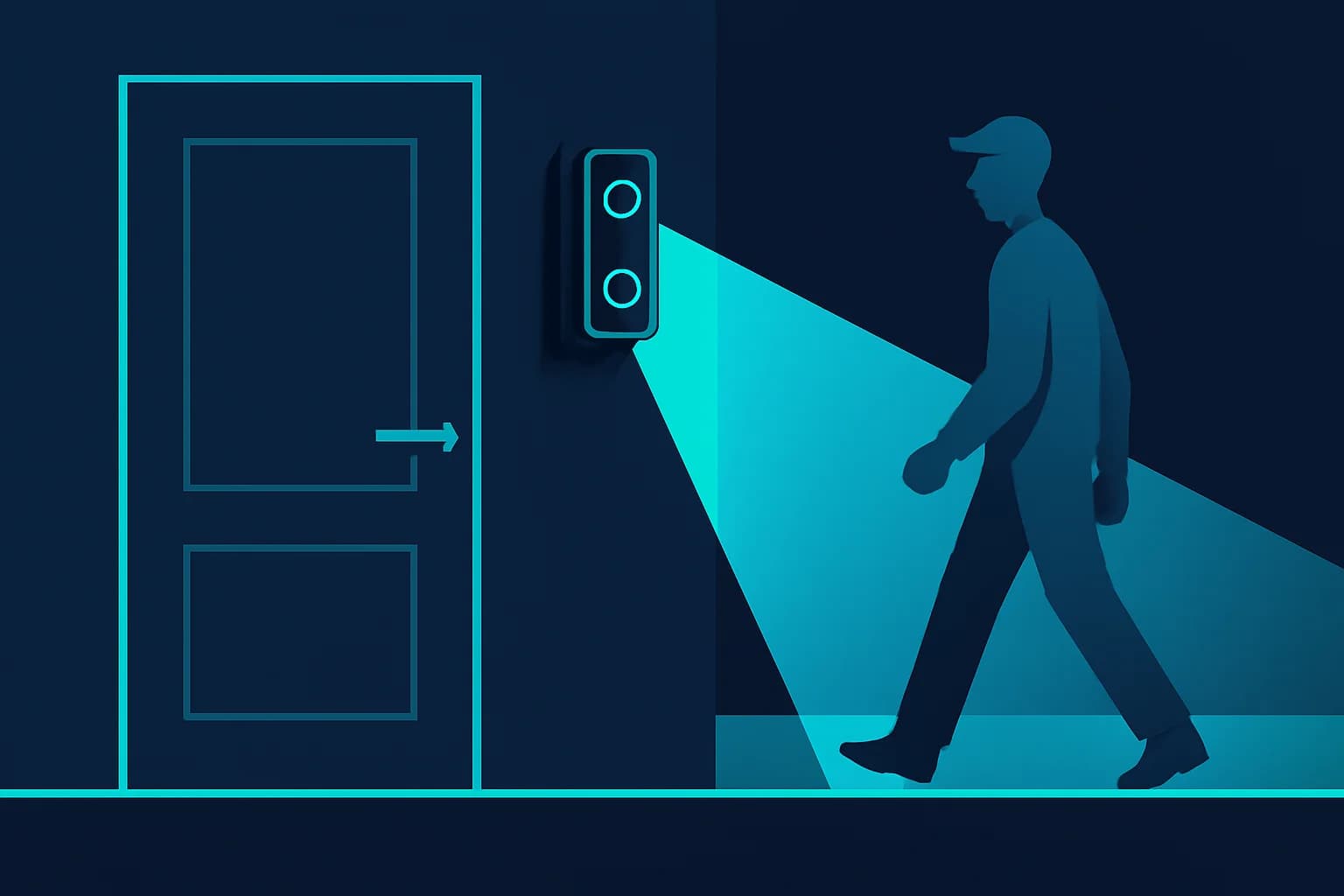
You installed a doorbell camera to protect packages, or a security camera to keep an eye on your storefront — and now it's caught your neighbor's kid, a delivery driver, or a stranger walking their dog, clearly identifiable, in footage you didn't ask for and don't fully own the rights to. This is one of the most common and least understood GDPR scenarios: the camera owner and the person on camera are two different people with two different sets of rights, and owning the doorbell doesn't mean you automatically override the privacy of everyone it films.
EU, German, and UK data protection authorities have been consistent on this point in recent guidance: home cameras that see beyond your own property lose their "purely personal" exemption, footage must be deleted once it's no longer needed, and bystanders can ask for footage of themselves to be deleted or blurred. This guide walks through what that actually means in practice — for retention, deletion requests, and publishing — and how to redact bystander footage with BGBlur before you post it.
Does GDPR Apply to My Home Doorbell Camera at All?
Yes, in almost every real-world case, because doorbell and security cameras are designed to see the space people walk through to reach your door — not just your own threshold. GDPR includes a "household exemption" (Recital 18) for processing done in the course of purely personal or household activity, with no connection to a professional or commercial activity — and video surveillance guidance from the European Data Protection Board makes clear that this exemption must be interpreted narrowly.
The exemption covers footage that stays entirely inside your property line. It stops the moment your camera's field of view extends onto a public footpath, a shared driveway, the street, or a neighbor's garden — which, per the EDPB's guidelines, describes most doorbell and driveway cameras by default, since they're angled to see whoever approaches the door. Once that line is crossed, you're legally a data controller, the same role a business occupies under GDPR, with the accompanying obligations around lawful basis, retention, and data subject rights.
This distinction matters because it determines everything that follows: what you can keep, for how long, and what you owe the people your camera captures who aren't you.
When Does My Doorbell Footage Stop Being "Just My Property"?
The boundary is physical, not intentional — it doesn't matter that you only meant to film your own porch. If the recorded frame includes a public footpath, road, or a neighbor's land, GDPR applies to that footage regardless of your purpose in installing the camera. This is the single most common way home security setups unintentionally become regulated processing activities.
Practical signs your setup has crossed the line:
- Your doorbell camera's motion zone or field of view reaches the public sidewalk or street
- A security camera aimed at your driveway also captures a shared or neighboring driveway
- Audio recording is enabled and can pick up conversations happening off your property
- The camera captures a neighbor's window, yard, or entryway in the background
If any of these apply, the UK's Information Commissioner's Office recommends narrowing the camera's field of view or masking out non-relevant zones where the device supports it, and displaying signage so people know they're being recorded — both are also good practice under GDPR's data minimization principle even outside the UK.
What Happens the Moment a Neighbor or Delivery Worker Is Caught on Film?
The instant your camera captures someone outside your household, that footage becomes their personal data too — governed by the same GDPR principles that apply to any business processing customer data, just at a much smaller scale. You need a lawful basis to keep it (typically "legitimate interest" for security purposes), you must limit what you collect to what's necessary, and the person captured has independent rights over that footage that exist regardless of what you intended.
Legitimate interest is usually a defensible basis for basic security recording — protecting your property from theft or vandalism is a real interest — but it has to be balanced against the privacy impact on the people captured, and it doesn't stretch to justify keeping everything indefinitely or posting clips publicly without further thought. That balancing test is exactly where most home camera setups fall short: the recording itself is often fine, but unlimited retention and casual public posting are not automatically covered by the same justification.
The Bystander Isn't a Footnote — They're a Data Subject
It's easy to think of your own footage as "mine" because your camera captured it. Under GDPR, the neighbor, delivery worker, or passerby who appears in that footage is a data subject in their own right, with their own rights to access, object to, and request erasure of data concerning them — rights that exist independently of your reasons for recording, and that you as the controller are responsible for honoring.
How Long Can I Legally Keep Doorbell or Security Footage?
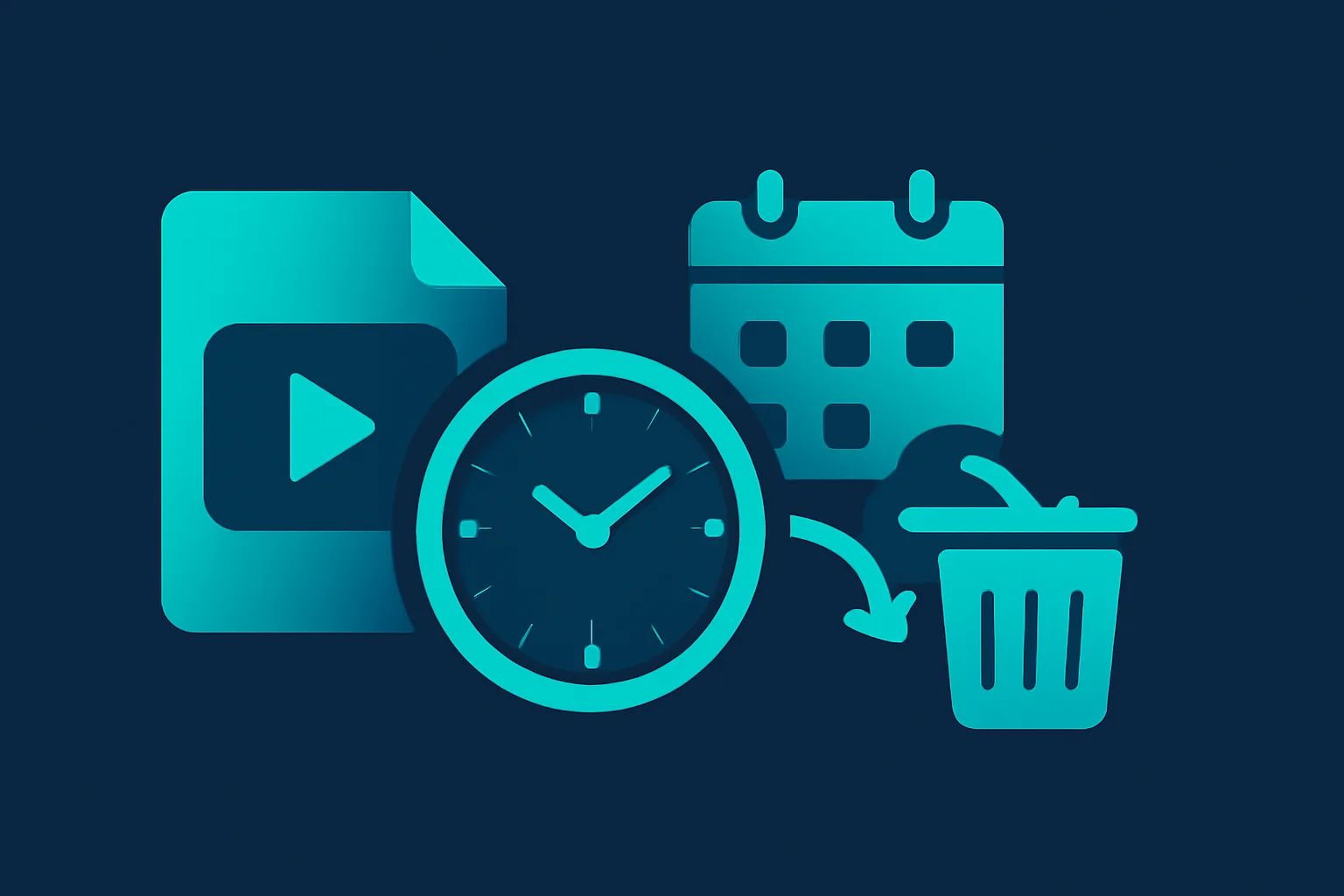
GDPR doesn't set a universal number of days for video retention — it sets a principle: keep personal data only as long as necessary for the purpose you collected it for, then delete it (Article 5(1)(e), storage limitation). For routine doorbell or security footage where nothing happened, "necessary" is usually measured in days, not months.
German supervisory authorities have applied this principle down to a surprisingly granular level. According to an analysis of multiple German state data protection authorities' 2024 activity reports, Bremen's data protection authority found that even a 40-second post-motion recording window on a doorbell camera was too long to be justified as "brief" continuous recording — with Saxony and Thuringia's authorities adopting similar reasoning. The lesson generalizes beyond that specific number: authorities are scrutinizing not just how long footage sits in storage, but how long a camera keeps recording once triggered, and expecting both to be tightly scoped to what's actually necessary.
A practical retention approach:
- Set a short rolling deletion window for routine footage (many platforms default to 30-60 days — treat that as a ceiling, not a target; a shorter window like 7-14 days is more defensible for a home camera with no ongoing investigation)
- Only extend retention for a specific clip that documents an actual incident (attempted break-in, theft, vandalism you've reported)
- Don't keep footage "just in case" indefinitely — that's the exact practice storage limitation prohibits
- Disable or shorten any post-motion buffer that extends recording well past the triggering event
The UK ICO's guidance on smart doorbells reinforces the same expectation for anyone using this technology: footage must be governed by a clear retention policy specifying how long you keep footage before deleting it, plus appropriate security around access and disclosure — obligations that sit with you as the camera owner, not with the manufacturer.
What If a Bystander Asks Me to Delete or Blur Their Footage?
You generally have to act on the request. GDPR's right to erasure (Article 17) entitles a data subject to have personal data concerning them deleted without undue delay once it's no longer necessary for the purpose it was collected, and a bystander asking you to delete or blur footage of themselves is exercising exactly that right. Ignoring the request, or refusing without a specific justification, is where routine home camera setups turn into complaints to a national data protection authority.
You can lawfully decline or limit an erasure request only in narrow circumstances — most relevantly, if the specific footage is needed as evidence for an ongoing legal claim (a police report, an active dispute) or a legal obligation requires you to retain it. "I might need it someday" or "I don't feel like deleting it" don't qualify. If there's no active, documented reason to keep that exact clip, deleting it or blurring the requester's face is the compliant response.
Blurring Instead of Deleting: When It's the Better Option
If the footage has value beyond the bystander's identity — it documents a delivery, a repeated pattern of activity on your street, or an incident you may still need to reference — you don't have to delete the whole clip to satisfy an erasure request. Blurring the bystander's face (and other identifying details) achieves the same legal outcome for that person's data while preserving the footage's non-personal value. This is exactly the workflow BGBlur's AI face blur is built for: motion-tracked blur applied to a specific person across the whole clip, without frame-by-frame manual editing.
Can I Post the Clip Anyway If It's Newsworthy or Funny?
Not without addressing the bystander's identity first, in most cases. Publishing footage online is a separate processing activity from simply recording it, and needs its own lawful basis — the fact that a clip is entertaining, viral-worthy, or shows someone behaving badly doesn't automatically create one. A porch-pirate video or an awkward delivery mishap is still personal data of an identifiable person once you post it, and the legitimate-interest argument that justified recording for security purposes doesn't automatically extend to publishing for entertainment or virality.
There are narrower exemptions for journalism and matters of genuine public interest, but they're interpreted tightly and generally don't cover a private individual posting neighborhood footage for engagement. If you want to share a clip publicly — for a warning to neighbors, a funny moment, or documentation of an incident — the fastest way to stay on the right side of this is to blur the identifiable bystander before posting, the same approach our broader GDPR video compliance guide recommends for any video content involving people who haven't consented to appear.
How Do I Redact Bystanders Without Losing the Footage I Actually Need?
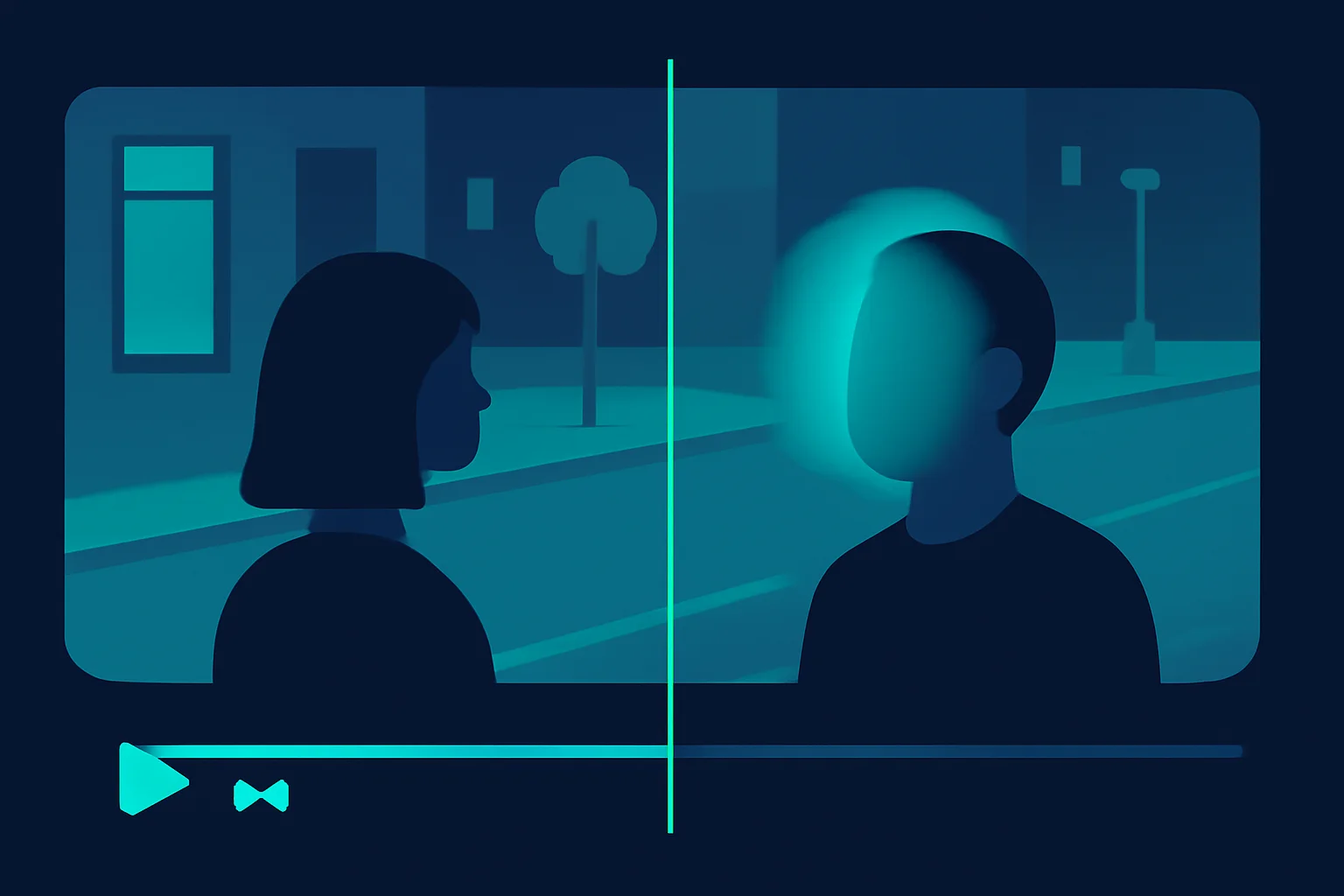
The goal isn't to throw away useful footage — it's to remove the parts that identify people who haven't agreed to be shown, while keeping everything else intact. Here's how to do that with BGBlur before you post or share a clip.
Step 1: Export the Clip From Your Doorbell or Security App
Download the specific clip you want to share or archive from your camera's app (Ring, Nest, Arlo, or a standalone security DVR export all work). You only need the segment covering the incident or moment you want to keep — trimming to that window also reduces how much bystander footage you're handling in the first place.
Step 2: Upload to BGBlur and Let AI Detect Faces Automatically
BGBlur runs entirely in your browser — no app download, no account required to start. Its AI detects every face in the clip and tracks each one across frames automatically, so a bystander who walks through the shot for two seconds stays correctly blurred the whole time they're visible, even as they move.
Step 3: Choose Which Faces Stay Visible
If the clip shows both a bystander you need to redact and someone you want to keep visible — say, a delivery worker who consented to be filmed for a testimonial, versus a neighbor passing by — BGBlur lets you select specific detected faces to blur rather than blurring everyone indiscriminately. You can also blur a license plate, a house number, or a name badge visible in the same frame if it identifies someone.
Step 4: Export and Delete the Original
Export the redacted clip in your target resolution (up to 4K on paid tiers) and delete the original, unredacted version from BGBlur — the platform doesn't retain uploaded footage permanently regardless, with files removed within 24 hours, but deleting it yourself as soon as you're done closes the loop on data minimization for that copy too.
This workflow satisfies an erasure request the same way full deletion does — the bystander is no longer identifiable in anything you keep or publish — while preserving the parts of the footage that still matter to you.
What Should Small Businesses and Creators With Security or Vlog Footage Do Differently?
Small businesses using storefront or entrance cameras: You're almost certainly outside the household exemption entirely — commercial CCTV is squarely business processing under GDPR from the start. Post clear signage, keep a written retention policy (many businesses default to 30 days for routine footage), and blur any bystander or customer face before using footage in marketing, social posts, or public "watch this thief" posts, unless you have documented consent or a genuine, narrow legal basis to publish it unredacted.
Vloggers and creators filming in public or semi-public spaces: If your doorbell or home security footage ever makes it into published content — a "day in my life" vlog, a home tour, a reaction video to a delivery mishap — treat any identifiable bystander the same way you'd treat someone captured on a street-filming shoot. Our guide on unauthorized filming and face blurring covers the broader publishing-consent question in more depth.
Landlords and property managers with shared-entrance cameras: Cameras covering shared hallways, lobbies, or parking structures capture every resident and visitor who passes through, not just your own unit. Retention and access policies need to account for that wider pool of data subjects, and any footage shared with one tenant showing another tenant should have the other party blurred first.
Pro Tips for Staying Compliant Without Overthinking It
- Narrow the field of view first, redact second. Physically or digitally masking out the public sidewalk in your camera's settings (where supported) reduces how much bystander footage you capture in the first place — less to manage, less risk.
- Default to short retention, extend only when justified. A 7-14 day rolling window for routine footage, with manual extension only for documented incidents, keeps you inside the storage limitation principle without a monthly cleanup chore.
- Blur before you share, every time — not just for strangers. Even a neighbor you're on good terms with hasn't necessarily consented to appearing in a video you post publicly.
- Keep an erasure-request habit, not a policy binder. If someone asks you to delete or blur footage of themselves, treat it as a same-week task, not a legal process — most requests are simple to honor and the delay is usually what turns a polite ask into a formal complaint.
- Don't rely on your camera vendor's defaults. Ring, Nest, and similar platforms process footage on your behalf, but retention, access, and posting decisions are yours to make and yours to defend if questioned.
Conclusion
A doorbell or security camera capturing your porch is one of the most common ways ordinary people become GDPR data controllers without realizing it — and the moment that happens, the people your camera films, not just you, have rights over that footage. The core obligations are straightforward once you see them clearly: don't keep footage longer than necessary, honor a bystander's request to delete or blur themselves, and don't publish identifiable footage of someone who hasn't agreed to appear, regardless of how newsworthy or funny the clip is.
Blurring bystanders isn't a compliance workaround — it's often the fastest way to keep the footage that matters to you while fully respecting the privacy of the people who happen to be in frame. BGBlur handles that redaction step in your browser in minutes, with AI motion-tracked face blur that follows a bystander through the whole clip, so you can publish security footage, doorbell clips, or vlog content without exposing anyone who didn't sign up to be in it.
For the wider legal picture — lawful basis, license plates, business obligations, and enforcement penalties across all video content, not just home cameras — see our full GDPR video content compliance guide.
Update — September 24, 2026: See our new guide on the Ring Familiar Faces lawsuit and doorbell face scanning.