Best Way to Blur Faces in Videos on Mobile Using AI Tools [2026]
Blurring faces on mobile no longer requires an app download or desktop software. This guide covers the fastest browser-based method to blur faces, backgrounds, and license plates directly from your phone, plus when face blurring is legally or ethically required.
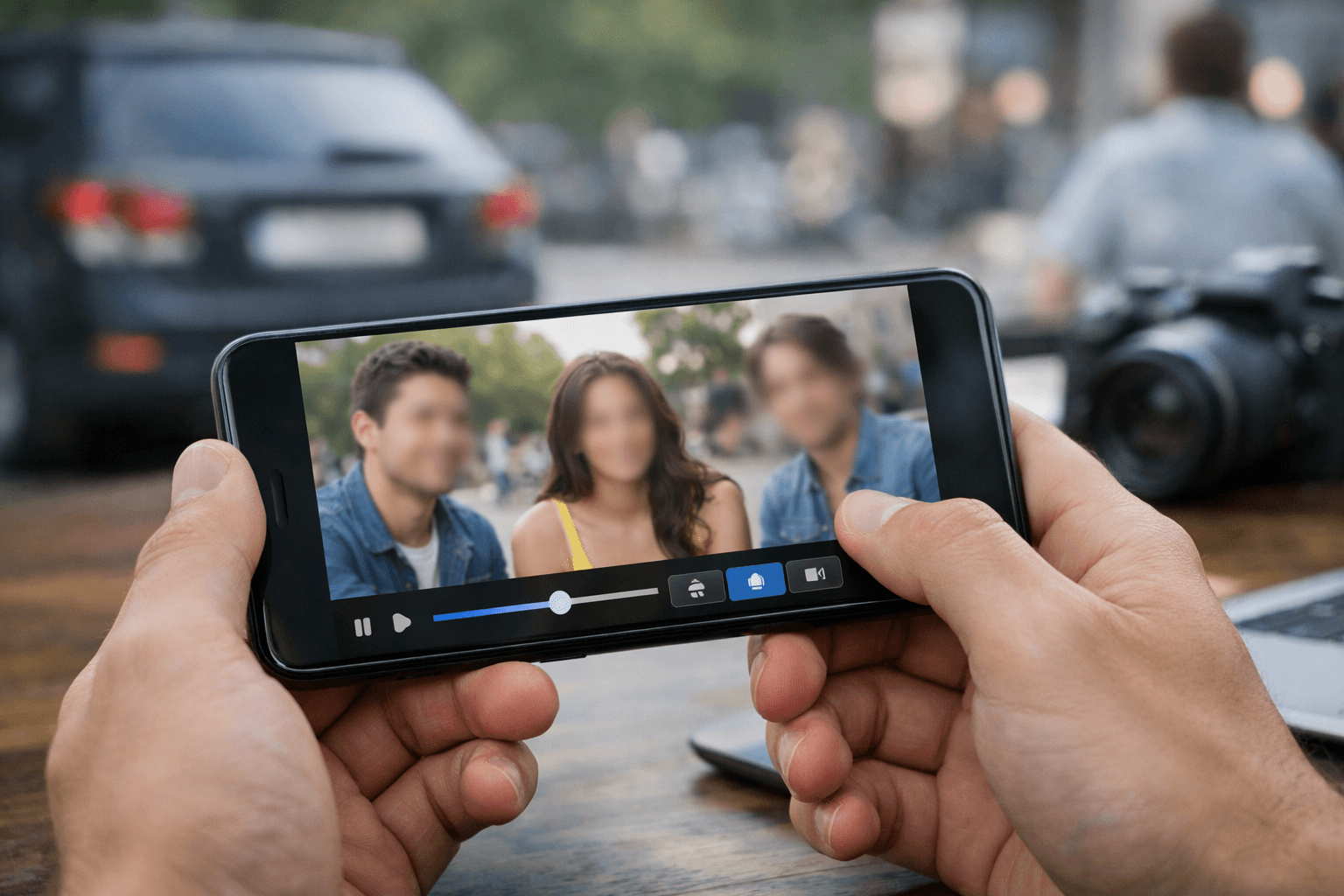
Privacy matters more than ever in today's digital world. Whether you're sharing family moments, creating content for social media, or protecting identities in your videos, knowing how to blur faces in video content is essential. This guide shows you the best methods to blur faces, license plates, and backgrounds directly from your mobile device.
| Question | Answer |
|---|---|
| Do I need to install an app? | No — BGBlur runs in your mobile browser |
| How long does it take? | Under a minute for most clips |
| Does it work on iPhone and Android? | Yes, any mobile browser |
| Can it blur license plates too? | Yes, along with faces and backgrounds |
| What does it cost? | Free to try, no watermark on Pro plans |
| How accurate is face detection? | Over 95% in well-lit footage |
Why Blur Faces in Videos?
Before diving into the how-to, let's understand why face blurring matters:
- Privacy protection for minors and non-consenting individuals
- Security compliance for sensitive footage
- Professional content creation requiring anonymity
- Social media safety when sharing public recordings
The Best Mobile Solution: BGBlur.com
When it comes to blur video content on mobile, BGBlur.com offers the most efficient solution. This face blur online tool works directly in your mobile browser—no app download required.
Key Features:
AI-Powered Detection: The face blur AI tool automatically identifies and blurs faces with remarkable accuracy. Simply upload your video, and the AI does the heavy lifting.
Multiple Blur Options: Beyond face blurring, you can:
- Blur license plate and number plate information
- Blur background to emphasize subjects
- Blur image background in video frames
- Apply custom blur to specific areas
Bulk Processing: Need to blur faces in video files in batches? BGBlur supports bulk upload, saving you valuable time when working with multiple clips.
How to Blur Faces on Mobile (Step-by-Step)
- Open BGBlur.com on your mobile browser
- Upload your video or select from gallery
- Choose "Face Blur" from the options menu
- Let AI detect faces automatically (or manually select areas)
- Adjust blur intensity to your preference
- Download your privacy-protected video
The entire process takes under a minute for most videos.
Privacy Matters: When You Must Blur Faces
Understanding when to face blur is just as important as knowing how. Here are critical situations where blurring faces protects everyone involved:
Legal and Ethical Obligations
Children's Privacy: Recording in schools, playgrounds, or family events often captures other people's children. Using a face blur in video tool respects parental rights and protects minors from unwanted online exposure.
Workplace Documentation: Training videos, security footage, or workplace recordings may require face blur to comply with employee privacy rights and company policies.
Public Spaces: Street photography, event coverage, or crowd footage should use blur faces in video features for individuals who haven't consented to appear in your content.
Personal Safety Concerns
Domestic Abuse Survivors: Content creators sharing stories or testimonials often need to blur picture and video content to protect survivors' identities from potential threats.
Witness Protection: Documentary filmmakers and journalists rely on face blur ai tool technology to protect sources and witnesses while still telling important stories. For a deeper look at anonymization options beyond simple blur, see our face anonymization tools guide.
Medical Content: Healthcare professionals sharing educational videos must blur image content to maintain HIPAA compliance and patient confidentiality.
Social Media Best Practices
Did you know that facial recognition technology can identify people across platforms? By choosing to blur photo and video content before posting, you:
- Prevent unwanted tagging and tracking
- Protect friends and family from data harvesting
- Maintain control over who appears in your digital footprint
- Reduce risks of identity theft and doxxing
Pro Tip: Even when people consent to being filmed, they may not consent to facial recognition databases analyzing their features. Using blur background of photo tools or targeted face blurring gives everyone peace of mind.
Beyond Face Blurring: Other Mobile Privacy Features
Background Blurring
Want to blur background of photo or video? BGBlur's video background blur AI free feature creates professional-looking content by keeping subjects sharp while softening everything else. This bg blur technique works perfectly for:
- Interview videos
- Product demonstrations
- Tutorial content
- Portrait-style clips
License Plate Protection
Recording in public spaces? The license plate online tool automatically detects and blur number plate information, ensuring legal compliance and privacy protection in your footage. Dashcam and vlog creators often need both faces and plates blurred in the same clip — our dashcam video privacy guide walks through that exact workflow.
Object and Region Blur
Beyond faces, plates, and backgrounds, BGBlur also supports text-prompt-based object blurring — useful for hiding a document, a screen, or a logo that happens to be in frame. See our object and region blur guide for how to target a specific area without blurring the whole shot.
Mobile vs. Desktop: Does It Matter Which You Use?
Short answer: no. Because BGBlur processes video in the cloud rather than on-device, output quality, blur accuracy, and export resolution are identical whether you upload from a phone browser at a coffee shop or a desktop browser at home. The only real difference is convenience — mobile lets you blur and post in the same session, right after filming, without transferring files to a computer first. That matters most for creators who film and publish from the same device, like TikTok and Reels creators, delivery drivers logging routes, or field reporters filing footage on deadline.
Why Choose BGBlur for Mobile Video Editing?
Unlike complex video editing apps that drain battery and storage, BGBlur's blur background online platform is:
- Browser-based – No installation needed
- Mobile-optimized – Works smoothly on smartphones
- Fast processing – Most videos done in seconds
- Privacy-first – Videos aren't stored on servers
Conclusion
Protecting privacy in your mobile videos doesn't require expensive software or technical expertise. With BGBlur's face blur technology, you can quickly blur video background, faces, and sensitive information right from your phone. Whether you need to blur picture content for social media, blur background video for professional purposes, or simply protect identities, this mobile-friendly solution delivers professional results instantly.
The importance of privacy protection cannot be overstated in our connected world. From safeguarding children's identities to complying with legal requirements, having a reliable face blur online tool at your fingertips makes responsible content sharing effortless. BGBlur empowers you to create, share, and post with confidence—knowing that every person's privacy is respected and protected.
Ready to secure your video content? Visit BGBlur.com on your mobile device and start blurring faces in seconds—completely free to try.
Update — August 4, 2026: For a full side-by-side comparison of BGBlur against desktop and browser competitors like Kapwing, VEED.IO, and Adobe Premiere Rush, see our best app for face blurring in videos guide.
Frequently Asked Questions
Can I blur faces in a video directly on my phone without an app? Yes. BGBlur runs entirely in your mobile browser, so there's nothing to install. Upload your clip, let the AI detect faces automatically, and download the blurred version in under a minute on most connections.
Can I blur photo and video content in the same session? Yes. BGBlur handles both images and videos through the same interface, so you can blur image files and video clips back to back without switching tools.
Is this truly a "blur photo to clear photo" tool? No. BGBlur specializes in adding blur for privacy protection, not removing existing blur or sharpening already-blurry footage.
Does the AI face blur work offline? No. Face detection and blur rendering happen server-side for speed and quality, so BGBlur needs an internet connection. The upload and processing pipeline is optimized for mobile data efficiency, so it's still fast on a phone connection.
How accurate is automatic face detection on mobile uploads? BGBlur's AI achieves over 95% accuracy in well-lit videos, including moving subjects, thanks to motion-tracking face detection. You can also manually adjust or add blur regions the AI might miss in low light or fast motion.
Can I blur multiple faces in a crowd shot at once? Yes. The face blur ai tool detects and blurs all faces simultaneously, making it well suited to group videos, event footage, and crowd shots where selecting each face manually isn't practical.
Is mobile blurring the same quality as desktop editing? Yes. Processing happens in the cloud, not on your device, so output resolution and blur quality are identical whether you upload from a phone browser or a desktop browser — only the interface changes.