What Is Sharenting? Protect Your Child's Privacy [2026]
Sharenting is the habit of posting your child's photos, videos and details online. This guide explains what it means, how kids really feel about it, and how to share safely by hiding or blurring faces before you post.
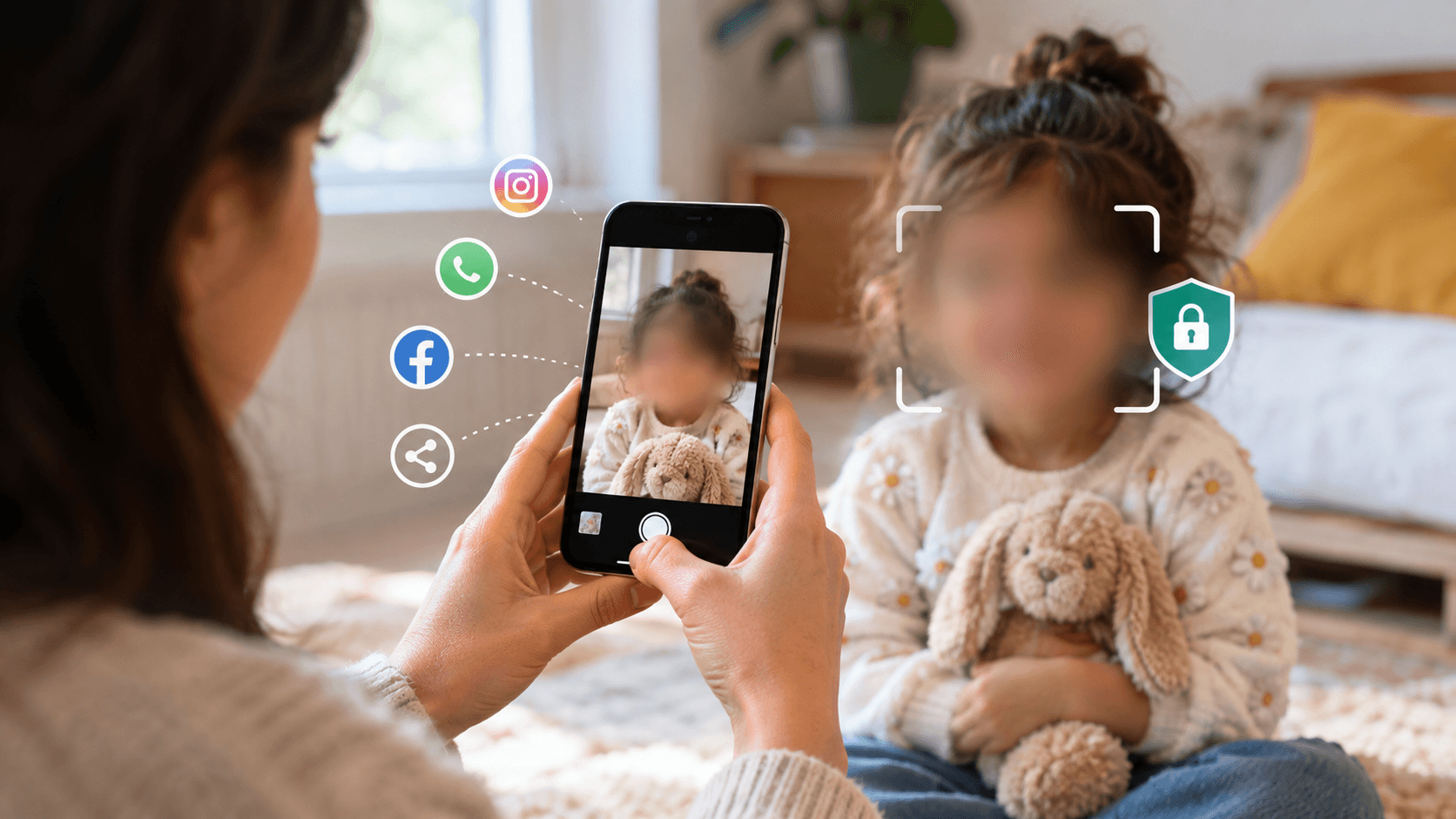
Sharenting is what happens when parenting meets a smartphone. It covers the first ultrasound picture, the bath time video, the school report card and the birthday clip that lands in the whole family group chat. Most of it comes from love and pride. But your child's digital footprint now starts before they can talk, and they never got a say in it.
This guide explains the sharenting meaning in plain words, what recent surveys say about how common it is, how children actually feel when they find out, and what you can do about it. You will also learn how to hide a face, blur a face in a video or censor a face in a photo before you post, so you can still share the good moments without handing your child's identity to strangers. You do not need an editing app or any design skills. A browser tool like BGBlur does it in a few clicks.
What Is Sharenting? The Meaning in Plain Words
Sharenting means a parent or caregiver regularly posting photos, videos and personal details about a child online. The word blends "sharing" and "parenting." It is not limited to parents either. Grandparents, aunts, teachers, coaches and family friends all do it, and the effect on the child is the same.
Sharenting can be small, like one picture on a private account. It can also be constant: a daily stream of milestones, meltdowns, health updates and school achievements. The difference matters, because risk grows with volume, audience size and how much identifying detail each post carries.
It is also very common. A survey of around 1,000 parents each in Ireland and France, run by Ipsos for the Irish Data Protection Commission and France's CNIL in late 2025, found that roughly three in four parents had shared content about their children online in the past year. About one in three did so daily or several times a week. Photos were the most common type of content, and WhatsApp, Instagram and Facebook were the main places.
Most parents said their main reason was simply staying close to friends and family. That is a fair reason. The question is not whether to share at all, but how to do it without putting your child at risk or taking away their choices later.
What's Important for Parents and Caregivers to Know Before Sharing Content About Their Children Online?
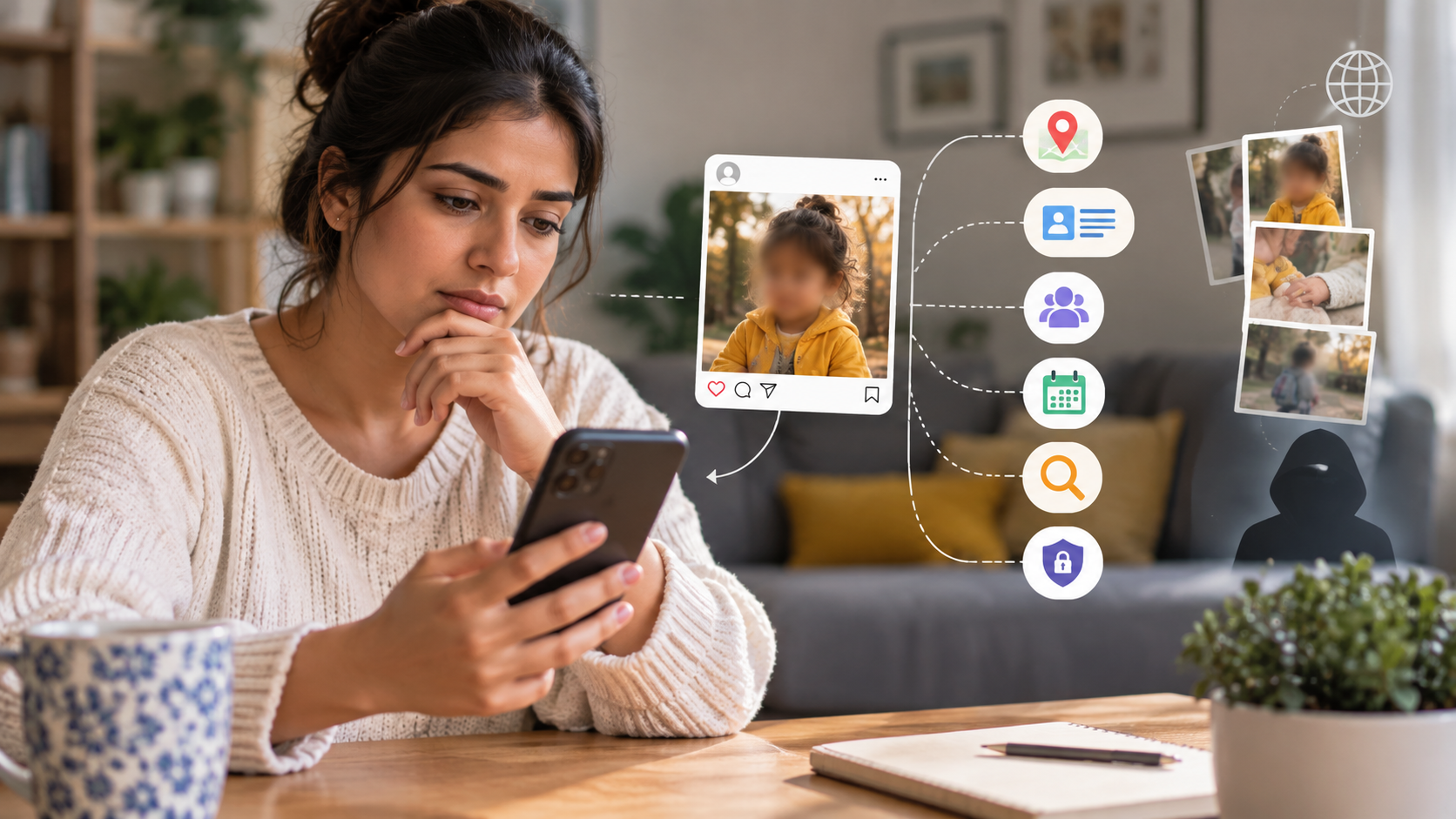
The short answer: once a photo or video is online, you lose control of where it goes, and a few harmless-looking details can add up to a full picture of your child. Here are the points worth understanding before you hit post.
Your child's digital footprint is permanent in practice
Deleting a post does not delete every copy. Friends can screenshot it, a platform can cache it, and a search engine can keep a thumbnail. In the DPC and CNIL survey, losing control over images once they are posted was one of the biggest reasons parents gave for regretting a post. More than one in ten parents in both countries said they had regretted sharing something about their child.
Details tell more than faces do
A face is only one clue. Add a full name in a caption, a school uniform in the background, a street sign, a birthday date or a tagged location, and a stranger can work out who your child is and where to find them. An academic study on sharenting in Italy lists privacy violations, identity theft, peer bullying and misuse of children's photos by strangers among the main risks, and notes that this can happen even without the family knowing.
Privacy settings are weaker than they look
Many parents trust a "friends only" setting to keep a post contained. Researchers who interviewed parents about sharenting reported that features like tagging and resharing can quietly undo those privacy settings. One relative reshares your photo to a public page and the audience you chose no longer applies.
This is where blurring the face first makes a real difference. If you blur your child's face using BGBlur before the photo ever leaves your phone, then even a reshared copy does not show who they are.
AI has changed the stakes
Photos of children can now be used to train image tools or to build fake content. In the DPC and CNIL survey, parents ranked misuse of images by strangers as their top worry, followed closely by concern about AI and deepfakes made from their children's photos. The safest face for a deepfake is one that was never publicly visible in the first place.
Health and school details deserve extra care
Posting a hospital photo, a diagnosis, a report card or a certificate with a full name on it may feel like a normal family update. The Irish regulator points out that health information counts as sensitive personal data under the GDPR. If you would not hand the information to a stranger on the street, think twice before putting it on a public feed.
How Do Children Feel About Sharenting?
Many children feel embarrassed by what their parents post, and most simply want to be asked first. That is the clearest message from the research that has actually spoken to kids instead of only to adults.
A YouGov survey of 863 children aged 8 to 15 found that two thirds said their parents post photos of them on social media. About a third of those children said they are never asked for permission. Nearly half were fine with it, but a similar share wanted to approve the photos first, and 7 percent wanted a complete ban. Among the children who wanted control, six in ten said the pictures they had seen were humiliating. Teenagers were far more likely than younger kids to want editorial control.
Researchers at the University of Washington and the University of Michigan reached a similar result when they talked to 249 young people aged 10 to 17. Children wanted to manage their own online image, and they felt that oversharing took that control away. In a related report, the researchers noted that kids were more than twice as likely as their parents to say they worry about adults sharing too much about them.
What did the children not mind? Positive, proud moments such as sports wins or family events were generally fine. What bothered them were embarrassing baby pictures, photos taken in a vulnerable moment and posts where a parent vents about something the child did wrong.
The takeaway is practical. Treat your child as a person with a say, not as content. Even a quick "Is it okay if I post this one?" changes the dynamic, and it teaches them early that consent matters online. The Irish and French survey suggests this step is often skipped: about 40 percent of parents in both countries said they never or rarely ask their children before sharing.
Hide the face when you want to share the moment, not the person
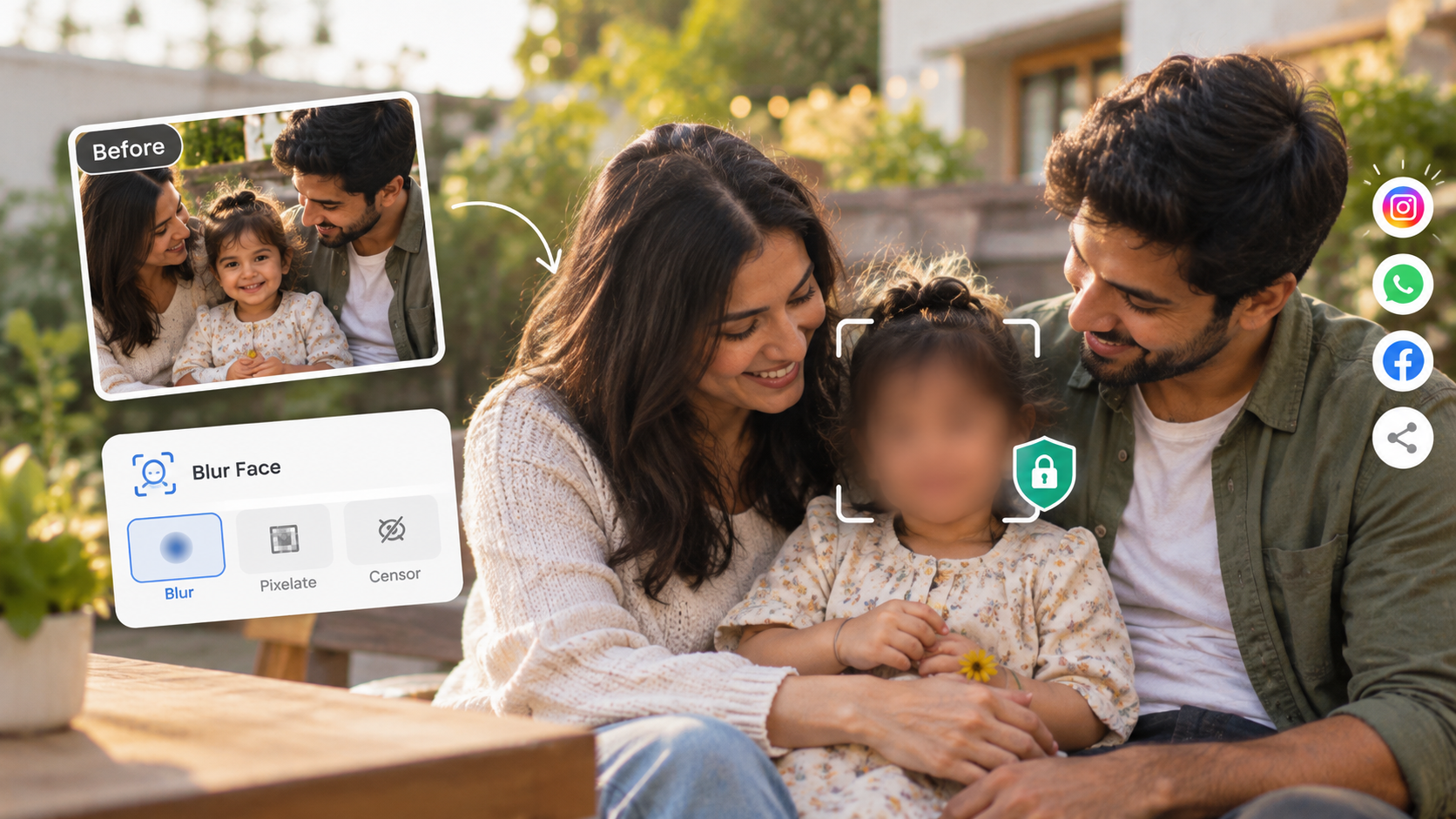
Sometimes the best photo is also the most revealing one. Instead of deleting it, you can hide the face with a blur. This works for posts you want to keep public, such as a parenting blog, a community group or a fundraising page.
A tool that can blur a face in a photo or blur a face in a video automatically takes the effort out of it. The guide on blurring faces in photos and video in 3 seconds shows the basics, and the sections below walk you through it.
Is Sharenting Illegal? What the Law Says
In most countries, sharing photos of your own child is legal, but the law is starting to treat children's image rights more seriously. It is not legal advice, and rules differ by country, so check your local requirements.
France is the clearest example. A law passed on 19 February 2024 states that both parents must protect their child's image rights together and must involve the child in decisions about their image in line with age and maturity. If parents disagree, a judge can step in. The aim is to stop children's images from being treated as the parents' property.
Under European data protection rules, photos and videos of a child are personal data. That means a child can have a right to have them removed, and a parent can act on the child's behalf. If you share content that includes other people's children, such as a school play or a sports day, you also carry a responsibility to those families. Our guide to unauthorized filming and face blurring explains how to handle that situation fairly, and the GDPR video compliance guide covers the wider rules.
How Can Parents and Caregivers Safely Share Photos and Videos of Their Children?
Share less, share with fewer people, and remove anything that identifies your child before you post. You do not have to stop sharing altogether. A few habits make the difference between a safe family update and a public record.
Ask your child first, whatever their age
Younger children may not understand what "online" means, but they can still tell you if they dislike a picture. For tweens and teens, treat their answer as final. If they say no, it is a no, even if you think the photo is adorable.
Choose the smallest audience that works
A private family group chat is a very different thing from a public Instagram profile. Use close friends lists, shared albums and private links for most content, and keep public posts for things that do not show your child's face or details. Remind relatives not to reshare. If a photo or video really has to be public, blur the face with BGBlur first and post only that version.
Strip out the identifying clues
Before you post, scan the picture. Check for school logos, house numbers, car plates, name tags and street signs. Turn off location tagging, and keep names and birth dates out of captions. A first name alone is much safer than a full name and a school.
How to blur your child's face in a photo

Open the face blur in photos feature in your browser. Upload the picture, let the AI find every face, and choose which ones to blur. Preview the result, then download it. Because the processing runs in the browser and files are deleted within 24 hours, the picture is not kept around.
How to blur your child's face in a video
Videos are harder, because a face moves, turns and leaves the frame. The face blur for video feature uses motion tracking, so the blur follows the face from start to finish without frame by frame editing. Upload the clip, pick the faces to hide, check the preview and export. It supports common formats such as MP4 and MOV.
If you only need to hide faces or details in a quick clip, the AI censor video tool is the fastest route. You can use it to hide a face, a name tag or anything else you would rather not show.
Keep your own copy of the original
Always keep the unblurred original in a private folder. Share the edited version only. That way you have the full memory for your family and a safe version for the public.
How Can Parents Protect Their Children's Privacy in a Digital World?
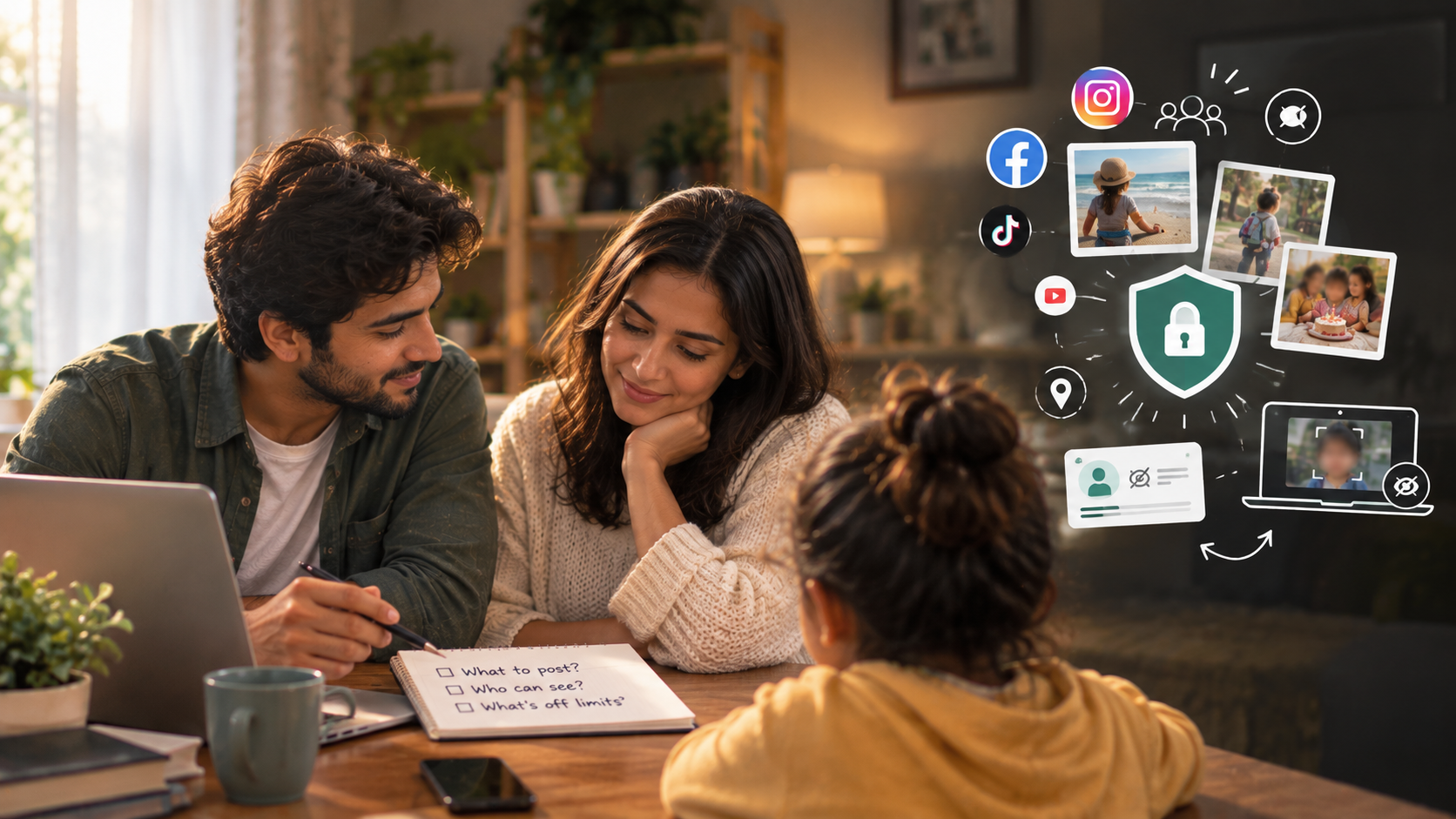
Treat privacy as a family habit, not a one-time setting. Posting less is only part of it. Here are practical steps that work in real life.
- Agree on family rules. Decide together what gets posted, who can see it and what is off limits. Write it down if it helps, and review it as your child grows.
- Talk to grandparents and friends. Relatives often post the most and think about it the least. A friendly message about your preferences goes a long way.
- Audit your old posts. Scroll back through your accounts. Remove or restrict anything with a full name, a school, a location or a vulnerable moment. For photos you want to keep up, a quick pass through BGBlur lets you replace them with a blurred version.
- Check your privacy settings, then check them again. Turn off tagging by others without approval, disable location sharing and keep your profile private if you post about your kids.
- Think about the future teenager. Ask whether your child would be happy to see this post at 15 or 25. If you are not sure, keep it private or blur it.
- Be careful with school and club content. Group photos often include other people's children. Blur other faces (BGBlur can do it for a whole video in one go) or ask permission before sharing, and follow the school's media rules.
- Limit what you give to apps. Avoid uploading children's photos to tools that do not explain how they store or use images. Prefer tools that delete files quickly and do not keep them permanently.
- Set alerts for your own name. A simple search alert helps you notice if your family's details start to appear somewhere unexpected.
- Teach digital habits early. Explain what a digital footprint is in simple words, and let your children practice asking before posting pictures of friends. They learn from what you do more than from what you say.
If you want to go deeper on tools and methods, the BGBlur blog has more guides on protecting identity in photos and video.
Does Blurring a Face Really Hide a Child's Identity?
A good blur hides the face, but identity can still leak through other details. That is why it works best as one layer of protection, not the only one.
Weak effects such as light pixelation can sometimes be reversed or guessed with software. If you want to hide identity properly, use a strong blur and avoid low-effort tricks. The article on why weak blur fails explains the problem in detail. If you are curious about the difference between blurring and replacing a face, see this comparison of blur versus synthetic replacement.
Other clues matter too. A distinctive jacket, a bedroom wall, a bike with a name on it, a voice in the audio and a tagged location can all point to a child. Before you post, run through a quick check: face, name, place, school, voice. If any of those would let a stranger find your child, fix it first.
A Simple Rule to Remember
Before you post anything about a child, ask three questions. Would my child be happy with this later? Would I be comfortable if a stranger saw it? Does the post show more than it needs to? If the answer to any of them is no, change the post, shrink the audience or blur the face.
Final Thoughts: Share the Memory, Protect the Child
Sharenting is not a crime and most parents who do it mean well. But the evidence from surveys, researchers and children themselves points the same way. Kids want to be asked, they dislike embarrassing content, and the risks of a public, permanent record are real.
You do not have to give up sharing your family life. Ask your child, keep your audience small, remove identifying details and use a tool to blur faces when a photo or video is going somewhere public. Your child will thank you for it later, and you will still have the memories to enjoy.
If you want a quick way to protect a photo or clip today, try BGBlur. It runs in your browser, there is nothing to install, and you can start for free.
Related Topics
If this guide was useful, these BGBlur articles go deeper on the same subject:
- How to blur faces in photos and videos with AI in 3 seconds: the quickest way to hide a face before you post.
- AI video blur and privacy protection: hide faces guide: how motion-tracked blur works on moving subjects.
- How to censor a video online: a simple look at the tools for hiding faces, names and other details.
- Blur vs synthetic face replacement: which method hides identity better.
- Why weak blur fails: why light pixelation is not enough.
- Unauthorized filming and face blurring: what to do when other people's children appear in your videos.
- GDPR video compliance guide: the wider European rules on photos and video of people.
- UK GDPR and video privacy: the same topic for UK readers.
- MEP nudifier deepfakes and the EU ban: why clear photos of anyone, children included, are raw material for nudifier apps.
Update — October 30, 2026: Relatives are now feeding children's photos into AI tools too. See our guide to grandmaislop and AI images of grandkids.