Make Christmas Videos Aesthetic with AI Blur [2026]
A quick guide to using AI background and face blur to make Christmas videos and photos look clean and cinematic, plus how to protect the privacy of kids and guests captured in holiday content.
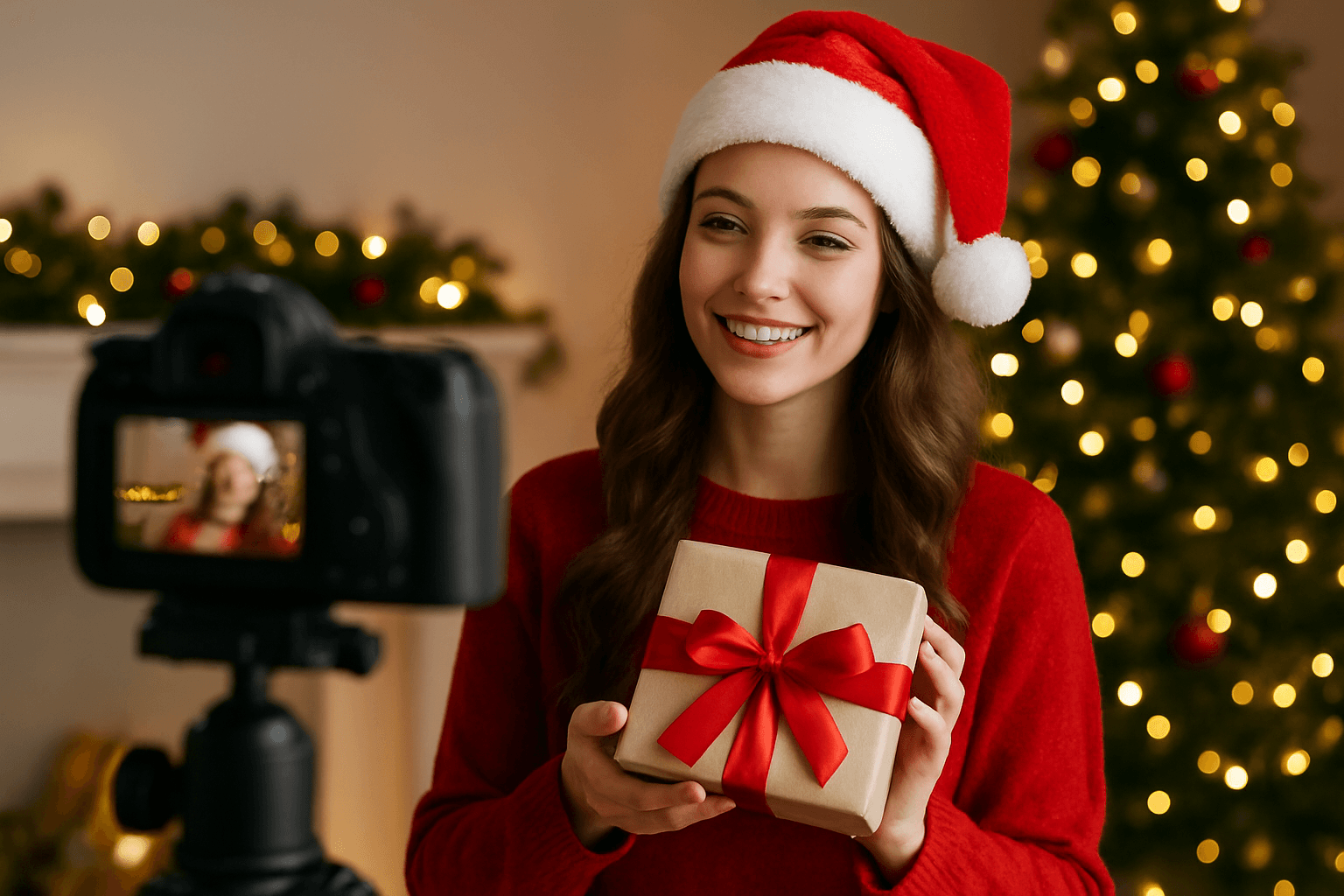
The holiday season is here, and everyone wants their Christmas content to stand out on social media. Whether you're creating festive videos for TikTok, Instagram, or YouTube, one simple trick can instantly elevate your content: background blur. This professional editing technique helps focus attention on what matters most while creating that dreamy, cinematic aesthetic everyone loves.
| Question | Answer |
|---|---|
| Is background blur free? | Yes, up to 200MB and 10 minutes per video, no watermark |
| Does it work on TikTok/Reels clips? | Yes, exports are ready for vertical social formats |
| Can I blur faces too? | Yes, face blur runs alongside background blur |
| Does it protect kids in the background? | Yes, face blur detects and blurs every face in frame automatically |
Why Background Blur Makes Your Christmas Videos Pop
When you blur background online, you're not just adding a filter—you're creating depth and visual interest. A blurred background helps:
- Focus viewers' attention on your subject (gifts, decorations, or family moments)
- Hide distracting elements in messy holiday setups
- Create a professional, polished look without expensive equipment
- Add that cozy, magical Christmas atmosphere to every frame
The bokeh effect (those beautiful blurred lights) is especially stunning with Christmas tree lights and decorations, giving your videos that premium, aesthetic quality.
3 Steps to Blur Background of Photos and Videos
Getting that perfect blur image background online free effect is easier than you think:
Step 1: Upload Your Content
Start by uploading your Christmas video or photo to an online video editor. No downloads or complicated software needed—just drag and drop your festive content.
Step 2: Apply AI Blur Tool
Modern ai blur tool technology automatically detects your subject and applies the perfect amount of blur to the background. You can adjust the intensity to match your aesthetic—subtle for elegant looks or intense for dramatic effects.
Step 3: Export and Share
Once you're happy with your blur bg photo effect, simply export in high quality and share your clean, aesthetic Christmas content with the world.
Protecting Privacy During the Holidays
Holiday videos often capture spontaneous family moments, but not everyone may want to appear in your social media posts. A face blur tool becomes essential to protect privacy while still sharing your festive celebrations.
Whether you need to blur faces in the background at a Christmas party or hide sensitive information like addresses on packages, privacy protection should be a priority. This is especially important for parents sharing children's holiday moments or anyone filming in public spaces during Christmas shopping or events. For a deeper look at face blurring specifically, see our guide on blurring faces in photos and video with AI in 3 seconds, and if you're recording a holiday video call with distant family, our Zoom and Google Meet background blur guide covers the same workflow for call recordings.
Editing Christmas Video Calls and Family Recordings
Many families now record their Christmas video calls with relatives who cannot make it in person. A cluttered living room, wrapping paper, or other people walking through frame can distract from the moment. Applying background blur to a recorded call works exactly like it does for regular video — upload the recording, select background blur, and export. If the call captured other people's faces who did not agree to be recorded, BGBlur's face blur tool anonymizes them without re-editing the clip manually.
Recorded gift-opening videos also often include glimpses of the room's decor, packaging with a shipping address, or the TV displaying someone's name during a video call overlay. Custom object blur lets you select and hide just that detail rather than blurring the whole frame, so the video keeps its warmth without exposing information you did not intend to share.
BGBlur: Your Go-To Tool for Christmas Video Editing
When it comes to creating stunning holiday content, BGBlur.com stands out as the best ai video editing tool for achieving professional results. Here's why:
Easy to Use: No technical skills required—perfect for quick content creation during the busy holiday season
AI-Powered: Smart background blur ai technology that works in seconds, not hours
Perfect for TikTok: Functions as an excellent video editor for tiktok and tiktok editor, optimized for social media formats
Free and Online: Blur image online free without watermarks or subscriptions—ideal for creators on a budget
Versatile: Works for both blur picture background needs and video blur background projects
BGBlur.com combines powerful AI technology with user-friendly design, making it the perfect companion for creating clean, aesthetic Christmas content that gets noticed.
Choosing the Right Blur Setting for Each Type of Holiday Clip
Not every Christmas video needs the same blur intensity. Matching the setting to the content keeps results looking intentional rather than accidental:
| Content Type | Recommended Blur | Why |
|---|---|---|
| Gift-opening close-ups | Heavy (80-90%) | Maximizes bokeh from tree lights, hides wrapping clutter |
| Family group shots | Medium (50-60%) | Keeps everyone recognizable while softening the background |
| TikTok/Reels reaction clips | Heavy (80-90%) | Dramatic, scroll-stopping look for short-form content |
| Recorded video calls | Light-to-medium (30-50%) | Reduces distraction without making the room unrecognizable |
| Public event footage (Christmas markets, tree lightings) | Medium-to-heavy with face blur on | Balances aesthetic with privacy for bystanders caught in frame |
A common mistake is applying the same heavy blur setting to every clip in an edit, which can flatten group shots where you actually want faces clearly visible. Preview each clip individually before batch-exporting a full holiday reel.
Make This Your Most Aesthetic Christmas Yet
Don't let cluttered backgrounds ruin your festive content. With the right photo background blur techniques and tools, you can transform ordinary Christmas videos into scroll-stopping content that captures the magic of the season.
Conclusion
Creating clean and aesthetic Christmas videos doesn't require professional equipment or expensive software. With background blur of photo and video techniques, you can instantly elevate your holiday content. BGBlur.com makes it simple to achieve professional results with its intuitive ai video editing tool—whether you need to blur background on video, blur picture, or protect privacy with face blurring. This Christmas, give your content the polish it deserves and watch your engagement soar.
FAQ Section
Q: Can I blur background online for free?
A: Yes! BGBlur.com offers free blur image background online free services with no watermarks. You can edit both photos and videos without any cost.
Q: How do I blur the background in a Christmas video?
A: Simply upload your video to BGBlur.com, and the AI will automatically detect your subject and apply background blur. You can adjust the blur intensity to match your desired aesthetic.
Q: Does background blur work on TikTok videos?
A: Absolutely! BGBlur works perfectly as a video editor for tiktok, allowing you to create professional-looking content optimized for social media platforms.
Q: Can I use the face blur tool to protect privacy?
A: Yes, BGBlur includes a face blur tool feature that helps you protect privacy by blurring faces in the background or anywhere in your video, perfect for public holiday events.
Q: Is AI blur better than manual editing?
A: The ai blur tool saves hours of manual work and provides consistent results. It's ideal for quick edits during the busy holiday season while maintaining professional quality.
Q: Can I hide addresses on gift boxes or packages in my videos?
A: Yes, custom object blur lets you select a specific area — a shipping label or address — and blur just that region while keeping the rest of the frame sharp, so gift-opening videos stay warm without exposing personal details.
Update — July 6, 2026: Same privacy playbook applies to the 4th of July — see how to blur kids' faces, strangers, and license plates in fireworks and block-party videos.