AI Blur Background Video for Travel Shots and Vlogs [2026]
Travel footage often includes strangers, license plates, and cluttered backgrounds you never meant to publish. This guide shows how AI background blur cleans up travel clips fast while protecting the privacy of everyone caught in frame.
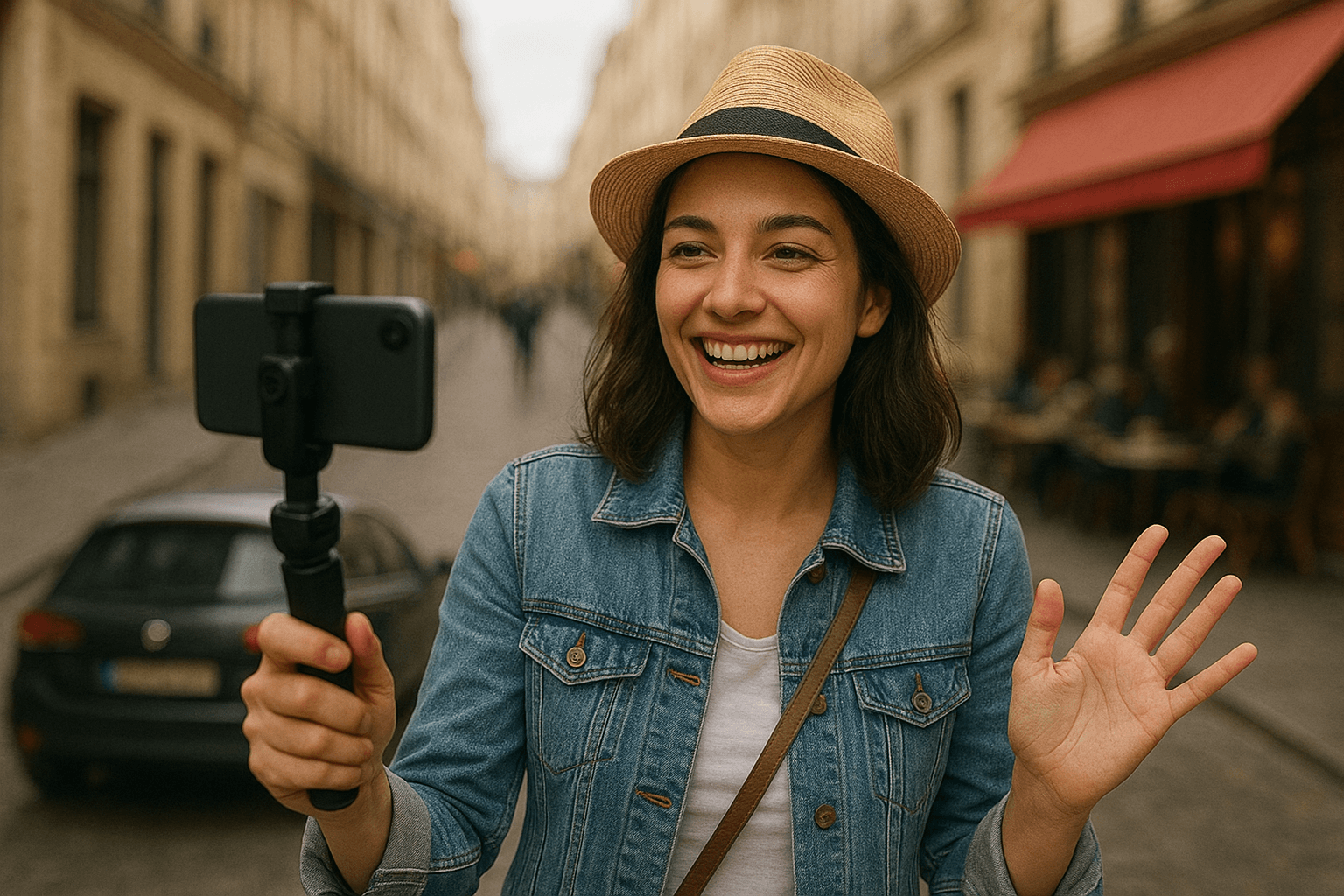
You're scrolling through your travel videos, and there it is—a perfect moment captured at a bustling cafe in Paris. But wait, there's a random stranger photobombing your shot, license plates visible in the background, and a cluttered street scene stealing focus from what should be your moment. Sound familiar?
Whether you're a travel vlogger, content creator, or just someone who loves documenting adventures, messy backgrounds and privacy concerns can ruin otherwise perfect footage. The good news? You don't need expensive editing software or professional skills to fix this. With AI blur background video technology, you can transform chaotic travel clips into polished, professional-looking content in minutes—while protecting everyone's privacy.
Why Blur Background of Video in Your Travel Content?
Travel videos are inherently unpredictable. You're shooting in public spaces where you can't control what (or who) appears in your frame. Here's why using video background blur AI free tools has become essential for modern creators:
Focus on What Matters: A blurred background naturally draws viewer attention to your subject—whether that's you, a companion, or a specific landmark. The blur effect photo technique applies beautifully to video, creating that cinematic depth-of-field look that makes content feel premium.
Privacy Protection: This is where things get serious. When you blur face video online free, you're not just improving aesthetics—you're respecting people's privacy. Strangers, children, and bystanders captured in your travel footage deserve anonymity. Plus, depending on where you're traveling, local privacy laws (like GDPR in Europe) may require you to obscure identifiable faces.
Remove Distractions: Busy marketplaces, crowded beaches, and urban environments create visual noise. When you blur background video free, you eliminate distractions that pull focus away from your story.
The Privacy Problem in Travel Videos
Let's talk about something many creators overlook: the ethical and legal implications of sharing footage with identifiable faces.
When you film in public spaces, you're inevitably capturing strangers. That person eating lunch behind you, the family walking past, the vendor at the market—they didn't consent to appear in your YouTube video or Instagram reel. While laws vary by country, the principle remains: face blur image tools aren't just nice to have—they're responsible content creation.
This is especially critical if you're monetizing your content. Platforms are increasingly strict about privacy violations, and the last thing you want is a video taken down (or worse, a legal complaint) because someone recognizes themselves in your background. If you're filming in the EU or publishing to an EU audience, our GDPR video content compliance guide breaks down exactly when a stranger's face counts as personal data.
BGBlur: Your Privacy-First Solution
After testing dozens of tools, one stands out for travel creators who take privacy seriously: BGBlur. This background blur AI video platform was built specifically with privacy protection in mind, and it shows.
Here's what makes BGBlur different:
Automatic Face Detection: The ai face blur video free technology automatically identifies and blurs all faces in your footage. You don't need to manually track people frame-by-frame—the AI does the heavy lifting.
No Upload Required: Unlike many online tools that require uploading your videos to their servers (raising its own privacy concerns), BGBlur processes everything locally in your browser. Your travel footage never leaves your device.
Selective Blurring: Want to keep yourself in focus while blurring everyone else? BGBlur's intelligent algorithms can distinguish between your main subject and background faces, giving you precise control.
Free and Accessible: The platform offers robust blur background online capabilities without forcing you through paywalls or watermarked exports. For creators just starting out or casual travelers, this is a game-changer.
If you're weighing face blur against newer AI options like synthetic face replacement, our face anonymization vs. face blur comparison explains the trade-offs for creators who need to protect bystanders without sacrificing footage quality.
How to Use AI Face Blur Video Technology
Using BGBlur for your travel videos is straightforward:
-
Upload Your Clip: Drag and drop your video file into the browser interface.
-
Select Blur Type: Choose whether you want to blur face in video ai specifically, create a general blur background of photo effect, or apply both simultaneously.
-
Adjust Intensity: Control how aggressive the blur effect appears. Subtle blurs maintain some context, while strong blurs completely obscure details.
-
Preview and Export: Review your edited video in real-time, then download the processed file ready for publishing.
The entire process takes minutes, even for longer clips. The AI handles the complex tracking and masking that would take hours in traditional editing software.
Beyond Travel: Other Uses for Background Blur
While we're focused on travel content, the applications for blur background video technology extend far beyond vacation vlogs:
Testimonial Videos: Filming customer testimonials in office environments? Blur backgrounds to keep focus on the speaker while hiding proprietary information on screens or whiteboards.
Educational Content: Teachers creating video lessons can blur background pics to maintain student privacy while still demonstrating concepts.
Professional Interviews: Remote interviews often happen in home offices with personal photos or identifiable information. A quick blur background editor pass maintains professionalism, and it works the same way for Zoom and Google Meet recordings you plan to share publicly.
Street Photography Transitions: Many photographers are expanding into video. The same blur picture background techniques that work for stills translate beautifully to motion.
Road Trip and Dashcam Footage: Travel content increasingly includes drive-by clips and dashcam highlights. Our guide to blurring faces and license plates in dashcam video covers the same motion-tracking workflow for footage shot from a moving vehicle.
The Future of Privacy in Content Creation
As AI technology evolves, privacy protection tools are becoming more sophisticated. We're seeing developments in:
- Real-time blurring during live streams
- Selective object removal (blurring license plates, signs, etc.)
- Voice distortion to match visual anonymization
- Automatic compliance checking for platform-specific privacy policies
BGBlur represents the current best practice: powerful, accessible, and privacy-respecting technology that doesn't require technical expertise.
Common Questions About Video Background Blur
Can I blur only part of my video? Yes! Most online face blur video tools including BGBlur allow you to define specific regions or time ranges for blurring. This is perfect when you only need privacy protection for certain scenes.
Does blurring reduce video quality? Modern AI algorithms apply blur effects without degrading overall video quality. Your foreground subject remains crisp while backgrounds become pleasantly diffused.
Is AI blur detection 100% accurate? While highly accurate, AI isn't perfect. Always review your processed footage to ensure all faces are properly obscured. BGBlur offers manual correction tools for edge cases.
Can I use this for photos too? Absolutely. BGBlur works seamlessly to blur background of photo files, making it a versatile tool for both video and still content creators.
Do I legally need to blur strangers in my travel videos? It depends on where you filmed and where you're publishing. Under GDPR, an identifiable face captured in the EU can count as personal data, so blurring bystanders who didn't consent is the safer default — see our GDPR compliance guide for specifics.
Does BGBlur upload my footage to a server? No. BGBlur processes video locally in your browser instead of sending files to a remote server for analysis, so your travel clips never leave your device during editing, and exported files are deleted from BGBlur's systems within 24 hours.
Making Travel Content Responsibly
Creating compelling travel content shouldn't come at the expense of others' privacy. When you blur background pics and faces, you're making a statement: you value both great content and ethical creation practices.
Tools like BGBlur make this easier than ever. You don't need to choose between professional-looking videos and privacy protection—you can have both. The blurred photo aesthetic even adds artistic value, creating that coveted shallow depth-of-field look that mimics expensive cinema cameras.
Start Creating Better Travel Videos Today
Ready to transform your travel footage? With AI blur background video technology, you're minutes away from cleaner, more professional, and privacy-conscious content. BGBlur's free platform removes the barriers between you and polished travel videos that respect everyone in the frame.
Your best travel moments deserve to shine without distractions—or privacy concerns. Start using AI-powered blur tools today, and watch your content quality (and viewer trust) soar. Whether you're sharing sunrise over the mountains, street food adventures, or cultural festivals, you'll do it with the confidence that you're protecting privacy while delivering engaging, distraction-free content.
The next time you're editing that perfect travel moment, remember: a little blur goes a long way in making your content both beautiful and responsible.
Conclusion: Travel Smarter, Edit Faster, Protect Better
Creating stunning travel content shouldn't mean compromising on privacy or spending hours in complex editing software. With AI blur background video technology from BGBlur, you get the best of all worlds: cinematic-quality footage, automatic privacy protection, and a workflow that takes minutes instead of hours.
Whether you're documenting street festivals in Bangkok, capturing mountain sunrises in the Alps, or filming food tours through local markets, BGBlur ensures your content looks professional while respecting everyone who appears in your frame. The platform's motion tracking technology automatically follows faces and objects through every frame, so you don't have to manually blur face in video ai shot after shot.
What sets BGBlur apart isn't just its powerful AI—it's the commitment to privacy-first content creation. In an era where data security and consent matter more than ever, choosing a tool that processes everything locally in your browser makes a real difference. You're not uploading sensitive footage to unknown servers; you're maintaining complete control over your content while achieving professional results.
Ready to transform your travel videos? Start using BGBlur today and join thousands of creators who've discovered that protecting privacy and creating beautiful content aren't mutually exclusive—they're perfectly compatible. Your audience deserves great content, and the people in your backgrounds deserve their privacy. With BGBlur, everyone wins.
Frequently Asked Questions
How does BGBlur's AI video blur technology work?
BGBlur uses advanced artificial intelligence to automatically analyze your video frame by frame, detecting faces, backgrounds, license plates, and objects you want to blur. The motion tracking technology follows these elements throughout your entire video, applying smooth, professional blur effects without any manual editing required. Simply upload your video, select what you want to blur, and let the AI handle the rest.
Is BGBlur really free to use for travel videos?
Yes! BGBlur offers a free tier that allows you to process videos under 200MB and 10 minutes in length—perfect for most travel clips and social media content. You can blur face video online free without watermarks or forced upgrades. For longer expeditions or 4K footage, Pro plans offer unlimited processing with extended video length support and faster rendering times.
Is my video data safe when using BGBlur?
Privacy is BGBlur's core mission—and that includes YOUR privacy. Unlike many online face blur video tools that upload your footage to remote servers, BGBlur processes everything locally in your browser. Your travel videos never leave your device, meaning you maintain complete control and security over your content. This is especially important when dealing with personal travel memories or sensitive locations.
Can BGBlur blur moving objects like license plates on cars?
Yes! BGBlur's motion tracking is specifically designed to follow moving objects throughout your video. Whether you're filming street scenes with passing vehicles or dashcam footage from road trips, the AI can automatically detect and blur background pics elements like license plates, keeping them obscured even as they move through the frame.
Do I need any video editing experience to use BGBlur?
Not at all! BGBlur is designed for creators of all skill levels. The interface is intuitive: upload your video, click what you want to blur (face, background, or object), adjust the intensity if desired, and export. If you can upload a file and click a button, you can use BGBlur. No need to learn complex editing software or understand technical terminology.