Blur Kids' Faces and License Plates in 4th of July Videos
Your 4th of July videos are packed with kids, neighbors, and parked cars you never asked to film. Here's a fast, practical workflow to blur children's faces, stranger faces, and license plates before you post fireworks and block-party content in 2026.
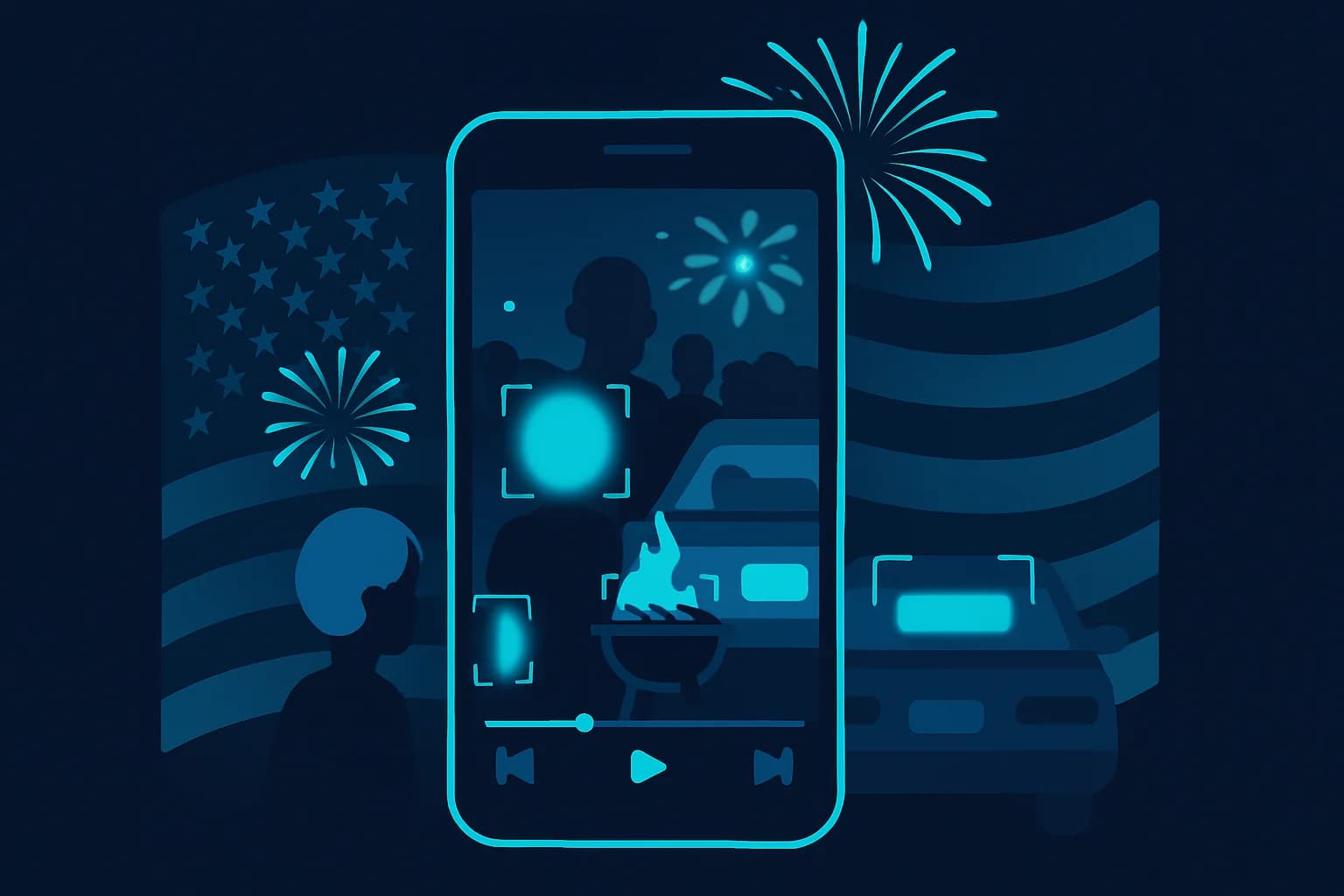
The 4th of July is one of the biggest content days of the year — fireworks over the neighborhood, block parties, BBQ smoke, sparklers, and every phone in the crowd recording at once. It's also one of the easiest ways to accidentally post someone else's kid's face, a stranger in the background, or a neighbor's license plate to thousands of strangers online.
Before you upload this year's fireworks reel, run it through a quick privacy pass. This guide covers exactly what to blur, why it matters, and how to do it in minutes with BGBlur — no video editor required.
| What's in frame | Blur it? | Why |
|---|---|---|
| Your own kids | Your call — your consent | You control your own family's exposure |
| Other people's kids | Yes | No parental consent to post their child's face |
| Neighbors, bystanders, crowd faces | Yes, unless they explicitly said it's fine | Right-of-publicity and privacy risk |
| Parked cars, driveway/street plates | Yes | Plates link to registered owner identity |
| Fireworks, flags, food, sparklers | No | Not personal data — keep the fun stuff |
Why 4th of July Footage Is a Privacy Minefield
Independence Day content is uniquely dense with other people's identifiable information, more so than most everyday social posts:
- Block parties and cul-de-sac gatherings put dozens of neighbors — and their kids — in frame at once.
- Public fireworks shows pack crowds shoulder-to-shoulder, so a wide shot of "the show" is really a wide shot of hundreds of strangers' faces.
- Driveway and street parking for the show or the BBQ means license plates are everywhere, often in full focus in the foreground.
- Kids running between yards get caught by everyone's camera, not just their own parents'.
- Sparkler and pool videos are shot close-up and slow-motion, making faces more identifiable, not less.
None of this stops you from filming — it just means the posting step needs a privacy pass first, the same way you'd trim dead air or add music.
Where 4th of July Footage Usually Slips Through the Cracks
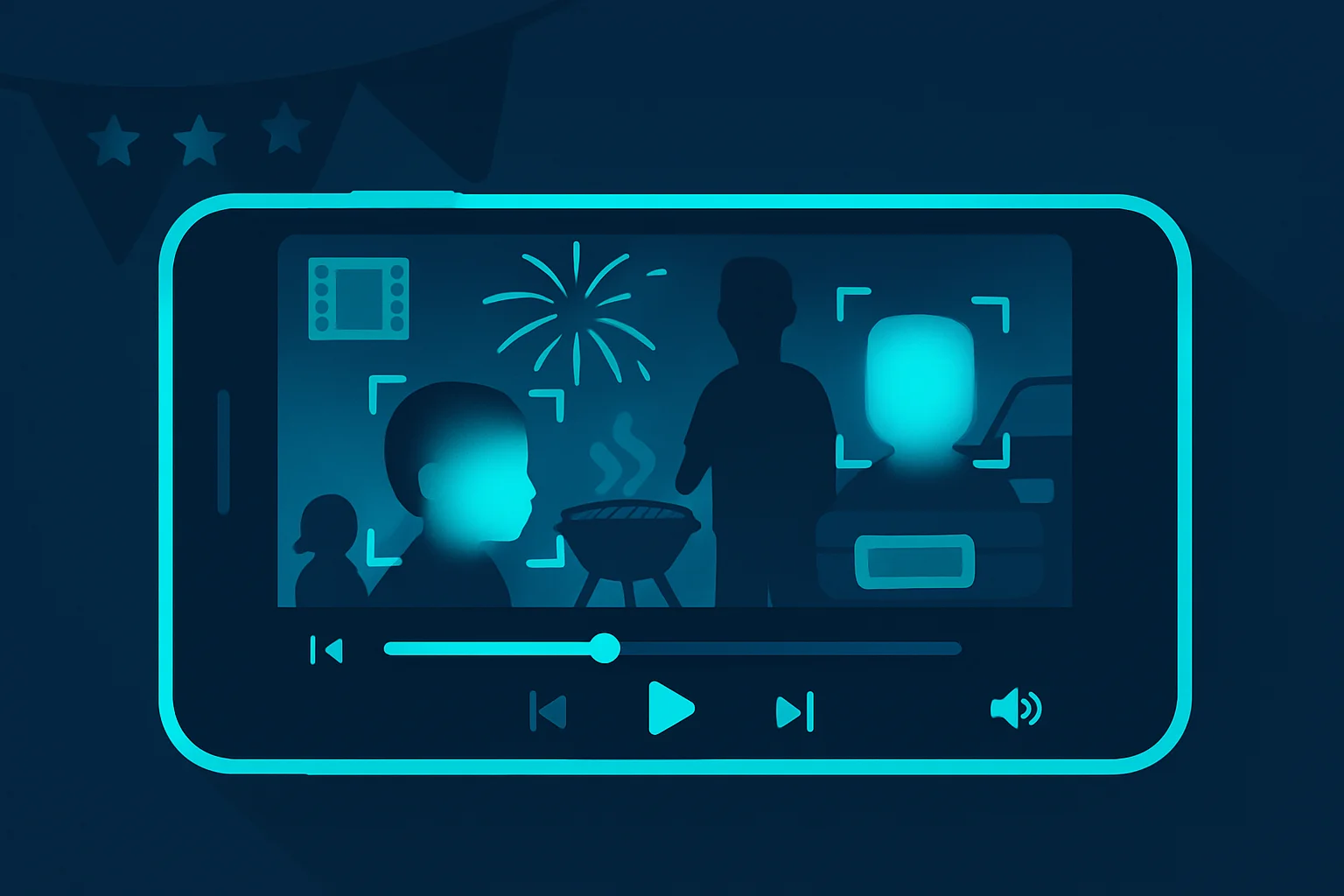
Most people think about privacy when they're filming a deliberate "vlog" shot — but the riskiest clips are usually the ones nobody planned:
- Doorbell and home security cameras. Ring, Nest, and similar devices capture the entire street during a block party, including every kid on a bike and every car parked at the curb. Clipping a "look at our street" highlight for social media pulls all of that in at once.
- Drone footage over the neighborhood. A drone shot of the fireworks show from above often captures rooftops, driveways, and yards belonging to neighbors who have no idea they're in your video.
- Livestreams. TikTok Live, Instagram Live, and YouTube Live have no post-processing step — whatever the camera sees goes out in real time. If you're livestreaming a fireworks show or block party, blur is not available after the fact, so either pre-record and blur before uploading, or keep the framing tight on your own group.
- Group texts and shared albums that get reposted. Someone else's phone footage from the same party often ends up back on your feed. The privacy pass has to happen at the point of posting, not just filming — even if you didn't shoot the original clip.
- Slow-motion sparkler and pool clips. Slow-motion makes faces easier to recognize, not harder, because there's more time per frame for a viewer to pause on someone's face.
None of these formats are unusual for the holiday — they're the default way most people capture the 4th of July now. The fix is the same regardless of camera source: run the export through a blur pass before it goes to a public feed.
Platform-by-Platform Posting Tips
Where you post changes how much exposure a video gets, but it doesn't change the underlying privacy math — a stranger's face or a readable plate is just as identifiable on a private-adjacent platform as a fully public one.
| Platform | Risk level | What to watch for |
|---|---|---|
| TikTok | High — algorithmic reach can push a local clip to millions | Widest potential audience for a bystander to be recognized by someone they know |
| Instagram Reels / Stories | Medium-high | Reels reach beyond followers; Stories are lower-reach but still public unless restricted |
| Medium | Often shared into local community groups — neighbors are more likely to recognize each other | |
| YouTube Shorts | Medium-high | Long shelf life — a Short can resurface in search results years later |
| Group chat / private album | Lower, but not zero | Still personal data if identifiable; consent still applies even in smaller circles |
Practical rule: treat every platform as if the clip could go viral, even a "just for close friends" Story. Screenshots and re-shares happen regardless of the original privacy setting.
Common Mistakes People Make When Posting Holiday Content
- Blurring only the "main" face and missing the background. A wide fireworks shot often has several faces stacked behind your subject — BGBlur's automatic detection catches all of them, not just the one in focus.
- Skipping short clips because "it's only 10 seconds." Short clips get pulled into compilations and reposted just as often as longer videos. Length doesn't reduce privacy risk.
- Forgetting the car in the driveway shot. People remember to blur faces but forget the parked car in frame behind the family photo — plates are just as identifiable as faces.
- Assuming a public fireworks show means no privacy concern. Public location does not automatically mean consent to be featured in someone's monetized or widely shared content — it just changes the legal analysis, not the courtesy.
- Not checking the full clip at real playback speed. Reviewing only the thumbnail frame misses faces and plates that appear mid-clip, especially in panning or handheld shots.
What to Blur Before You Post
1. Kids Who Aren't Yours
Even in a public setting, posting a child's face without a parent's consent is a fast way to upset a neighbor and, in stricter jurisdictions, cross into legal grey area under child-privacy rules like COPPA. If your video includes:
- Neighborhood kids at a block party
- Other families' children at the fireworks show
- Kids visible through a car window or in the background of a driveway shot
Blur their faces before publishing, unless you've asked and gotten a clear yes from a parent.
2. Stranger and Crowd Faces
Wide shots of a fireworks show or a packed street are full of identifiable bystanders who never agreed to appear in your content. This is the same problem dashcam and street-video creators deal with year-round — the fix is the same: blur every face that isn't you, your immediate family, or someone who consented.
3. License Plates on Parked Cars
Street parking for the fireworks show, driveways lined with cars for the BBQ, and tailgate-style setups all put full, legible plates in frame — often closer to camera than the people. A plate is enough to look up a registered owner in many states, which is why it's treated as personal data under privacy frameworks like GDPR and CCPA-style US rules. If a car or its plate is readable at pause-frame, blur it.
The Fast Workflow: Blur Before You Post
- Export your clip from your phone's camera roll — MP4 or MOV, any length from a quick sparkler shot to a full fireworks show.
- Upload to BGBlur.com — drag and drop, no account setup required to start.
- Select what to blur — faces, license plates, or both. BGBlur's AI detects every face and plate in frame automatically, including background subjects you might miss scrolling through footage on your phone.
- Keep your family visible — use the reference-face option to leave your own kids, partner, or friends unblurred while everyone else in frame gets blurred.
- Preview the tracking — moving kids, crowd shots, and cars in motion are tracked frame-by-frame, so blur doesn't flicker or drop when someone turns their head.
- Export and post — download the safe version and upload directly to TikTok, Instagram Reels, or YouTube Shorts.
Most 30–90 second holiday clips process in a couple of minutes — realistic to do for every video you plan to post, not just the ones you're worried about.
Batch Processing Multiple Clips
If you filmed all day — BBQ prep, the block party, the fireworks, and the drive home — don't process clips one at a time under deadline pressure. Set aside 15–20 minutes once, run every clip through BGBlur back-to-back, and build your posting queue from the already-blurred exports. This is the same batching approach car wash and local business creators use to keep a full week of content compliant without re-editing every file individually.
Frequently Asked Questions People Search Around This Time of Year
"Can I get in trouble for posting a video with my neighbor's kid in it?" Usually not criminally, but you can face a takedown request, a civil complaint in some jurisdictions, or simply a very upset neighbor. Blurring costs you two minutes; the alternative costs you a relationship.
"What if the fireworks show is run by the city — is that different?" A municipal fireworks show is unambiguously public, which lowers legal risk for wide crowd shots. It does not remove the courtesy question of featuring identifiable strangers in monetized or widely distributed content, and it does nothing to protect the license plates of people parked nearby.
"Do I need to blur my own kids?" No — you're their parent or guardian, and you decide what to share about your own family. The rule is about other people's identifiable information: kids, adults, and vehicles that aren't yours to publish without consent.
A Simple Pre-Post Checklist for Holiday Content
Before you hit publish on any 4th of July video this year:
- Every child who isn't yours (or without parental consent) is blurred
- Every bystander or neighbor without consent is blurred
- Every legible license plate — parked, driving, or in a driveway — is blurred
- Fireworks, food, flags, and your own family are left untouched
- You reviewed the full clip at real speed, not just the thumbnail frame
Same checklist works for other high-traffic holiday content — see how it applies to Christmas videos and other seasonal posting spikes.
Conclusion
The 4th of July produces some of the best content of the year, but also some of the most privacy-dense: crowds, neighbors' kids, and rows of parked cars, all in one clip. A quick pass through BGBlur — blur faces, blur plates, keep your own family visible — takes a couple of minutes and turns a risky upload into a safe one. Film everything, post confidently, and let the AI handle the redaction before the fireworks video goes live.
Blur your 4th of July videos free on BGBlur.com →
Related Reading
- Anonymize Faces in Videos Online in 3 Simple Steps
- Can They Post My License Plate on Social Media?
- COPPA: How It Protects Children's Online Privacy
- GDPR Video Content: Face & License Plate Blurring Compliance Guide
- Make Your Christmas Videos Look Clean and Aesthetic
- Complete Face Blur Guide
Last updated: July 6, 2026