Blur Faces in Photos Online Free with BGBlur AI [2026]
BGBlur detects and blurs faces in photos automatically using AI — no downloads, no manual selection, no editing skills required. This guide covers the 3-step workflow, real-world use cases, and tips for the cleanest results.
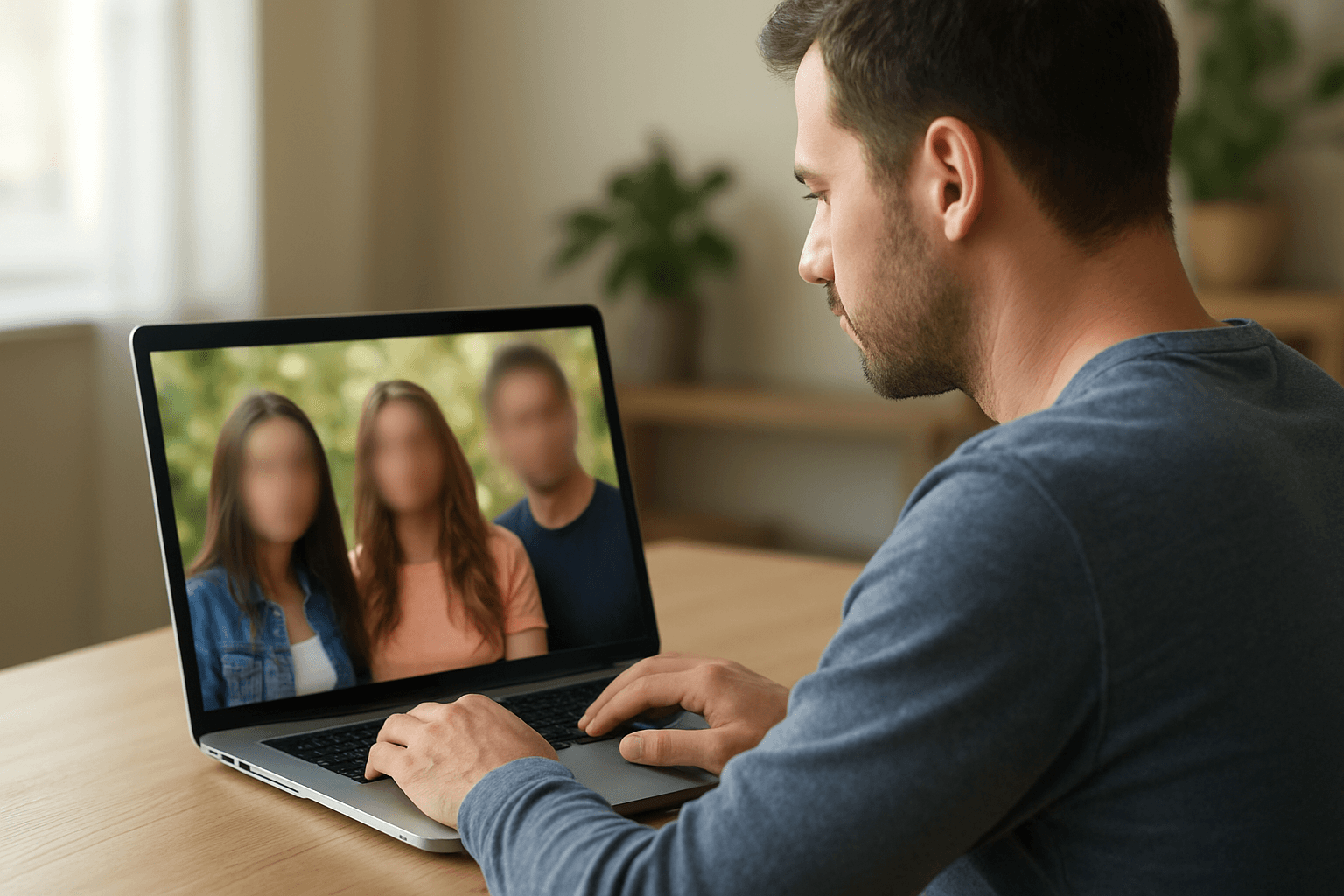
In today's digital world, privacy matters more than ever. Whether you're sharing photos on social media, posting content for your business, or protecting identities in sensitive images, knowing how to blur faces in photos effectively is essential. Many people struggle with complex photo editing software or worry about downloading suspicious apps that compromise their data.
The good news? You can now edit photos online free using AI-powered tools that blur faces automatically—no technical skills required. In this guide, we'll show you the fastest, safest way to protect privacy in your images without spending a dime.
Why You Need to Blur Faces in Photos
Before diving into solutions, let's understand why face blur matters:
- Privacy Protection: Safeguard identities of minors, bystanders, or anyone who didn't consent to appear online
- Legal Compliance: Meet GDPR, COPPA, and other privacy regulations for business content
- Social Media Safety: Protect yourself and others from facial recognition tracking
- Professional Content: Create polished marketing materials without revealing employee or customer faces
Traditional photo editors require hours of manual work. Modern AI tools free solutions change everything.
The Problem with Traditional Face Blurring Methods
Many people try these outdated approaches:
- Manual editing software: Photoshop and similar programs demand professional skills and expensive subscriptions
- Mobile apps: Most "free" apps are filled with ads, watermarks, or secretly harvest your photos
- Desktop software: Requires downloads that risk malware and slow down your computer
- Unreliable results: Manual blur often misses faces in group photos or creates unnatural effects
What you need is a reliable online editor that detects and blurs faces automatically using AI.
Introducing BG Blur: Your Free AI Face Blur Solution
BG Blur (bgblur.com) offers the smartest way to blur image face areas instantly. This face ai technology works directly in your browser—no downloads, no registration barriers, no hidden costs.
How BG Blur Solves Your Privacy Problems
Automatic Face Detection The face detect AI instantly identifies all faces in your photo, even in crowded group shots or challenging lighting conditions. No manual selection needed.
One-Click Blur Application Simply upload your photo and let the AI do the work. The tool applies professional-quality blur that protects privacy while keeping your image looking natural—not like an amateur blur picture attempt.
How to Blur Faces in 3 Simple Steps
-
Upload Your Image: Visit bgblur.com and drag your photo into the online editor (supports JPG, PNG, and other common formats)
-
Select Blur Target: Choose "Faces" and watch the AI automatically detect every face. You can also select background blur.
-
Download Your Protected Photo: Get your professionally blurred image in seconds, ready to share safely online
No complicated menus. No learning curve. Just instant privacy protection.
Why BG Blur Beats Other Free Tools
Smart AI vs. Manual Editing
Unlike basic blur on image tools that make you manually draw over faces, BG Blur's AI recognizes facial features automatically. This means:
- Faster editing (seconds vs. minutes)
- No missed faces in group photos
- Consistent blur quality across all faces
- Natural-looking results every time
Professional Results
The blur background editor produces output that rivals expensive software. Whether you need a subtle privacy blur or dramatic blur background pics effects, you get HD-quality results suitable for:
- YouTube thumbnails and video content
- Instagram posts and stories
- Business presentations
- Legal documentation
- Marketing materials
Real-World Uses for Face Blurring
Content Creators & Vloggers Protect bystanders in street photography or location shots. Create blur background free online effects that make your subject pop while hiding crowds.
Parents & Educators Share classroom or event photos safely by hiding student faces to comply with school policies and protect minors online.
Business Owners Publish customer testimonials, store photos, or training materials without revealing identities unnecessarily.
Legal & Compliance Teams Quickly process documentation that requires anonymization for court cases, investigations, or regulatory submissions.
Beyond Face Blur: Creative Background Effects
BG Blur isn't just about hiding—it's about creating better images. Use the blur background in a photo feature to:
- Make product photos look professionally shot
- Create portrait mode effects from any camera
- Remove messy backgrounds from profile pictures
- Add cinematic bokeh to ordinary snapshots
The same AI that powers face blur image detection can also identify backgrounds intelligently, giving you studio-quality depth effects without expensive camera equipment.
Choosing Blur Intensity for Different Situations
Not every photo calls for the same level of obscuration. A light blur softens a face just enough to protect casual recognition, which suits background bystanders in event photography. A stronger pixelation or solid blur is more appropriate for situations with real legal or safety weight, like protecting a minor's identity for a school newsletter, anonymizing a witness in documentation, or de-identifying a patient photo for a medical case study. When the stakes are higher, choose the stronger setting — partial or light blur is a common reason automated redaction fails to meet formal de-identification standards, since enough facial structure can remain visible to permit recognition by someone who already knows the subject.
How This Compares to Video Face Blur
Photos and video share the same underlying AI detection, but video adds a layer of complexity: motion tracking. A single photo only needs one accurate detection pass, while video needs that same face tracked consistently across every frame as the subject moves, turns, or is partially obscured. If you're working with moving footage rather than still photos, see our guide on blurring faces in video with AI in 3 seconds, which covers the video-specific workflow and export options.
Tips for Best Results
- Use good lighting: Well-lit photos help the AI detect faces more accurately
- Upload high-resolution images: Better input quality = better blur image output
- Check edge cases: Review group photos to ensure all faces are caught
- Combine effects: Try blur picture background along with face blur for professional-looking results
- Save originals: Keep unedited versions in case you need them later
Conclusion
Protecting privacy in your photos doesn't have to be complicated or expensive. With BG Blur's free ai tools, you can edit picture online free and blur faces in photos in just seconds. The AI-powered face blur photo technology delivers professional results without downloads, subscriptions, or technical expertise.
Whether you need to hide faces in photos for compliance, protect identities, or create stunning blur background pics effects, BG Blur makes it simple. Visit bgblur.com today and experience the fastest way to edit photo online while keeping privacy intact. No sign-up required—just upload, blur, and download your protected images instantly.
For related guides, see face anonymization vs face blur to understand alternative anonymization approaches, and blur pixelate faces on phone for the mobile-specific workflow.