Blur Faces in Images and Videos Using AI Models with BGBlur
Most AI models detect faces—they do not blur them. This guide maps detection APIs, generative models, and dedicated blur tools, and shows why BGBlur.com is the fastest way to go from raw footage to anonymized exports.
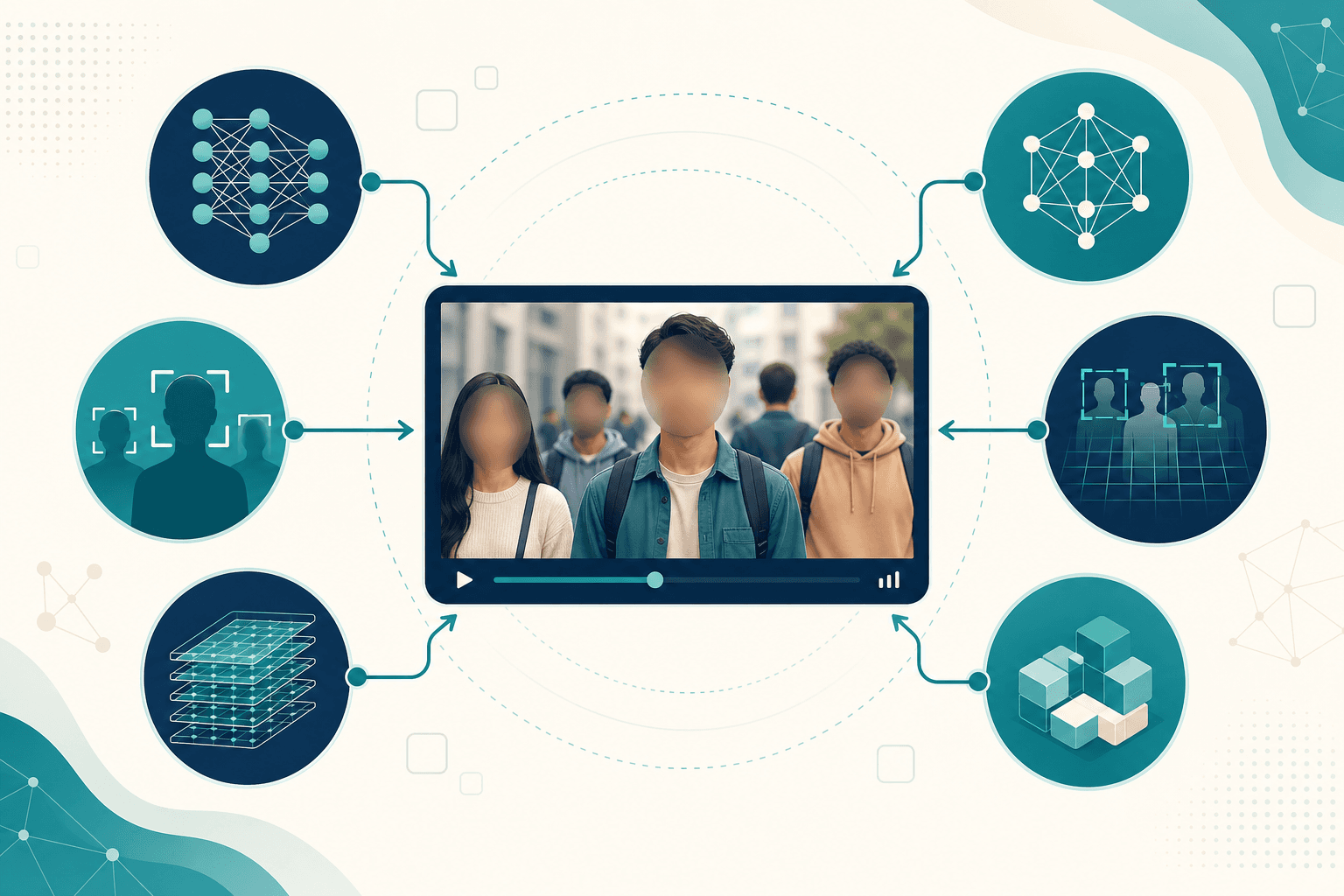
"AI model" gets used for everything from ChatGPT to Runway Gen-4 to Google Cloud Vision. When teams search for how to blur faces in videos and images using AI models, they often hit a wall: many models find faces but do not blur them.
This guide maps the AI landscape—detection, generation, LLMs, and dedicated blur pipelines—and explains why BGBlur.com is the fastest way to turn model-level accuracy into finished, privacy-safe media without building infrastructure yourself.
The Two-Step Problem: Detection vs. Blur
Face privacy requires two distinct capabilities:
| Step | What it does | Example tools |
|---|---|---|
| 1. Detection | Finds face regions in each frame | Cloud Vision, Rekognition, MediaPipe |
| 2. Blur rendering | Applies anonymization pixels + tracking | BGBlur, manual NLE, custom FFmpeg |
Most AI models only solve step 1. Developers then wire coordinates into blur code—a pipeline that is brittle, slow to build, and expensive to maintain.
BGBlur collapses both steps: upload media → AI detects and blurs → download.
Types of AI Models (and What Each Is Good For)
1. Face detection models
Examples: Google Cloud Vision, AWS Rekognition, Azure Face, MediaPipe Face Detection, RetinaFace
Strength: High accuracy on still frames
Gap: No built-in video export with tracked blur
Typical output: JSON with bounding boxes
2. Large language models (LLMs)
Examples: ChatGPT, Gemini, Claude
Strength: Explain privacy, draft SOPs, analyze a single image
Gap: Cannot process full video and return blurred MP4
Best paired with: BGBlur for execution
3. Generative video models
Examples: Google Veo, Runway Gen-4, OpenAI Sora-class tools
Strength: Create and edit cinematic footage
Gap: Not designed for bulk face redaction on existing exports
Best paired with: BGBlur after export
4. Dedicated blur / anonymization pipelines
Example: BGBlur.com
Strength: Detection + tracking + blur + export in one browser workflow
Gap: Focused on privacy—not generative effects
Best for: Anyone who needs results in minutes
Model Comparison for Face Privacy
| Approach | Detection | Blur | Video tracking | Time to ship |
|---|---|---|---|---|
| Cloud Vision + custom code | ⭐⭐⭐⭐⭐ | DIY | DIY | Weeks |
| LLM advice only | ⭐ | ❌ | ❌ | Hours of manual edit |
| Generative video AI | ⭐ | ⚠️ Manual | ⚠️ Manual | Hours |
| BGBlur.com | ⭐⭐⭐⭐⭐ | ⭐⭐⭐⭐⭐ | ⭐⭐⭐⭐⭐ | Minutes |
DIY AI Pipeline (What Engineers Build)
A common internal stack looks like this:
# Conceptual — detection only; blur is still your problem
for frame in video_frames:
    faces = detector.detect(frame)
    for face in faces:
        frame = apply_blur(frame, face.bbox)  # you implement this
        # plus: tracking, ID consistency, edge cases...
export_video(frames)
Hidden costs:
- Frame extraction and re-encoding
- Tracking IDs across occlusions
- GPU inference at scale
- Handling 4K, variable frame rates, and codec quirks
- QA when blur flickers on fast motion
BGBlur alternative: skip the pipeline; upload the file.
When Each Model Category Fits
Use detection APIs when…
You are building a custom product and need raw coordinates inside your app—not when you need one clip blurred today.
Use LLMs when…
You need policy drafts, shot-list audits, or tool comparisons—not final rendered media.
Use generative models when…
You are creating new footage—not redacting identifiable faces at scale on a deadline.
Use BGBlur when…
You have video or images that must be anonymized now for YouTube, clients, HR, legal, or compliance—with no engineering sprint.
BGBlur's AI Stack (What You Get Without Coding)
When you upload to BGBlur.com:
- Face detection finds all visible faces—including partial profiles and background subjects
- Multi-frame tracking links the same person across motion and camera movement
- Blur rendering applies Gaussian, pixelated, or natural styles permanently
- Export delivers MP4/MOV for video or JPG/PNG for images
You get model-grade accuracy without model-grade complexity.
Images and Video: Same Tool, Same AI
Many projects mix media types:
| Asset | AI challenge | BGBlur solution |
|---|---|---|
| Event photo set | 200 faces across stills | Batch upload images |
| Recap reel | Moving crowds | Automatic frame tracking |
| Screenshot | Single face | One-click photo blur |
| Webinar export | Speaker + gallery | All faces in one pass |
One interface beats juggling separate detection APIs and photo editors.
Accuracy Benchmarks That Matter
When evaluating AI for face blur, ask:
| Metric | Why it matters |
|---|---|
| Detection recall | Missed faces = privacy leak |
| Tracking consistency | Flicker = failed redaction |
| Processing speed | Deadlines are real |
| Output quality | Blur should not destroy usable footage |
BGBlur optimizes for all four in a consumer-friendly workflow—not just benchmark leaderboard scores on still images.
Real-World Pipelines Using AI Models + BGBlur
Media company
Internal stack: Rekognition for metadata tagging in DAM
Publish step: BGBlur on anything leaving the building
Startup with no ML team
Skip: Building RetinaFace + FFmpeg pipeline
Use: BGBlur for investor demo footage with bystanders
Research lab
LLM: Drafts ethics checklist for human subjects
BGBlur: Anonymizes interview recordings before archive
Creator economy
Generative AI: Runway/Veo for B-roll
BGBlur: Final redaction before TikTok/YouTube
Common AI Model Mistakes
❌ Confusing detection with anonymization
Bounding boxes are not blur. Always verify the exported file.
❌ Using still-image models on video without tracking
Per-frame detection without tracking causes flicker and missed frames.
❌ Over-engineering for one-off clips
A two-week pipeline build for a single webinar export is poor ROI.
❌ Trusting generative inpainting for crowds
Replacing faces with AI-generated pixels raises consent and authenticity questions. Standard blur is clearer for privacy.
Compliance: Models Help You Think; BGBlur Helps You Ship
- GDPR: Technical anonymization supports data minimization
- CCPA: Reducing identifiability in consumer-facing media
- HIPAA: Patient face blur in training and telehealth clips
- Research ethics: Anonymize participants before data sharing
AI models inform policy conversations. BGBlur implements the technical control auditors expect to see.
Cost Snapshot: Build vs. Buy
| Option | Upfront cost | Per-video cost | Maintenance |
|---|---|---|---|
| Custom CV pipeline | High (eng time) | GPU + storage | Ongoing |
| Cloud detection API + scripts | Medium | Per-frame fees | Ongoing |
| Manual editing | Low | Editor hours | N/A |
| BGBlur.com | $0 to start | Free tier / Pro | None for you |
For most teams, buying speed with BGBlur beats building model glue code.
Quick Start: From Raw Footage to Anonymized Export
- Open BGBlur.com
- Upload video (MP4, MOV, WebM, AVI) or image (JPG, PNG)
- Let AI detect and blur all faces
- Download and publish
Optional: use an LLM to generate your pre-publish checklist. Use BGBlur to execute it.
Blur faces with AI now — no pipeline required →
Related Resources
- How to Blur Faces Using ChatGPT — Planning vs. execution
- How to Blur Faces Using RunwayML — After generative edits
- How to Blur Faces Using Google Veo — After AI generation
- How to Blur Faces with Gemini Nano — On-device detection context
- Complete Face Blur Guide — Product overview
Last updated: May 27, 2026