Blur Faces in Videos and Images with RunwayML [2026]
RunwayML is powerful for generative video and inpainting, but it is not built for privacy redaction at scale. This guide explains Runway workflows, where face blur fits in, and how BGBlur.com anonymizes footage in minutes.
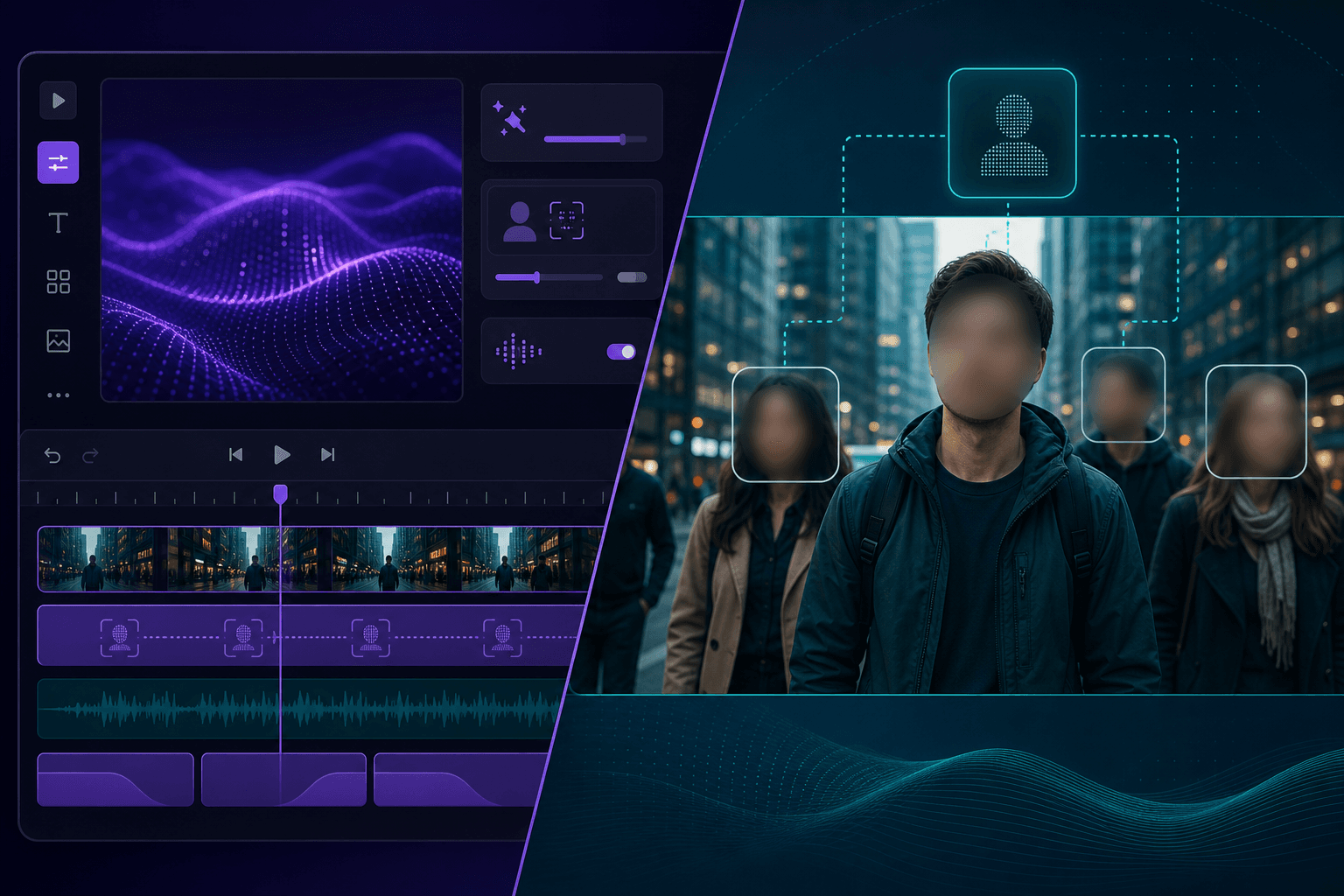
Runway has become a go-to platform for AI video generation, inpainting, motion tracking, and cinematic edits. Creators use Runway Gen-4, Aleph, and timeline tools to replace backgrounds, extend scenes, and polish footage faster than traditional post-production.
But Runway is optimized for creative transformation, not privacy redaction. If your export includes identifiable faces—in a generated crowd, a reference-image character, or live-action plate—you still need a purpose-built face blur tool before you publish. BGBlur.com is the fastest way to finish that step: upload your Runway export, let AI blur every face automatically, and download in minutes.
What RunwayML Does (and Does Not Do)
Runway excels at:
- Text-to-video and image-to-video generation
- Inpainting to remove or replace regions frame by frame
- Camera and motion controls for cinematic output
- Green-screen-free compositing and scene extension
- Professional exports for social, ads, and film prep
Runway is not designed as a bulk face anonymization system. You could theoretically inpaint faces manually, but that approach breaks down quickly on clips with:
- Multiple people in frame
- Camera movement or subject motion
- Clips longer than a few seconds
- Tight deadlines before publish
For privacy workflows, treat Runway as the edit engine and BGBlur as the redaction engine.
Runway's own documentation is explicit about this boundary: Gen-4 and Aleph are marketed as generation and transformation tools, not compliance tools. There is no "privacy mode" toggle, no consent-tracking layer, and no automatic face-tracking output separate from the rendered video itself. If your workflow needs an audit trail showing which faces were detected and blurred—common in agency and enterprise settings—you need a dedicated tool downstream of Runway, which is exactly the gap BGBlur fills.
Runway vs. BGBlur for Face Privacy
| Task | RunwayML | BGBlur.com |
|---|---|---|
| Generate AI video | ✅ Strong | ❌ No |
| Inpaint single objects | ✅ Yes | ❌ No |
| Auto-blur all faces in a clip | ❌ No | ✅ Yes |
| Blur faces in still images | ⚠️ Indirect | ✅ Yes |
| Track faces across frames | ⚠️ Manual | ✅ Automatic |
| Browser upload, no install | ✅ Yes | ✅ Yes |
| Time to redact 5-min video | Hours (manual) | Minutes |
Recommended Workflow: Runway → BGBlur
Step 1: Finish your Runway project
Complete generation, inpainting, or compositing in Runway. Export your final master as MP4 or MOV at the resolution you need for delivery.
Step 2: Upload to BGBlur.com
- Open BGBlur.com
- Upload your Runway export
- AI detects all visible faces automatically
- Pick blur style: Gaussian, pixelated, or natural
- Process and download
No account required to test. No timeline skills needed.
Step 3: Verify and publish
Scrub through the download and confirm:
- Main subjects and background extras are blurred
- Blur holds during motion and cuts
- No flicker between frames
Then publish to YouTube, client portals, internal Slack, or compliance archives.
When Runway Users Need Face Blur
Gen-4 clips with realistic humans
Prompts like "documentary interview" or "busy street market" often produce readable faces. Blur before public release.
Reference-image character workflows
If you fed Runway a photo reference, treat the output as potentially identifiable until faces are anonymized.
Event and crowd scenes
Runway crowd shots are visually compelling—and privacy-sensitive. Auto-blur scales better than frame-by-frame inpainting.
Client review copies
Send redacted previews externally; keep unblurred masters internal only if policy allows.
Mixed live-action + Runway composites
Your timeline may combine camera footage with AI inserts. BGBlur redacts the final export in one pass.
Can You Blur Faces Inside Runway Itself?
Some creators try these workarounds:
Manual inpainting per frame
Problem: A 30-second clip at 24fps is 720 frames. Manual inpainting is not realistic for production.
Mask + generative fill
Problem: Works for static shots, fails when subjects move or the camera pans.
Avoid humans in prompts
Problem: Limits creative options; distant silhouettes are not always enough for compliance.
Faster path: Export once, blur once in BGBlur.
Runway + BGBlur Use Cases
Social media agencies
Generate scroll-stopping Runway B-roll, blur faces, ship to clients same day.
Indie filmmakers
Use Runway for previz and VFX plates; anonymize extras before festival submissions.
Real estate and walkthrough video
Replace environments in Runway; blur agents, clients, or bystanders in the final cut.
Corporate L&D
Produce scenario videos in Runway; blur employee-like characters before LMS upload.
Newsroom experiments
Test AI re-enactment B-roll; apply face blur before any external preview.
Design and marketing teams comparing tools
If your team is deciding which downstream editor to pair Runway with, it helps to see how BGBlur's blur workflow compares across platforms. The steps are nearly identical whether the source file came from Runway, Canva, or Adobe Express—upload, detect, blur, download—because BGBlur processes the final exported video, not the editor that created it.
Prompt Ideas for Planning (Not Blurring)
Use Runway or a text LLM to audit privacy risk before export:
List every shot in this storyboard where a human face would be
clearly identifiable and would require blur before YouTube upload.
This Runway clip is 45 seconds with a moving camera and three visible people.
What is the fastest redaction workflow after export?
The answer to the second prompt, in practice, is almost always BGBlur—not more Runway editing.
Images and Video: One Tool for Both
Runway is video-first. If your pipeline also includes still photos—set photography, screenshot redaction, or social crops—BGBlur.com blurs faces in images and video from the same interface. That beats maintaining separate Runway exports and photo-editing workflows.
Supported video: MP4, MOV, WebM, AVI
Supported images: JPG, PNG, JPEG
For a general walkthrough of AI face blur outside the Runway context—covering blur styles, accuracy, and processing time—see the complete face blur guide. It applies to any source video, including Runway exports.
Privacy and Compliance
- GDPR: Face blur supports data minimization when sharing video in the EU.
- CCPA: Reducing identifiability lowers consumer privacy risk in California-facing content.
- Platform rules: YouTube, TikTok, and Instagram expect creators to respect bystander privacy—even in AI-generated footage.
- Corporate policy: Many teams require anonymization before any cross-team or client share.
Runway's creative power does not replace these requirements. BGBlur makes compliance practical.
Teams that publish Runway output at scale—agencies producing weekly client deliverables, marketing departments running always-on social content—benefit from treating face blur as a fixed checkpoint in the pipeline rather than a case-by-case decision. Building it into your export checklist, right alongside color correction and audio mastering, avoids the situation where a rushed deadline skips redaction entirely.
Cost and Time Comparison
| Approach | Typical time (5-min clip) | Skill level |
|---|---|---|
| Runway manual inpainting | 4–12+ hours | Advanced |
| Runway + BGBlur | 5–15 minutes | Beginner |
| Skip blur entirely | 0 minutes | ⚠️ High risk |
Runway credits are best spent on generation. Redaction credits—yours or your editor's time—are best saved with automation.
Get Started in Under Five Minutes
- Export your Runway project
- Visit BGBlur.com
- Upload, process, download
- Publish with confidence
Blur faces in your Runway export now →
Related Resources
- How to Blur Faces Using Google Veo — Privacy after AI video generation
- Blur Faces in Webinars — Anonymize training content
- Blur Faces in Zoom Recordings — Meeting privacy
- Complete Face Blur Guide — AI face anonymization overview
Last updated: May 27, 2026