Blur Faces in Webinars and Virtual Meetings
Automatically blur faces in webinar recordings for B2B compliance, corporate training, online education, and public event sharing. AI-powered face blur for Zoom, Teams, and Google Meet recordings requiring participant privacy protection before external distribution or archiving.
How to Use BG Blur
Get started with our simple 3-step process
Upload your video to our AI video blur editor
Upload your video to our AI video blur editor.
Select what to blur: background, faces, license plates, or objects
Pick the blur mode that fits your use case and adjust intensity for a natural result.
Download your professionally blurred video with privacy protection
Export and download your processed video in just a few clicks.

B2B webinar compliance and customer privacy protection
Enterprise software companies, SaaS platforms, and B2B service providers host product demos, customer onboarding sessions, and implementation training where client employees appear on camera. Repurposing these recordings for sales enablement, marketing content, case study videos, or public webinar libraries requires facial anonymization to protect customer privacy, comply with enterprise NDAs, and prevent competitive intelligence gathering. BGBlur automatically detects and blurs all participant faces—customer champions, end users, decision makers, technical staff—while preserving your product interface, demonstration workflow, shared screens, and presenter content. Essential for companies creating reusable training assets from live customer implementations, building prospect-facing demo libraries from actual customer success stories, or publishing product education content that originated in private client sessions. The AI handles common B2B webinar scenarios: gallery view with 20-50 participants in small video tiles, active speaker view switching between presenters, screen sharing mode with participant thumbnails in sidebars, and breakout room recordings with shifting participant combinations. Protect your customer relationships, honor confidentiality agreements, and maintain trust while leveraging valuable webinar content across your sales, marketing, and customer success teams without obtaining individual consent forms from every participant captured in your recording history.

Corporate training webinar archives with employee anonymization
HR departments, learning and development teams, and corporate universities record onboarding webinars, compliance training, skills development sessions, and company town halls for on-demand employee access and new hire training libraries. Recorded sessions from 2-5 years ago contain former employees, contractors, or personnel who've changed roles, creating privacy concerns when these archives remain in corporate learning management systems. BGBlur processes training libraries automatically, blurring faces of all participants while preserving the instructional content, subject matter expert presentations, Q&A value, and scenario demonstrations. Critical for companies maintaining GDPR compliance in European operations (right to be forgotten), protecting employee privacy in reorganizations or layoffs, and preventing retaliation concerns when sensitive topics like harassment training or whistleblower procedures were recorded. The system handles enterprise-scale challenges: processing hundreds of hours of webinar archives, maintaining blur consistency across multi-session training programs, preserving caption/transcript synchronization, and exporting in formats compatible with corporate LMS platforms (Cornerstone, Workday Learning, SAP SuccessFactors, Docebo). Transform your valuable corporate training investment into privacy-compliant evergreen content that protects past participants while continuing to educate current and future employees effectively.

Academic webinars and online education privacy for student protection
Universities, online course platforms, and educational institutions record lectures, seminars, research presentations, and academic conferences for course catalogs, MOOC platforms, and institutional repositories. Student privacy laws (FERPA in US, GDPR in EU, PIPEDA in Canada) often prohibit publishing recordings where students are identifiable without explicit consent, yet obtaining individual permissions from 50-200 seminar participants across multiple semesters becomes administratively impossible. BGBlur enables academic institutions to share educational content publicly—posting lectures on YouTube for OpenCourseWare, contributing to MOOC platforms like Coursera and edX, creating alumni access to guest speaker series—by automatically blurring student faces while preserving professor instruction, presentation materials, whiteboard work, and demonstration value. Essential for research universities sharing conference proceedings, professional schools recording case study discussions, and online education platforms building catalog libraries. The AI handles academic-specific scenarios: Socratic method classes with frequent student participation, seminar discussions with round-robin speaking, poster sessions with presenters standing near their work, and thesis defenses with committee members visible. Democratize access to educational content, build your institution's open education reputation, and support flexible learning modalities while protecting student privacy, complying with educational records laws, and maintaining the pedagogical integrity of your recorded instructional materials.

Association and nonprofit webinar sharing for member-only to public conversion
Professional associations, industry consortiums, nonprofit organizations, and member communities host expert panels, certification prep courses, advocacy briefings, and networking events originally intended for members-only access. Converting these valuable recordings for public education, fundraising appeals, policy advocacy, or open-access knowledge sharing requires participant anonymization since original attendees expected private member-only distribution. BGBlur enables associations to maximize webinar ROI: automatically blur member faces in attendance, preserve expert speaker identities (who typically consent to public recording), and publish previously private content to YouTube, association websites, or public policy platforms. Perfect for medical associations sharing CME content, legal organizations publishing CLE programs, engineering societies distributing professional development, and advocacy nonprofits building public awareness campaigns from member briefings. The system distinguishes between intentional presenters (who should remain visible) and participant attendees (requiring blur): using position detection to identify panelists in dedicated video windows, speaker name badges to preserve identified presenters, and gallery view position to blur general participants. Transform your member-exclusive content library into public thought leadership, extend your association's educational impact beyond membership boundaries, and build non-member awareness of your industry expertise without violating participant expectations, member privacy, or the trust that enables candid member-only discussions.
Virtual event and conference recordings for sponsor deliverables and marketing
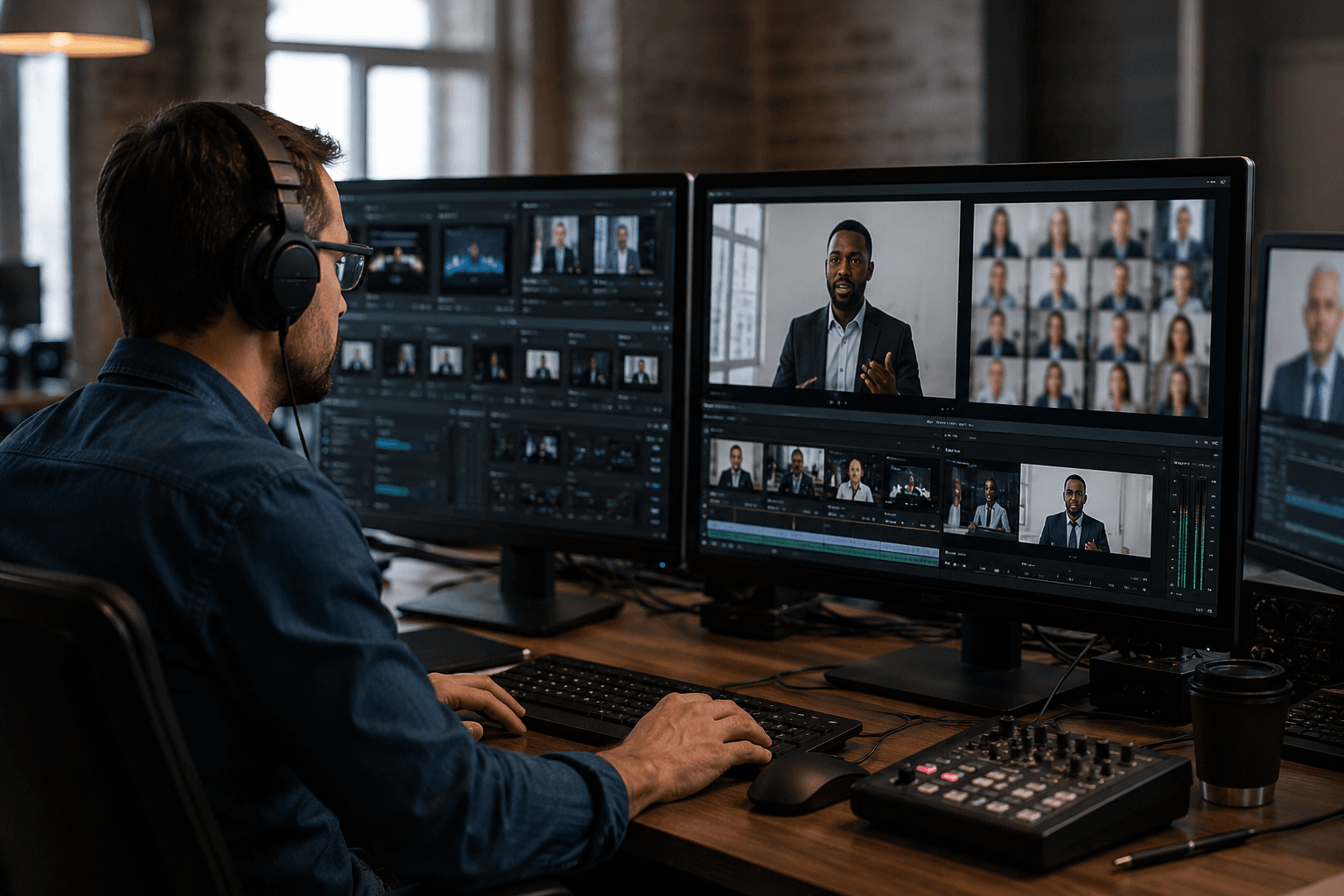
Virtual conference organizers, event technology platforms, and corporate event planners record keynotes, breakout sessions, networking lounges, and sponsor exhibitions for post-event access, sponsor deliverables, and next-year marketing. Sponsor contracts often require attendee face blur in shared recordings to prevent competitive outreach, protect attendee privacy, and comply with registration terms promising that attendee participation wouldn't be used for marketing purposes. BGBlur processes multi-track conference recordings efficiently: blur attendee faces across hundreds of session recordings, maintain speaker visibility for presentation value, preserve sponsor booth interactions while anonymizing visitors, and handle networking session recordings with dozens of participants in fluid conversations. Essential for event companies fulfilling sponsor packages that include session recordings, marketing teams creating event highlight reels for next year's promotion, and platforms building demo libraries from successful virtual events. The AI handles virtual event complexity: simultaneous breakout tracks requiring batch processing, polling and Q&A overlays that shouldn't be blurred, virtual backgrounds and green screen artifacts that affect face detection, and production-quality multi-camera switching between speaker angles. Deliver professional event recordings that satisfy sponsor requirements, protect attendee privacy, enable robust post-event content marketing, and set the standard for virtual event documentation that respects participant privacy while maximizing content utility, sponsor satisfaction, and promotional impact for future event registration.
What Makes BGBlur Different?
BGBlur is built for browser-based AI video editing: upload a clip, choose what to hide or soften, and export privacy-ready footage without learning timeline software.
AI video blur
Automatic video blur workflows reduce manual masking for faces, plates, backgrounds, screens, and sensitive objects.
Browser-based
Edit video online from desktop or mobile without installing professional video editing software.
Privacy focused
BGBlur is designed for safer publishing, redaction, anonymization, and compliance-aware video sharing.
Selective control
Choose targeted blur, background blur, face anonymization, or object blur based on the footage.
Fast workflow
Simple upload, preview, processing, and export steps help creators and teams finish edits quickly.
Multiple formats
Use BGBlur across common video and image workflows for social, legal, training, and creator content.
Blurring Video Backgrounds Automatically
BgBlur is dedicated to making video privacy and enhancement accessible to everyone. Our tools use advanced AI to help you blur faces, license plates, and backgrounds in your videos—quickly and securely, right in your browser.
Features include automatic face blur, license plate blur, and background blur. Try it out now by uploading your video at /en/upload. No downloads or advanced software required!
Powered by BGBlur
Frequently Asked Questions
Our AI analyzes your video and automatically detects and blurs backgrounds, faces, license plates, or any objects you select with motion tracking.
We support MP4, MOV, and M4V formats for all blur functions including face blur video and background blur.
Free users can blur videos under 200MB and 10 minutes. Pro users get unlimited blur processing with longer video support.
AI face swap uses advanced artificial intelligence to detect and replace a face in a video with another face while keeping expressions, lighting, and angles natural.
You should use face anonymization when sharing content publicly, handling sensitive data, or complying with privacy laws to protect identities.
With BgBlur, you can easily blur face or pixelate face by uploading your content, and the AI will automatically detect and apply the effect in seconds.
Yes, BgBlur allows you to blur licence plate or blur number plate in video online free with just a few clicks, no technical skills required.
To blur multiple objects online, upload your video and select the Blur Anything feature. Then add multiple object names separated by commas and proceed, and our AI will automatically blur those objects.
Yes, BGBlur's AI automatically tracks moving objects, faces, and vehicles. You do not need to manually mask every frame; the motion-aware tracker keeps the blur locked onto the subject as it moves.
BGBlur is a completely web-based tool. You can upload any video or image, select the Face Blur tool, and apply pixelation or blur instantly inside your browser without downloading any apps or plugins.
Absolutely. Our AI is trained specifically to detect and blur license plates in driving footage, dashcams, and street-view videos. It helps creators and transport fleets stay compliant with privacy laws.
Your privacy is our priority. BGBlur leverages advanced client-side technologies to process videos securely. Your files are processed locally in your browser and are never uploaded or stored permanently on external servers.
Yes! BGBlur is fully responsive and optimized for mobile browsers. You can easily blur a video background or pixelate faces directly on your iPhone, iPad, or Android phone.
Limits depend on the feature. Standard video blur tools such as face blur, license plate blur, background blur, blur anything, screen blur, NSFW blur, and face anonymization support up to 200MB and 10 minutes on the free plan, while Pro users get unlimited blur processing with longer video support. Object Remover supports MP4 and MOV videos up to 1GB and 10 seconds per clip. Voice Anon direct uploads support up to 100MB, while the upload/URL workflow supports audio or video files up to 500MB and under 10 minutes.
User Reviews
Share your experience and help others make informed decisions
Write a Review
Community Score
0.0
/ 5
Based on 0 reviews
All Reviews (0)
No reviews yet
Be the first to share your experience and help others make informed decisions!
Ready to blur your video content?
Start protecting privacy and creating professional video blur effects today with our AI-powered tool. No downloads required - blur directly in your browser.
Start Blurring Now