Blur Faces in Media with ChatGPT and BGBlur Workflow Guide
ChatGPT can explain face blur and analyze still images, but it cannot process full video files or apply blur to your footage. This guide covers smart ChatGPT prompts plus the BGBlur.com workflow that actually gets the job done in minutes.
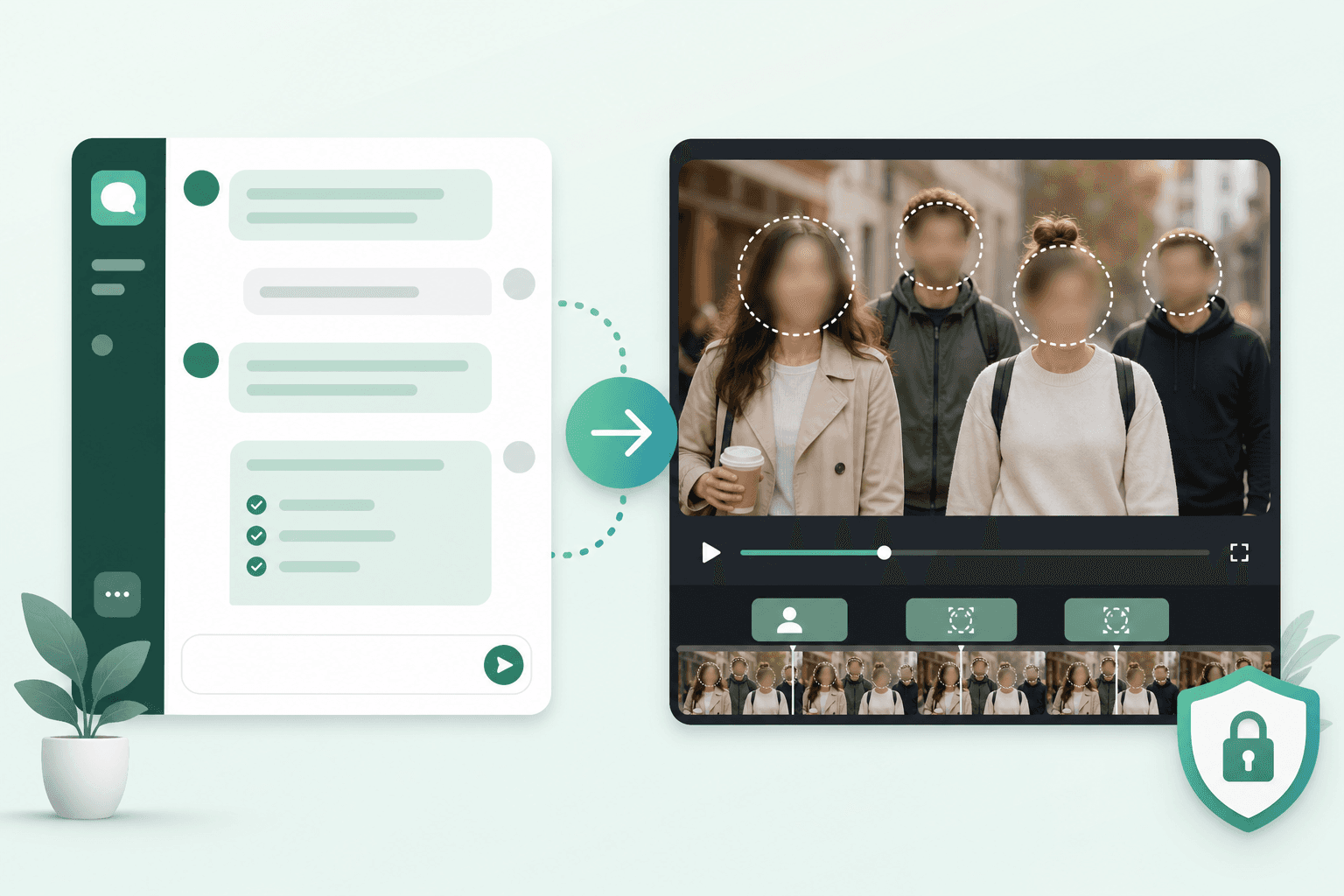
Millions of creators ask ChatGPT how to protect privacy in video: "Can you blur faces in my clip?", "What's the easiest way to anonymize a Zoom recording?", "Is this legal to post without consent?"
ChatGPT is excellent at explaining, planning, and troubleshooting. It is not a video processor. It cannot ingest your full MP4, track faces frame by frame, and return a redacted export. For that, you need a dedicated tool—and BGBlur.com is the fastest path from question to finished file.
This guide shows what ChatGPT can actually help with, where it stops, and how to blur faces in videos and images in minutes with BGBlur.
What ChatGPT Can Do for Face Blur
✅ Explain concepts clearly
Ask ChatGPT to define face blur, anonymization, pixelation, and the difference between reversible overlays and permanent redaction.
✅ Analyze a single image
Upload a screenshot or photo. ChatGPT can often identify where faces appear and suggest what to blur—useful for planning, not for batch production.
✅ Write prompts and SOPs
Generate internal checklists: "Before publishing event video, verify…"
✅ Compare tools at a high level
ChatGPT can summarize trade-offs between manual editing, APIs, and browser tools like BGBlur.
✅ Draft compliance summaries
High-level GDPR, CCPA, or HIPAA context for conversations with legal—not a substitute for counsel.
What ChatGPT Cannot Do
❌ Process full video files end-to-end
ChatGPT does not accept a five-minute MP4 and return a blurred version with tracked faces.
❌ Apply blur pixels to your media
It advises; it does not render final anonymized video or image files for download.
❌ Guarantee frame-perfect tracking
Even if you paste frame descriptions, ChatGPT cannot maintain blur across 30fps motion the way specialized CV models do.
❌ Replace a privacy redaction pipeline
Enterprise teams need repeatable tooling, not chat transcripts.
The split is simple: ChatGPT for thinking; BGBlur for doing.
ChatGPT vs. BGBlur: Side-by-Side
| Capability | ChatGPT | BGBlur.com |
|---|---|---|
| Answer "how do I blur faces?" | ✅ Yes | ✅ Yes (via UI) |
| Blur faces in video automatically | ❌ No | ✅ Yes |
| Blur faces in images | ❌ No | ✅ Yes |
| Track moving faces | ❌ No | ✅ Yes |
| Export redacted MP4/MOV | ❌ No | ✅ Yes |
| Time to redact 5-min clip | N/A (advice only) | ~2–5 minutes |
| Requires video editing skills | Often (if following manual advice) | ❌ No |
The Fastest Real Workflow
Step 1 (optional): Ask ChatGPT to plan
Example prompt:
I'm publishing a 3-minute street interview video on YouTube.
List privacy risks, which subjects likely need face blur,
and recommend blur intensity for public social media.
ChatGPT returns a sensible plan. It does not execute it.
Step 2: Upload to BGBlur.com
- Go to BGBlur.com
- Upload your video or image
- AI detects faces automatically
- Choose blur style
- Download the anonymized file
That is the entire technical workflow. No plugins, no Python, no timeline.
Step 3 (optional): Ask ChatGPT to QA your checklist
I blurred all visible faces with BGBlur before upload.
What else should I verify for GDPR-safe YouTube publishing in the EU?
Useful ChatGPT Prompts (Planning Only)
Privacy audit prompt
Review this shot list and flag every moment where a face is clearly
identifiable. Group by: must blur, optional blur, no blur needed.
Tool selection prompt
I need to blur faces in 20 short MP4 clips this week with no editing experience.
Compare manual Premiere workflow vs. automated browser tools.
Recommend the fastest option.
(The honest answer for speed is BGBlur.)
Blur style prompt
For a healthcare training video shared internally, should I use
Gaussian blur or pixelation on patient faces? Explain trade-offs.
Then apply the answer in BGBlur.
Image + video mixed pipeline
Our team has 15 event photos and 4 recap videos from the same conference.
What's the simplest workflow to anonymize all faces before the newsletter goes out?
Answer in practice: BGBlur for both media types in one tool.
Why ChatGPT Users End Up at BGBlur
Search trends show the same pattern:
- User asks ChatGPT "blur faces in video"
- ChatGPT suggests manual editing, FFmpeg commands, or cloud APIs
- User realizes that takes hours or requires engineering
- User wants upload → blur → download
BGBlur was built for step 4. It is the tool ChatGPT would recommend if chatbots could run your redaction pipeline for you.
Blurring Images vs. Video with ChatGPT in the Loop
| Media | ChatGPT role | BGBlur role |
|---|---|---|
| Photo | Identify faces in one upload | Detect + blur + export JPG/PNG |
| Video | Plan scenes needing redaction | Track + blur all frames + export MP4 |
| Batch | Write a batch SOP for your team | Process each file in browser |
ChatGPT does not scale to batch video. BGBlur does.
Common Mistakes ChatGPT Users Make
❌ Assuming ChatGPT processed the file
ChatGPT returns text. Always confirm you downloaded a new file from a blur tool.
❌ Following FFmpeg tutorials without testing
One wrong filter chain wastes an afternoon. BGBlur avoids command-line risk.
❌ Blurring only the main speaker
Background faces matter for compliance. BGBlur detects all faces automatically.
❌ Using ChatGPT legal summaries as final compliance sign-off
Use counsel for decisions; use BGBlur for implementation.
Real-World Scenarios
Creator asked ChatGPT about a vlog
ChatGPT: Explains bystander privacy on YouTube.
BGBlur: Blurs crowd faces in the exported vlog in minutes.
HR team anonymizing interview footage
ChatGPT: Drafts internal video sharing policy.
BGBlur: Redacts candidate and interviewer faces before archive upload.
Teacher sharing classroom clip
ChatGPT: Lists FERPA-style considerations.
BGBlur: Blurs student faces in the recording.
Journalist with protest footage
ChatGPT: Discusses ethical publishing norms.
BGBlur: Anonymizes participants before online publish.
ChatGPT + BGBlur: Better Together
Think of it as a two-step stack:
| Layer | Tool | Output |
|---|---|---|
| Strategy | ChatGPT | Checklists, prompts, policy drafts |
| Execution | BGBlur | Blurred video and image files |
You get the intelligence of conversational AI and the speed of purpose-built computer vision—without pretending one tool can do both jobs.
Get It Done in Minutes
Skip the back-and-forth with tools that only give instructions.
- Open BGBlur.com
- Upload video or image
- Download anonymized media
- Publish
Optional: ask ChatGPT to double-check your release checklist afterward.
Related Resources
- How to Blur Faces Using AI Models — Compare detection vs. blur across model types
- How to Blur Faces Using RunwayML — After Runway export
- Blur Faces in Webinars — Training video privacy
- Complete Face Blur Guide — Full anonymization overview
Last updated: May 27, 2026