Blur and Pixelate Faces on Your Phone [2026 Guide]
Blurring and pixelating faces on your phone can be done with built-in tools, third-party apps, or a browser-based AI editor. This guide compares each method and walks through the fastest 3-step workflow for privacy-safe photos.
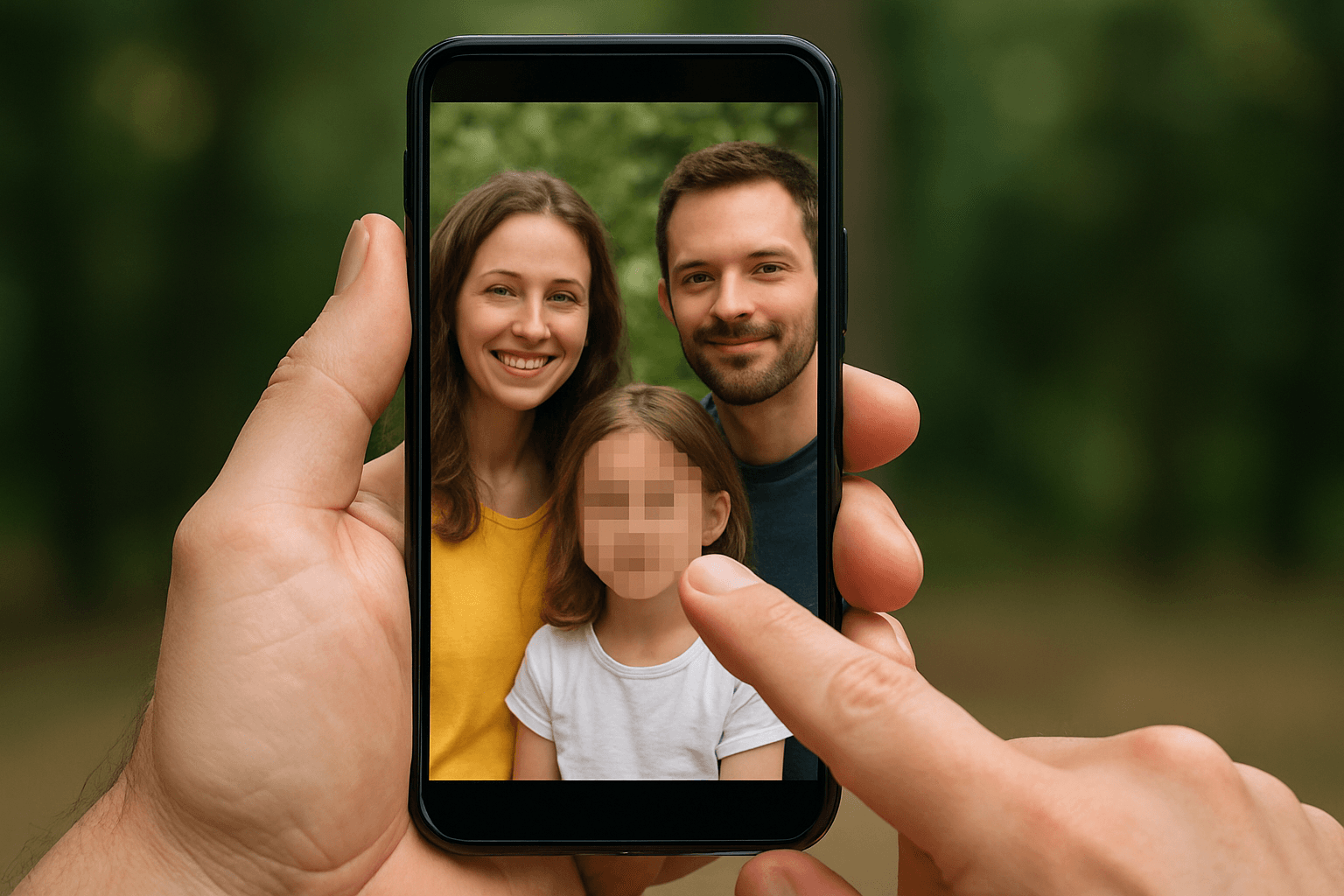
In today's digital world, protecting privacy while sharing photos and videos has become essential. Whether you're posting street photography, sharing family moments, or creating content for social media, knowing how to blur picture faces and sensitive information is crucial. This comprehensive guide will show you how to blur and pixelate faces on your phone using the best tools and techniques available.
The Best Tool for Face Blurring: BG Blur
BG Blur is an AI-powered online tool that automatically blurs faces, backgrounds, and license plates in videos—no editing skills required. It works directly in your browser, making it perfect for creators, agencies, and professionals.
Key Features:
- AI Face Detection: Automatically finds and blurs faces, plates, and objects without manual frame-by-frame editing
- Motion Tracking: Follows moving subjects in real-time, ideal for vlogs, dashcams, and interviews
- Cinematic Effects: Create professional blur background for photo aesthetics with bokeh and motion blur styles
- Multiple Formats: Works with videos, GIFs, and animations. Export in MP4, MOV, or WebM in HD quality
- Batch Processing: Blur multiple videos at once for faster workflow
How to Use BG Blur:
- Upload your video to the ai photos blur editor
- Select what to blur: faces, backgrounds, license plates, or custom areas
- Download your protected video ready for YouTube, TikTok, or Instagram
Pricing: Free users get up to 200 MB videos (10 minutes). Pro users unlock higher limits and unlimited processing.
Why You Need to Blur Faces in Photos
Privacy concerns are at an all-time high. When you upload image content to social media, you're responsible for protecting the identities of people who didn't consent to appear online. Blurring faces helps you:
- Protect children's identities in public photos
- Comply with GDPR and privacy regulations
- Share content without exposing bystanders
- Create professional content that respects anonymity
- Maintain security by hiding sensitive visual information
Other Methods to Blur Picture Faces on Your Phone
1. Using Built-in Photo Editing Apps
Most smartphones come with basic photo edit editor capabilities that can blur image faces, though they often require manual work.
For iPhone Users:
The photos app on iPhone includes markup tools that let you add blur effects, though they're limited. For more advanced blur for photo needs, you'll want dedicated apps. The image in iphone editor works well for simple privacy needs but lacks AI automation.
For Android Users:
Android's native photo editing tools vary by manufacturer. Samsung and Google Pixel phones offer better built-in options to blur photo content, but they still require manual selection of areas to blur.
2. Third-Generation AI-Powered Photo Blur Apps
Modern app for blurring pictures solutions use artificial intelligence to automatically detect and blur image face content. These apps can:
- Automatically identify all faces in your photo
- Apply consistent blur effect photo across multiple subjects
- Create picture pixel effects for added privacy
- Handle blur background in a photo while keeping subjects sharp
3. Free Online Blur Tools
Several blur image online free platforms let you blur background online and faces without downloading apps. These blur image background online free services work directly in your browser and support various privacy needs.
Step-by-Step: 3 Steps to Blur Background of Photos
Whether you want to blur background of photo content or hide specific faces, follow this simple process:
Step 1: Upload Your Image
Select the photo containing faces or backgrounds you want to blur. Most tools accept standard formats from your phone's gallery.
Step 2: Select Blur Type
Choose whether you want to:
- Blur pic background for artistic effect
- Hide faces in photos for privacy
- Blur picture background to create depth
- Apply photo background blur for professional results
Step 3: Apply and Save
Preview your blurred photo, adjust intensity if needed, and save the result to your device.
Advanced Techniques: Blur Background Editor Features
Professional blur background editor tools offer sophisticated options:
- Blur background in a photo with bokeh effects for DSLR-style results
- Background blur of photo with adjustable intensity levels
- Blur bg photo while maintaining subject sharpness
- Create blur background pics with cinematic depth of field
Choosing the Right Method for Your Phone
If you only need to blur one or two faces occasionally, your phone's built-in markup tools may be enough — though you'll be selecting each face manually. For anyone blurring photos regularly, or working with group shots, dashcam stills, or content meant for public sharing, an AI-powered tool removes the manual selection step entirely and catches faces a quick manual edit might miss, including partially turned or partially obscured faces in the background of a crowd shot.
For related guides, see blur faces in photos online free for the desktop and mobile browser workflow, and face anonymization vs face blur if you're deciding between blur and other anonymization methods.
Conclusion
Protecting privacy while sharing visual content is no longer optional—it's essential. Whether you're using your phone's native photos app for quick edits or need professional-grade face blurring for video content, the right tools make all the difference.
For those serious about privacy protection, BG Blur offers the most comprehensive solution with AI-powered automatic detection, motion tracking, and cinematic blur effects—all processed securely in your browser. With generous free limits and professional features for power users, it's the smart choice for creators who value both privacy and quality.
Ready to protect privacy in your photos and videos? Try BG Blur today and experience effortless, professional face blurring that works automatically and beautifully.