Is Motovlogging Legal? Post Dashcam Videos Safely [2026]
Motovlogging is a massive YouTube genre — but posting dashcam footage of other drivers, pedestrians, and incidents raises real legal questions about consent, license plate privacy, and audio recording. This guide covers the laws and the exact steps to publish your footage safely.
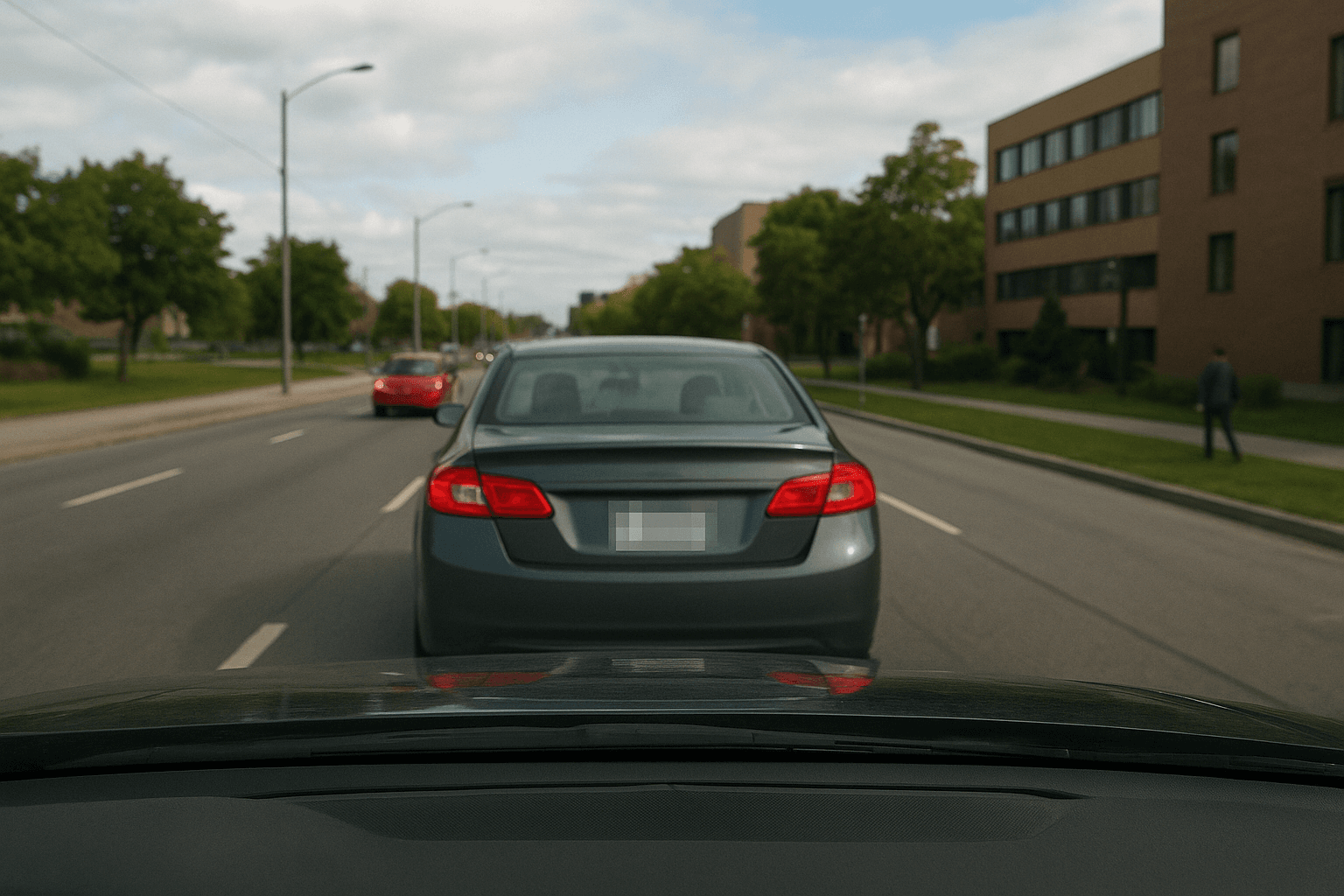
Motovlogging has produced some of YouTube's most-watched riding content — from helmet-cam commutes through city traffic to epic mountain passes filmed with a tank-mounted action cam. Millions of views, sponsorships, and full-time channels have been built on dashcam-style motorcycle footage.
But the moment you post a clip that clearly shows another driver's license plate, a pedestrian's face, or a recorded conversation at a fuel stop, you've entered real legal territory. The questions aren't whether you can ride with a camera — you can. The questions are about what you can publish and who has rights over footage that incidentally captures them.
This guide answers the actual legal questions motovloggers and dashcam content creators face, jurisdiction by jurisdiction — and covers the exact steps to process your footage before upload so your channel stays up and your inbox stays clean.
| Question | Quick Answer |
|---|---|
| Legal to film on public roads? | Yes, in nearly all countries |
| Must blur license plates? | No legal mandate, but GDPR/CCPA exposure if you don't |
| Can you post road rage footage? | Yes — public interest; blur background plates |
| Can you show faces of other drivers? | Risky under GDPR; blur is the safe default |
| Audio consent required? | In 12 US states + most of EU |
| Can you monetize motovlogs? | Yes — standard YouTube terms apply |
Is It Legal to Film While Riding?
The answer is straightforward: yes. In the US, UK, EU member states, Canada, and Australia, recording video from a vehicle — including a motorcycle — on public roads is legal. You are in a public space. Other road users and pedestrians on public streets have no enforceable expectation that they won't appear in footage taken in those spaces.
This is why:
- Dashcam footage is accepted as police evidence
- Incident footage is broadcast on news channels
- Millions of hours of riding and driving content are published legally on YouTube daily
What's regulated is not the recording itself but what you do with footage that identifies specific private individuals — especially when that footage is combined with data that makes them traceable.
Helmet Cam and Camera Mount Laws
Camera legality is a separate question from privacy law:
- US: No federal restriction on helmet-mounted cameras. Some states have helmet modification rules — check that your mount doesn't violate your state's helmet integrity requirements (usually means no drilling).
- UK: GoPros and helmet cams are explicitly legal. The Highway Code does not restrict mounting cameras on helmets or handlebars.
- Germany: Dashcams are legal for riding but continuous recording in public can require compliance with German data protection law (BDSG). Sporadic/incident recording is generally permitted.
- Australia: Legal. Road rules require hands-free device operation, but cameras mounted to helmets or bikes don't violate this.
The Real Legal Question: What Can You Publish?
Recording is almost never the issue. Publication is.
License Plates: The Core Question
License plates are the flashpoint for motovlogging privacy because a plate links to a registered owner — it turns a face or vehicle into an identified individual. Laws vary:
United States: No federal law mandates blurring plates in published content. But several states have laws against using license plate data to identify, track, or harass individuals. Publishing footage that enables harassment (following someone home from a road rage incident via their plate) creates civil liability.
EU / UK (GDPR): A license plate that can identify a vehicle owner is personal data. GDPR Recital 27 notes that public registers don't automatically make data freely republishable. The UK Information Commissioner's Office (ICO) has issued guidance that dashcam footage shared online of private individuals requires a lawful basis. "Legitimate interests" can apply but requires the sharing to be proportionate.
Practical outcome: No dashcam channel has been prosecuted for showing plates in incident footage. But channels have received GDPR complaints leading to takedowns or edits. Blurring plates of uninvolved vehicles — background traffic, parked cars not involved in an incident — is the standard practice among professional motovloggers and content teams. It costs nothing with BGBlur's automatic detection.
See also our detailed breakdown on whether showing license plates on social media is illegal and why blur license plates and faces in videos.
Faces: Pedestrians, Other Riders, Passengers
Under GDPR (EU/UK), a clearly identifiable face is biometric personal data. Publishing footage of identifiable individuals — pedestrians, cyclists, car passengers — without a clear lawful basis is regulated. The "legitimate interests" basis that covers incident footage doesn't straightforwardly cover general riding vlogs where bystanders just happen to be captured.
Practical rule: Blur faces of pedestrians and passengers who aren't part of any incident. Background commuters, people on sidewalks, passengers in vehicles you pass — none of them consented to appear on your YouTube channel.
For GDPR-specific guidance, our GDPR video compliance guide covers the full lawful basis analysis.
Audio: The Consent Minefield
If your helmet mic or camera audio picks up conversations — at a petrol station, in traffic with your window (visor) up, or at a roadside stop — you've potentially recorded someone's voice without consent.
US two-party consent states: California, Florida, Illinois, Maryland, Massachusetts, Michigan, Montana, Nevada, New Hampshire, Oregon, Pennsylvania, Washington all require all parties to consent to audio recording of private conversations. A fuel stop conversation where someone speaks to you is a "conversation." Recording and publishing it without consent may violate state wiretapping law.
UK / EU: One-party consent generally applies, but GDPR intersects — recording and publishing someone's voice as part of identifying them requires a lawful basis.
The fix: Edit out or mute audio from any roadside conversations before uploading. Keep engine noise and commentary; cut dialogue that involves third parties who haven't consented.
Road Rage and Incident Footage: What Are the Rules?
This is the highest-traffic content for many motovloggers — and the one with the clearest legal support.
Posting road rage or incident footage:
- Public interest basis: Strong. Dangerous driving is a matter of public safety. Multiple court systems have upheld dashcam footage as evidence precisely because documenting road incidents serves legitimate public interests.
- The incident vehicle's plate: Legitimate to show if it's relevant to the incident you're reporting.
- Background vehicles' plates: Blur these. They're uninvolved and have no reason to be identifiable.
- Reporting to police: In most jurisdictions, submitting dashcam incident footage to police is encouraged. The UK's National Dashcam Safety Portal accepts footage directly.
What to avoid:
- Posting footage with an individual's plate alongside their home address or workplace (doxxing liability)
- Naming or identifying an individual from their plate in your video title or description
- Encouraging harassment of someone identified in your video
For a broader look at how dashcam privacy works when you post online, see our universal dashcam blur guide.
How to Process Motovlog Footage Before Uploading
Step 1: Download Footage from Your Camera
Export from your helmet cam, tank cam, or dashcam to your computer. BGBlur accepts MP4, MOV, M4V up to 4K — most action cams and dashcams export in these formats natively.
Step 2: Upload to BGBlur
Go to bgblur.com and drag in your clip. No app download — it runs in your browser.
Step 3: Enable Face and License Plate Blur
Toggle on Face Blur and License Plate Blur. BGBlur's AI automatically detects and tracks faces and plates through the entire clip, handling motion, camera shake, and varying angles.
Step 4: Edit Audio (Outside BGBlur)
Use your video editor to mute or cut any sections where third parties speak. BGBlur processes video; handle audio consent issues in your editing software (DaVinci Resolve, Final Cut Pro, CapCut).
Step 5: Export and Upload
Preview the blurred clip, then export as MP4 for YouTube. BGBlur deletes your file within 24 hours of processing — nothing is stored permanently.
For batch processing when you have long ride sessions, the top tools for dashcam content creators covers workflow optimization across multiple clips.
Jurisdiction-by-Jurisdiction Quick Reference
| Country | Filming on roads | License plates | Faces of others | Audio consent |
|---|---|---|---|---|
| USA (one-party states) | Legal | No mandate; blur uninvolved vehicles | Blur pedestrians | You only |
| USA (two-party states) | Legal | No mandate; blur uninvolved vehicles | Blur pedestrians | All parties |
| UK | Legal | ICO guidance: blur uninvolved | GDPR: blur | One party (RIPA) |
| EU (GDPR) | Legal | GDPR: blur uninvolved | GDPR: blur | Varies by member state |
| Australia | Legal | Privacy Act: blur recommended | Blur | Varies by state |
| Canada | Legal | PIPEDA: blur recommended | Blur | One party federal |
| Germany | Legal (BDSG compliance) | BDSG: blur uninvolved | Blur | One party |
What the Best Motovlogging Channels Do
Channels with hundreds of thousands of subscribers and consistent monetization follow a consistent pattern:
Standard practice: Blur plates of background vehicles in edited footage. Most use BGBlur or similar tools on any clip that shows uninvolved vehicles, particularly in EU-focused content.
Incident footage exception: Show the incident vehicle's plate clearly. Most audiences and platforms support this — it's the point of the footage.
Audio: Either ride with commentary only (no third-party audio) or mute conversations at stops. Many motovloggers record helmet audio but edit over it with music or commentary in post.
Face handling: Helmet and visor shots rarely capture faces clearly. When they do — at lights, pedestrian crossings, roadside interactions — blur or cut the clip.
Our guide on blurring faces in dashcam footage shows the exact BGBlur workflow for this specific use case.
Conclusion
Motovlogging is legal. Posting dashcam footage is legal. The practice has millions of practitioners and a well-established legal basis in public recording rights across most major jurisdictions.
What requires care is what you publish: uninvolved individuals' license plates, bystander faces, and recorded conversations in consent-required states. Handling these takes minutes with BGBlur's automatic face and plate detection — process your footage in the browser before you upload, and your channel has a clean compliance baseline regardless of which country your audience is in.
Frequently Asked Questions
Can my motovlog channel get strikes for license plate footage? YouTube doesn't automatically flag license plate footage. But if a subject files a privacy complaint and YouTube determines the footage identifies them, it can be taken down. Pre-blurring uninvolved plates makes your footage complaint-proof.
Do I need to tell other riders I'm filming at group rides? Informing participants at the start of a group ride that you're recording for YouTube is good practice and satisfies audio consent requirements in two-party consent states. Most group rides accept this without issue. For solo riding, no notification is legally required for public road footage.
Can I film police interactions during a ride? In the US, filming police in public is a First Amendment-protected activity in all 50 states. In the UK and EU, filming police in public is also generally legal. Don't physically obstruct officers. Don't disable or hide your camera when asked to produce it as evidence — comply with lawful orders while asserting your filming rights.
What if someone messages me demanding I remove their plate from my video? Under GDPR (EU/UK), this is a potential data subject access/erasure request that you should take seriously. If you can edit or blur the plate in question, doing so and responding is the cleanest resolution. If you're outside EU/UK jurisdiction, there's no legal obligation, but accommodation avoids escalation.
Does BGBlur work on GoPro, Insta360, and dashcam footage formats? Yes — BGBlur accepts MP4, MOV, and M4V files, which cover GoPro (MP4/HEVC), Insta360 (MP4), Garmin, BlackVue, and most other dashcam formats. 4K resolution is supported on the Pro and Business plans.