Fall Detection AI: How to Detect Falls in Video [2026]
Reviewing hours of camera footage for a single fall is slow and easy to get wrong. This guide explains how AI fall detection works on recorded video, what the report tells you, and how to run it step by step.
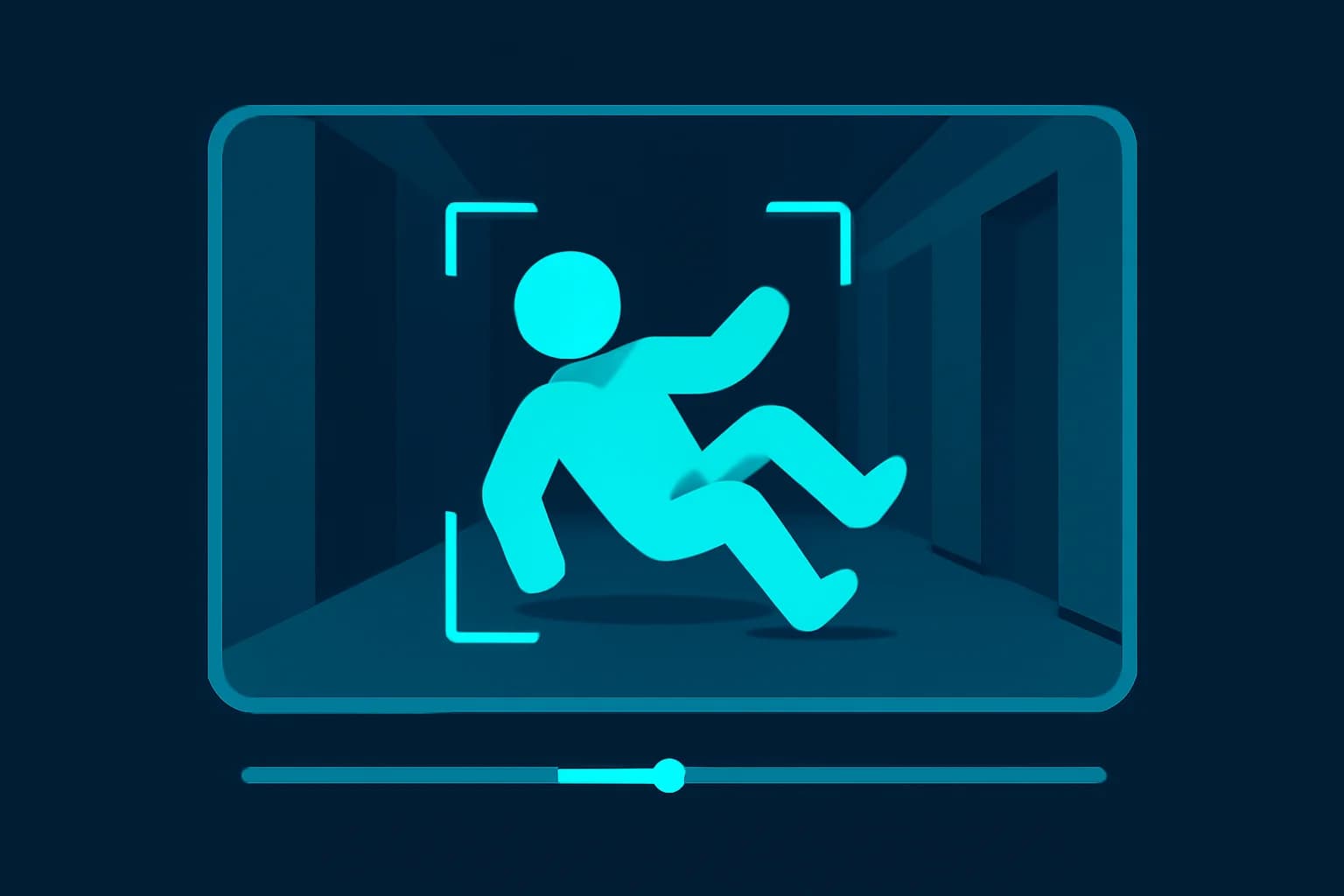
A fall is rarely dramatic on camera. It is a half-second stumble in the corner of a hallway recording at 3 a.m., a person who sits down a little too fast and does not get up, or a slip on a wet floor that nobody noticed until later. If the footage runs for hours, finding that one moment means scrubbing through everything and hoping you do not blink.
That is the problem fall detection AI solves. Upload a recording and the AI finds every fall for you, with timestamps, what happened, and what happened next. For care teams, families and facilities that already have cameras, it turns a long, tedious review into a short checklist.
This guide explains how camera-based fall detection works, what a report contains, how to run one step by step, where it falls short, and how to handle the privacy side responsibly. We will also be honest about what it is not: a live alarm.
Why Is Detecting Falls So Important?
Because falls are common, serious and easy to miss. The US Centers for Disease Control and Prevention (CDC) reports that more than one out of four older people falls each year, but less than half tell their doctor, and that falling once doubles the chance of falling again. A fall that nobody records or reports is a fall nobody can learn from.
For anyone responsible for other people's safety, the practical questions are:
- Did a fall actually happen, and exactly when?
- What caused it: a step, a wet floor, an obstacle, or a medical moment?
- Did the person get up on their own, or stay down?
- How quickly did anyone respond?
- Is it a one-off, or a pattern in the same place?
Answering them from raw video by eye is slow, tiring and inconsistent. AI is good at the repetitive part, which is looking at every minute of footage.
What Is AI Fall Detection?
AI fall detection is the use of computer vision to find the moment a person falls, collapses, slips or ends up on the floor unexpectedly in a video, and to describe what happened. It works on ordinary camera footage, with no sensors on the person.
The key skill is not spotting a person on the ground. It is telling a fall apart from everything that looks similar: sitting down, bending to pick something up, exercising, playing, or lying down on purpose. A good system reports real events and calls out the look-alikes, so you review genuine incidents instead of false alarms.
Fall detection builds on the same technology as video intelligence, which lets AI watch a video, understand the activity in it and answer questions in plain language. A fall detection workflow is simply that capability tuned to one job.
What Does a Fall Detection Report Tell You?
A useful report goes well beyond "a fall was detected." With BGBlur's fall detection, each event comes with:
- Start and end timestamps, so you can jump straight to the moment.
- What happened and the circumstances: the location, the surface and any visible trigger such as a step, wet floor, obstacle or stumble.
- An approximate age group (child, young adult, adult or older adult) as a rough visual estimate with a confidence level, never an exact age.
- Visible mobility aids such as a cane, walker or wheelchair.
- The aftermath: whether the person got up on their own, was helped, or stayed down, and for how long.
- Whether anyone responded and how quickly.
- Any visible sign of injury, described only as observed.
- A summary: the total number of falls, the timestamps that most need urgent human review, and any limits caused by visibility or camera angle.
Just as important, the report notes similar movements that were not falls. And if no fall is visible, it says so clearly.

How to Detect Falls in a Video With BGBlur (Step by Step)
The whole workflow runs in your browser. You do not need to write a prompt unless you want to.
Step 1: Open the Fall Detection Page and Upload Your Video
Go to the BGBlur fall detection page and upload your footage. Choose an MP4 or MOV, up to 10 minutes and 2GB. The video opens in Video Intelligence automatically.
Step 2: Check That the Fall Detection Template Is Selected
The fall detection prompt is already selected for you, so you can press Analyze straight away. If you want to tailor it, such as focusing on one room or asking for extra detail, you can edit the prompt before you run it.
Step 3: Read the Report and Jump to the Timestamps
You get a timestamped list of every fall, plus the summary of which ones most need urgent review. Open the footage at each timestamp and confirm it with your own eyes. This is the step that matters most: the AI narrows hours of video to a handful of moments, and a person makes the decision.
Step 4: Ask Follow-Up Questions in Plain Language
Once the video is analyzed you can keep asking without uploading again. Useful questions include:
- "Did the person get up after the fall, and how long did it take?"
- "List every fall with its timestamp."
- "Which moments need urgent human review?"
- "What was on the floor where the person fell?"
- "How long was it before someone arrived?"
What Kinds of Footage Work Best?
The better the picture, the better the result. A few practical rules:
- Make sure the person is in view. A camera angle that cuts off the floor hides the fall itself.
- Use decent lighting. Dark hallways and night footage reduce confidence.
- Prefer a stable, fixed camera. Shaky handheld footage is harder to read.
- Avoid heavy obstruction. Furniture, doors and other people blocking the view limit what can be judged.
- Keep the clip focused. Upload the period you care about instead of a full day. For longer recordings, split them into sections.
- Use the original file rather than a heavily compressed re-export.
Who Is Camera-Based Fall Detection For?
Families caring for an older relative can review home camera footage to see whether a fall happened overnight and what the circumstances were.
Care homes and assisted living teams can audit incidents, check how quickly staff responded and spot places where falls repeat.
Facility and safety managers can find trip hazards by looking at where falls happen. The same approach works for CCTV footage review in public or workplace settings.
Healthcare organizations can document incidents for review. Because patient video is sensitive, read our guide to healthcare video privacy and patient face blur first.
Physiotherapists and ergonomics teams who want to look at movement more broadly can also try our guide to AI posture detection in video.
What Are the Limits of AI Fall Detection?
It is a review tool, not an alarm, and you should be clear about that before relying on it.
| Limit | What it means in practice |
|---|---|
| Recorded video only | It analyzes footage after the fact. It does not watch a live feed or send emergency alerts |
| Not a medical device | It describes what is visible. It does not diagnose injuries or conditions |
| Age is an estimate | Age group is a rough visual guess with a confidence level, not a fact |
| Camera dependent | Poor angle, darkness or obstruction can hide or blur an event |
| Needs human review | A person should check every result using the timestamps provided |
BGBlur says this plainly on the fall detection page: it is not a live alarm, an emergency alert service or a medical device. If someone could need immediate help, use a monitored emergency alert system for real-time cover, and use video review to understand incidents and find patterns.
How Do You Review Fall Footage Without Breaking Privacy?
Fall footage usually shows people in their most vulnerable moments, so handle it with care.
- Tell the people being filmed. Residents, patients, staff and family members should know cameras are in use and why. Rules on notice and consent vary by country and setting.
- Limit who sees it. Share the specific clip and timestamps, not a full day of recording.
- Blur faces that are not needed. If you are sharing an incident clip with a third party, you can blur faces in the video while keeping the fall itself visible.
- Remove audio you do not need. Conversations in a home or care setting are private. See our guide to audio anonymization.
- Keep a purpose and a retention limit. Delete footage when you no longer need it.
- Don't use it to rank or discipline people covertly. Fall review is for safety, not surveillance.
Pro Tips for Better Fall Detection Results
- Name the camera view in your prompt ("hallway camera, ceiling mounted") so the AI interprets what it sees correctly.
- Ask about the lead-up, not just the fall: what was the person doing and carrying in the minute before?
- Look for patterns, such as the same spot or time of day, by running several clips and comparing the answers.
- Always check the timestamps before acting on any result.
- Fix the cause. The point of finding a fall is to remove the step, mat, cable or poor lighting that caused it.
- Pair with a live system if immediate response matters.
Conclusion: Find the Moment That Matters, Faster
Falls matter, and the footage that shows them is usually long, dull and easy to miss. AI fall detection does the hard part, scanning every minute and bringing you the few moments that need a human look, complete with timestamps, circumstances and what happened next. It will not replace a live alarm or a clinician, and it should always be checked by a person, but it can save hours and help you understand how and why falls happen.
Ready to try it? Open BGBlur's fall detection, upload an MP4 or MOV, and press Analyze. If you need more general review of footage, try video intelligence with your own questions, and blur faces before you share anything outside your team.