Top 10 Tools for Security and CCTV Processing in 2026
A practical roundup of the 10 tools security teams actually use to process CCTV and security camera footage in 2026 — from AI face and license plate blur to evidence management, compression, and cloud archiving. Each entry covers key features, pricing, and when it fits a compliance workflow.
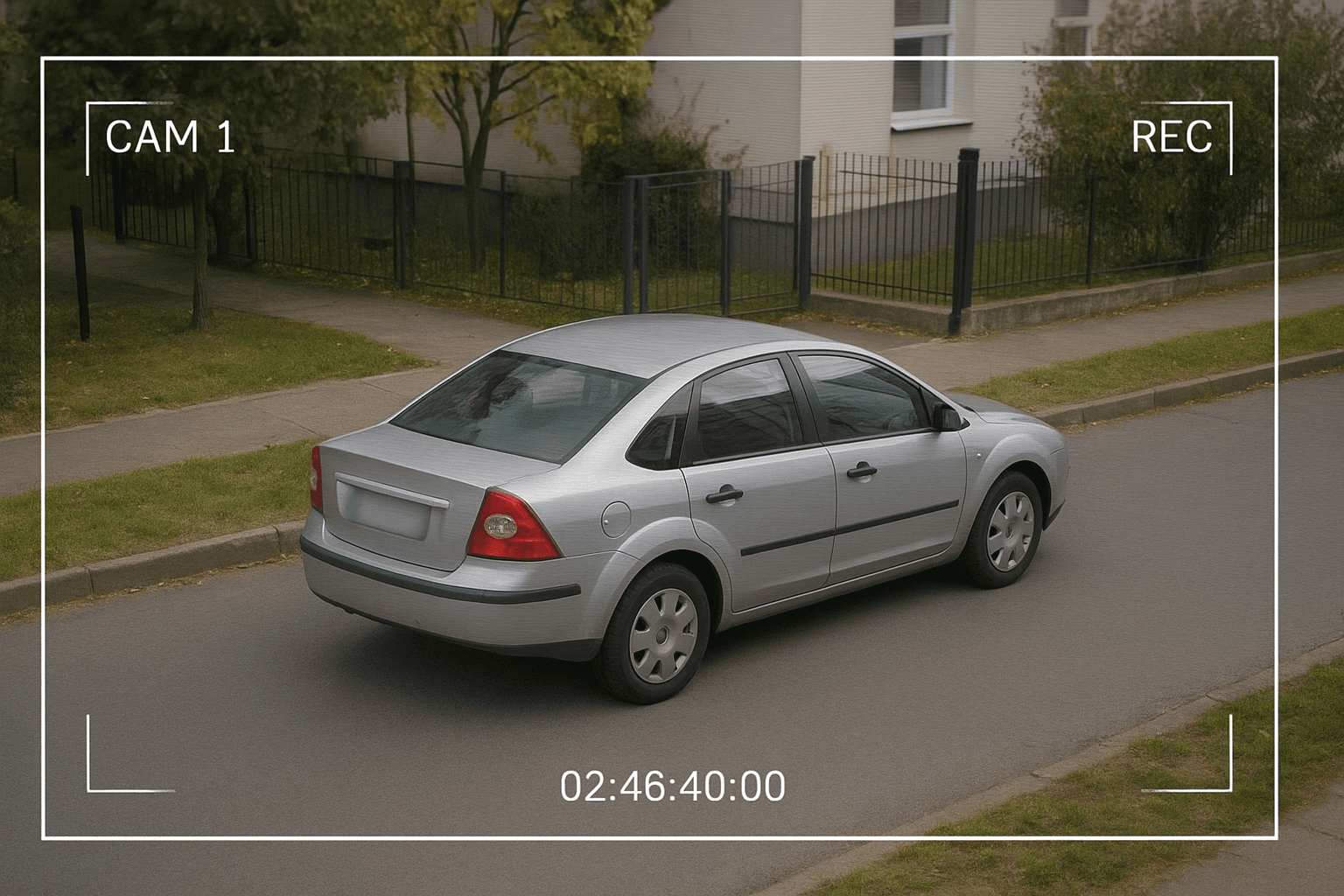
Security and CCTV footage serves critical purposes—from crime prevention to incident documentation. But sharing this footage, whether with law enforcement, insurance companies, or the public, requires careful attention to privacy regulations. GDPR, CCPA, and numerous other privacy laws mandate protection of identifiable information for uninvolved individuals.
This comprehensive guide covers the essential tools security professionals need to process footage compliantly while maintaining evidentiary value. For related redaction workflows, see our guides on body cam footage redaction and dashcam privacy blurring.
TL;DR: Security & CCTV Footage Tools at a Glance
| Question | Answer |
|---|---|
| Best tool for automatic face/plate blur? | BGBlur — AI detection, motion tracking, browser-based |
| Best video management system? | Milestone XProtect |
| Best evidence management platform? | Evidence.com (Axon) |
| Is unredacted footage sharing legal? | Only in limited cases (e.g., law enforcement requests) — bystanders generally need to be blurred under GDPR/CCPA |
| Does redaction destroy evidentiary value? | No, if you keep an unmodified original and document the processing steps |
| Free options available? | Yes — HandBrake, VLC, and DaVinci Resolve's free tier |
Why Security Footage Requires Specialized Processing
CCTV and security footage presents unique challenges:
- Privacy Regulations: GDPR, CCPA, and other laws require protecting uninvolved individuals
- Evidence Integrity: Processing must not compromise evidentiary value
- Volume Management: 24/7 recording generates massive amounts of footage
- Selective Disclosure: Different recipients require different redaction levels
- Audit Requirements: Processing actions must be documentable
The right tools enable compliance while preserving footage utility.
1. BGBlur - Best Automatic Face and License Plate Blur
Website: bgblur.com
Why It's #1: BGBlur provides the AI-powered detection and blurring capabilities essential for GDPR-compliant footage sharing. It handles both faces and license plates automatically.
Key Features
- Automatic Face Detection: AI identifies all faces in footage
- License Plate Recognition: Detects plates from multiple angles
- Selective Redaction: Protect some individuals while preserving others
- Motion Tracking: Blur follows subjects through footage
- Batch Processing: Handle large volumes of footage
- Quality Preservation: Maintains evidentiary clarity
Security-Specific Applications
Public Area CCTV: Blur all individuals except those relevant to specific incidents.
Parking Lot Footage: Protect vehicle plates while showing incident details.
Insurance Claims: Provide footage with uninvolved parties protected.
Law Enforcement Sharing: Appropriate redaction for different investigative needs.
Public Records Requests: Comply with disclosure requirements while protecting privacy.
Internal Investigations: Share relevant footage while protecting employee privacy.
Compliance Benefits
GDPR fines can reach 4% of annual revenue. BGBlur provides the protection necessary to share footage legally.
2. Milestone XProtect - Best Video Management System
Website: milestonesys.com
Industry-leading VMS for professional security operations.
Key Features
- Centralized Management: Control unlimited cameras
- Smart Search: Find incidents quickly
- Integration Support: Works with major camera brands
- Access Control: Role-based footage access
- Export Tools: Compliant evidence export
- Audit Logging: Track all access and actions
Enterprise Capabilities
For organizations with significant CCTV infrastructure, Milestone provides the management layer essential for efficient operations.
Pricing
Tiered licensing based on camera count.
3. Evidence.com (Axon) - Best Digital Evidence Management
Website: axon.com/products/axon-evidence
Professional-grade evidence management with chain of custody.
Key Features
- Secure Cloud Storage: Encrypted, compliant storage
- Chain of Custody: Complete audit trail
- Retention Policies: Automated compliance
- Sharing Controls: Secure external sharing
- Redaction Tools: Built-in privacy protection
- Court Integration: Legal-ready export
When to Use
Organizations with formal evidence management requirements—law enforcement, large enterprises, regulated industries.
Pricing
Enterprise pricing based on storage and features.
4. HandBrake - Best Video Compression
Website: handbrake.fr
Reduce file sizes while maintaining quality.
Key Features
- Efficient Compression: Dramatic size reduction
- Quality Control: Adjustable compression levels
- Batch Processing: Multiple files at once
- Format Conversion: Universal compatibility
Storage Management
CCTV generates massive data volumes. HandBrake helps manage storage costs while maintaining footage quality.
Pricing
Free and open source.
5. VLC Media Player - Best Universal Player
Website: videolan.org
Play any video format without codec issues.
Key Features
- Universal Playback: Handles any format
- Frame-by-Frame: Precise incident analysis
- Screenshot Capture: Extract still images
- No Codecs Required: Self-contained
- Cross-Platform: Windows, Mac, Linux
Why It Matters
CCTV systems use varied formats. VLC ensures you can review footage regardless of source format.
Pricing
Free and open source.
6. DaVinci Resolve - Best Professional Editor
Website: blackmagicdesign.com/products/davinciresolve
Professional editing for incident documentation.
Key Features
- Multi-Track Timeline: Sync multiple camera angles
- Color Correction: Improve visibility in poor footage
- Frame Export: Extract key moments
- Audio Enhancement: Improve audio clarity
- Text Overlays: Add timestamps and annotations
Incident Documentation
Creating clear incident documentation often requires editing multiple camera angles into coherent presentations.
Pricing
Free version available. Studio $295 one-time.
7. Genetec Security Center - Best Unified Security Platform
Website: genetec.com
Unified platform for video, access control, and more.
Key Features
- Video Surveillance: Advanced VMS capabilities
- Access Control Integration: Unified security view
- License Plate Recognition: Built-in ALPR
- Privacy Protector: Integrated redaction
- Federation: Multi-site management
Enterprise Solution
For organizations requiring integrated security platforms, Genetec provides comprehensive capabilities.
Pricing
Enterprise licensing based on deployment.
8. Notion - Best Incident Documentation
Website: notion.so
Organize incident records and processing workflows.
Key Features
- Incident Database: Track all events
- Processing Workflow: Standard procedures
- Request Tracking: Footage request management
- Audit Documentation: Processing records
- Team Coordination: Multi-user access
Compliance Documentation
Documenting your privacy-compliant processes is itself a compliance requirement. Notion helps maintain these records.
Pricing
Free tier available.
9. Verint - Best Analytics Platform
Website: verint.com
Advanced video analytics for security operations.
Key Features
- Motion Detection: Automated alert triggers
- Facial Recognition: When legally permitted
- People Counting: Occupancy management
- Heat Mapping: Traffic pattern analysis
- Behavioral Analysis: Anomaly detection
Analytics Considerations
Advanced analytics capabilities must be balanced against privacy requirements. Ensure compliance with local regulations.
Pricing
Enterprise licensing.
10. AWS/Azure Cloud Storage - Best Secure Archive
Website: aws.amazon.com / azure.microsoft.com
Compliant cloud storage for footage archives.
Key Features
- Encryption: At-rest and in-transit
- Access Controls: Granular permissions
- Retention Policies: Automated lifecycle management
- Geographic Options: Data residency compliance
- Audit Logging: Complete access records
Cloud Compliance
Major cloud providers offer compliance certifications (SOC 2, ISO 27001, etc.) that support your regulatory requirements.
Pricing
Pay-per-use storage pricing.
CCTV Privacy Compliance Framework
GDPR Requirements
- Purpose Limitation: Only use footage for stated purposes
- Data Minimization: Don't retain longer than necessary
- Individual Rights: Honor access and deletion requests
- Protection by Design: BGBlur fulfills this requirement
For a full breakdown of legal obligations around faces and license plates in recorded video, see our GDPR video compliance guide.
CCPA Considerations
- Disclosure requirements for California residents
- Right to deletion upon request
- Reasonable security measures
California-based security operations should also review our CCPA video privacy guide for state-specific disclosure rules.
Best Practices
- Document your surveillance purposes
- Post clear signage about recording
- Establish retention schedules
- Process all shared footage through BGBlur
- Maintain access logs
- Train staff on compliance requirements
Footage Sharing Workflow
Standard Process
- Identify footage relevant to request
- Determine required redactions based on recipient
- Process through BGBlur for privacy protection
- Review processed footage for completeness
- Document processing actions for audit
- Deliver via secure channel
- Log delivery details
Recipient-Specific Redaction
Different recipients require different levels:
- Law Enforcement: May require unredacted for investigation
- Insurance: Blur uninvolved individuals
- Public Records: Maximum redaction for compliance
- Internal Review: Appropriate to purpose
Evidence Integrity Considerations
Maintaining Evidentiary Value
- Document all processing steps
- Preserve original unprocessed copies
- Use non-destructive processing when possible
- Maintain chain of custody records
- Export in accepted forensic formats
BGBlur and Evidence
BGBlur processing is documented and repeatable. Maintain original footage separately to support any legal requirements. If you are evaluating redaction software at an enterprise scale, our comparison of business video redaction software breaks down pricing tiers, throughput, and compliance features across the leading options, and our top 10 tools for body cam and law enforcement video covers the adjacent workflow for officer-worn cameras.
Frequently Asked Questions
What is the best tool for blurring faces in CCTV footage? BGBlur is the fastest option for automatically blurring faces and license plates in CCTV and security footage. It uses AI-powered motion tracking to keep blur locked onto a subject even as they move through frame, works directly in the browser without installing software, and supports batch processing for handling multiple camera feeds or long recordings at once. For organizations that also need chain-of-custody logging and evidence storage, pairing BGBlur's redaction with a dedicated evidence management platform like Evidence.com covers both needs.
Is it legal to share unredacted CCTV footage with third parties? Generally, no — not without a valid legal basis. Under GDPR, footage showing identifiable, uninvolved individuals is personal data, and sharing it with insurers, the public, or the media typically requires redacting those bystanders first. Article 83 of the GDPR sets fines of up to 4% of global annual turnover or €20 million for violations, whichever is higher, according to the official EU regulation text. CCPA imposes similar disclosure and security obligations for California residents. Law enforcement requests are often the exception, since investigations can require unredacted footage.
How do I blur security footage without losing evidentiary value? Always preserve an unmodified original copy before processing, then apply redaction to a working copy for distribution. BGBlur's face and license plate blur is non-destructive to the underlying footage — it processes and exports a new file while your source stays untouched — and it documents what was blurred so the process is repeatable and explainable if challenged later. Courts and internal review boards generally accept redacted footage as evidence as long as the chain of custody and processing steps are documented.
What is the difference between a VMS and a redaction tool? A video management system (VMS) like Milestone XProtect or Genetec Security Center handles camera feeds, storage, access control, and live monitoring across a security infrastructure. A redaction tool like BGBlur is purpose-built for privacy protection — detecting and blurring faces or plates before footage leaves your control. Most security teams need both: the VMS to manage and retrieve footage, and a dedicated redaction tool to prepare that footage for sharing with insurers, the public, or outside parties.
How long should CCTV footage be retained before deletion? There is no single legal number — retention should match your stated surveillance purpose and local law. GDPR's data minimization principle means footage should not be kept longer than necessary to achieve the reason it was recorded, which in practice is often 30 to 90 days for general premises footage unless it is tied to an active incident or legal hold. CCPA does not set a fixed retention period but requires reasonable security and honoring deletion requests. Document your retention schedule and apply it consistently across all cameras.
Can I redact license plates automatically, or only faces? Modern redaction tools handle both. BGBlur's detection covers faces and license plates in the same pass, including plates captured at an angle in parking lot or dashcam-style footage, so you do not need a separate ALPR tool just for privacy blurring. This matters for insurance claims and public records requests, where both a bystander's face and an unrelated vehicle's plate typically need to be protected before the footage goes out the door.
Do I need different redaction levels for different recipients? Yes. Law enforcement investigating an incident may need footage with minimal redaction, while a public records request or a media release should get maximum redaction of anyone not directly relevant. Insurance claims usually fall in between — blur uninvolved bystanders but keep the incident itself clear. Building a simple recipient-based redaction policy, and processing each version through a tool like BGBlur before it leaves your system, keeps you consistent and defensible if a disclosure decision is ever questioned.
Final Thoughts
Security footage serves critical purposes, but privacy compliance isn't optional. Fines for GDPR violations can be devastating, and reputational damage from privacy breaches compounds the problem.
BGBlur provides the essential capability for compliant footage sharing. Combined with proper management systems and documented procedures, you can maintain both security effectiveness and privacy compliance.
Ready to process CCTV footage compliantly? Start with BGBlur for automatic face and license plate blur, then build comprehensive compliance workflows.
Update — October 7, 2026: For a related walkthrough, see how to detect falls in video with AI fall detection.