AI Posture Detection in Video: How-To Guide [2026]
You can now review posture from ordinary video: a desk webcam clip, a gym set or a workplace recording. This guide explains how AI posture detection works, what it can and cannot tell you, and gives a copy-paste prompt to run it yourself.
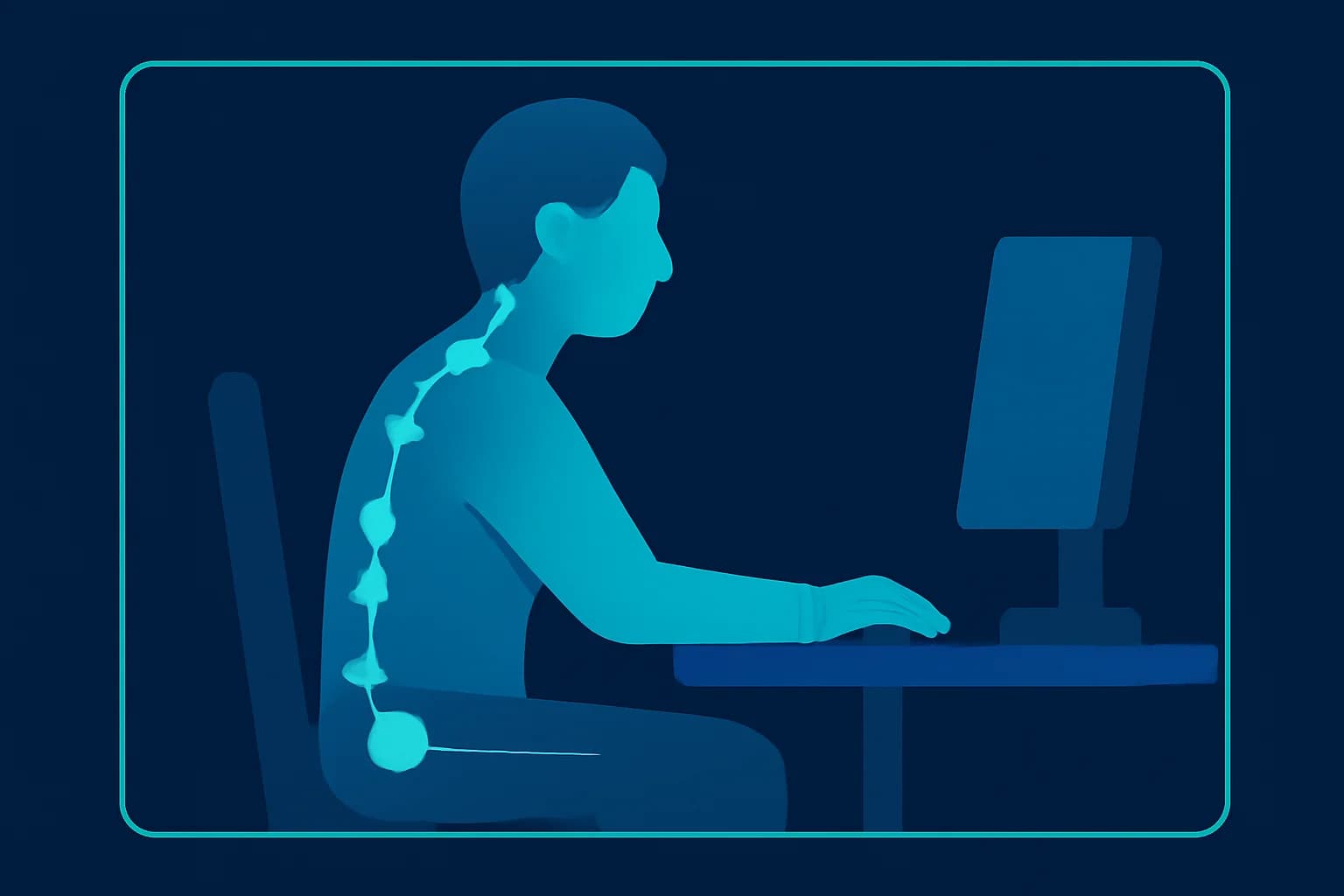
Most of us spend hours a day in a posture we would never choose on purpose: neck pushed toward a screen, shoulders rolled forward, lower back rounded on a chair that stopped fitting us years ago. Athletes and gym-goers have the opposite problem, a squat or deadlift that feels fine but looks wrong from the side.
The old way to check posture was a physiotherapist, a mirror, or a wearable sensor strapped to your back. The new way is much simpler: record a short video and let AI look at it. AI posture detection reads how the body is positioned across the clip, flags the moments that look risky, and explains them in plain language with timestamps.
This how-to guide explains how posture detection works, what you can reliably learn from video, how to film a clip the AI can actually read, and exactly how to run a posture check yourself with a copy-and-paste prompt. We will also cover the privacy side, because footage of people at their desks or in a gym is personal data.
What Is AI Posture Detection?
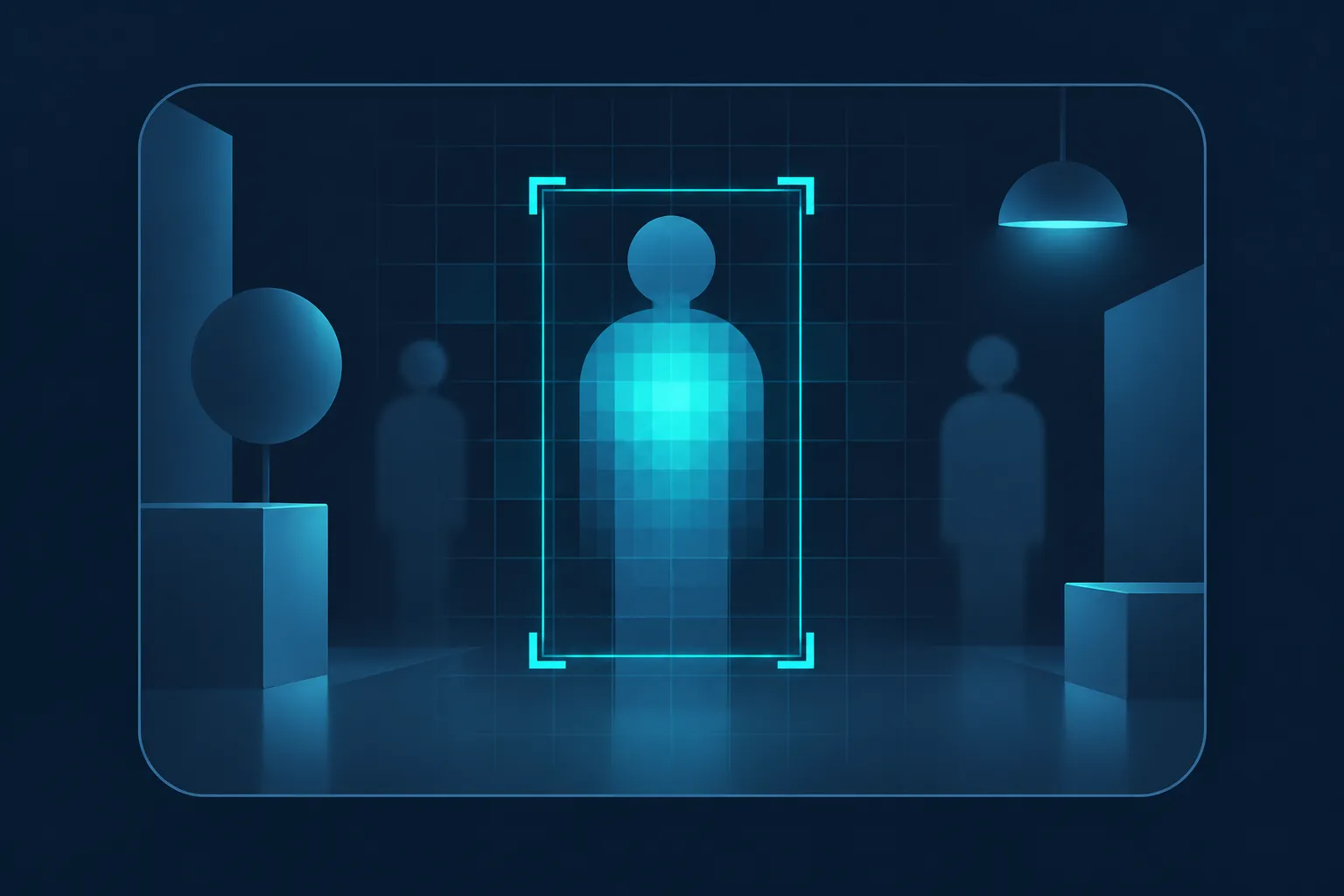
AI posture detection is the use of computer vision to find a person in a video, track the position of their body, and judge whether their posture looks healthy or risky. It works on ordinary video, with no sensors, markers or special camera.
There are two layers worth separating:
- Pose estimation finds the body's key points in every frame: nose, shoulders, elbows, hips, knees and ankles. Google's open MediaPipe Pose Landmarker, for example, estimates 33 body landmarks per person.
- Posture interpretation looks at how those points relate over time: is the head ahead of the shoulders, are the hips tilting, is the back rounding under load?
A modern video AI model does both at once and then explains the result in sentences instead of coordinates, which is what makes it useful to someone who is not a biomechanics expert.
Why Does Posture Matter Enough to Check?
Because small, repeated positions add up. Occupational health bodies have linked sustained awkward postures to musculoskeletal problems, particularly in the neck and shoulders. A US government (NIOSH) report on vibration and ergonomic exposures associated with musculoskeletal disorders of the shoulder and neck found awkward working postures associated with those disorders, and NIOSH health hazard evaluations regularly flag reach distances and working heights that force people into awkward positions.
For individuals, the practical points are simple:
- Desk workers get neck and upper-back strain from screen height and chair setup.
- Lifters and runners risk injury from repeated poor form.
- Remote and hybrid teams often have home setups nobody has ever reviewed.
- Coaches and trainers need a quick, objective second pair of eyes across many clients.
Video makes review cheap: you film it once and can scrub, pause and compare it.
What Can AI Posture Detection Tell You From Video?
It can describe the visible position of the body and how it changes. In a good clip, expect observations such as:
- Head carried forward of the shoulders (often called forward head posture)
- Rounded or elevated shoulders
- Slouching, a collapsed chest or a rounded lower back while seated
- Leaning on one side, uneven shoulders or a tilted pelvis
- Knees collapsing inward during a squat or lunge
- Back rounding during a lift
- How long a posture is held and when it changes
What it cannot do is diagnose. It cannot tell you why you have pain, what is happening in your spine or whether a condition exists. It also cannot see through clothing or around obstacles. Anything serious belongs with a clinician. Think of AI as a tireless first reviewer that tells you where to look.
How Do You Film a Clip That Works Well for Posture Analysis?
Video quality decides result quality, so spend two minutes on setup:
- Film from the side for head, back and hip position. Use a front view as a second clip for shoulder height and leaning.
- Keep your whole body (or at least the whole upper body) in frame. If the AI cannot see the hips, it cannot judge the back.
- Put the camera at about hip or chest height and keep it still. A phone leaning on a stack of books works.
- Use steady, even light. Avoid strong backlight from a window behind you.
- Wear fitted clothing if you can. Loose hoodies hide the shape of the shoulders and back.
- Record long enough to be representative: 30 to 60 seconds for a seated check, or a full set for an exercise. Posture at second five is not posture at minute forty.
- Include a natural stretch of work, not just the first seconds when you are sitting up straight because the camera is on.
How to Run an AI Posture Check With BGBlur Video Intelligence (Step by Step)
BGBlur's video intelligence lets you upload a video and ask questions about it in plain language. Posture detection is a perfect fit, because the question is the feature. If you want to understand the technology first, read what video intelligence is and how it works.
Step 1: Open Video Intelligence and Upload Your Video
Go to the BGBlur video intelligence page and upload your clip from a phone, webcam or camera file. The video is processed automatically, so it is ready to question as soon as it finishes.
Step 2: Choose Custom Analysis
Posture is not a fixed preset, so pick Custom Analysis. This is the option where you write your own instructions for the video, and it is what lets you point the AI at posture specifically.
Step 3: Paste the Posture Prompt
Copy this prompt and paste it in as it is. Edit the bracketed part to match your clip:
Analyze the posture of the person in this video. The activity is [sitting at a desk / squatting / deadlifting / walking]. For the whole video, give me:
1) A short overall summary of their posture.
2) A timestamped list of moments where posture looks poor or risky, such as forward head, rounded or raised shoulders, slouched or rounded back, uneven shoulders or hips, leaning to one side, knees caving in, or neck strain. Describe what is visible at each moment and how confident you are.
3) How long each poor posture is held, and whether the person corrects it by themselves.
4) The moments where posture looks good, so I know what to keep doing.
5) Three specific, practical changes I could try, such as screen height, chair setup, camera angle, or movement cues.
6) Any limits: parts of the body that were out of frame or hidden, and anything you cannot judge from this angle.
Describe only what is visible. Do not give a medical diagnosis, do not identify the person, and do not guess their age.
Step 4: Read the Result and Jump to the Timestamps
You get a written breakdown with timestamps. Scrub the video to those moments and check them with your own eyes. That is the point: the AI narrows an hour of footage down to the few moments that matter.
Step 5: Ask Follow-Up Questions Without Re-Uploading
Once the video is analyzed, keep asking. Useful follow-ups include:
- "When is my head furthest forward of my shoulders?"
- "Does my posture get worse as the clip goes on?"
- "Compare the first minute with the last minute."
- "At what point in each rep does my back round?"
- "What would a better setup look like for this camera view?"
What Are Good Posture Prompts for Different Situations?
Swap the activity line in the main prompt, or use one of these shorter variations:
Desk and screen work
I am working at a desk in this video. List every period where my neck, shoulders or lower back look strained, with timestamps. Say whether my screen looks too high or too low based on my head position, and whether my arms look supported.
Squats and lifts
Review my form in each rep of this lift. For every rep, give the timestamp and describe back position, knee tracking and depth. Point out the rep where form is worst and what changes between the first and last rep.
Walking or running
Describe my posture while moving: head position, shoulder movement, trunk lean and arm swing. Note any asymmetry between my left and right side, with timestamps.
Workplace review (with consent)
Describe the body positions visible during this task, including awkward reaches, twisting, bending and sustained static postures. List each with a timestamp and how long it lasts. Do not identify anyone.
How Accurate Is AI Posture Detection, and Where Does It Fall Short?
It is dependable for visible, sustained patterns and weaker when the picture is poor. Know the limits so you read the results correctly:
| Factor | Effect on results |
|---|---|
| Camera angle | Side view shows head and back best; front view hides depth |
| Body in frame | Missing hips or legs limits what can be judged |
| Lighting and clothing | Dark rooms and baggy clothes blur the outline |
| Camera movement | A shaky or handheld clip makes position harder to read |
| Single frame vs. whole clip | Patterns over time are more reliable than one frame |
| Medical questions | Out of scope; the AI can describe, not diagnose |
For anything that involves pain, injury or a medical condition, use the AI result as notes to bring to a professional rather than a replacement for one.
Who Can Use Video Posture Analysis?
Remote workers and managers can review home desk setups from a short clip instead of a site visit.
Physiotherapists and ergonomics consultants can pre-screen clips sent by clients and spend appointment time on the problems.
Personal trainers and coaches can check form across many clients, set by set. If you make content as well, our guide to video tools for fitness coaches is a useful companion.
Athletes and gym-goers can compare their technique against their own earlier clips.
Safety and HR teams can examine manual-handling tasks and workstation design. This is the use that needs the most care about consent, covered next.
Care teams may also want the closely related fall detection feature, which uses the same video-intelligence approach to find falls and what happened afterwards.
How Do You Analyze Posture on Video Without Violating Privacy?
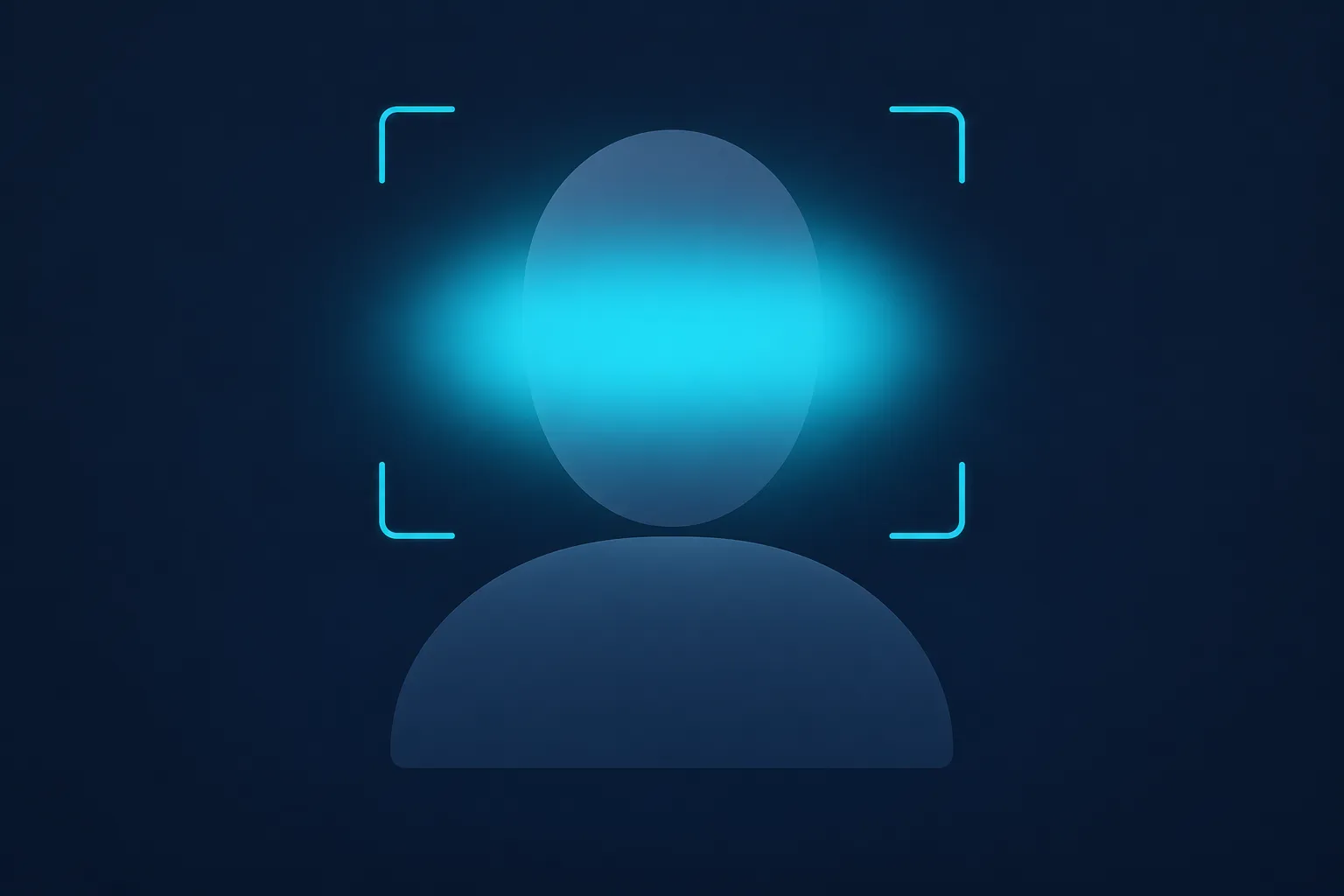
Posture footage is personal data the moment someone is recognizable, so treat it carefully, especially when you are filming other people.
- Tell people. Employees, students, clients and patients should know what is recorded, why, and what happens to the footage. Many jurisdictions require notice or consent for workplace monitoring.
- Collect only what you need. A side view of the torso is enough. You do not need the face.
- Blur faces before sharing or storing. Posture is readable from the body, so you can blur faces in the video and keep the analysis intact.
- Strip or anonymize audio if voices are not needed. Our guide to audio anonymization covers how.
- Never use it to judge or rank people covertly. The prompt above deliberately avoids identity, age and diagnosis for that reason.
- Delete clips you no longer need.
If you are using video-based review in a wider operational setting, the video intelligence overview also sets out the regulatory points that apply to analyzing people on camera.
Pro Tips for Better Posture Results
- Film two short clips, one from the side and one from the front, rather than one long clip.
- Re-run the same prompt after a change such as raising your monitor, and compare the two answers directly.
- Ask for timestamps every time. Vague summaries are less useful than "at 00:42 your head is forward of your shoulders."
- Set a baseline. Record a clip now, make one change, record again in a week.
- Pair the AI check with movement. Posture fixes that stick usually involve breaks and mobility, not just a better chair.
- Keep prompts specific to the activity. "Squat" gets better answers than "exercise."
Conclusion: A Second Pair of Eyes You Can Use Any Time
AI posture detection turns something that used to require a specialist or a sensor into a two-minute task: film a short clip, upload it, paste a prompt, and get timestamped observations you can act on. It will not replace a clinician, and it cannot diagnose, but it is excellent at telling you where to look and whether a change helped.
Ready to try it? Open BGBlur's video intelligence, upload a clip, choose Custom Analysis, and paste the posture prompt from this guide. If the footage includes other people, blur faces first and tell them what the analysis is for. That keeps the insight and respects the privacy of everyone on screen.