De-identify surgical video without touching the surgical field
One-click alternative with BGBlur
Upload a clip and preview automatic face, plate, background, or prompt-based blur—no keyframes or nested timelines.
Surgical teams record more than they used to: fixed OR-ceiling cameras, GoPros mounted on headlights or booms, laparoscopic tower exports, and phone video for quick teaching clips. The recordings serve real purposes — resident training libraries, M&M conference review, credentialing documentation, device-company training content, and increasingly, the source footage requested in a malpractice or peer-review proceeding. Each purpose has a different audience, and almost none of those audiences need the patient or staff to be identifiable.
The parts of an OR recording that matter for training or review are procedural: instrument handling, anatomy, sequence, technique. The parts that create risk are incidental: the patient's face before drapes go up, a staff badge in a wide shot, a monitor displaying the patient's name and MRN. De-identifying those elements while leaving the surgical field, hands, and instruments untouched is a narrower and more defensible edit than blurring the whole frame.

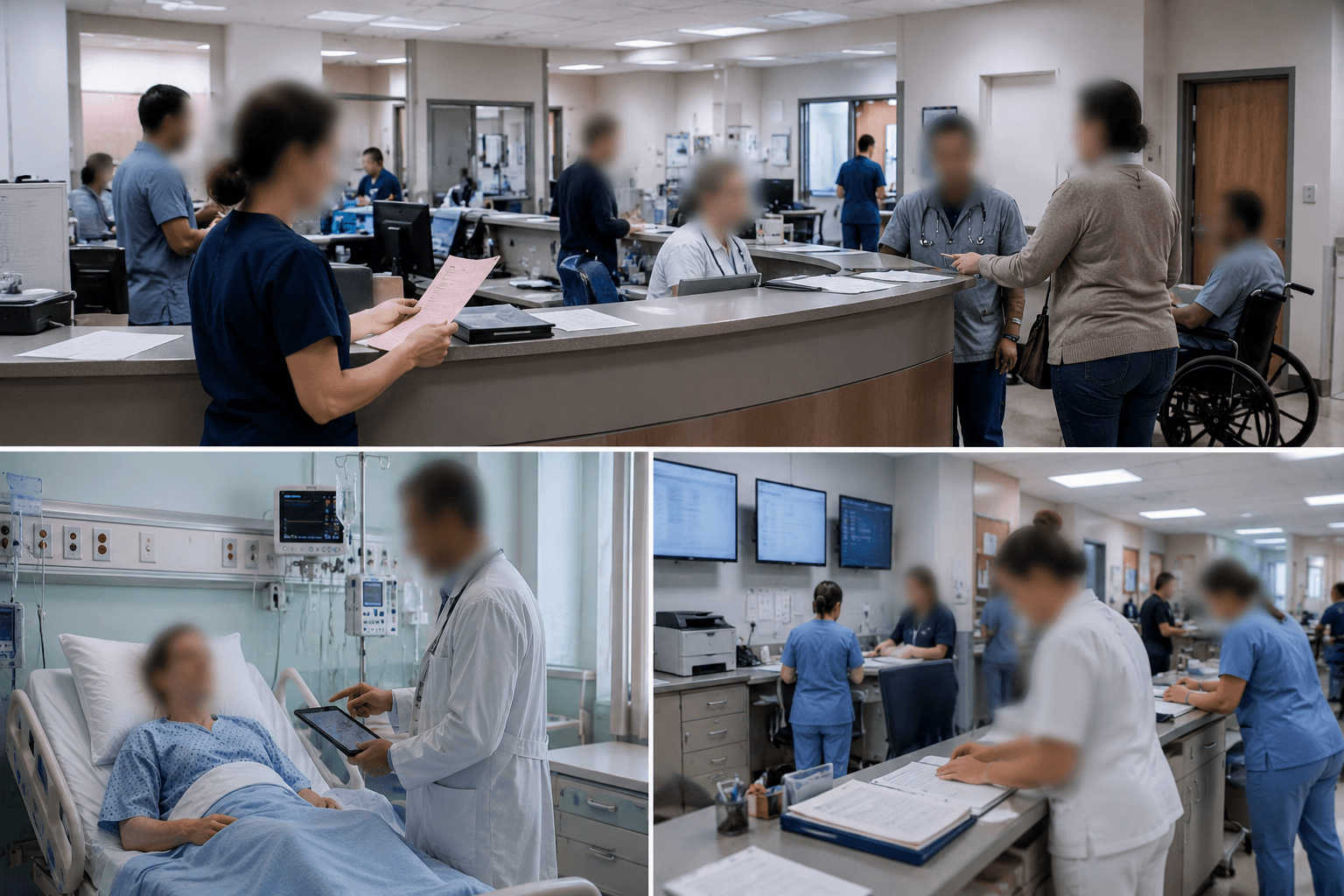
What actually needs blurring in an OR recording
The highest-risk moments are at the edges of the case: patient positioning and intubation before drapes are placed, the timeout where staff state the patient's name aloud, and any wide shot that catches a monitor or whiteboard with identifying text. Once draping is complete and the camera is on the field, most of the re-identification risk drops away — but staff faces in over-the-shoulder or boom-camera angles remain visible for the full case.
A practical policy: blur the patient's face in any pre-drape and post-drape segment, blur staff faces if the recording will leave the department (training libraries, external CME, device-vendor use), and leave the surgical field itself completely alone — that's the content with teaching and evidentiary value, and it contains no identifying information about the patient.
- Pre-drape and emergence segments: patient face blur.
- Full case, if leaving the department: staff face blur, badge and name-tag blur.
- Field, hands, instruments, monitors' clinical data: untouched.
Building a training library from OR footage
Residency programs and device manufacturers both want real case footage for training — a simulated procedure doesn't teach the same lessons as a real one with real complications and real anatomy variation. The blocker has always been the same: every case that goes into a shared library needs the patient de-identified and, depending on the audience, the operating team de-identified too.
BGBlur processes the exported case recording, running automatic face detection across the pre-drape, intubation, and emergence segments where patient identity is exposed, and across the full case where staff faces need to stay masked for an external audience. Selective blur can exempt the attending surgeon by name when a program specifically wants the instructor visible for teaching credibility, while every other face in the room is masked.
Malpractice defense and peer-review production
When OR video is requested in a malpractice matter, peer-review proceeding, or credentialing review, the production copy usually needs non-party staff and the patient de-identified while the substantive surgical content — the thing actually at issue — stays intact and unedited. This is the same discipline used in any evidence redaction: work on a duplicate, never the original recording, log exactly what was masked and by whose direction, and keep the source file preserved separately.
Coordinate the redaction scope with defense counsel or your risk-management office before processing — what counts as a non-party in a given matter is a legal judgment, not a technical one. The tool's job is to execute that judgment consistently across the whole recording, not to make it.
From OR export to a shareable, de-identified copy
- Export the case recording. Pull the file from the OR-camera system, laparoscopic tower, or GoPro export — MP4 up to 4K.
- Preserve the original. Store the unedited source under your normal recording-retention policy before any processing.
- Upload the working copy. Process a duplicate of the file in BGBlur's browser editor — the source stays untouched.
- Blur patient and staff faces. Automatic detection across pre-drape, emergence, and full-case segments; exempt named instructors with selective blur.
- Review and export. Scrub pre-drape and wide-shot segments for missed identifiers, then export the de-identified derivative for its intended audience.
Note: HIPAA treats full-face photographic and video images as a direct identifier — a surgical recording with the patient's face visible is PHI regardless of what else is redacted. Coordinate redaction scope with your privacy office and, for litigation-related production, with counsel.
Related guides
Frequently asked questions
- Will blurring the patient's face affect the usefulness of the recording for training?
- No — the teaching content in a surgical recording is the field, technique, and instrument handling, none of which is affected by masking the patient's face in the pre-drape and emergence segments where it's visible.
- Do we need to blur staff faces for internal M&M review?
- Usually not — internal peer review among the treating and reviewing clinicians typically doesn't need staff de-identified. Blurring becomes relevant once the recording leaves that internal audience: training libraries, external CME, vendor use, or legal production.
- Can we keep the attending surgeon visible for teaching credibility while blurring everyone else?
- Yes — selective face blur exempts named individuals while every other face in frame, including other staff and the patient, stays masked.
- Is it safe to process OR footage through a browser-based tool?
- Patient-identifiable OR video is protected health information. Confirm the processing workflow fits your organization's PHI-handling policy and business-associate arrangements before uploading any case recording — check with your compliance or privacy office first.
- What about monitors in frame showing the patient's name or MRN?
- Screen and on-frame text isn't covered by face blur — those need a separate region-blur pass over the monitor or whiteboard area for the segments where it's visible, in addition to the face blur.
BGBlur provides privacy tooling for creators and teams; consult counsel for broadcast, evidentiary, or regulated workflows.