Video evidence redaction that survives scrutiny
One-click alternative with BGBlur
Upload a clip and preview automatic face, plate, background, or prompt-based blur—no keyframes or nested timelines.
Video is now routine evidence — CCTV pulls, bodycam files, deposition recordings, cellphone captures — and with it comes a redaction duty that used to belong only to document teams: protected parties must be unidentifiable in what gets produced, filed publicly, or released under records requests. Victims and minors in exhibit footage, uninvolved bystanders in surveillance pulls, confidential informants in interview tapes, jurors and gallery members in courtroom recordings.
The standards are unforgiving in a way document redaction isn't: a black box on a PDF either covers the text or it doesn't, but a video mask must hold across thousands of frames of movement, lighting change, and occlusion. One three-frame flicker where a face resolves is a failed redaction — and opposing counsel or a FOIA requester only needs to find it once. This is why frame-consistent automated tracking, not manual keyframing, is the defensible approach.
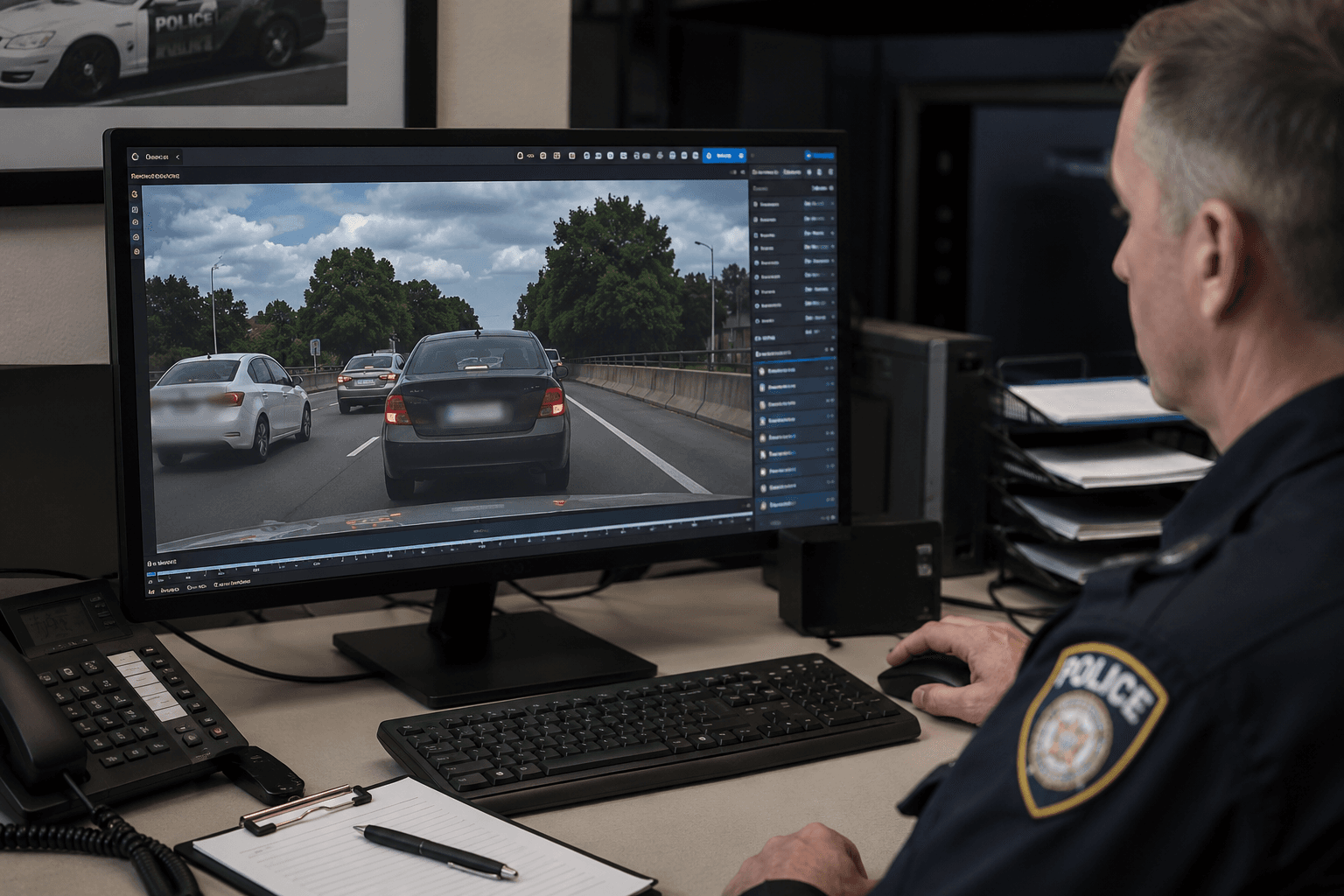

What must be redacted, and when
The categories recur across matters: minors (almost always), victims and protected witnesses, uninvolved third parties captured incidentally (the other patrons in the restaurant CCTV), confidential informants, and identifiers that travel — license plates, house numbers, computer screens, documents visible on tables. For public filings and records-act releases the bar is highest, because the audience is unbounded.
Redaction scope is a legal judgment made by counsel or the records officer; the tool's job is to execute that judgment perfectly. BGBlur lets you designate exactly which faces, plates, or regions are protected and applies the decision consistently across the entire file.
- Faces: blur designated individuals only, or everyone except designated parties.
- Plates and addresses: automatic detection across all footage angles.
- Screens and documents: region blur for laptops, phones, and paperwork in frame.
- Audio: names and identifying details can require a parallel audio pass.
Frame consistency is the whole game
Manual redaction in an NLE fails in predictable places: the subject turns away and back (tracker loses lock), walks behind a pillar (mask doesn't re-acquire), or the camera whip-pans (mask lags by four frames). Automated tracking with temporal consistency re-acquires targets after occlusion and holds masks through motion — and the preview lets a reviewer scrub precisely the moments where manual work fails.
Build the QC pass into your procedure: a second reviewer scrubs every appearance of each protected party at reduced speed before anything is produced. Minutes of review against a checklist is what makes the redaction defensible on the record.
Original evidence stays untouched
Redaction is performed on a working copy; the original file — hash-verified, chain-of-custody logged — is never modified. BGBlur fits this discipline naturally because processing happens on an uploaded copy and outputs a new file: original in evidence storage, redacted derivative in the production set, and the relationship between them documented.
Record the redaction parameters (who was masked, at whose direction, on what date) alongside the derivative. When a court asks whether the redaction altered anything material, the answer is a documented no.
FOIA and records-act releases
Records officers face the same technical problem at volume: bodycam and CCTV releases where statutory exemptions (privacy, minors, ongoing investigations) require redaction before disclosure — and where backlogs are measured in months of clerk time. Batch processing with automated face and plate detection turns the marginal cost of a compliant release from days to hours, which is often the difference between meeting and blowing statutory deadlines.
Working-copy redaction procedure
- Duplicate the original. Hash and store the source file; all work happens on the copy.
- Mark protected parties. Designate faces, plates, and regions per counsel's or the records officer's determination.
- Run tracked redaction. Masks follow each target through motion, occlusion, and re-entry into frame.
- Second-reviewer QC. Scrub every protected party's appearances; verify no frame leaks.
- Produce and document. Export the redacted derivative; log parameters, reviewer, and date alongside it.
Note: Records statutes commonly require redaction of exempt material before release (e.g. personal-privacy exemptions in FOIA and state equivalents; bodycam-specific release laws in several states). The original file should always be preserved unmodified — redaction applies to the produced copy.
Related guides
Frequently asked questions
- Does blurring video evidence make it inadmissible?
- Redacted derivatives are routinely used in filings and releases while the unaltered original remains available to the court under seal or protective order. The key is documentation: original preserved and hash-verified, redaction scope directed by counsel, parameters logged. Admissibility rules vary by jurisdiction — this is workflow guidance, not legal advice.
- Can we blur everyone except the defendant/subject?
- Yes — inverse selection masks all faces except designated individuals, which is the common pattern for surveillance pulls full of uninvolved bystanders.
- How do we know the mask never drops for a few frames?
- Tracking is built for occlusion and re-entry, and the review pass exists to verify it: scrub each protected party's appearances in preview before export. A documented two-person QC is the standard we recommend for produced evidence.
- What about the audio — names spoken on tape?
- Spoken names and identifying details are a separate channel; mute, bleep, or process the audio track in parallel. For witness-voice protection, voice anonymization keeps testimony intelligible while unrecognizable.
- Can records offices process releases in bulk?
- Yes — batch processing applies detection and masking across multiple files, which is how bodycam and CCTV release backlogs become manageable within statutory deadlines.
BGBlur provides privacy tooling for creators and teams; consult counsel for broadcast, evidentiary, or regulated workflows.