Police Bodycam Blur for Public Release and Review
Blur faces and identifying details in police bodycam and body-worn camera footage before public release, training use, or external review. AI redaction for law enforcement and security video workflows.
How to Use BG Blur
Get started with our simple 3-step process
Upload your video to our AI video blur editor
Upload your video to our AI video blur editor.
Select what to blur: background, faces, license plates, or objects
Pick the blur mode that fits your use case and adjust intensity for a natural result.
Download your professionally blurred video with privacy protection
Export and download your processed video in just a few clicks.
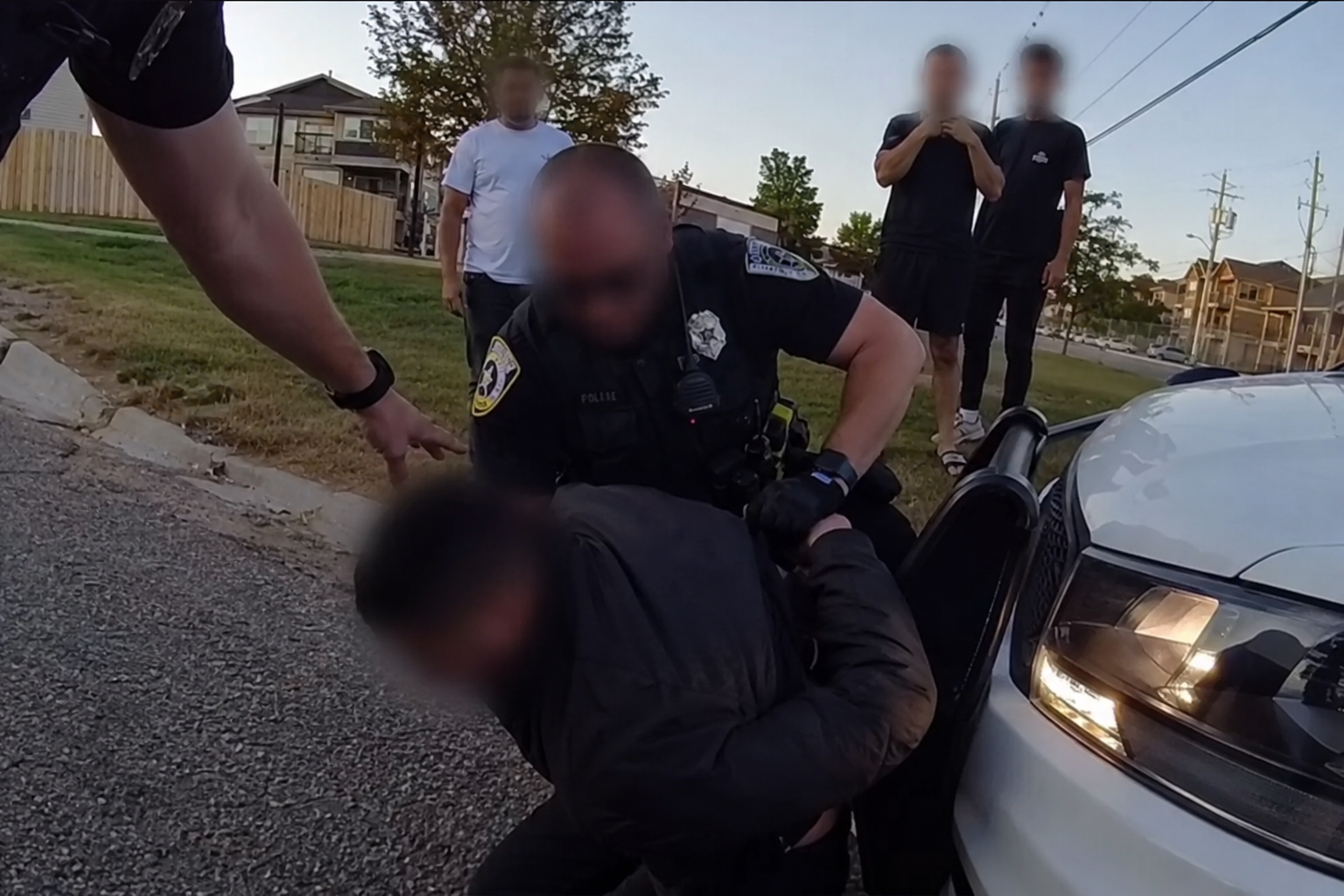
Bodycam blur for faces, bystanders, and incidental capture
Body-worn camera footage often captures officers, subjects, bystanders, residents, and passersby in fast-moving, high-stress scenes. BGBlur helps blur faces in police bodycam video before clips are used for public transparency releases, training examples, legal discovery support, or external review where unrelated identities must be protected.
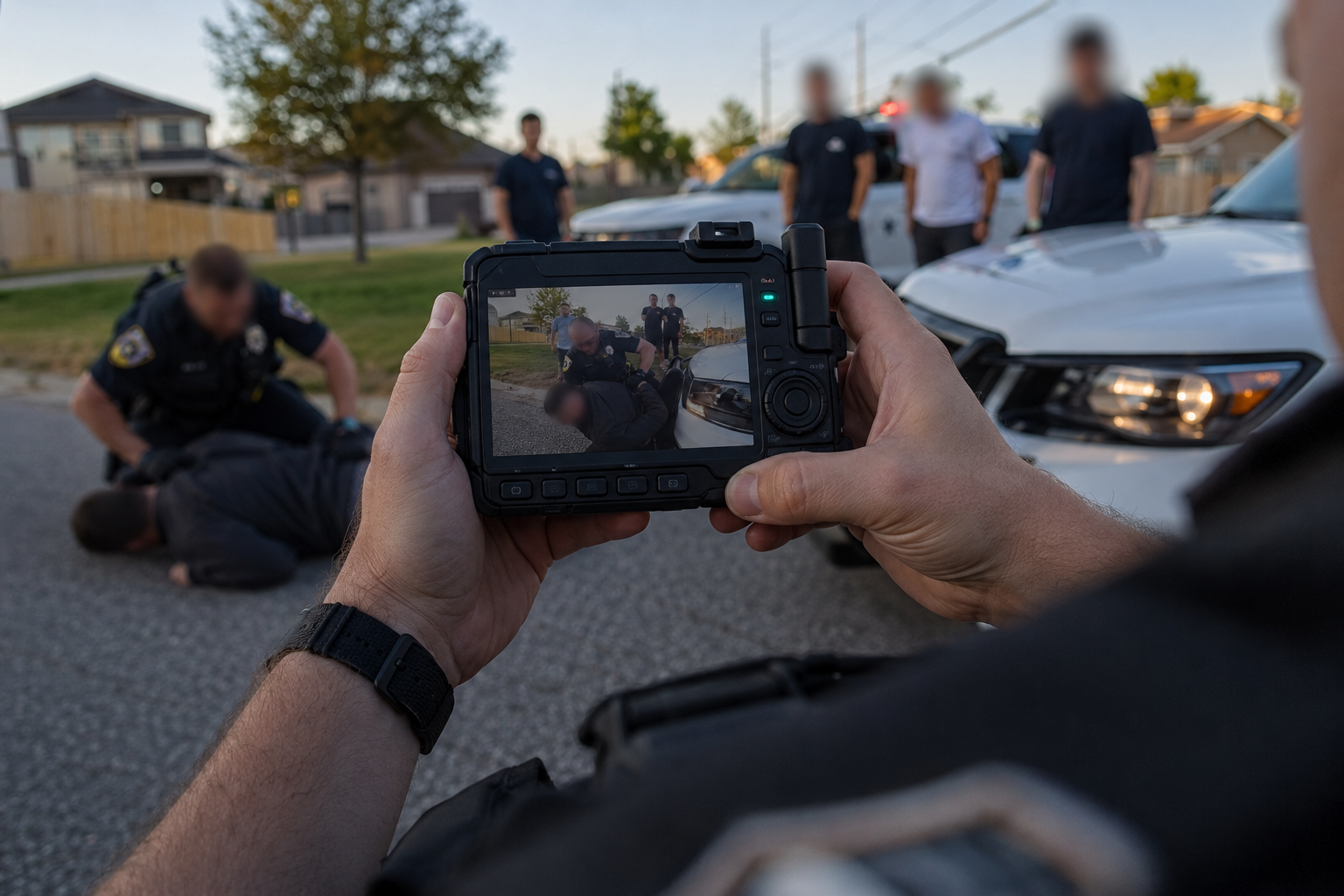
Prepare bodycam video for public transparency releases
Agencies publishing bodycam footage for community transparency need redaction that keeps the event understandable while removing personal identifiers. BGBlur provides an online bodycam blur workflow for exported MP4 files, helping teams anonymize faces and other sensitive details without sending raw footage through a long manual editing pipeline.
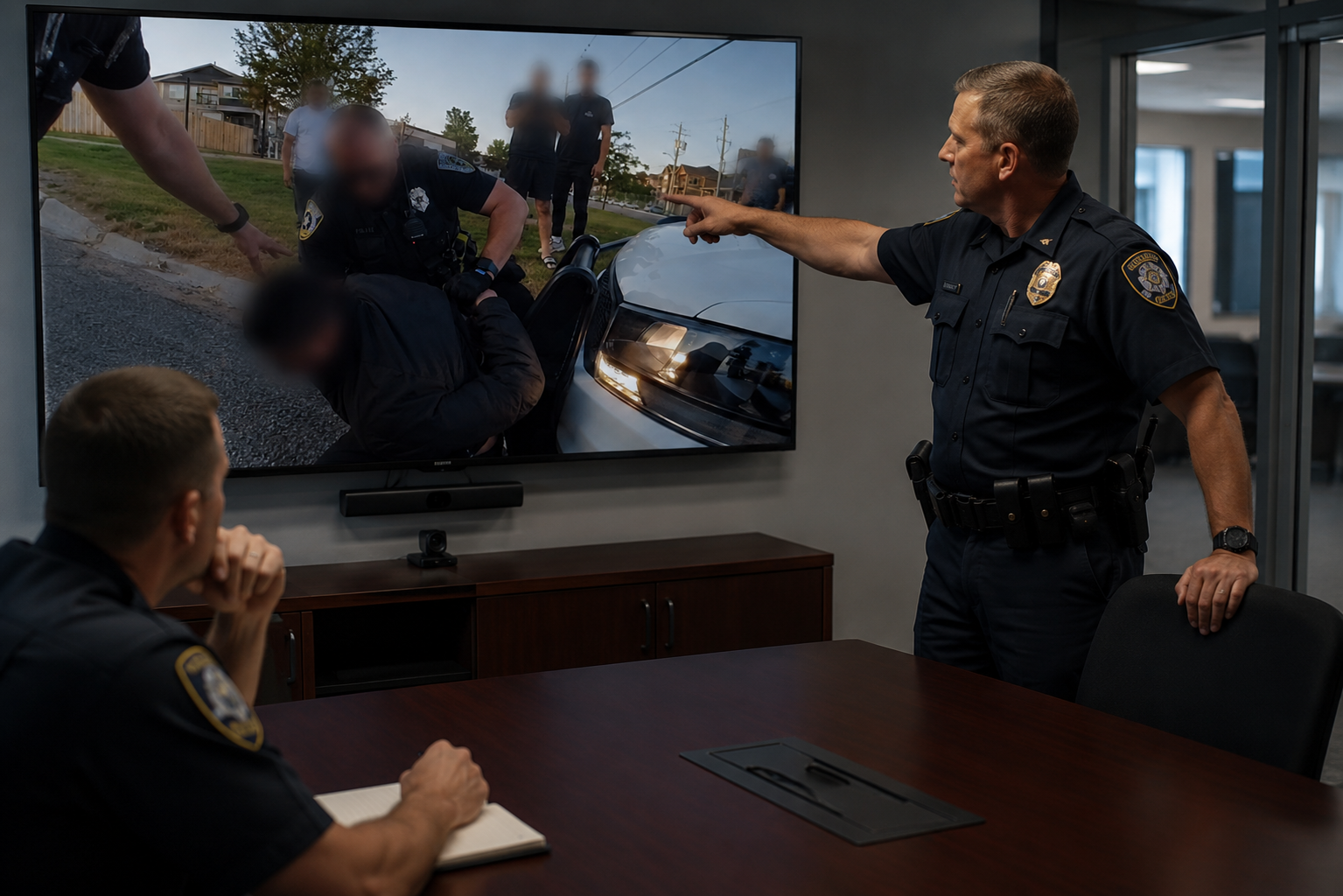
Support legal, oversight, and training workflows
Bodycam video may be reused in training, oversight review, or case preparation where only some individuals should remain visible. BGBlur helps teams create redacted copies faster, reducing the editing burden on staff who would otherwise mask faces frame by frame in desktop software.
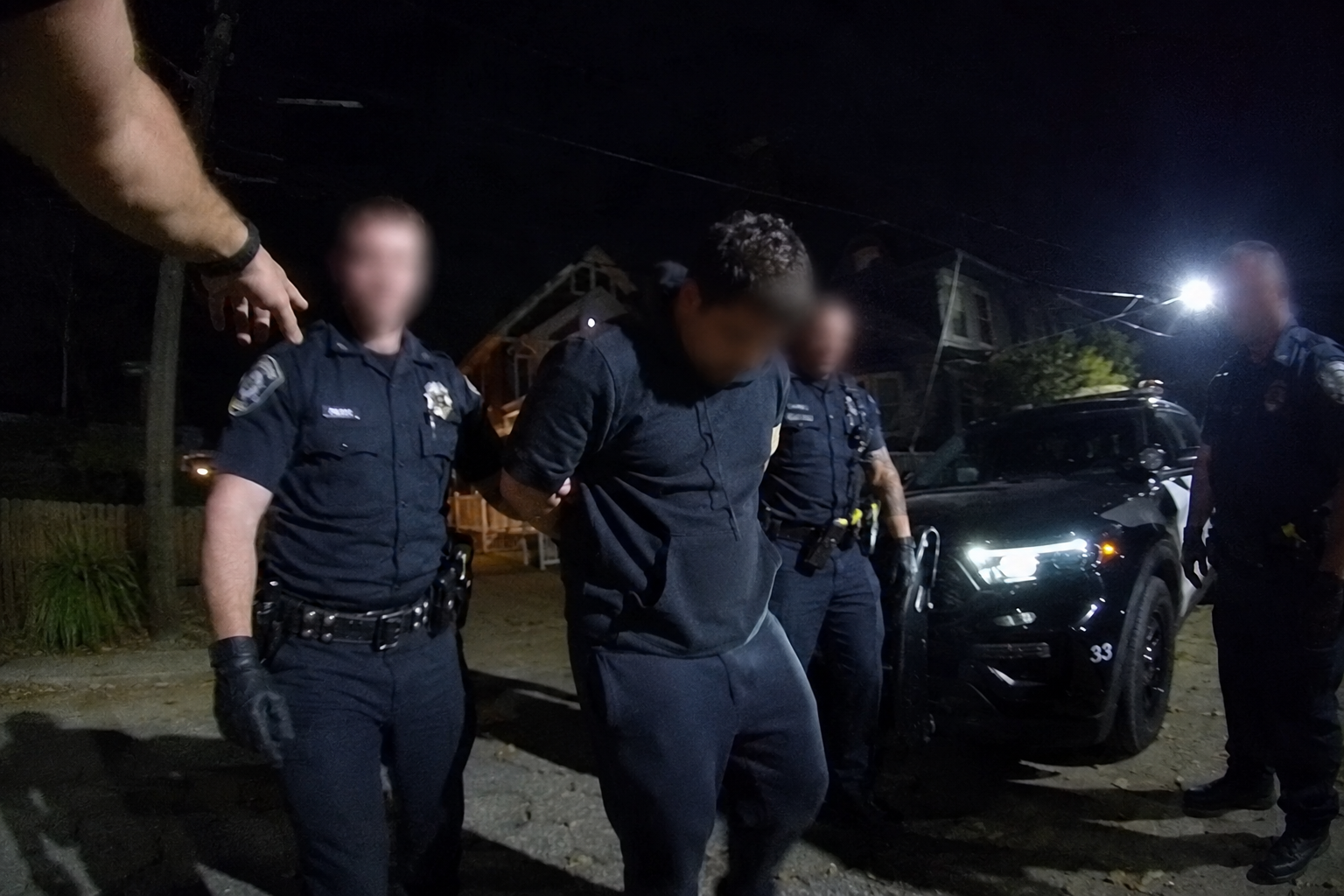
Handle low light, motion, and wide-angle bodycam footage
Body-worn cameras introduce motion blur, close proximity distortion, nighttime noise, and rapid camera movement. BGBlur is designed for real-world footage where subjects move quickly and lighting changes abruptly. Upload exported clips and apply consistent face redaction across the segments that need anonymization.
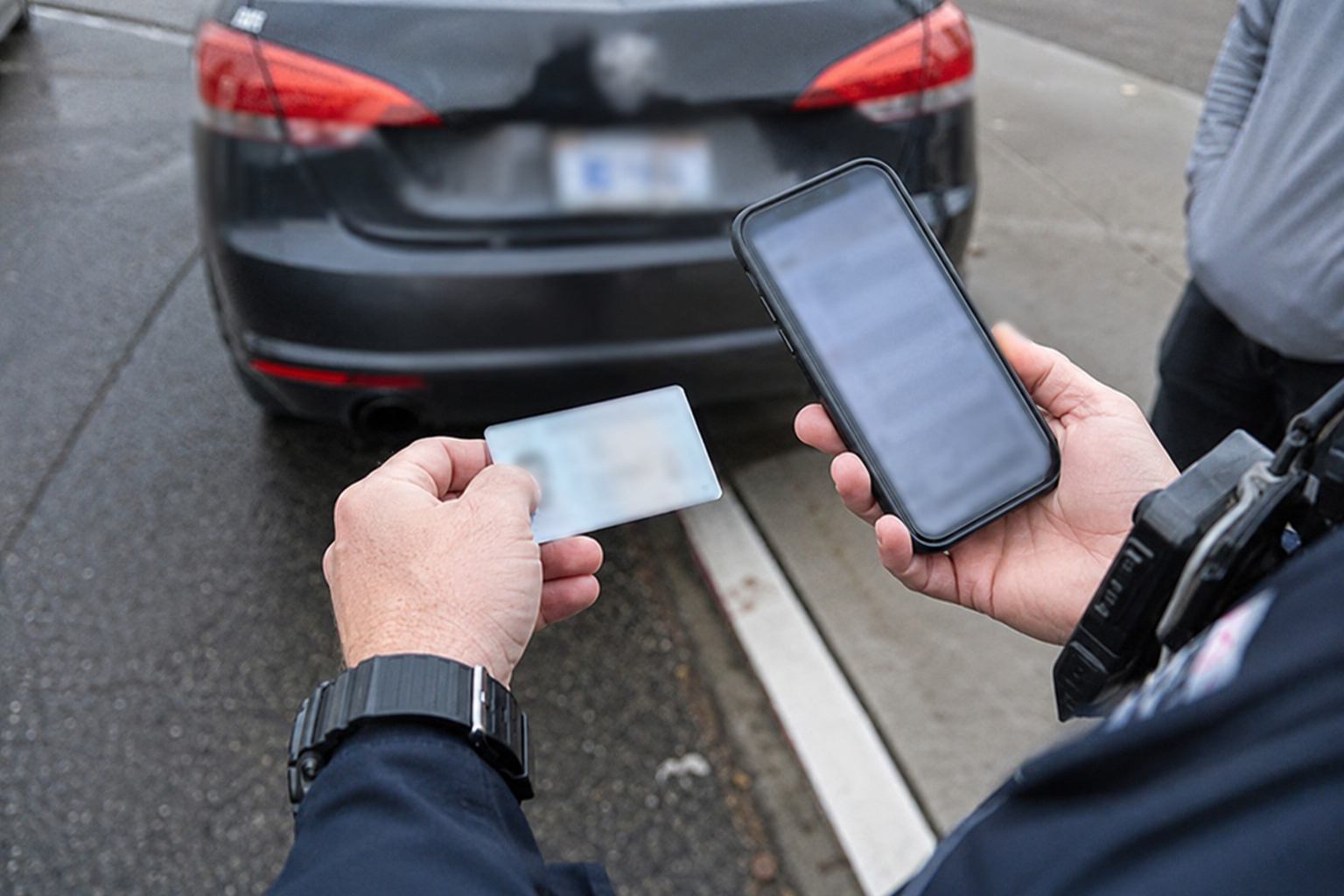
Combine with broader redaction when needed
Some bodycam releases also require hiding license plates, address numbers, phone screens, documents, or other identifying objects visible during an encounter. BGBlur can support broader redaction workflows alongside face blur so teams can prepare a safer version of bodycam footage for the intended audience.
What Makes BGBlur Different?
BGBlur is built for browser-based AI video editing: upload a clip, choose what to hide or soften, and export privacy-ready footage without learning timeline software.
AI video blur
Automatic video blur workflows reduce manual masking for faces, plates, backgrounds, screens, and sensitive objects.
Browser-based
Edit video online from desktop or mobile without installing professional video editing software.
Privacy focused
BGBlur is designed for safer publishing, redaction, anonymization, and compliance-aware video sharing.
Selective control
Choose targeted blur, background blur, face anonymization, or object blur based on the footage.
Fast workflow
Simple upload, preview, processing, and export steps help creators and teams finish edits quickly.
Multiple formats
Use BGBlur across common video and image workflows for social, legal, training, and creator content.
Blurring Video Backgrounds Automatically
BgBlur is dedicated to making video privacy and enhancement accessible to everyone. Our tools use advanced AI to help you blur faces, license plates, and backgrounds in your videos—quickly and securely, right in your browser.
Features include automatic face blur, license plate blur, and background blur. Try it out now by uploading your video at /en/upload. No downloads or advanced software required!
Powered by BGBlur
Frequently Asked Questions
Our AI analyzes your video and automatically detects and blurs backgrounds, faces, license plates, or any objects you select with motion tracking.
We support MP4, MOV, and M4V formats for all blur functions including face blur video and background blur.
Free users can blur videos under 200MB and 10 minutes. Pro users get unlimited blur processing with longer video support.
AI face swap uses advanced artificial intelligence to detect and replace a face in a video with another face while keeping expressions, lighting, and angles natural.
You should use face anonymization when sharing content publicly, handling sensitive data, or complying with privacy laws to protect identities.
With BgBlur, you can easily blur face or pixelate face by uploading your content, and the AI will automatically detect and apply the effect in seconds.
Yes, BgBlur allows you to blur licence plate or blur number plate in video online free with just a few clicks, no technical skills required.
To blur multiple objects online, upload your video and select the Blur Anything feature. Then add multiple object names separated by commas and proceed, and our AI will automatically blur those objects.
Yes, BGBlur's AI automatically tracks moving objects, faces, and vehicles. You do not need to manually mask every frame; the motion-aware tracker keeps the blur locked onto the subject as it moves.
BGBlur is a completely web-based tool. You can upload any video or image, select the Face Blur tool, and apply pixelation or blur instantly inside your browser without downloading any apps or plugins.
Absolutely. Our AI is trained specifically to detect and blur license plates in driving footage, dashcams, and street-view videos. It helps creators and transport fleets stay compliant with privacy laws.
Your privacy is our priority. BGBlur leverages advanced client-side technologies to process videos securely. Your files are processed locally in your browser and are never uploaded or stored permanently on external servers.
Yes! BGBlur is fully responsive and optimized for mobile browsers. You can easily blur a video background or pixelate faces directly on your iPhone, iPad, or Android phone.
Limits depend on the feature. Standard video blur tools such as face blur, license plate blur, background blur, blur anything, screen blur, NSFW blur, and face anonymization support up to 200MB and 10 minutes on the free plan, while Pro users get unlimited blur processing with longer video support. Object Remover supports MP4 and MOV videos up to 1GB and 10 seconds per clip. Voice Anon direct uploads support up to 100MB, while the upload/URL workflow supports audio or video files up to 500MB and under 10 minutes.
User Reviews
Share your experience and help others make informed decisions
Write a Review
Community Score
0.0
/ 5
Based on 0 reviews
All Reviews (0)
No reviews yet
Be the first to share your experience and help others make informed decisions!
Ready to blur your video content?
Start protecting privacy and creating professional video blur effects today with our AI-powered tool. No downloads required - blur directly in your browser.
Start Blurring NowTrusted by thousands of creators
My favorite video tool
Great app, easy to use. Helps our small business save time and money to create different marketing materials professionally. Thank you.
Shaelyn D.
Best blur tool out there
I need a good blur tool for my work and I've been through them all. This one is the best by far. It's so easy to use and the results always look amazing.
Kira H.
Love it
It's amazingly easy and gives the perfect results for my bags and accessories. It looks like it was done by a professional photographer.
Mary J.