Hospital CCTV pulls need everyone but the relevant party redacted
One-click alternative with BGBlur
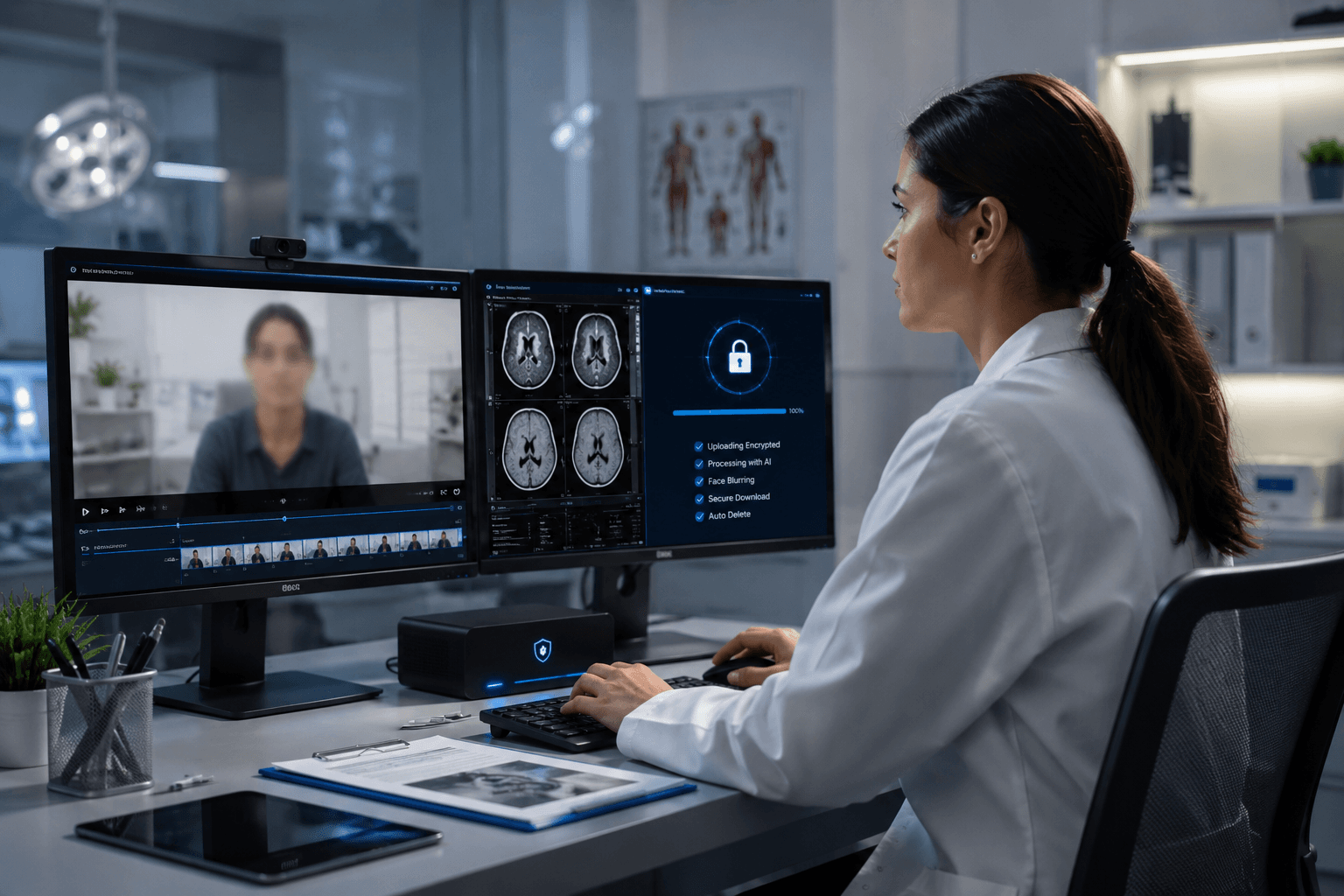
Upload a clip and preview automatic face, plate, background, or prompt-based blur—no keyframes or nested timelines.
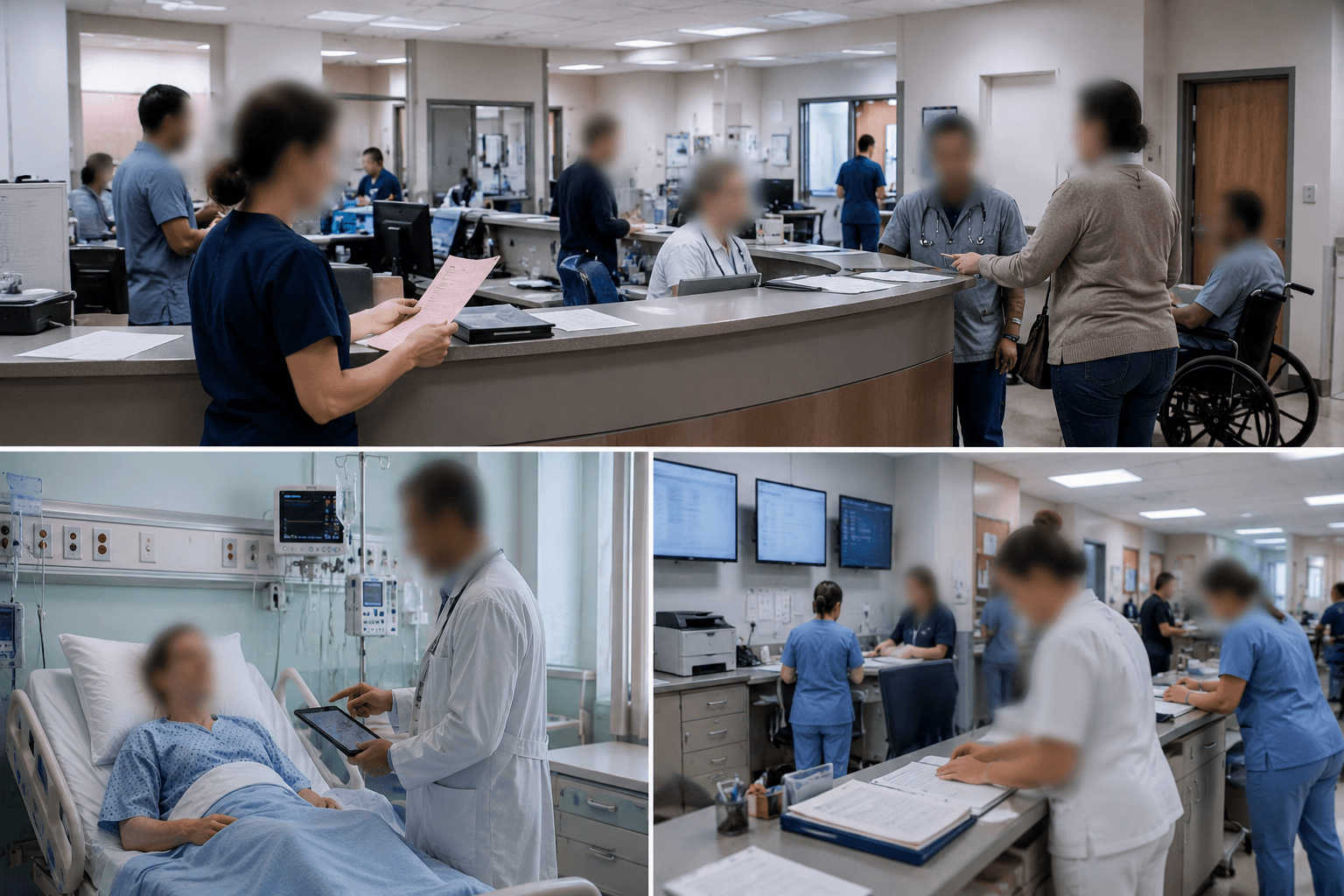
Hospital security teams field video requests constantly: an insurance adjuster investigating a slip-and-fall, a law-enforcement request tied to an incident on the premises, a family's attorney requesting footage for a records-act or discovery demand, or an internal risk-management review after an adverse event. Nearly all of that footage comes from fixed CCTV covering hallways, lobbies, parking structures, and unit entrances — cameras that were never aimed at a single person, so every pull captures dozens of patients, visitors, and staff who have nothing to do with the request.
Releasing that footage unredacted turns a narrow, legitimate request into a much broader privacy exposure — every uninvolved patient walking to radiology, every visitor signing in at the desk, every staff member on a badge-visible shift becomes identifiable to whoever receives the file. Redacting everyone except the party relevant to the specific request keeps the release focused on what was actually asked for.
Who stays visible, who gets redacted
The redaction scope depends on the request, and that's a determination for your security director, legal counsel, or records officer to make — not a default the tool applies on its own. Typically, the subject of the incident (the person who fell, the party involved in the altercation, the individual named in the request) stays visible, since they're the reason the footage was pulled. Everyone else who appears — other patients, visitors, staff not involved in the incident — gets blurred before the file leaves the security office.
For requests involving a specific individual (a subpoena naming someone, a law-enforcement request tied to a suspect), the reverse applies: only that individual stays visible, and every other person in frame — including the original complainant, if they're not the subject of the specific request — is redacted.
- Incident-review and insurance requests: subject of the incident stays visible, uninvolved bystanders redacted.
- Law-enforcement or subpoena requests naming an individual: only that individual stays visible.
- License plates in parking-structure footage: blurred unless specifically relevant to the request.
Multi-camera incidents and consistent redaction
A single incident often spans several cameras — the hallway approach, the lobby, an elevator, a parking-structure exit — and each angle needs the same redaction logic applied consistently, or the released package contradicts itself (a bystander redacted in one clip but visible in another). Processing each camera's export through the same designated-subject pass keeps the release internally consistent across every angle included in the production.
This is also where batch processing earns its keep: a multi-camera, multi-hour pull for a serious incident can involve a dozen or more clips, and manually redacting each one individually is where inconsistencies creep in under deadline pressure.
Chain of custody and the untouched original
As with any evidence release, redaction happens on a working copy, never on the original CCTV export — the source stays in your video management system, hash-verified and access-logged, exactly as it was pulled. The redacted derivative is what goes to the requesting party, with the redaction parameters (who was masked, at whose direction, on what date) documented alongside it.
This documentation matters most when a release is later questioned — a plaintiff's attorney asking whether footage was altered, or an oversight review checking a records-act release. Being able to show the original intact and the redaction scope and authorization on record is what makes the release defensible.
From CCTV pull to a redacted, releasable file
- Pull and preserve the original. Export the relevant camera footage from your VMS; hash and store the untouched original.
- Get the redaction scope authorized. Confirm with legal, risk management, or the records officer who stays visible and who gets redacted for this specific request.
- Upload the working copy. Process the duplicate export in BGBlur's browser editor — original stays in your VMS.
- Redact per the authorized scope. Blur uninvolved bystanders and plates, or inverse-select to keep only the named individual visible.
- Review and release. Second-reviewer QC across every camera angle, then export and document the redaction parameters with the release.
Note: Hospital CCTV footage of patients and visitors is protected health information when it can be linked to a specific individual's presence at a healthcare facility. Records-act and discovery releases commonly require redaction of uninvolved third parties before disclosure — coordinate scope with legal counsel and your privacy office before release.
Related guides
Frequently asked questions
- Who decides which people in the footage need to be redacted?
- That's a legal or policy determination made by your security director, legal counsel, or records officer based on the specific request — the tool executes that scope consistently, it doesn't decide it.
- Can we keep only the named individual in a law-enforcement request visible and blur everyone else?
- Yes — inverse selection keeps a designated individual visible while every other face in frame, including other patients, visitors, and staff, is redacted.
- Does redacting the footage make it unusable for insurance or legal purposes?
- No — the redacted derivative is used for release while the untouched original remains preserved and available under the same access controls your VMS already applies. This mirrors how evidence redaction works with other file types.
- How do we keep redaction consistent across a multi-camera incident?
- Process each camera's export under the same authorized scope, and use a second-reviewer QC pass to check every angle before the package goes out — this catches the case where a bystander is redacted in one clip but visible in another.
- Can we process a large, multi-hour pull without redacting every clip by hand?
- Yes — batch processing applies the same redaction scope across multiple camera exports at once, which keeps large incident pulls manageable within a records-act or discovery deadline.
BGBlur provides privacy tooling for creators and teams; consult counsel for broadcast, evidentiary, or regulated workflows.