BGBlur AI Video Blur Tool for Privacy Protection — Blur Faces, License Plates, Objects, Backgrounds and Export Anonymized Videos in Browser
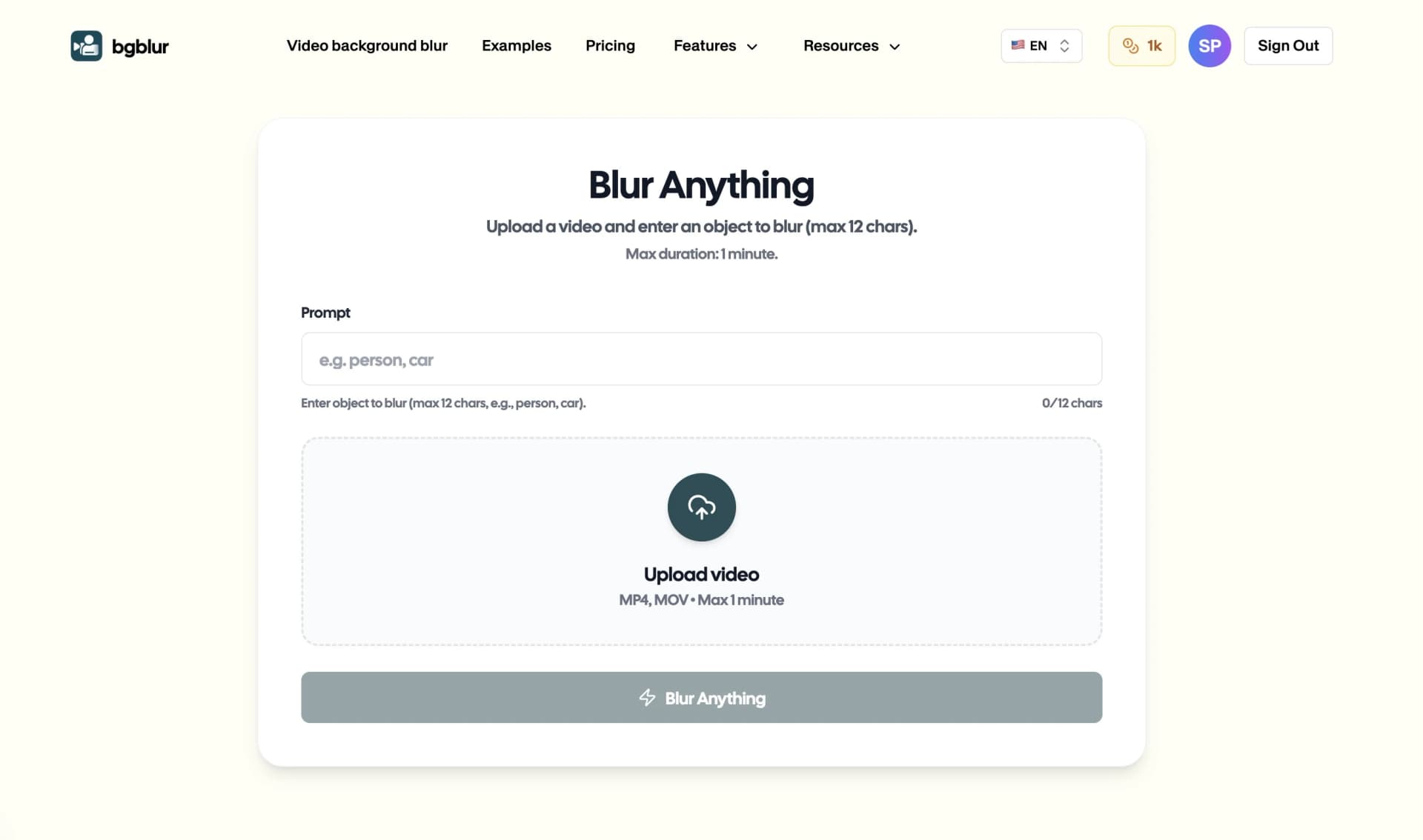
What Makes Video Privacy Protection Essential?
Protect your privacy and maintain professional standards with our advanced AI-powered blur tool that automatically detects and conceals any object, face, background, or sensitive detail in your videos. Whether you need to blur brand names, moving objects, faces, or entire backgrounds, our intelligent video editing platform delivers precise, professional results without requiring technical expertise.
Start Blurring Objects in Your Videos Now
In today's digital landscape, protecting privacy and controlling what appears in your videos is crucial. From content creators needing to blur brand names in video content to businesses protecting proprietary information, the ability to blur specific parts of video footage has become essential. Our AI-powered solution makes it simple to blur anything in video content—from static objects to fast-moving elements—while maintaining exceptional video quality.
Professional video blur technology ensures your content meets platform guidelines, privacy regulations, and brand safety standards. Whether you're creating content for YouTube, preparing corporate presentations, or sharing personal footage online, the ability to blur items in video efficiently protects both your interests and those appearing in your recordings.
Why You Need to Blur Objects and Faces in Videos
Video content creators, businesses, and individuals encounter numerous scenarios requiring privacy protection and content control:
Privacy Compliance: GDPR, CCPA, and emerging privacy regulations worldwide mandate protection of identifiable information. The ability to blur face in video content and conceal personal details ensures legal compliance when sharing footage publicly or within organizations.
Brand Protection: Content creators must blur brand name in video to avoid copyright claims, trademark violations, or unwanted product placement. Professional blur tools protect you from legal complications while maintaining creative freedom.
Confidential Information Security: Business presentations, training videos, and corporate communications often contain sensitive data. The ability to blur documents in video, proprietary information, or confidential details prevents accidental exposure.
Content Monetization: Platform policies on YouTube, Instagram, and TikTok require privacy protection. Blur face in image thumbnails and video content to meet platform standards and avoid demonetization or content removal.
Professional Presentation: Blur background in video to eliminate distractions, hide messy environments, or remove identifying details from professional recordings. Background blur enhances viewer focus while maintaining privacy.
Moving Object Tracking: Whether you need to blur a ball in video during sports footage or blur moving objects like vehicles and pedestrians, advanced motion tracking ensures seamless privacy protection throughout dynamic scenes.
Benefits of Using AI Blur Tool for Video Privacy Protection
Professional blur technology delivers transformative advantages across all content types:
Universal Object Detection: Automatically blur items in video including faces, logos, license plates, documents, products, and any identifiable elements—our AI recognizes and tracks hundreds of object types with 98%+ accuracy.
Advanced Motion Tracking: Blur moving objects in video seamlessly with frame-by-frame tracking that follows subjects at any speed. From blur ball in video for sports content to tracking vehicles and pedestrians, our technology handles complex motion scenarios.
Multi-Element Processing: Blur everything in video simultaneously—faces, backgrounds, brand names, and objects—with intelligent AI that processes multiple elements in a single pass, saving hours of manual editing time.
Precision Control: Blur specific parts of image and video content with surgical precision. Select individual objects, define custom blur regions, or use automatic detection for comprehensive privacy protection.
Format Versatility: Process MP4, MOV, AVI, and all major video formats. Our blur tool works with content from smartphones, professional cameras, screen recordings, and any video source.
Quality Preservation: Apply professional pixelated blur effects, Gaussian blur, or mosaic patterns while maintaining original video resolution, frame rates, and overall quality—essential for professional presentations and social media content.
Batch Processing: Blur multiple videos efficiently with consistent settings across your entire content library. Perfect for content creators, businesses, and anyone managing extensive video archives.
Privacy-First Security: All video processing occurs with encryption, and files are automatically deleted after download. Your content remains completely private and secure throughout the blur process.
Key Features for Blurring Objects, Faces & Backgrounds
AI-Powered Object Recognition: Advanced algorithms automatically detect faces, brand logos, products, documents, vehicles, and any object requiring privacy protection—eliminating tedious manual selection.
Intelligent Background Blur: Apply selective background blur in video to maintain subject focus while concealing locations, crowds, or identifying environmental details with natural-looking depth effects.
Brand & Logo Detection: Automatically blur brand name in image and video content to avoid copyright issues, trademark violations, or unwanted advertising—essential for monetized content creation.
Face Anonymization: Comprehensive face detection technology that identifies and protects all faces in your footage, from close-ups to distant crowds, ensuring complete privacy compliance.
Custom Blur Intensity: Choose from subtle softening to complete pixelation. Adjust blur strength for different objects—strong blur for faces and documents, lighter effects for background elements.
Motion Tracking Technology: Blur moving objects with precision tracking that follows subjects through frame changes, camera movement, and varying speeds without manual keyframe adjustment.
Multi-Object Selection: Blur things in image and video content simultaneously. Select multiple objects, faces, or regions and apply different blur effects to each element in a single workflow.
Real-Time Preview: Review results before final export to ensure critical details remain visible while privacy-sensitive elements are properly concealed—preventing costly re-edits.
Browser-Based Convenience: No software downloads required. Blur anything in video directly through your web browser on any device, from desktop computers to smartphones and tablets.
Free Processing: Process videos up to 500MB without cost, making professional privacy protection accessible to individual creators, small businesses, and anyone needing occasional video blur capabilities.
Top Alternatives for Video Object Blur
When you need to blur objects, faces, backgrounds, or any element in your videos, several tools compete in the marketplace. Here's a comprehensive comparison to help you choose the right solution:https://bgblur.com/blur-anything
1. BGBlur (Recommended)
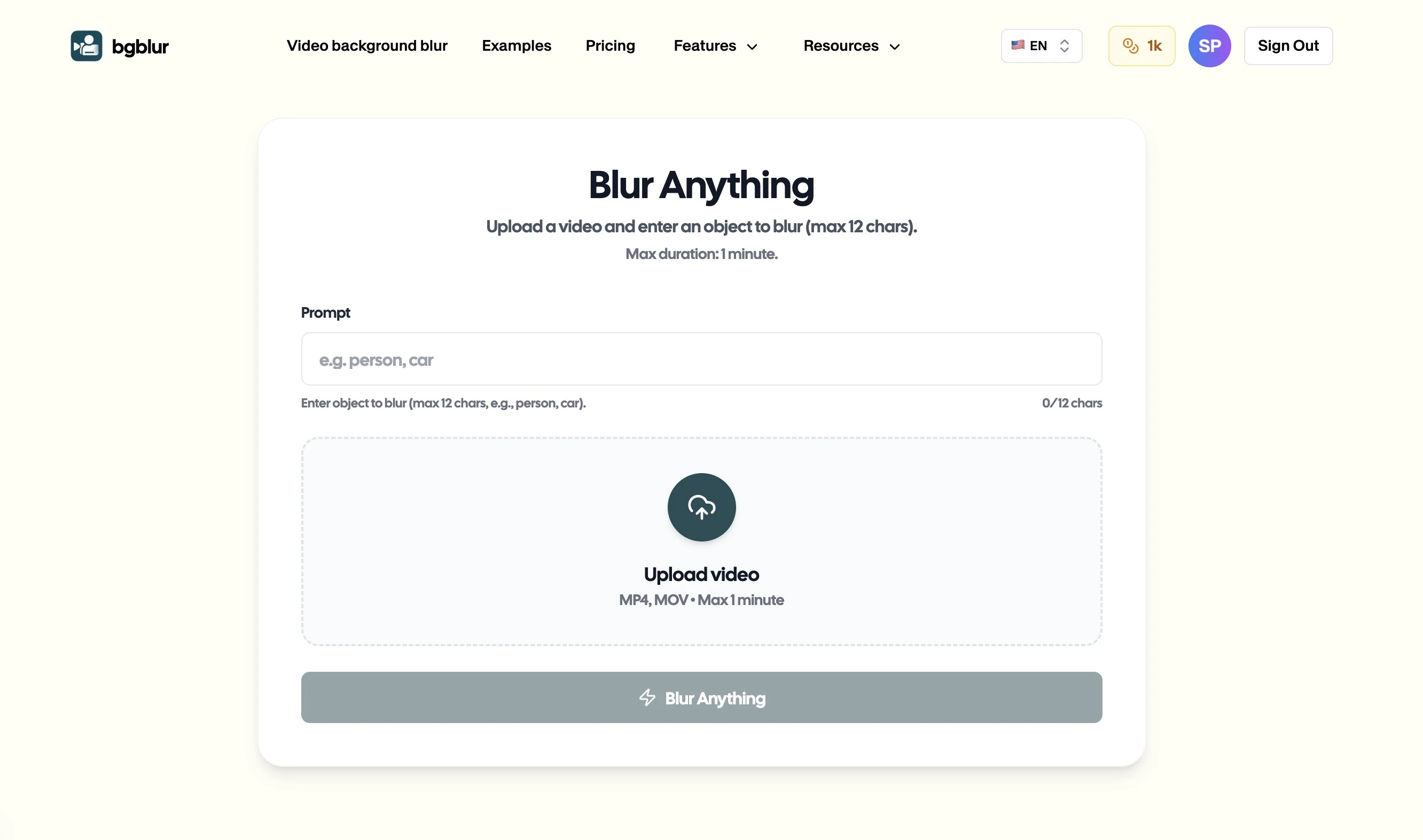
BGBlur stands as the premier AI-powered blur tool specifically designed for comprehensive video privacy protection. This specialized platform combines automatic object detection, face recognition, brand logo identification, and background blur capabilities in a single, browser-based solution—making it the best tool for blurring anything in video content.
What sets BGBlur apart is its universal object detection powered by cutting-edge machine learning algorithms. The platform achieves over 98% accuracy in detecting faces, brand names, moving objects, and sensitive elements across diverse lighting conditions, camera angles, and motion scenarios—all without requiring manual identification.
Key Advantages:
- Universal object detection: Automatically identifies faces, logos, products, documents, vehicles, and hundreds of object types in one pass
- Advanced motion tracking: Blur moving objects seamlessly at any speed without manual keyframe adjustment
- Browser-based convenience: Zero downloads or installations—works on any device with internet access
- Free plan availability: Process videos up to 500MB without cost, making professional blur accessible to everyone
- Batch processing: Handle multiple videos simultaneously with consistent blur settings across your content library
- Multi-element blur: Blur everything in video—faces, backgrounds, brands, and objects—with intelligent simultaneous processing
- Custom blur control: Select specific objects to blur while leaving others visible for precise privacy protection
- Privacy-first security: Videos processed with encryption and auto-deleted after download
- Quality preservation: Maintain original resolution and quality while applying professional blur effects
The tool's intuitive workflow—upload, automatic detection, customize, export—makes professional privacy protection accessible from novice users to professional content creators. Whether blurring faces for privacy compliance, concealing brand names to avoid copyright issues, or removing background distractions, BGBlur handles complex scenarios efficiently.
For anyone serious about video privacy protection and professional content quality, BGBlur represents the most efficient and reliable solution available. Experience industry-leading blur technology designed specifically for modern content creation needs.
2. Adobe Premiere Pro
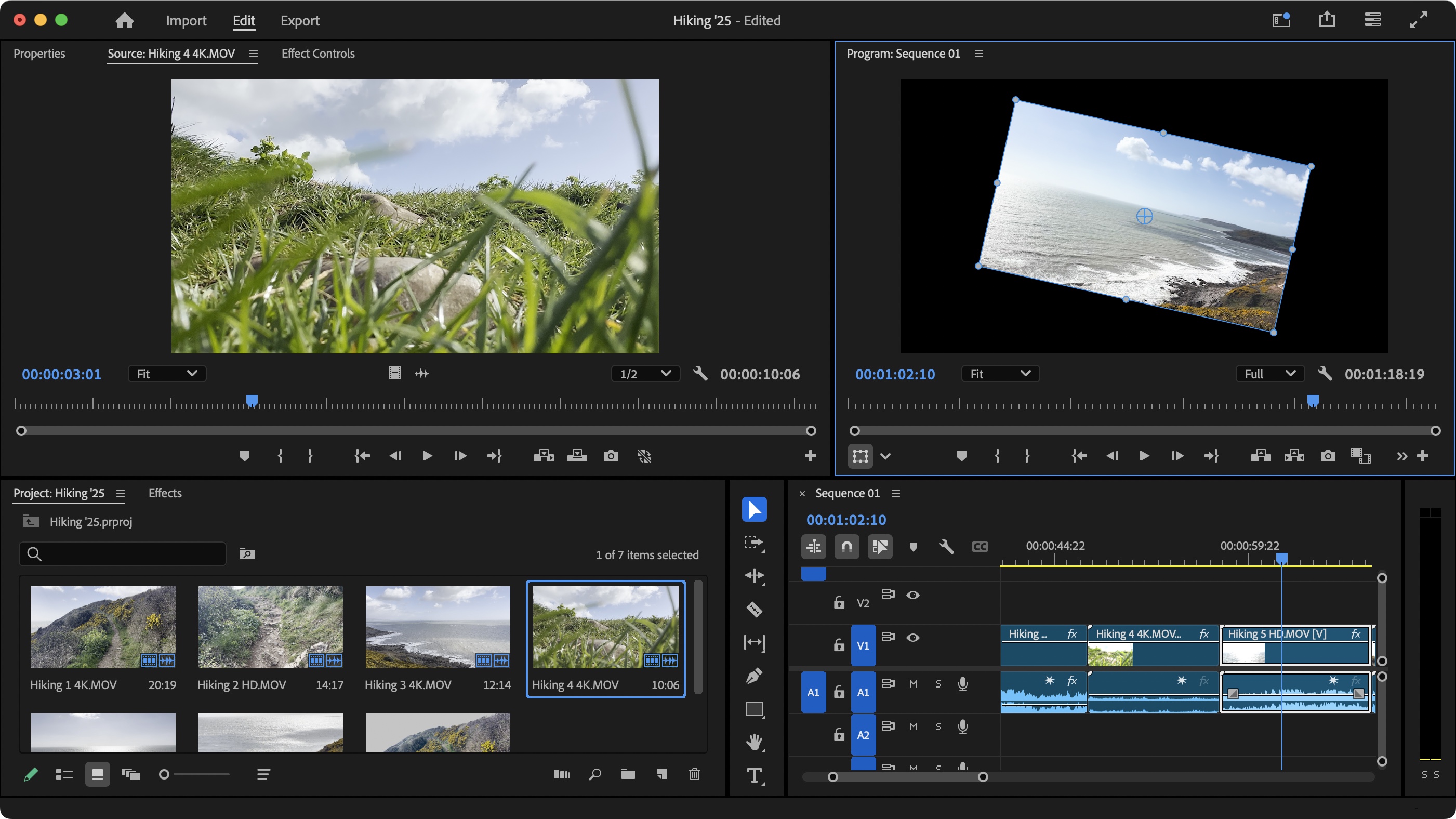
Adobe Premiere Pro represents the industry-standard professional video editing suite with comprehensive blur and masking capabilities. This desktop software provides unlimited creative control with advanced tracking, masking, and effects tools used by professional editors worldwide.
The platform's tracking and masking features can handle complex scenarios with pixel-perfect precision, offering professional-grade blur effects including Gaussian blur, directional blur, and custom mask shapes.
However, Premiere Pro requires a $22.99 monthly subscription and offers no automatic object or face detection—every element must be manually identified, masked, and tracked. The steep learning curve and time-intensive manual workflow make it less practical than AI-powered tools for routine privacy protection needs.
3. Final Cut Pro X
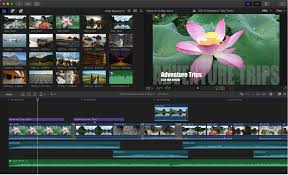
Final Cut Pro X serves as Apple's professional video editing platform, offering powerful masking, tracking, and blur capabilities optimized for macOS systems. The software provides advanced tools including object tracking and customizable blur effects.
The application excels at professional editing workflows with magnetic timeline features and efficient media organization. For Mac users creating complex content with extensive editing requirements beyond privacy protection, Final Cut Pro offers comprehensive capabilities.
For blur-specific needs, Final Cut Pro X requires entirely manual work without automatic detection. Every face, brand, or object must be manually identified and tracked frame-by-frame. The $299.99 one-time cost and manual workflow make it impractical for users primarily needing efficient privacy protection.
4. DaVinci Resolve
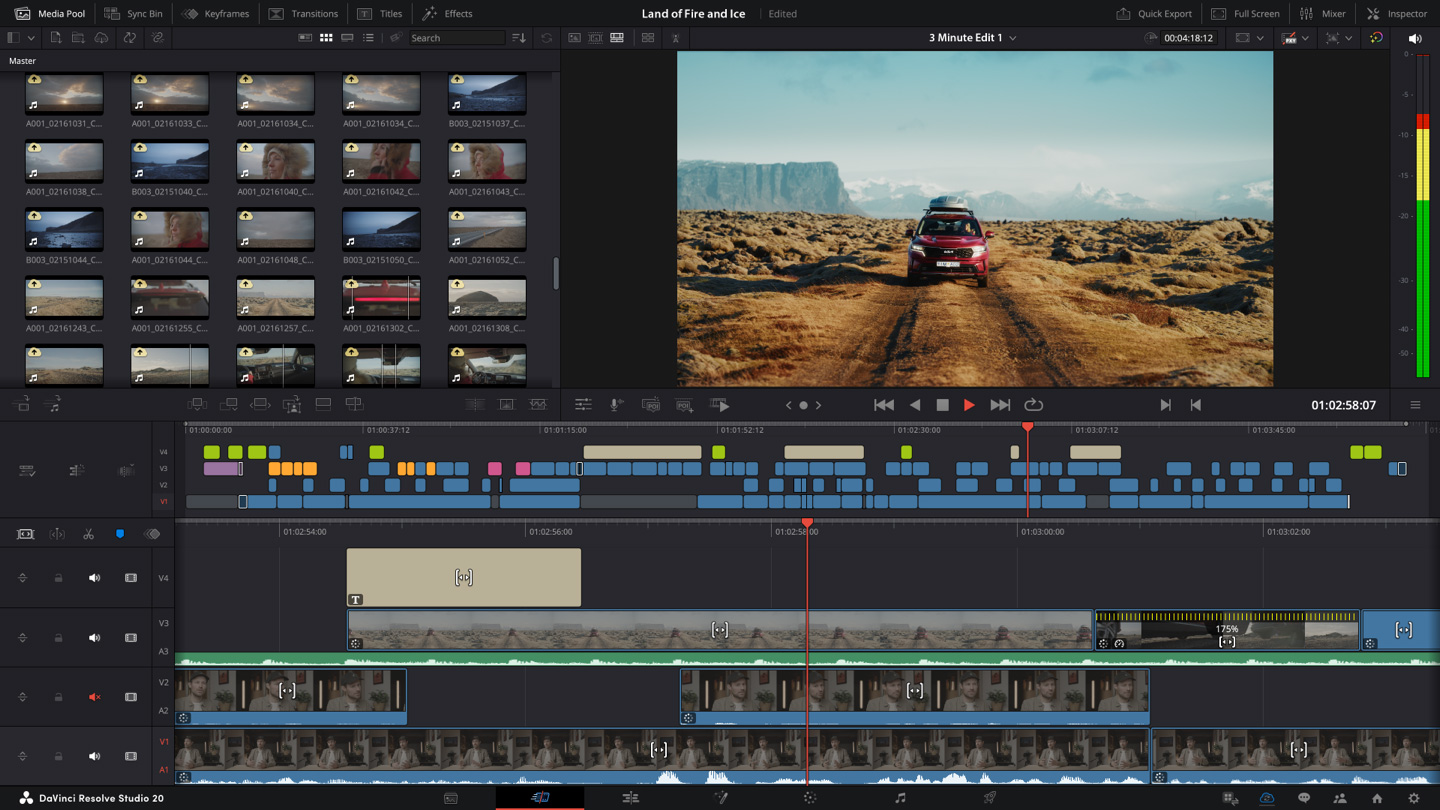
DaVinci Resolve provides professional-grade video editing with a completely free version offering advanced blur and masking tools. The software combines editing, color correction, and visual effects in a single platform.
The tracker module enables motion tracking for blur effects, and the fusion page offers advanced masking capabilities. For users seeking professional tools without subscription costs, DaVinci Resolve provides impressive capabilities.
Despite powerful features, DaVinci Resolve lacks automatic object detection AI. Users must manually identify and track every privacy element, and the professional interface presents a steep learning curve compared to specialized AI blur tools designed for quick privacy protection.
5. Kapwing
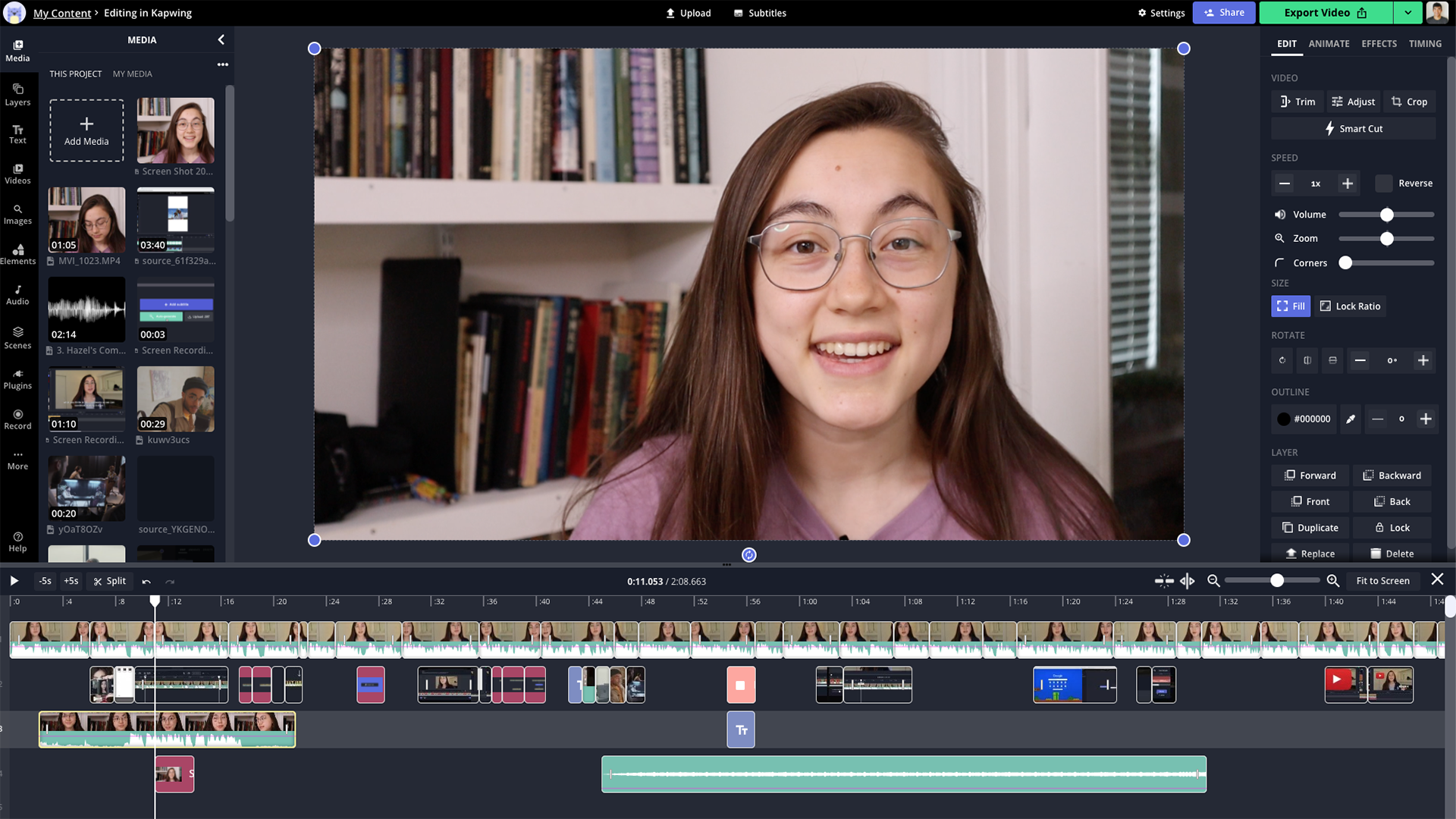
Kapwing offers browser-based video editing with basic blur tools designed for casual content creators. The platform provides simple interface and no download requirements, making it accessible for quick edits.
The tool includes manual blur effects and basic masking capabilities suitable for simple privacy needs. For occasional users creating social media content with minimal editing requirements, Kapwing offers convenience.
For comprehensive privacy protection, Kapwing provides only basic manual blur without AI detection or motion tracking. Users must manually apply and adjust blur effects frame-by-frame, making it inefficient for content containing multiple objects, faces, or moving elements.
6. VSDC Video Editor (Free)
VSDC provides free desktop video editing software for Windows with blur effects and basic masking tools. With no subscription fees, VSDC offers an accessible option for budget-conscious users.
The software includes various blur filters and basic motion tracking capabilities. For users needing occasional blur effects alongside general video editing, VSDC's free model presents an attractive option.
For privacy-specific needs, VSDC lacks automatic detection and requires manual identification of every element needing blur. The manual workflow and absence of AI-powered tracking make it time-consuming compared to specialized blur tools.
Protect Your Privacy With Professional Video Blur
Video privacy protection has evolved from optional enhancement to essential requirement for responsible content creation and sharing. Professional blur technology democratizes this capability, transforming ordinary videos into privacy-protected content that ensures legal compliance, platform acceptance, and confident distribution across social media, business, and personal channels.
With sophisticated object detection, multi-element tracking, and browser-based accessibility, content creators no longer need expensive software or specialized editing skills to blur anything in video content. AI blur tool technology handles complex scenarios—from blur moving objects at high speeds to simultaneous face and brand name concealment—that would require hours of tedious manual editing.
The measurable benefits directly impact your protection and professional reputation: reduced legal risk from privacy violations, platform compliance avoiding content removal, copyright protection preventing brand infringement claims, and confident sharing knowing sensitive details remain concealed.
Whether you're a content creator managing hundreds of videos, a business professional protecting confidential information, or an individual sharing personal footage, professional blur technology separates responsible video handlers from those facing potential privacy lawsuits, platform penalties, or reputation damage.
Transform your video content today with AI-powered blur technology. Experience how automated privacy protection elevates your content quality while safeguarding privacy, ensuring compliance, and maintaining the authentic value that makes your videos worth sharing in our connected, privacy-conscious world.
Frequently Asked Questions (FAQs)
Q1: Can I blur anything in video online for free?
Yes! Our platform offers free processing for videos up to 500MB, allowing you to blur objects, faces, brand names, backgrounds, and any other element without cost. The AI-powered blur tool automatically detects and conceals privacy-sensitive elements while maintaining video quality, making professional privacy protection accessible to everyone without subscription fees or watermarks.
Q2: How do I blur moving objects in video accurately?
Our advanced motion tracking technology automatically follows moving objects frame-by-frame, whether you need to blur a ball in video during sports footage, vehicles in traffic, or people walking. Simply upload your video, select the moving object, and our AI applies consistent blur effects that track seamlessly throughout the entire clip—no manual keyframe adjustment required.
Q3: Can I blur specific parts of video while keeping other areas clear?
Absolutely! You have complete control over what gets blurred. You can blur specific objects while leaving others visible, apply background blur while keeping subjects clear, or selectively blur brand names and faces based on your exact privacy needs. Our custom selection tools let you blur items in video with surgical precision rather than blanket effects.
Q4: What video formats are supported for blurring objects and faces?
Our blur tool accepts all major video formats including MP4, MOV, AVI, MKV, and WebM. The platform automatically optimizes output for universal compatibility across YouTube, Instagram, TikTok, professional presentations, and legal submissions while maintaining your original resolution and quality settings.
Q5: How long does it take to blur faces and objects in video?
Processing time depends on video length and complexity. A typical 5-minute video with multiple faces and objects processes in 3-5 minutes with automatic detection and blur application. This represents significant time savings compared to manual editing which could take several hours for the same footage with frame-by-frame blur adjustments.
Q6: Is my video content secure when using online blur tools?
Privacy and security are our top priorities. All videos are processed with end-to-end encryption, and files are automatically deleted from our servers immediately after you download your blurred version. Your content is never stored, shared, analyzed, or used for any purpose beyond your immediate blur processing needs. We maintain strict data protection standards ensuring your footage remains completely confidential.
Write a Review
All Reviews (0)
No reviews yet
Be the first to share your experience!
Related product updates
BGBlur: How to Blur the Background of Your TikTok Videos with AI Background Blur, Face and License Plate Anonymization in a Fast Browser Workflow
Transform your TikTok videos with AI-powered blur technology. The best TikTok video editor for privacy protection - blur backgrounds, faces, and license plates in seconds. Free online tool.
BGBlur: How to Automatically Blur Moving Objects in Video for Privacy and Anonymization — AI Face Blur, License Plate Blur, Background and Object Blur with Browser Export
Learn how to blur moving objects in video using AI-powered technology. Protect privacy, remove distractions, and maintain professional quality with automated blur tracking.
BGBlur Guide: How to Blur License Plates, Faces, and Sensitive Details in Dashcam Videos Using AI for Privacy, Redaction, and Secure Export in Browser Workflows
Learn how to blur license plates, faces, and sensitive details in dashcam videos using AI tools. Professional privacy protection for insurance claims, legal compliance, and public sharing.
BGBlur Guide: How to Blur License Plates in Videos Before Posting on Facebook to Protect Privacy, Anonymize Identifiable Information, and Avoid Legal Risks
Before you post that dashcam clip, learn the privacy risks, legal implications, and how to blur a license plate in a video before sharing it on Facebook.
Face Swap Videos in Seconds with BGBlur — AI Face Swap for Video and Images, Tips for Realistic Results, Free and Paid Tools, Quick Browser Workflow, Export and Privacy
A complete guide to face swap AI tools for video and images — covering the best free and paid options, tips for realistic results, and how to get started quickly.