Top 10 Tools for Travel Vloggers: Privacy and Blur [2026]
The 10 essential tools travel vloggers need in 2026, from bystander privacy blurring to cameras, editing software, and SEO — with a region-by-region breakdown of privacy laws that affect footage filmed abroad.
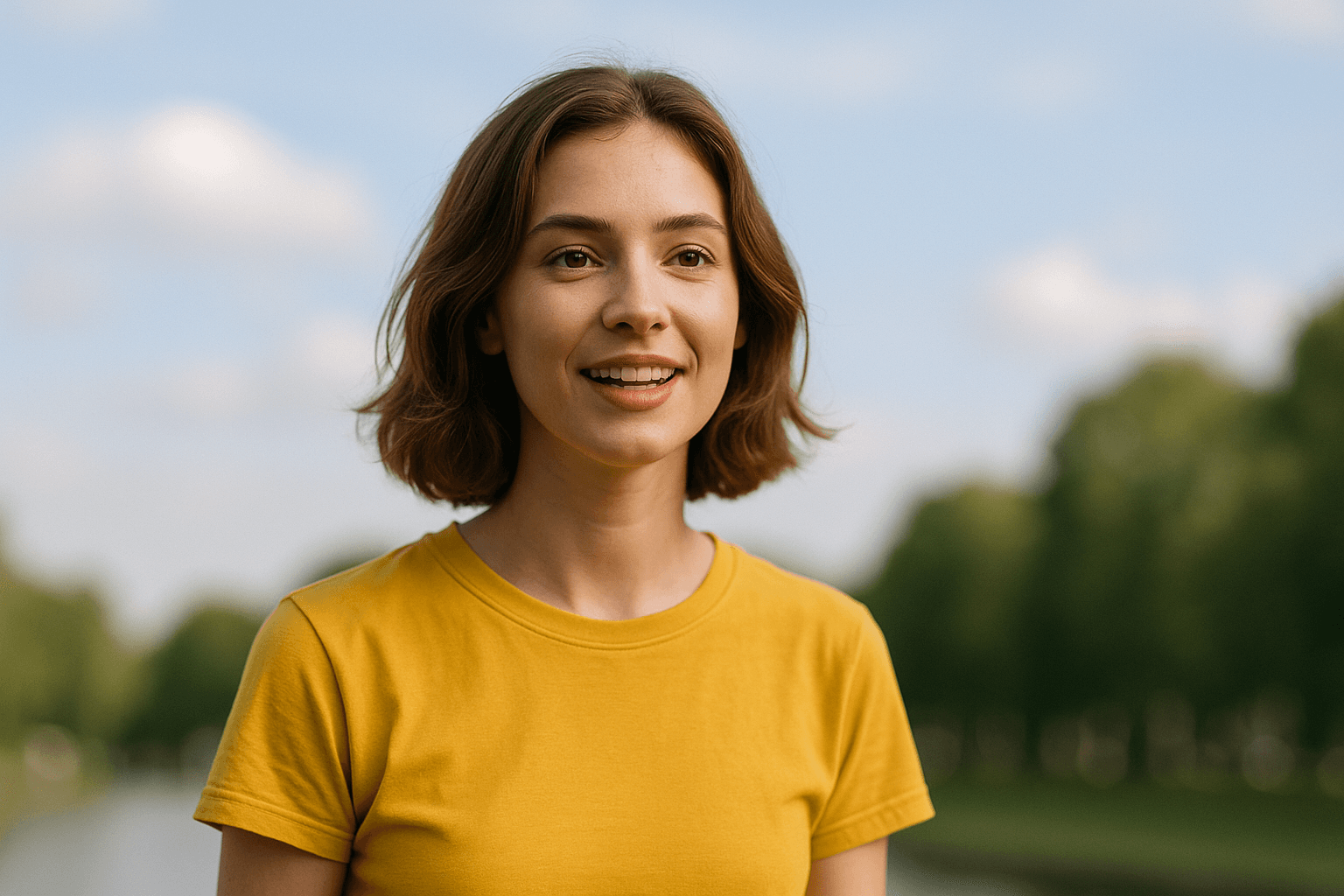
Travel vlogging has exploded into one of YouTube's most popular genres, with creators documenting everything from luxury resorts to backpacking adventures. But filming in public spaces—markets, streets, attractions—inevitably captures bystanders who never consented to appearing in your content. Privacy laws are tightening globally, and responsible creators need tools to protect both themselves and the people they inadvertently film.
This comprehensive guide covers the essential tools every travel vlogger needs for privacy-compliant, professional content creation in 2026.
TL;DR: Travel Vlogger Privacy Checklist
| Question | Answer |
|---|---|
| Do I need to blur bystanders in travel vlogs? | Usually yes, especially for monetized content published in the EU, UK, or other GDPR-style jurisdictions |
| What's the #1 tool for this? | BGBlur — automatic face and license plate detection with motion tracking |
| Does filming abroad change the rules? | Yes — laws vary by country; research local requirements before filming and default to blurring when unsure |
| Do license plates need blurring too? | Yes, plates are treated as identifying information in most privacy frameworks |
| Can I exclude myself from the blur? | Yes — selective blur lets you keep yourself and travel companions sharp while blurring everyone else |
Why Travel Vloggers Need Privacy Tools
Travel content presents unique challenges:
- Public Filming: Capturing authentic locations means capturing people
- International Laws: Different countries have different privacy requirements
- Children Concerns: Special sensitivity around minors in footage
- Commercial Use: Monetized content has stricter requirements
- Cultural Sensitivity: Some cultures have strong feelings about being filmed
The right tools let you create immersive travel content while respecting privacy.
1. BGBlur - Best Bystander Privacy Protection
Website: bgblur.com
Why It's #1: Every travel vlog captures dozens of bystanders who didn't consent to appearing in your commercial content. BGBlur lets you protect their privacy while maintaining the authentic feel of your footage.
Key Features
- Automatic Face Detection: AI identifies all faces in busy scenes
- Crowd Processing: Handle footage with many people efficiently
- Selective Blur: Keep yourself and travel companions sharp
- License Plate Blur: Protect vehicles in street scenes
- Motion Tracking: Blur follows people through shots
- Batch Processing: Process entire vlogs efficiently
Travel Vlogging Applications
Market and Street Scenes: Capture authentic atmosphere while protecting individual identities.
Tourist Attractions: Document famous locations without featuring identifiable strangers.
Restaurant and Cafe Content: Show venues without exposing other patrons.
Transportation Footage: Blur fellow passengers on trains, planes, buses.
Beach and Pool Content: Particularly important for family-friendly content compliance.
Festival and Event Coverage: Capture energy while protecting attendees.
International Compliance
GDPR in Europe, LGPD in Brazil, PIPA in Japan—global privacy laws increasingly protect individuals from appearing in commercial content without consent. BGBlur provides worldwide compliance. For a deeper look at EU requirements specifically, see our GDPR video content compliance guide, and if you're deciding between blur and synthetic replacement for on-camera bystanders, our DNAT face replacement guide covers that trade-off.
2. DJI Osmo Action 4 - Best Travel Action Camera
Website: dji.com
Rugged, high-quality capture for any adventure.
Key Features
- 4K120 Video: Stunning quality and slow-motion
- Waterproof: No housing needed underwater
- Dual Screens: Easy selfie framing
- Stabilization: Smooth footage without gimbal
- Long Battery: Extended shooting sessions
- Quick Capture: Instant recording
Why Action Cameras for Travel
Compact, durable, and ready for anything. Action cameras handle the unpredictable nature of travel filming better than traditional setups.
Investment
$399 for professional action footage.
3. DaVinci Resolve - Best Free Video Editor
Website: blackmagicdesign.com/products/davinciresolve
Hollywood-grade editing without subscription costs.
Key Features
- Color Grading: Professional color correction
- Multi-Track Timeline: Complex editing capability
- Audio Post: Complete sound design tools
- Speed Ramping: Cinematic time effects
- Motion Graphics: Titles and animations
- 4K+ Support: Handle high-resolution footage
Travel Editing Workflow
- Import and organize footage by location
- Create rough cut story structure
- Color grade for consistent look
- Add music and sound design
- Export for BGBlur processing
- Final export for upload
Pricing
Free version includes most features.
4. Epidemic Sound - Best Travel Music Library
Website: epidemicsound.com
Copyright-safe music for every destination vibe.
Key Features
- Travel Playlists: Curated for content creators
- Mood Search: Find music matching locations
- Regional Music: Authentic sounds for destinations
- Full License: Monetization safe
- Sound Effects: Ambient sounds and transitions
Music by Destination Type
- Beach destinations: Tropical, relaxed
- City exploration: Upbeat, energetic
- Nature adventures: Organic, atmospheric
- Cultural experiences: World music influences
- Luxury travel: Sophisticated, elegant
Pricing
Creator plan from $9/month.
5. Rode Wireless ME - Best Compact Travel Mic
Website: rode.com
Professional audio in a pocket-sized package.
Key Features
- Ultra-Compact: Barely noticeable size
- Smartphone Compatible: Works with iPhone and Android
- Wireless Freedom: No cable restrictions
- Wind Protection: Handles outdoor conditions
- Simple Setup: Connect and record
Audio Quality Matters
Bad audio ruins good footage. Wireless mics capture your voice clearly regardless of wind, crowds, or environmental noise.
Investment
$149 for dramatically improved audio.
6. Google Maps/Earth - Best Location Planning
Website: maps.google.com
Plan shots and routes before you arrive.
Key Features
- Street View: Preview filming locations
- Satellite View: Plan drone shots
- Directions: Optimize filming routes
- Saved Lists: Organize location research
- Offline Maps: Navigate without data
Pre-Trip Planning
Research locations before arrival:
- Best vantage points
- Lighting conditions at different times
- Crowd levels by time of day
- Access restrictions
Pricing
Free.
7. DJI Mini 4 Pro - Best Travel Drone
Website: dji.com
Stunning aerials in a regulation-friendly package.
Key Features
- Under 250g: Simplified regulations globally
- 4K60 Video: Professional quality
- Obstacle Avoidance: Safe flying
- Compact Folding: Fits in any bag
- Extended Range: Cover large areas
- Intelligent Modes: Automated cinematic shots
Drone Privacy Considerations
Aerial footage captures extensive areas and many people. Always process drone footage through BGBlur before publishing. Our guide on protecting privacy in drone and body camera surveillance footage covers the specific challenges of wide-area aerial capture in more detail.
Investment
$759 for professional aerial capabilities.
8. Notion - Best Content Organization
Website: notion.so
Plan, track, and organize your travel content.
Key Features
- Trip Planning: Organize filming schedules
- Shot Lists: Plan required footage
- Content Calendar: Schedule uploads
- Performance Tracking: Analyze video success
- Collaboration: Work with editors remotely
Travel Content System
Create databases for:
- Destination research
- Equipment packing lists
- Filming schedules
- Post-production tracking
- Upload calendar
Pricing
Free for personal use.
9. Canva - Best Thumbnail Creator
Website: canva.com
Eye-catching thumbnails that drive clicks.
Key Features
- Travel Templates: Designed for vlogs
- Photo Enhancement: Make destinations pop
- Text Effects: Bold, readable titles
- Brand Consistency: Recognizable style
- Quick Creation: Rapid production
Thumbnail Strategy
Travel thumbnails should:
- Show dramatic destination visually
- Include your face showing reaction
- Use bold, readable text
- Create curiosity about content
Pricing
Free tier available. Pro at $12.99/month.
10. TubeBuddy - Best YouTube Optimization
Website: tubebuddy.com
Maximize discovery of your travel content.
Key Features
- Keyword Research: Find what travelers search
- Tag Optimization: Improve video SEO
- Competitor Analysis: Learn from top channels
- Thumbnail A/B Testing: Find best performers
- Best Time to Publish: Data-driven scheduling
Travel SEO Strategy
Optimize for searches like:
- "[Destination] travel guide"
- "Things to do in [place]"
- "[Location] vlog"
- "[Country] travel tips"
Pricing
Free version available. Pro from $9/month.
Privacy Laws by Region
European Union (GDPR)
- Strictest protection for identifiable individuals
- Commercial use requires consent or legitimate interest
- Children have special protections
- BGBlur essential for EU-destined content
United States
- Varies by state
- Public spaces generally more permissive
- Commercial use has higher standards
- Minors require special consideration
Asia
- Japan: Strong privacy expectations
- China: Complex filming regulations
- Southeast Asia: Generally more relaxed
- Always research before filming
South America
- Brazil (LGPD): GDPR-like protections
- Other countries vary significantly
Travel Vlogging Ethics
Responsible Filming Practices
- Be aware of your surroundings
- Don't film in sensitive locations
- Ask permission when appropriate
- Respect "no photography" requests
- Be especially careful with children
- Process all footage through BGBlur
Cultural Sensitivity
- Some cultures strongly object to being filmed
- Religious sites often have restrictions
- Indigenous communities may have protocols
- When in doubt, don't film faces
If you're unsure whether to use permanent blur or a synthetic face swap for recurring travel companions who prefer not to be identifiable, our comparison of face anonymization versus face blur walks through both approaches.
Content Workflow
Standard Production Process
- Research destination privacy laws and customs
- Plan shots prioritizing privacy-friendly angles
- Capture footage with awareness of bystanders
- Review and select best takes
- Edit in DaVinci Resolve
- Process through BGBlur for privacy
- Create thumbnail in Canva
- Optimize SEO with TubeBuddy
- Upload and promote
Frequently Asked Questions
Do I have to blur strangers' faces in my travel vlog?
In most cases yes, especially if your content is monetized or distributed in the EU, UK, or other jurisdictions with strong privacy laws like GDPR. Filming bystanders in public is often legal, but publishing identifiable footage of them commercially without consent can create liability. Blurring faces with a tool like BGBlur removes the identifiable element while keeping the scene's authenticity intact.
Is filming in public spaces legal when traveling abroad?
It depends heavily on the country. Many places allow filming in public for personal use, but commercial publication — especially on a monetized YouTube channel — often triggers stricter rules around consent and likeness rights. Always research local laws before filming, and default to blurring identifiable bystanders when in doubt.
What's the fastest way to blur faces across an entire travel vlog?
AI-powered batch processing is the fastest approach. Upload your footage to BGBlur, and its automatic face detection identifies every face in the frame and applies motion-tracked blur throughout the clip, without you manually selecting or tracking each person.
Do license plates need to be blurred in travel vlogs too?
Yes. In most privacy frameworks, a license plate is treated as identifying information similar to a face, since it can be traced back to a specific vehicle owner. If your footage includes taxis, rental cars, or parked vehicles with visible plates, blur them the same way you would a bystander's face.
Can I keep myself and my travel companions unblurred while blurring everyone else?
Yes. BGBlur supports selective blur, letting you exclude specific faces — such as yourself or your travel companions — from the automatic blurring pass while still blurring every other detected face in the scene.
What privacy laws should travel vloggers know about before a trip?
GDPR applies to footage involving EU residents regardless of where you're based, Brazil's LGPD offers similar protections, and Japan's PIPA has its own consent requirements. The United States varies by state, with public filming generally more permissive but commercial use carrying higher standards.
How do I handle children's faces in travel vlog footage?
Treat children's faces with extra caution — most privacy frameworks apply heightened protection to minors, and platforms increasingly flag unblurred children in monetized content. Blur any identifiable child who isn't your own or isn't covered by explicit parental consent.
Final Thoughts
Travel vlogging offers incredible creative opportunities, but responsible creators balance compelling content with privacy respect. The tools in this guide enable both.
Start with BGBlur as your privacy foundation—it solves the most significant compliance challenges. Build your production capabilities systematically, and always research local requirements before filming.
Ready to create privacy-compliant travel content? Start with BGBlur for bystander protection, then build your complete travel vlogging toolkit.