Replace Face with Emoji in Videos & Photos Online【2026】
Blurring a face looks like censorship. Replacing it with an emoji looks intentional. Learn the fastest way to cover faces in photos and videos using AI — and why content creators, HR teams, and streamers are switching to emoji face replacement.
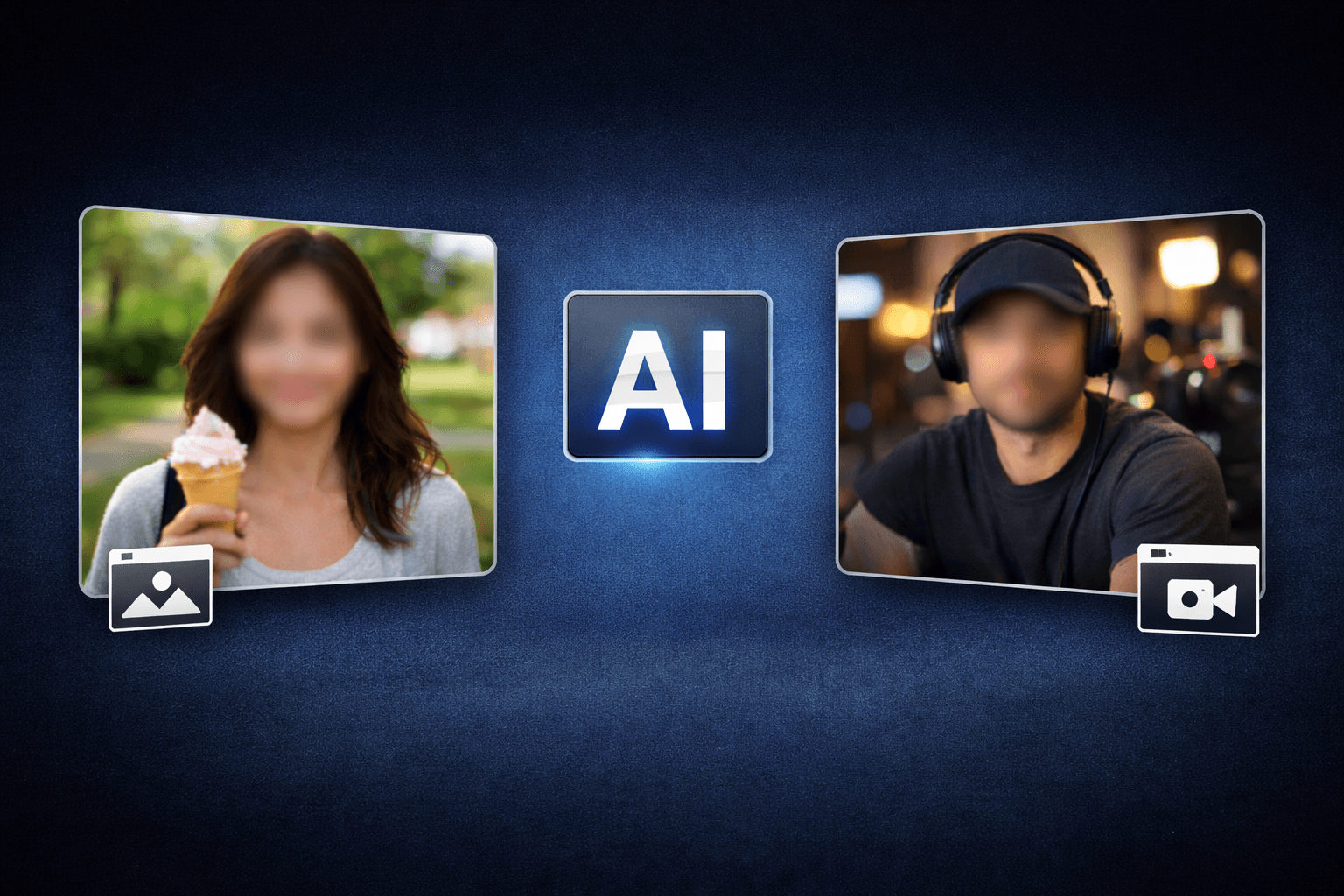
Sharing a video or photo online when someone's face is visible can create real problems — privacy concerns, consent issues, GDPR obligations, or simply a situation where a person would rather not be identified. The classic solution is to blur the face, but blur has one drawback: it looks like censorship. A face hiding emoji solves the same problem while keeping the content looking intentional, creative, and shareable.
Whether you're a content creator covering a friend's face for a TikTok, an HR professional redacting an employee from a training video, or a streamer protecting your identity on a facecam, replacing a face with emoji takes seconds and requires no editing software. BGBlur's AI detects every face automatically, places the emoji cover directly over each person, and tracks it through video even when people move. Here's exactly how to do it in three steps — and why this approach works better than blur in most social contexts.
Why Emoji Face Replacement Works Better Than Blur for Social Content
Pixelation and Gaussian blur have been the default ways to hide a face in video for decades. They work — but they carry a visual signal that says this content has been censored, which can make audiences uncomfortable or make a brand look less polished.
A face cover emoji, by contrast, reads as a deliberate creative choice. The same group photo that would look awkward with three blurred patches looks completely normal — even fun — with three smiley face emojis. That distinction matters enormously on social platforms where first impressions are formed in under a second.
Beyond aesthetics, emoji face covering has practical advantages:
- Instant recognition: Viewers immediately understand why the face is hidden without needing an explanation
- Tone matching: You can choose an emoji that fits the mood — a sunglasses emoji for a cool shot, a heart-eyes emoji for a romantic moment, a laughing face for comedy content
- Multiple people: AI handles every face in the frame simultaneously, so a group shot with ten people doesn't require ten manual selections
- Video tracking: The emoji stays locked to each face as people move, so you don't get a static rectangle floating away from a moving subject
Step 1: Upload Your Photo or Video
Go to BGBlur's emoji face replacement tool and upload your file. The tool accepts:
- Images: PNG, JPG, JPEG, WebP, HEIC, GIF
- Videos: MP4, MOV
No account is required and no app needs to be downloaded. The uploader works directly in your browser on iPhone, Android, Windows, or Mac. If you're on mobile, tap Choose Photo or Video to pick from your camera roll. On desktop, you can drag and drop the file directly onto the upload area.
File size limits are generous enough to handle high-resolution camera images and standard-length social media clips without compression. If you're working with a longer recording — a vlog, a webinar recording, or a training video — the same process applies.
Pro tip: If the video has multiple scenes with different groups of people, the AI processes every frame independently, so faces that appear mid-video are still detected and covered.
Step 2: AI Detects Every Face and Places the Emoji Cover
Once the file is uploaded, BGBlur's face detection model scans the content. This is where the emoji face editor does the heavy lifting:
- Detection: The AI identifies every human face in the frame, including partial faces, faces at angles, faces in the background, and faces in motion
- Emoji placement: A hidden face emoji is placed directly over each detected face, sized proportionally to the face area
- Tracking (video only): For video files, the emoji cover follows each person's face position frame by frame throughout the entire clip
The detection runs at 98%+ accuracy, which means nearly every face in a group shot or crowded scene will be found without you needing to draw selection boxes manually. This is especially important for:
- Event photos with dozens of people
- Street footage with bystanders in the background
- Screen recordings showing video calls where participants' faces appear
- Streaming clips where the facecam inset contains the creator's face
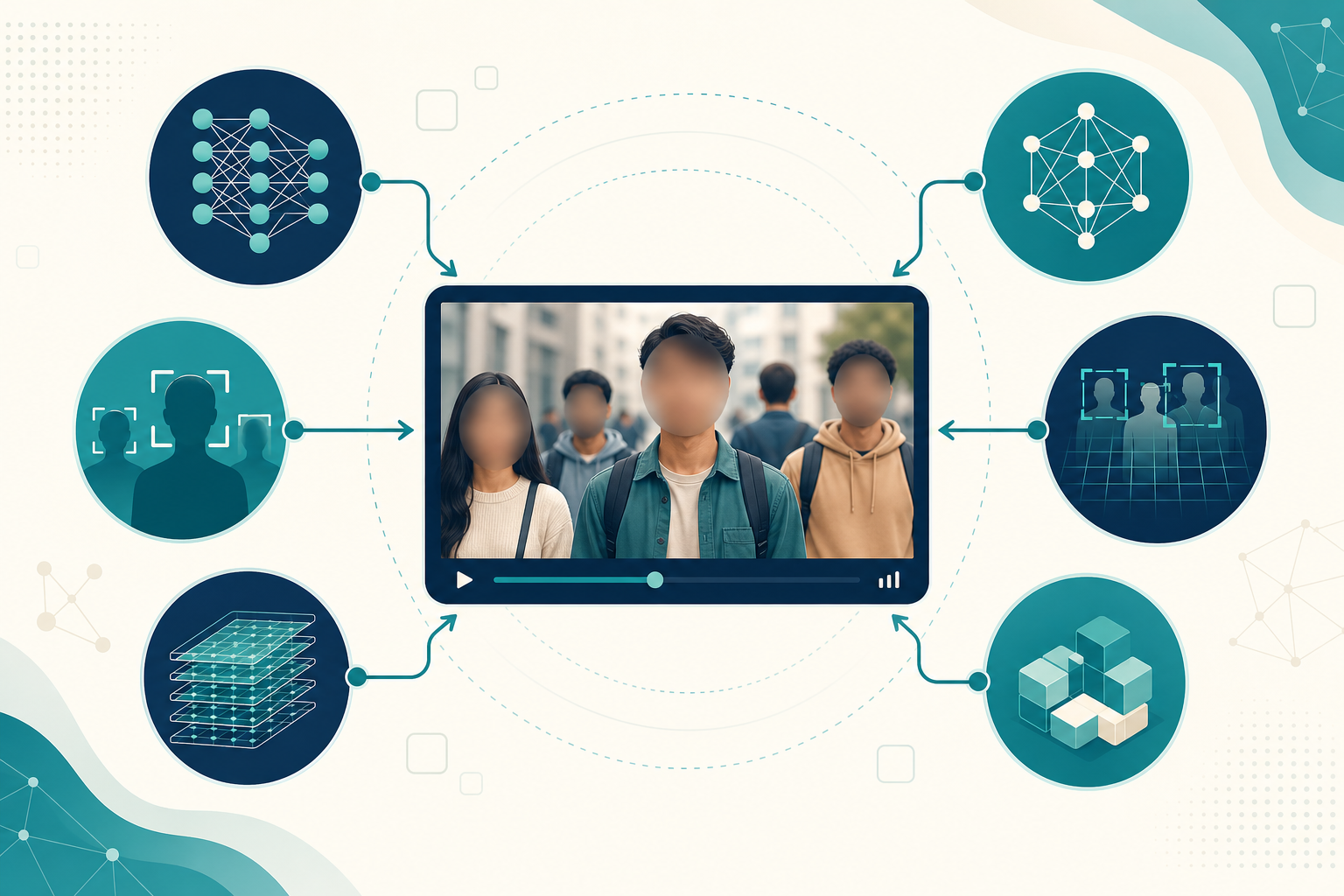
You can preview the result before exporting. If any face was missed or you want to adjust the emoji choice, the emoji face edit interface lets you make changes before downloading.
Step 3: Download the Emoji-Covered Photo or Video
Once you're satisfied with the preview, click export. The output file is delivered in the same format you uploaded — an MP4 stays an MP4, a JPG stays a JPG — so there's no extra conversion step before you post it.
The entire process from upload to download typically takes under 30 seconds for images and 1–3 minutes for video depending on file length. No watermarks are added to the output. Files are processed securely and not stored after download, making this suitable for GDPR-sensitive content involving real people.
Use Cases: Who Uses Emoji Face Replacement
Content Creators and Social Media
TikTok creators, YouTubers, Instagram Reels producers, and Twitch streamers regularly need to cover faces with emoji before posting:
- Friends or collaborators who haven't given on-camera consent
- Customers or clients who appear incidentally in behind-the-scenes footage
- Strangers filmed in public spaces
- Children who should not be identifiable online
Using a face emoji photo editor to drop an emoji over these faces takes seconds and keeps the content publishable without cutting the clip or blurring awkward patches.
Gamers and Streamers
Streamers using facecam overlays often want anonymity — especially when building a new channel or protecting personal identity. The emoji face cover approach lets streamers share highlight clips and thumbnails with their face replaced by a branded emoji, creating a consistent anonymous persona that audiences still recognise.
HR, Legal, and Compliance Teams
For enterprise users, emoji face replacement serves a compliance function: training videos, onboarding recordings, town halls, and internal webinars often feature employees who haven't explicitly consented to being used in training materials shared across the organisation.
HR teams can use the tool to produce redacted versions of these recordings for wider distribution. Legal teams preparing visual evidence for disclosure can use emoji face covering as a privacy-preserving alternative to pixelation that makes the redaction visually explicit. Researchers publishing observational footage for academic or UX purposes can protect participant identity at scale.
This is similar to what people do when they need to blur faces in photos and videos, but the emoji approach results in more shareable output for social and marketing contexts.
Journalists and Documentary Makers
Protecting source identity is a fundamental editorial obligation. When footage includes a confidential source or a witness who has asked not to be identified, a hidden face emoji provides the same protection as blur while making the redaction feel deliberate rather than accidental.
Parents and Family Content
Parents sharing family videos on social platforms increasingly want to hide face with emoji for their children — particularly when the child is old enough to potentially be identified from existing social media presence. Replacing a child's face with an emoji is a widely accepted privacy practice that still lets grandparents and friends enjoy the video.
Emoji Face Cover vs Face Blur: When to Use Each
| Situation | Emoji Face Cover | Face Blur |
|---|---|---|
| Social media post (TikTok, Reels, YouTube) | ✅ Looks intentional | Works but looks censored |
| Legal/compliance evidence | Acceptable | ✅ Standard practice |
| Journalism | Acceptable | ✅ Industry default |
| Content creator thumbnails | ✅ On-brand | Less creative |
| HR training videos | ✅ Clear redaction | ✅ Either works |
| Family photos for social sharing | ✅ Fun and natural | Looks edited |
| Multiple faces in group shots | ✅ AI handles all | ✅ AI handles all |
For cases where you need a more discreet approach — where the redaction itself shouldn't be obvious — face blur remains the better choice. For anything going on social media or shared in a casual context, emoji wins on presentation.
If you're comparing the two approaches in depth, the guide on face anonymization vs face blur covers the privacy and legal differences between methods in more detail.
Pro Tips for Best Emoji Face Replacement Results
1. Use higher resolution source files The face detection model performs better on sharper images. If you have a choice between exporting from a camera roll at full resolution versus a compressed version, choose full resolution — the emoji sizing will be more accurate.
2. For video: keep clips under 10 minutes for fastest processing The AI processes every frame, so longer clips take longer. If you need to cover face with emoji online across a long recording, trimming it to the relevant section before uploading reduces processing time.
3. Choose your emoji to match content tone The sunglasses emoji works for cool, confident content. The smiling face works for everyday content. For comedy or memes, laughing or crying-laughing emojis fit naturally. Matching the emoji to the vibe of the video makes the result look more polished.
4. Group photos: let AI do the work Don't try to identify and mask faces manually. Upload the group shot and let the emoji face editor place covers over everyone at once. Review the output and use the edit interface only if one face was missed.
5. For HR and legal use: document your process If you're using emoji replacement as part of a GDPR or HIPAA compliance workflow, keep a record of which files were processed and what method was used. The tool's browser-based processing means no personal data is stored server-side.
How BGBlur Compares to Manual Emoji Placement
You could technically replace face with emoji manually — open the photo in any image editor, find a transparent PNG of an emoji, resize it, and position it over each face. For video, you'd need to keyframe the emoji position across every frame as the person moves.
For a single photo with one face, this might take 2–3 minutes. For a group photo with five people, 10–15 minutes. For a 30-second video clip, potentially hours of frame-by-frame keyframing in a video editor.
BGBlur's AI does the same job in seconds regardless of how many faces are in the frame, and the tracking in video is automatic. There's no per-face manual work even for complex scenes.
For anyone regularly producing content that needs face coverage — whether as a creator, a compliance officer, or a researcher — the time saving alone justifies switching to an emoji face replacement tool over manual editing.
For more context on why AI-based face anonymization tools are replacing manual approaches, the AI face anonymizer tools guide covers the full comparison.
Conclusion
Replacing a face with emoji is one of the fastest ways to make a photo or video shareable without exposing someone's identity. The three-step process — upload, let AI detect and cover, download — takes under a minute for most files and requires no editing skills or software installation. Whether you're using it for social media, compliance, journalism, or family privacy, BGBlur's emoji face replacement handles every face in the frame automatically and tracks them through video without any manual keyframing.
The result looks intentional and creative, not censored — which is exactly what social-first content needs. Try replacing faces with emoji on your next photo or video and see the difference from blur in seconds.